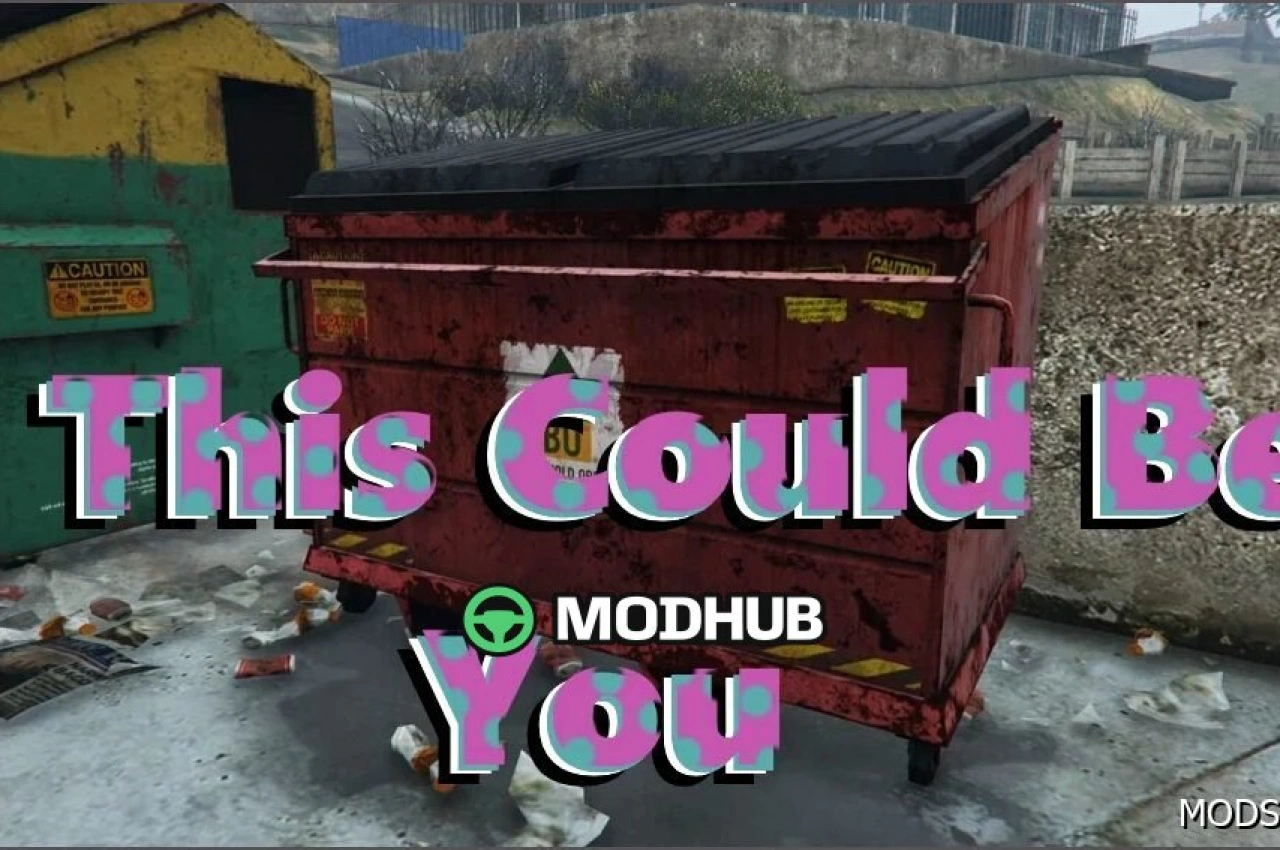
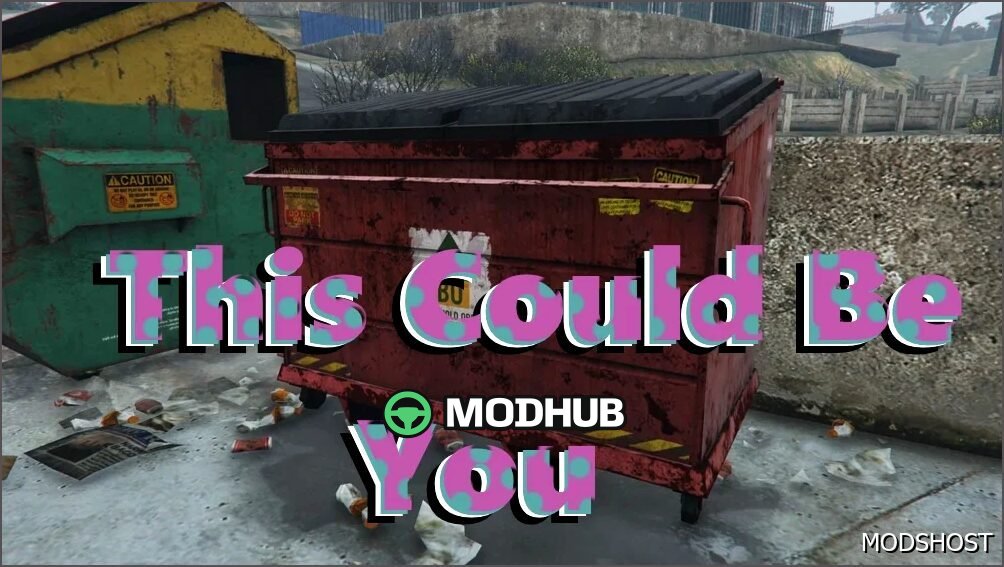
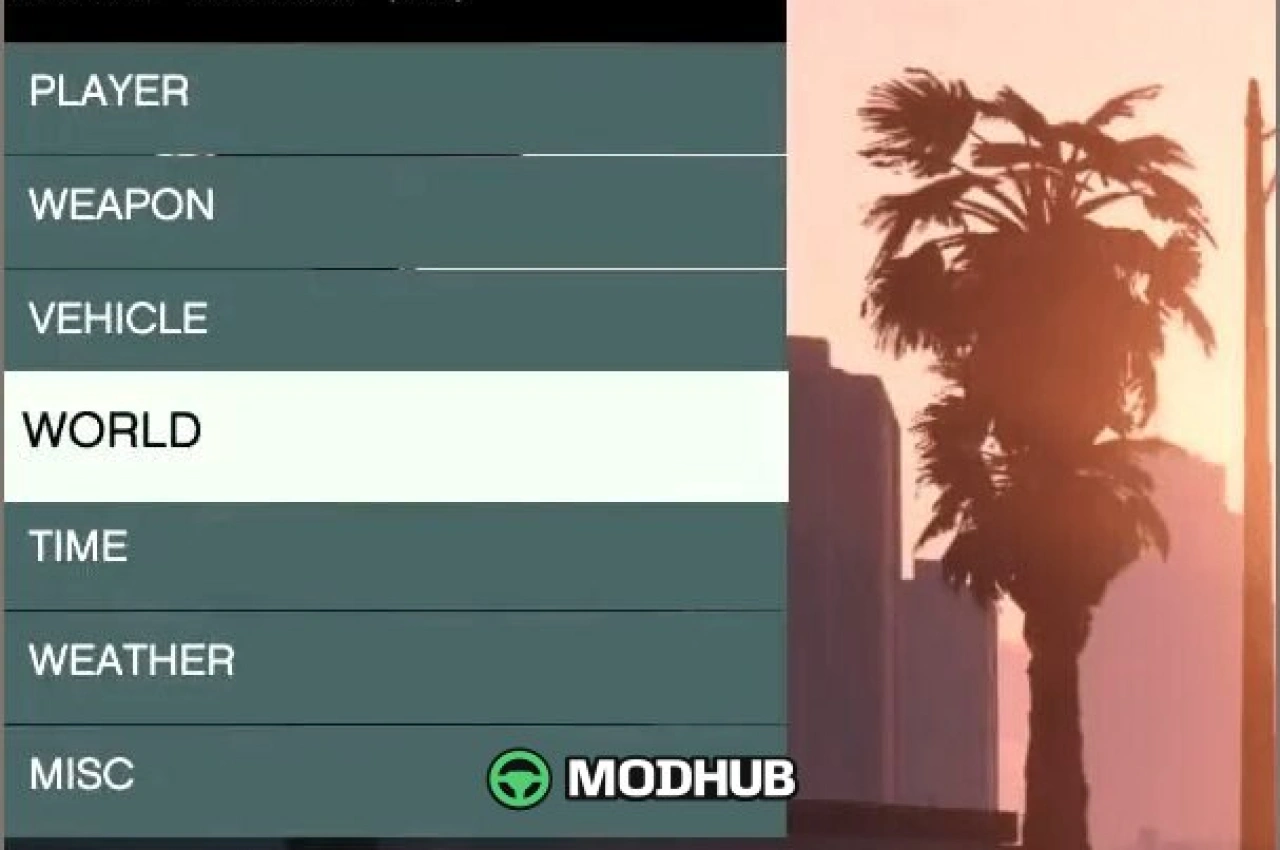
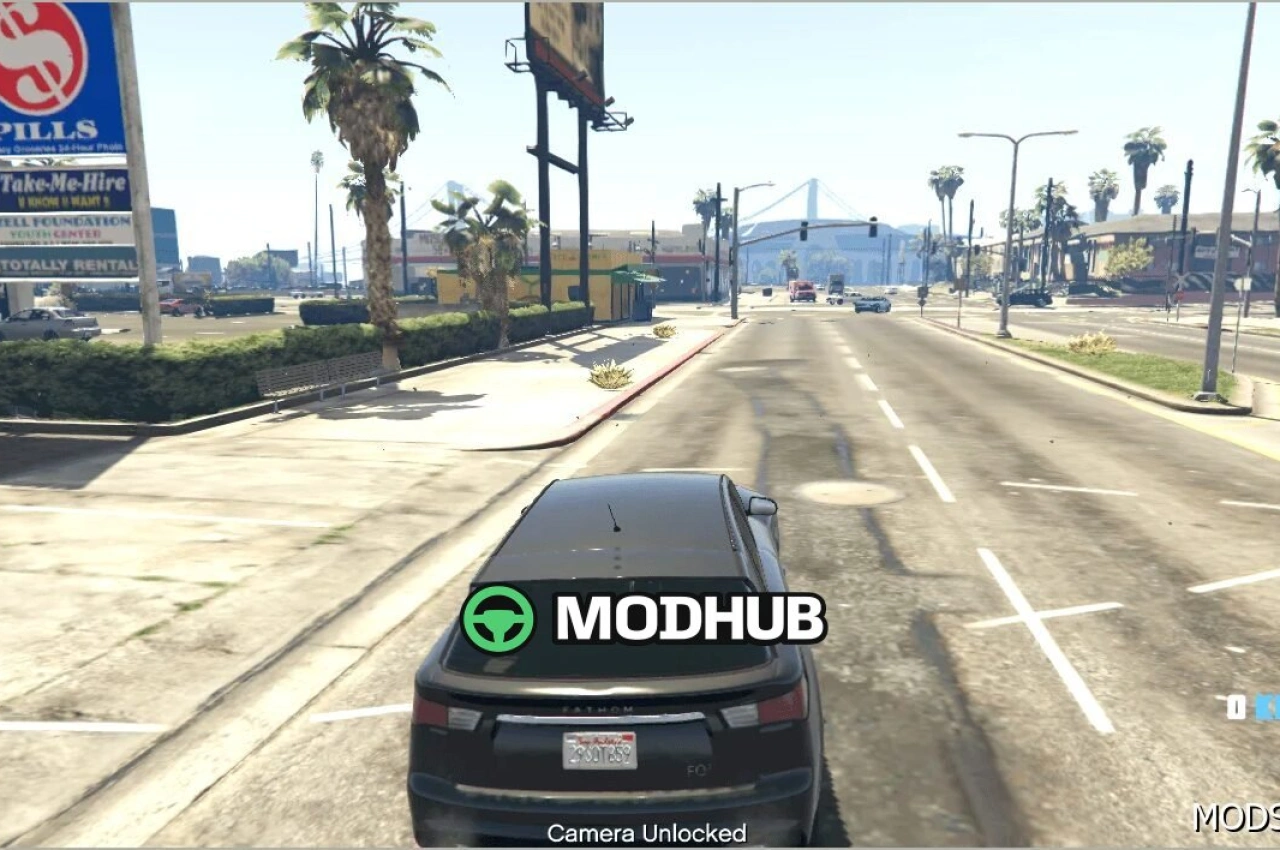
The Hide in Dumpsters script for GTA 5 adds a fresh stealth mechanic to the game. You can now hide inside dumpsters and use them as cover, turning chases, ambushes, and police encounters into a more tactical experience.
• Take cover in dumpsters to avoid police and enemy attention
• 360° view from inside the dumpster to monitor your surroundings
• Quick return to street level after hiding
• Works well for roleplay and tactical playstyles in GTA 5
Instead of relying only on sprinting and shooting, you gain a planning option. Watch the area, track patrol movement, and choose the right moment to reappear. Hide in Dumpsters creates tense gameplay moments because threats can pass nearby while you remain concealed.
Overall, this script expands your GTA 5 options for stealth and escape routes. It keeps the flow natural—use the hiding spot when it matters, observe the situation, then reposition to continue missions or slip away on your own timing.
About Hide in Dumpsters Script Mod for GTA 5
Hide in Dumpsters Script Mod for GTA 5 is a mod for GTA 5. Check the author description, supported game version and dependencies before installing.
How to install the mod
Follow the installation instructions for Hide in Dumpsters Script Mod for GTA 5, GTA 5 and your platform.
Download the mod archive using the Download button and read the author instructions.
Use the folder and archive format specified by the mod author for this game.
Start the game and enable the mod for the selected save or profile, if required.
Test using a backup or a new save. Install any dependencies listed by the author.
System requirements and compatibility
Check the mod description for supported game versions, required DLC and platforms. Compatibility with every version or other mods is not guaranteed.
Frequently asked questions
Is this mod free?
MODHUB does not charge for access to this mod page. Check the terms and download limits of the external file provider.
Can I use this mod in GTA 5 multiplayer?
Multiplayer support depends on the mod and its author. If supported, the server and players need matching mod versions and required DLC.
What should I check if the mod does not work?
Check the installation folder, archive structure, supported game version, dependencies and game logs. Test the mod separately using a backup save.
How can I check a downloaded mod?
Use trusted author sources, scan the archive and back up your saves. Do not run unrelated installers; a download listing does not guarantee safety or compatibility.