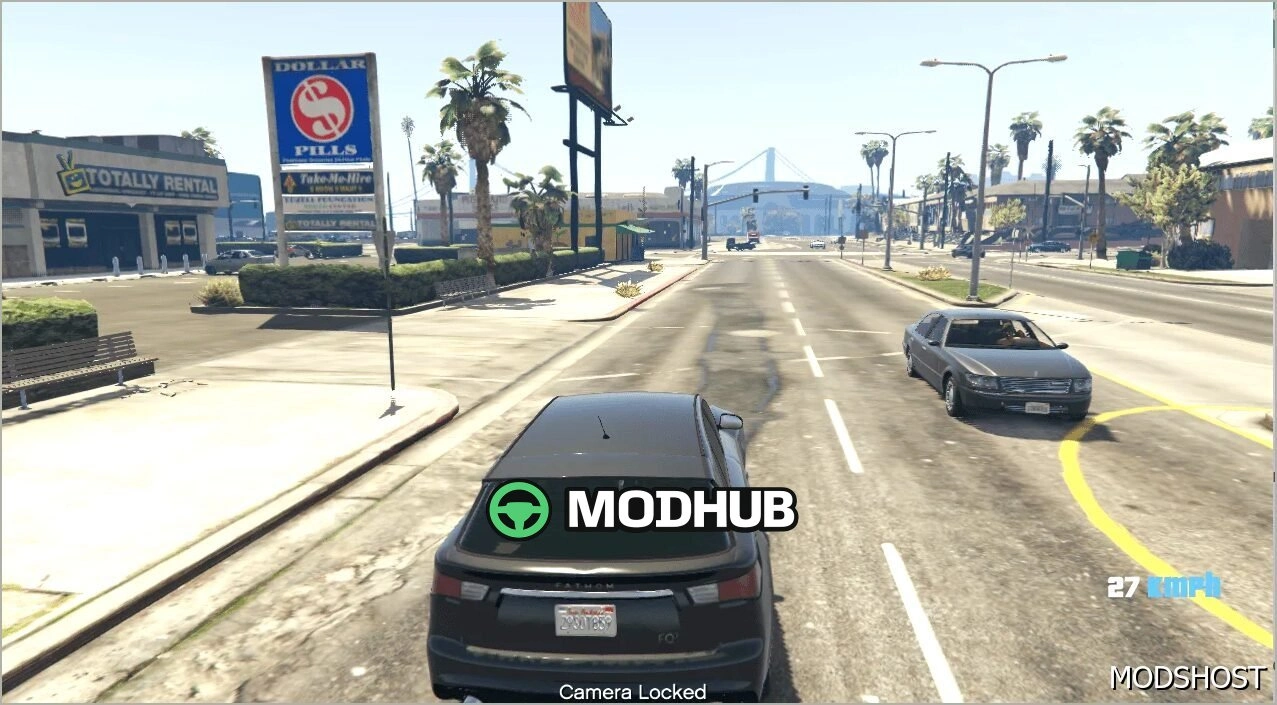
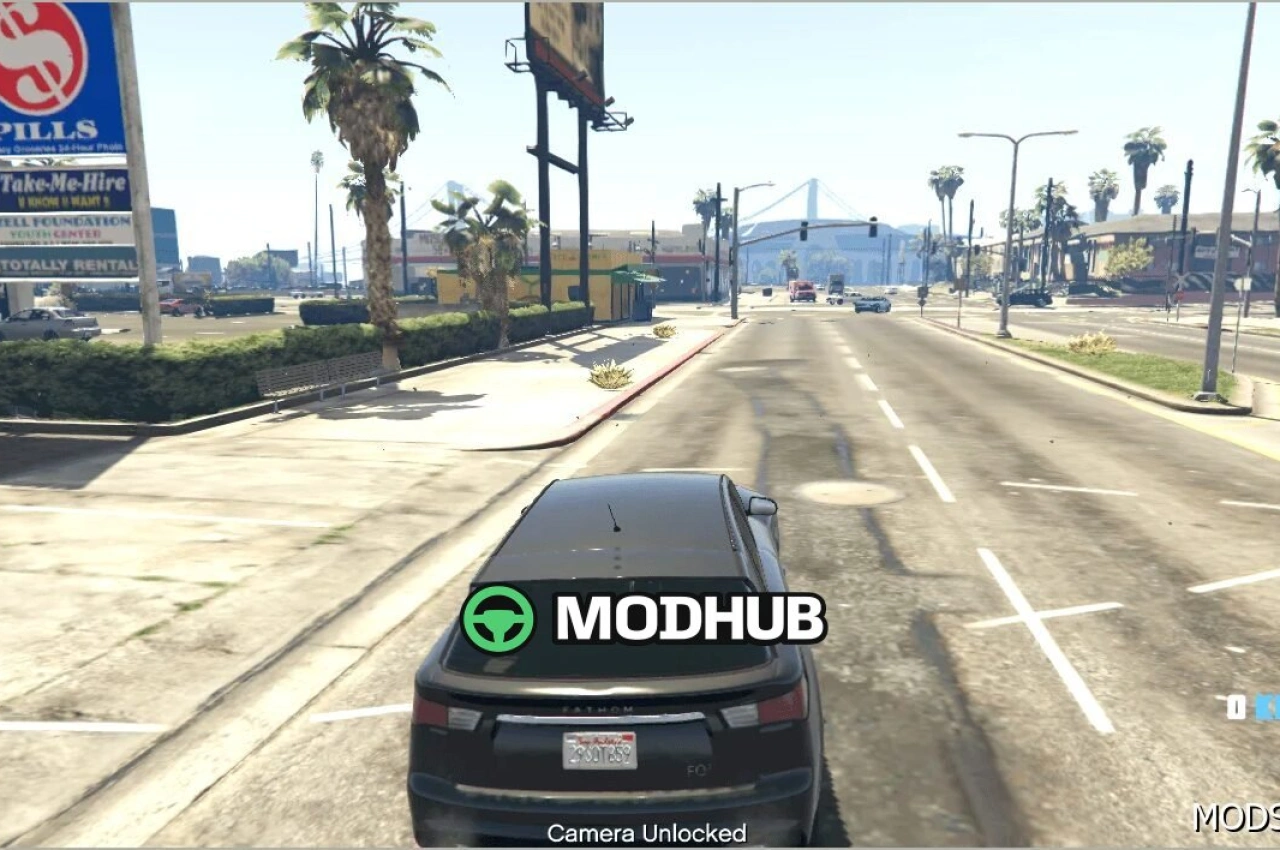
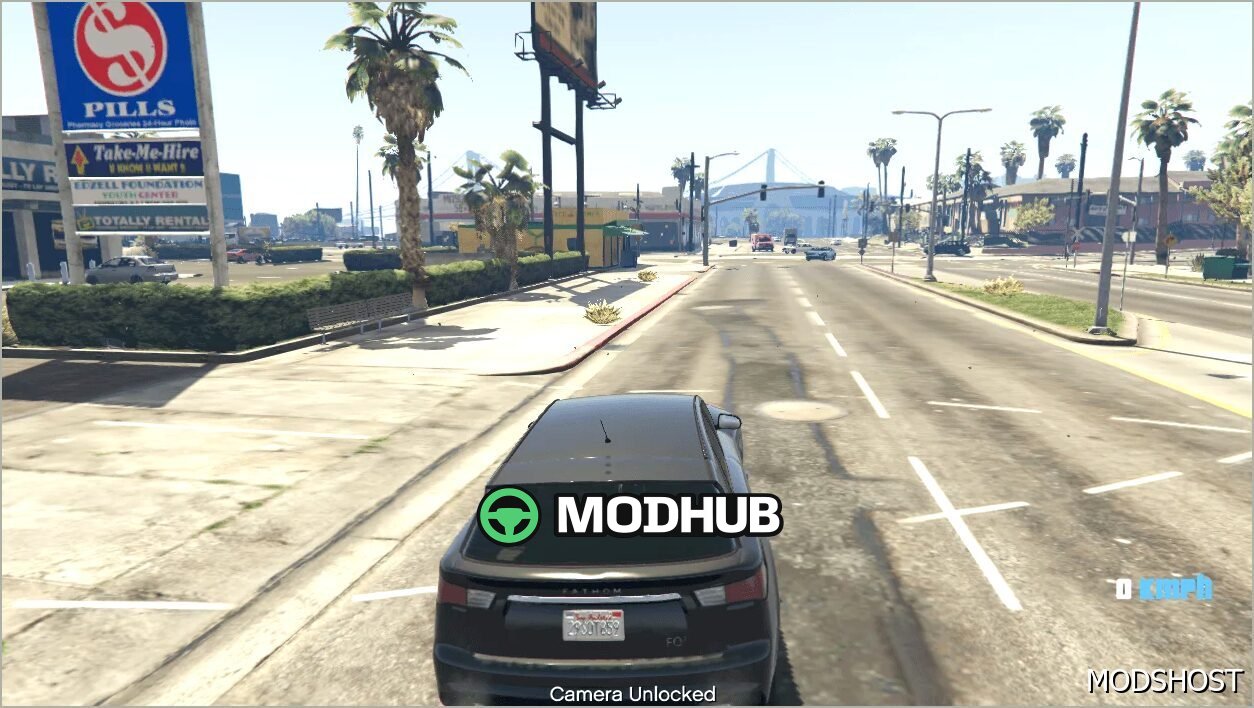
ViewLocker is a GTA 5 script mod that helps you control how the camera behaves during gameplay. It locks the camera view angle so your movements don’t constantly change the framing, letting you focus on driving, exploring, and capturing moments.
• Locks the camera view angle in GTA 5
• Quick switching between locked and normal camera modes
• Fewer accidental camera shifts while driving and maneuvering
• Ideal for screenshots, video capture, and staging scenes in-game
ViewLocker is especially useful when you want a stable shot: during city rides, walking routes, or filming dramatic events. Instead of repeatedly correcting the camera, you get a more predictable result, which improves consistency for editing and replay setups.
The script can be configured to match your preferences, and you can return to the default camera mode instantly when needed. This makes it convenient for both solo sessions and situations where keeping the same perspective across longer clips matters.
About ViewLocker Mod for GTA 5
ViewLocker Mod for GTA 5 is a mod for GTA 5. Check the author description, supported game version and dependencies before installing.
How to install the mod
Follow the installation instructions for ViewLocker Mod for GTA 5, GTA 5 and your platform.
Download the mod archive using the Download button and read the author instructions.
Use the folder and archive format specified by the mod author for this game.
Start the game and enable the mod for the selected save or profile, if required.
Test using a backup or a new save. Install any dependencies listed by the author.
System requirements and compatibility
Check the mod description for supported game versions, required DLC and platforms. Compatibility with every version or other mods is not guaranteed.
Frequently asked questions
Is this mod free?
MODHUB does not charge for access to this mod page. Check the terms and download limits of the external file provider.
Can I use this mod in GTA 5 multiplayer?
Multiplayer support depends on the mod and its author. If supported, the server and players need matching mod versions and required DLC.
What should I check if the mod does not work?
Check the installation folder, archive structure, supported game version, dependencies and game logs. Test the mod separately using a backup save.
How can I check a downloaded mod?
Use trusted author sources, scan the archive and back up your saves. Do not run unrelated installers; a download listing does not guarantee safety or compatibility.