Efficient Adjust Tramlines For Missions — Precise Setting of Technological Tramlines for Missions in FS25
0 103 v1.0 09.02.2026
1 / 6
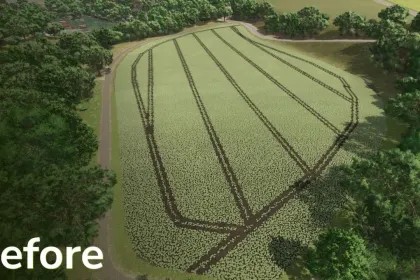
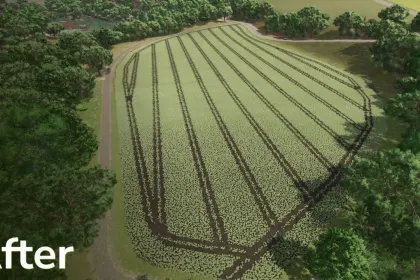
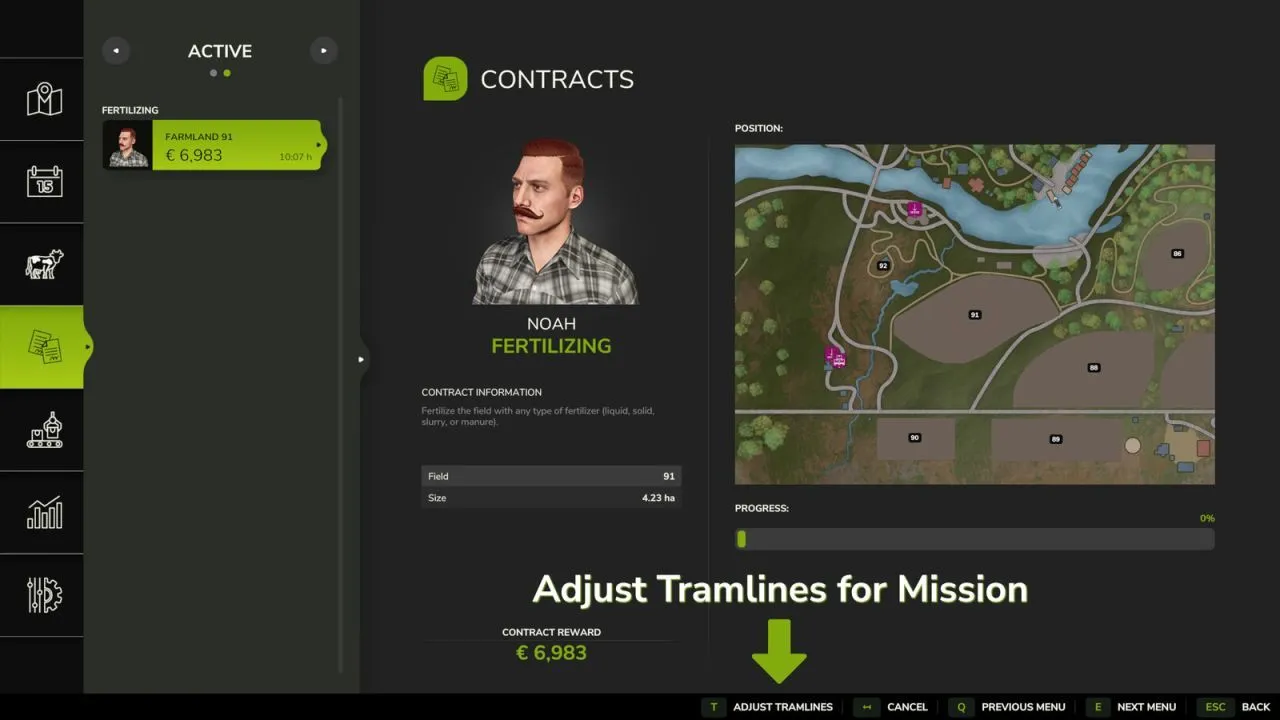
Adjust Tramlines For Missions for Farming Simulator 25 is a useful tool for Precision Farming that allows you to adjust the tramlines in mission fields to perfectly match your machines or the working width of the equipment rented for the task ✅🚜
What the mod can do:
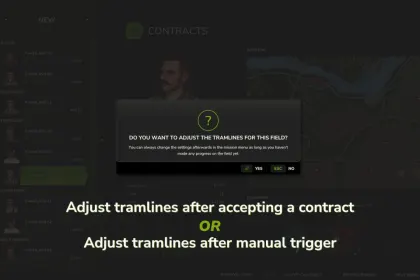
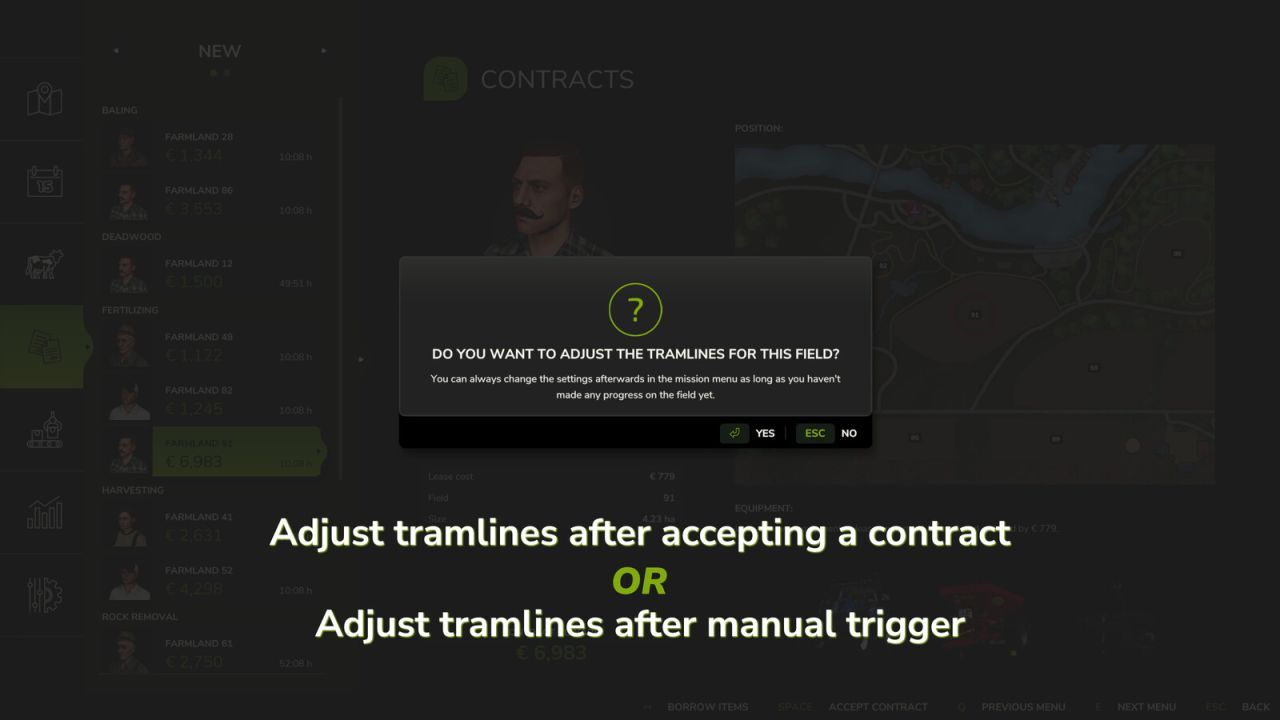
✅ When accepting a mission in the field (fertilizing, spraying, inter-row processing/hoe, weeding), an additional window for supported crop types appears in the mission menu — you can immediately change the tramlines there.
✅ You can adjust the tramlines for already accepted missions if they have not started yet (progress 0%) — through the active missions menu.
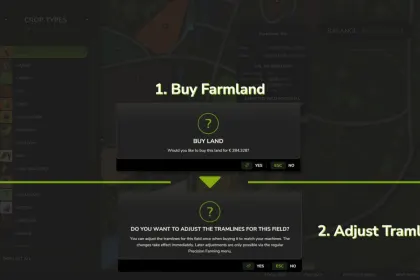
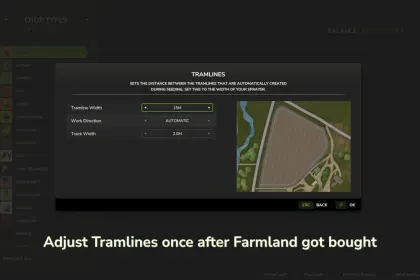
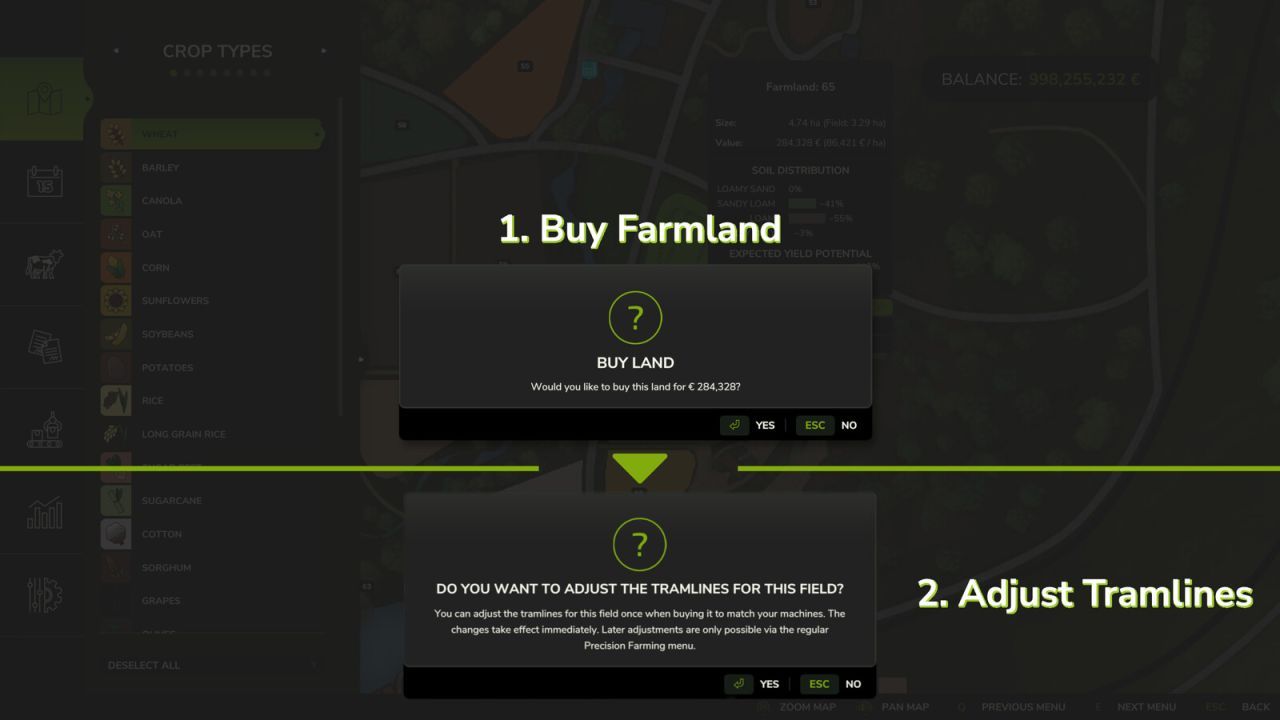
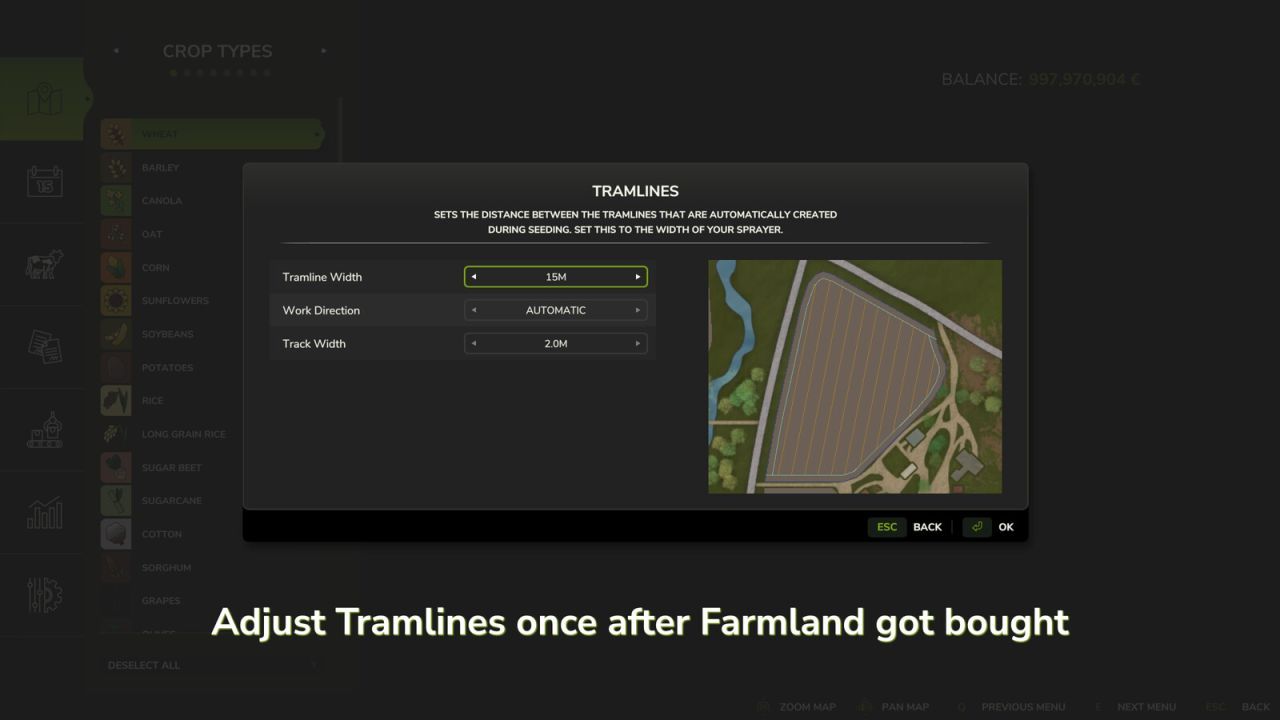
✅ After purchasing a field, a one-time instant adjustment of the tramlines to your equipment is available — changes are applied immediately.
✅ Further adjustments are possible through the standard Precision Farming menu, but without instant effect — following the usual PF logic.
Console commands:
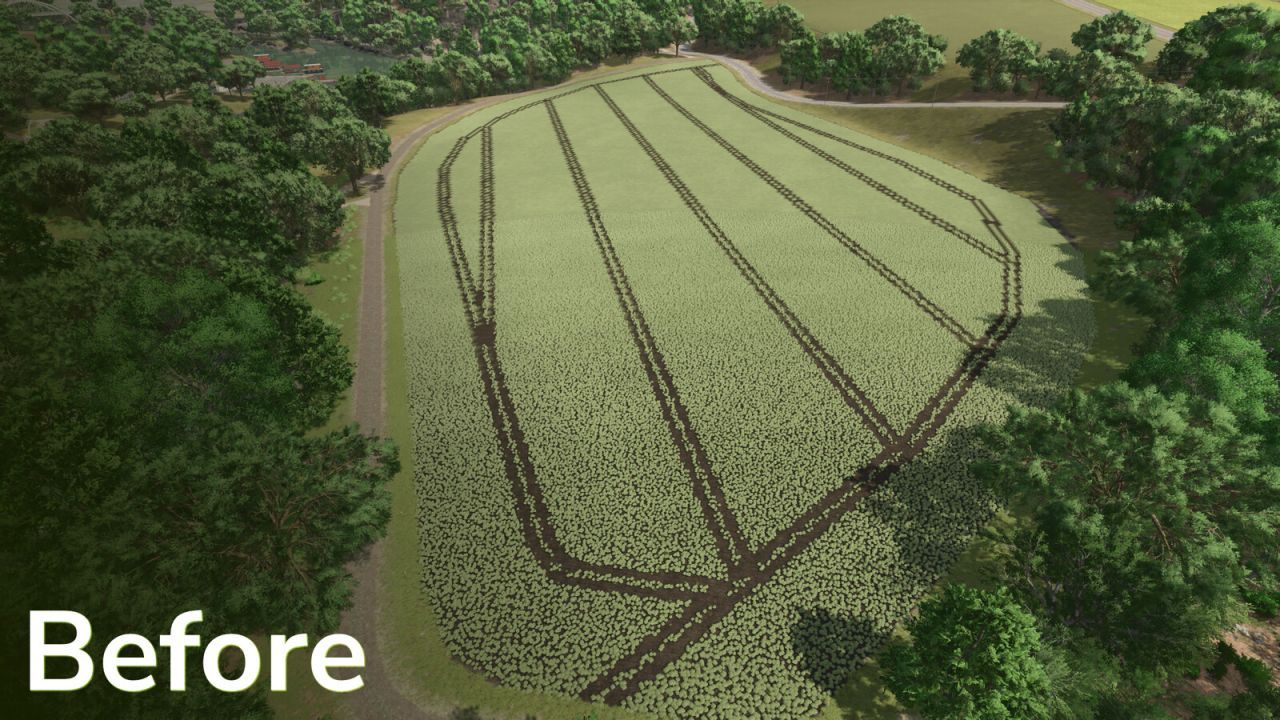
✅ pfTramlineReset — resets the tramlines in the field, after which the field is completely covered with the current crop type again.
✅ pfTramlineSet from Precision Farming is unlocked for multiplayer — you can set tramlines in the field in MP.