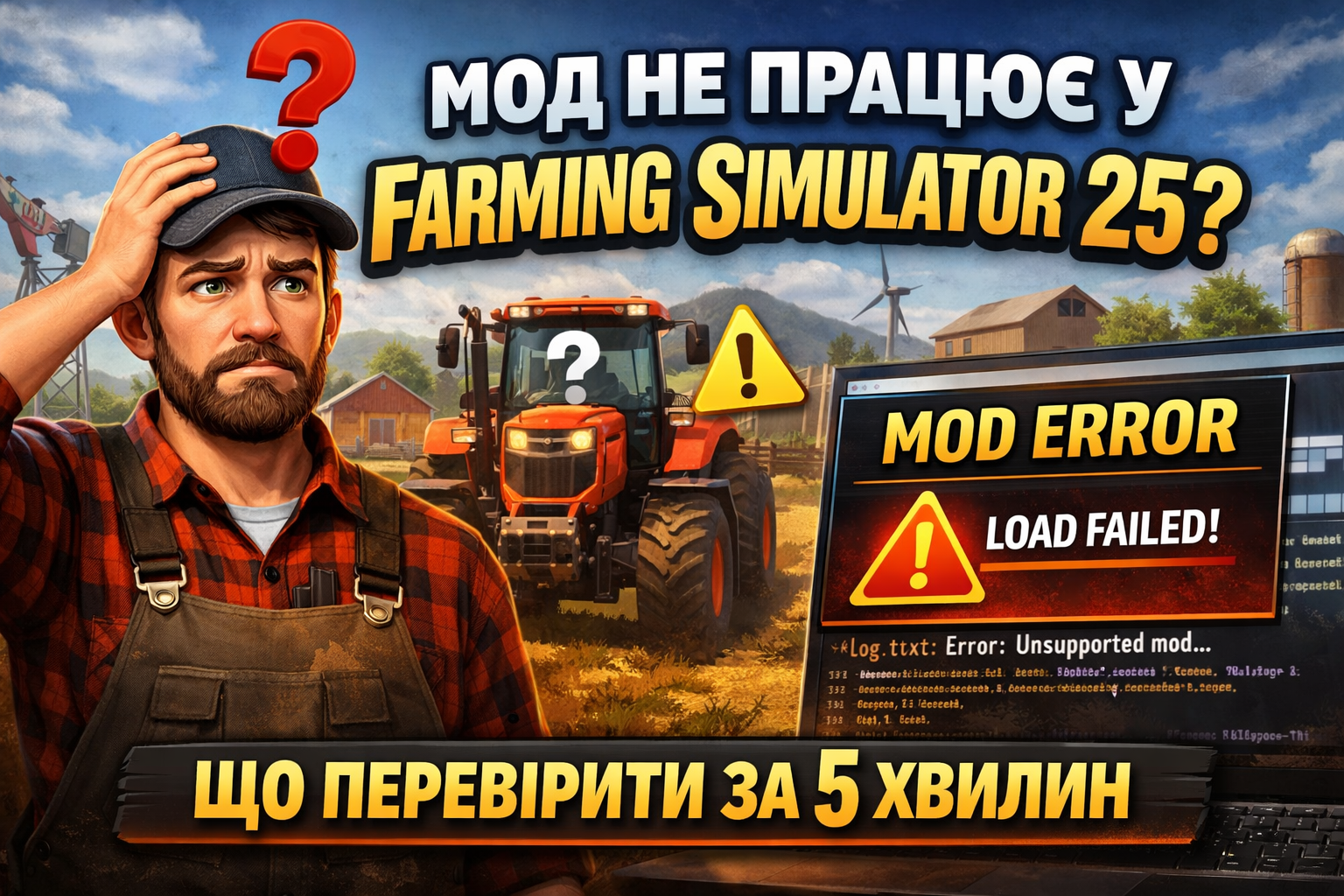
Mod not working in Farming Simulator 25? Here's what to check in 5 minutes
The mod loaded, but it doesn't appear in the list? Or the game starts, and after activation, errors, freezes, or equipment disappearing occur? In Farming Simulator 25, this is usually not 'magic,' but one of several typical reasons: incorrect folder, wrong archive format, old game version, or conflict with another mod. Here’s a short checklist that you can realistically go through in 5 minutes.
1) Check if the mod is in the correct folder
The most common reason is banal: the file was placed in the wrong location. The FarmingSimulator2025 folder should contain a mods folder, not inside the game installation folder. If you manually created a mods folder in the 'wrong' directory, the game simply won't see it.
The correct FarmingSimulator2025 folder usually contains the following files:
log.txtgame.xmlgameSettings.xmlinputDevicesshader_cache
If these are missing, you are most likely not in the right place.
If you are on Mac, the path may be different. Also, Safari sometimes automatically unzips archives after downloading, which means the mod is no longer in the format the game expects.
2) Do not unzip the mod unnecessarily
Most mods for FS25 on PC and Mac are distributed as .zip archives. For the average user, the rule is simple: in most cases, the mod should remain in .zip, not unzipped.
What to check in 20 seconds:
- the file ends with .zip;
- there are no strange duplicate suffixes in the name;
- the mod is not in a nested folder like
mods/mod-name/FS25_mod.zip; - you did not copy an entire folder with the unzipped archive into mods instead of the mod itself.
3) Update the game if the mod is 'newer' than your version of FS25
Another very common reason is that the game is old, and the mod was made for a newer patch. If the mod does not appear or immediately throws errors, the first thing to do is check for FS25 updates in Steam, Epic, or another launcher.
Simple rule: if a new mod does not launch while old ones work — first suspect the game version, not the mod itself.
4) Check log.txt — it's the quickest way to find the reason
The log.txt file is the main place to see why the mod did not load: wrong version, conflict, missing dependencies, or another loading error.
What to look for in log.txt:
ErrorWarningUnsupported mod description version- mentions of the specific mod name
- errors after launching the map or loading a save
If you want to quickly understand what is breaking the launch, do the following:
- remove everything unnecessary from the mods folder;
- leave 1 problematic mod;
- launch the game;
- check if it appears in the list;
- open
log.txtand find the name of this mod.
5) Disable conflicting mods and test with a clean launch
Even if the mod is functional, it can be 'broken' by another mod in the pack. This is especially true for script mods, interface mods, global gameplay changes, and large maps.
If after adding a new mod the game started crashing or the save stopped opening, test it separately with a clean profile or with a minimal number of other mods. This is much faster than searching for the cause in a full pack of 100+ files.
6) If the mod is in the list but not working in the game — the problem may not be with the installation
It can happen: the mod appears in the activation list, but in the game itself, the equipment does not appear, the function does not work, or the buttons do nothing. In this case, check:
- if it is definitely a mod for Farming Simulator 25, not for FS22;
- if it is compatible with your map;
- if it requires additional dependencies;
- if there are any restrictions in the description for singleplayer, multiplayer, or platform.
Quick 5-minute checklist
- Make sure the mod is in the correct folder FarmingSimulator2025/mods.
- Check that it is .zip, not an unzipped folder.
- Update FS25 to the latest version if you see compatibility errors.
- Launch the game with only one problematic mod.
- Open
log.txtand find errors by the mod name.
Conclusion
In most cases, a mod in FS25 does not work due to one of four reasons: wrong folder, wrong file format, old game version, or conflict with other mods. The good news is that all this can be checked very quickly — without reinstalling the game and without lengthy experiments.
And if the problem is more complex, the log.txt almost always provides the first proper hint on where to dig further.
FAQ
Why doesn't the mod appear in the mod list in FS25?
Most often due to the incorrect mods folder, unzipped archive, or incompatible game version.
Do I need to unzip mods for Farming Simulator 25?
Usually no — most mods for PC and Mac are distributed as .zip. You should only unzip it if the author explicitly requires it.
Where can I find log.txt in FS25?
It is usually located in the Documents/My Games/FarmingSimulator2025 folder.
What does the error Unsupported mod description version mean?
This usually means that your game version is outdated for this mod, and you need to update FS25.
How to quickly find a conflicting mod in a large pack?
Launch the game with a minimal set of mods and check log.txt. This way, you will quickly see which file is causing the problem.