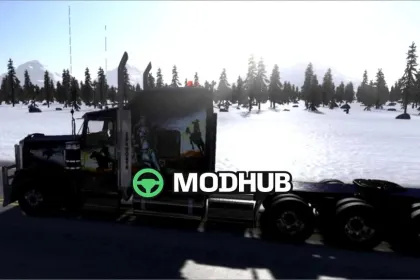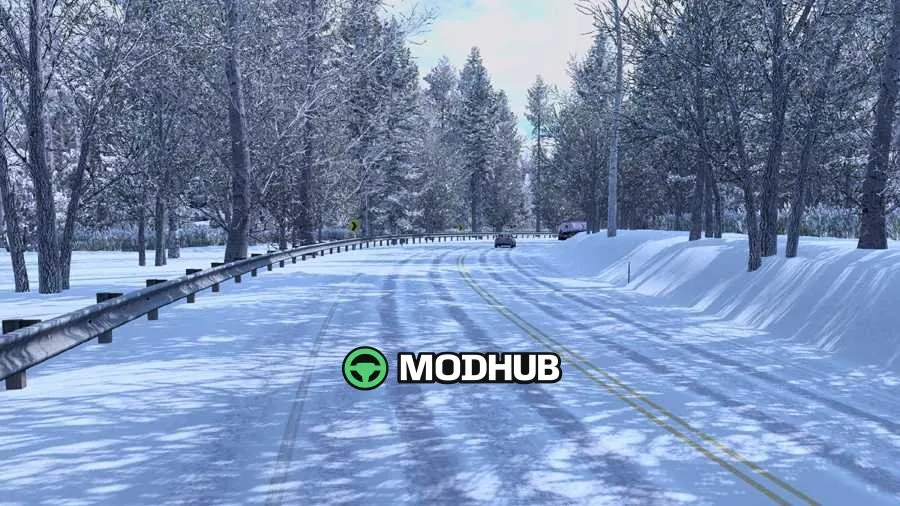
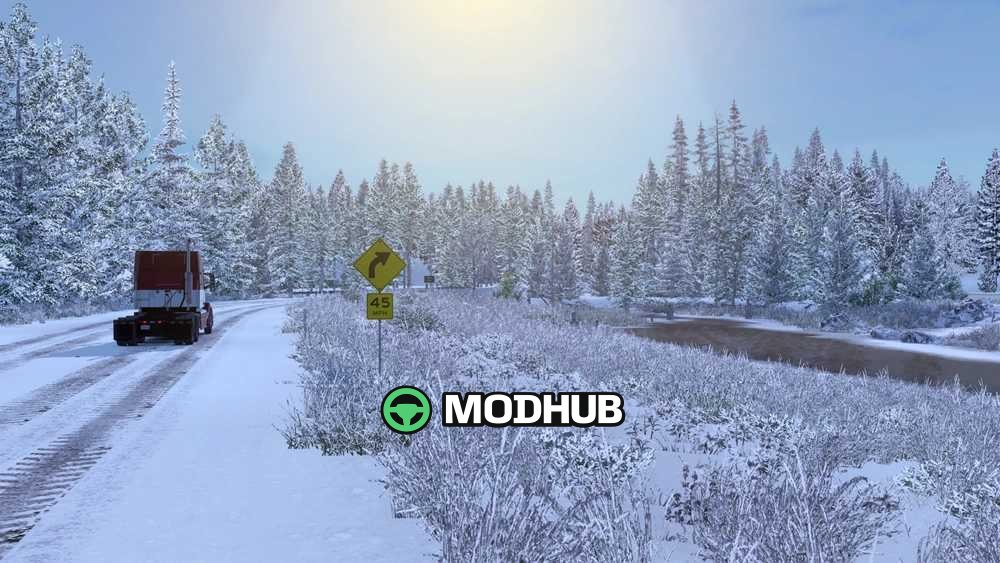
Frosty Winter v6.0 is a winter-themed mod designed for American Truck Simulator, changing the game’s atmosphere to a cold seasonal setting.
The mod swaps rain visuals for snow, adds winter vegetation, and updates key environment textures—winter road surfaces, snowy roof details, and more appropriate daylight hours. It also improves visual quality through smoother LOD transitions so distant objects appear more consistent, reducing noticeable vegetation pop-in. Winter ambience is supported by effects like wheel spray, along with better handling of out-of-sight vegetation.
• Mod version: Frosty Winter v6.0 for ATS
• Weather: snow instead of rain
• Environment: winter vegetation and snowy roof textures
• Lighting: winter daylight hours and temperatures
• Effects: winter wheel spray
• Graphics: improved LOD transitions
• Performance/quality: less low-LOD vegetation and reduced pop-in
• Distance rendering: grass visible farther away
About Frosty Winter v6.0 Mod for ATS
Frosty Winter v6.0 Mod for ATS is a mod for American Truck Simulator. Check the author description, supported game version and dependencies before installing.
How to install the mod
Follow the installation instructions for Frosty Winter v6.0 Mod for ATS, American Truck Simulator and your platform.
Download the mod archive using the Download button and read the author instructions.
Use the folder and archive format specified by the mod author for this game.
Start the game and enable the mod for the selected save or profile, if required.
Test using a backup or a new save. Install any dependencies listed by the author.
System requirements and compatibility
Check the mod description for supported game versions, required DLC and platforms. Compatibility with every version or other mods is not guaranteed.
Frequently asked questions
Is this mod free?
MODHUB does not charge for access to this mod page. Check the terms and download limits of the external file provider.
Can I use this mod in American Truck Simulator multiplayer?
Multiplayer support depends on the mod and its author. If supported, the server and players need matching mod versions and required DLC.
What should I check if the mod does not work?
Check the installation folder, archive structure, supported game version, dependencies and game logs. Test the mod separately using a backup save.
How can I check a downloaded mod?
Use trusted author sources, scan the archive and back up your saves. Do not run unrelated installers; a download listing does not guarantee safety or compatibility.