Convenient Hotkeys For Testing for Farming Simulator 25 — Quick Testing of Equipment and Weather
Description
Hotkeys For Testing — a useful tool for developers and testers in Farming Simulator 25 that allows you to assign custom hotkeys for quick debugging of vehicle states and weather conditions. 🚜✅
Key features:
- Wear management: change values and quickly switch states
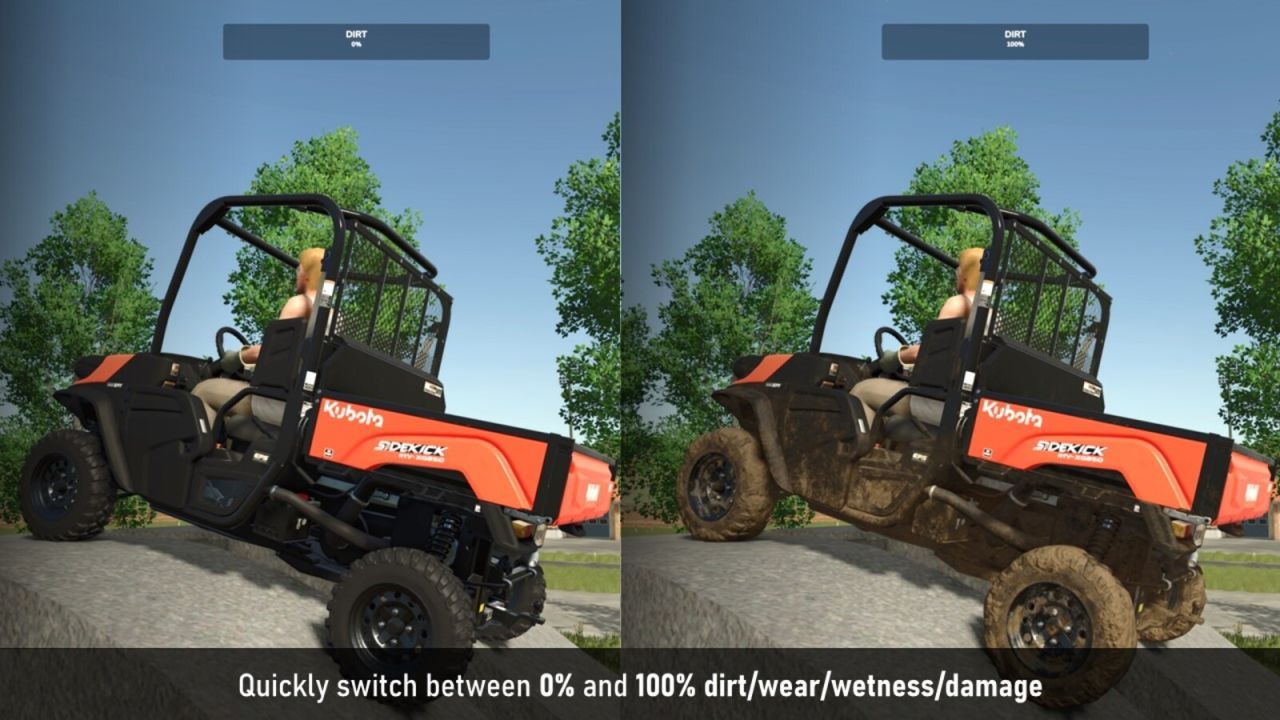
- Toggle dirt and wetness
- Toggle damage
- Combo button “Dirt/Wetness”: short press — toggle dirt, long press — toggle wetness
- Combo button “Wear/Damage”: short press — wear, long press — damage
- Double press for wetness: toggle debug mode for wetness (gsVehicleDebugWetness)
- Reload current vehicle (only long press — protection against accidental activation)
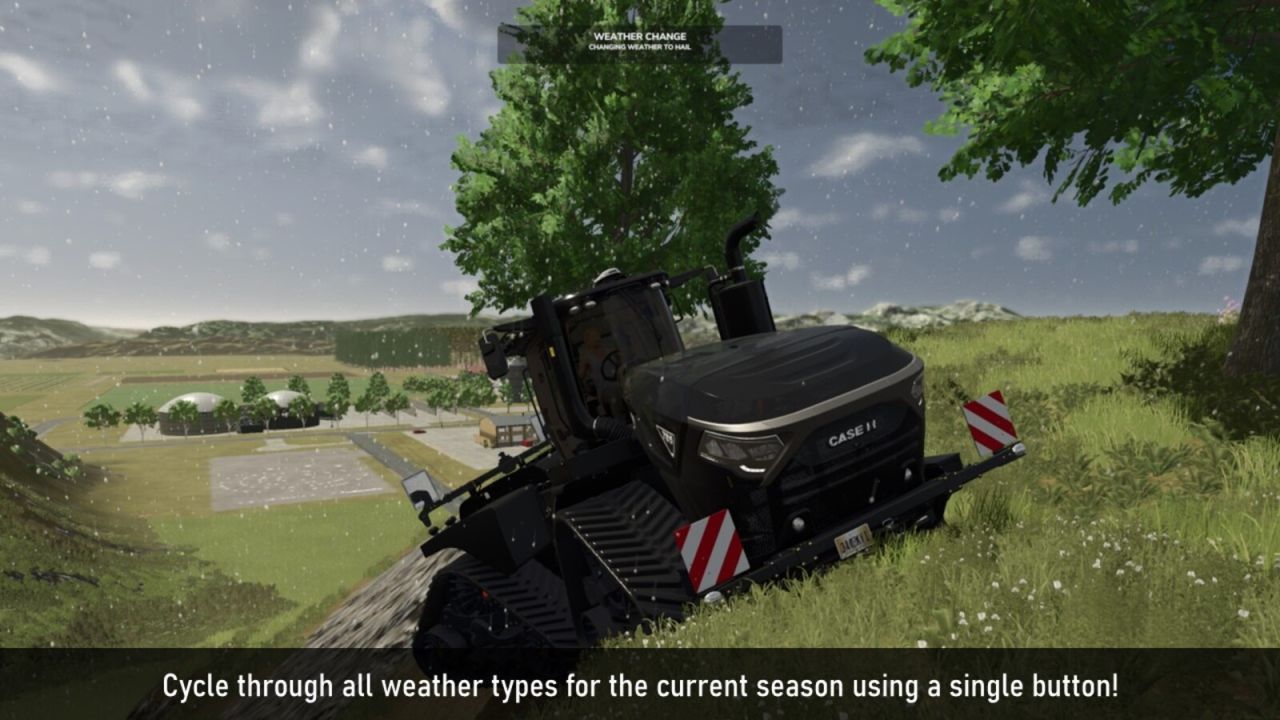
- Weather switching: cyclic selection of weather types for the current season (sunny, cloudy, rainy, hail, tornado)
Flexible control settings:
- Each function can be bound to any key in the control assignment menu (Input Bindings)
- Many actions have modes: single press, double press, and hold (e.g., wear: quick change, precise steps, and toggle 0%/100%)
- By default, all