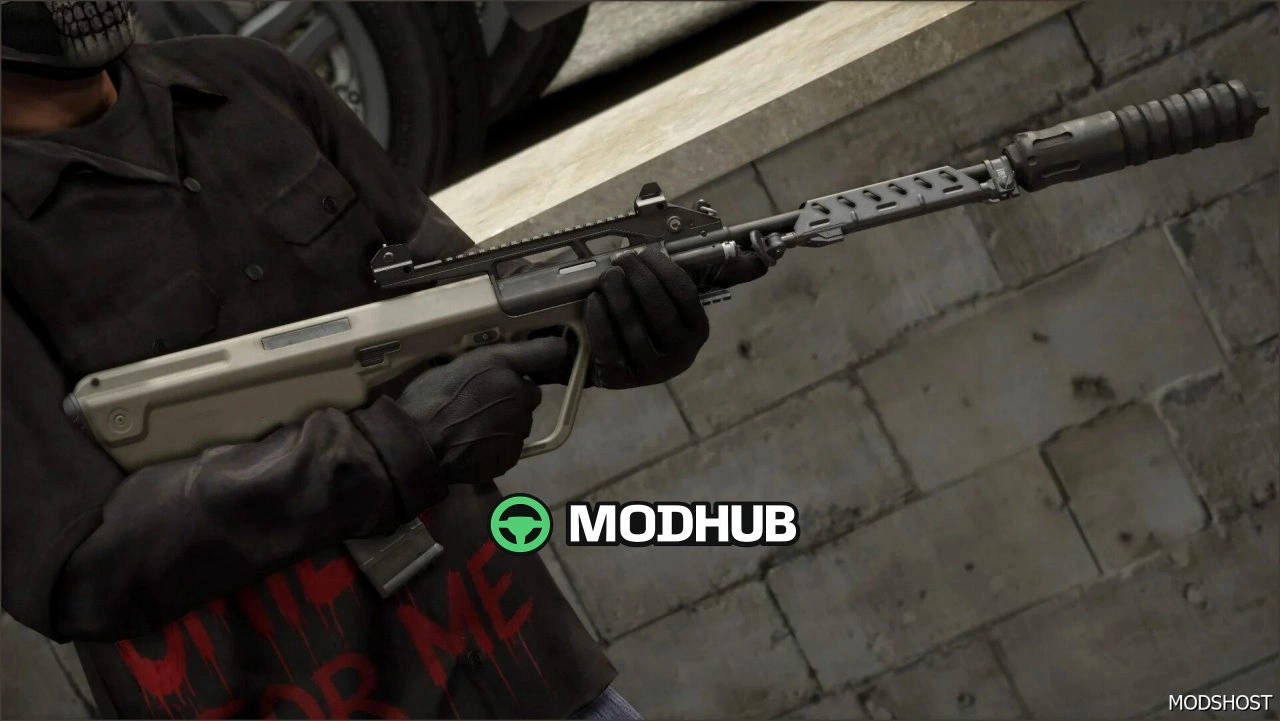
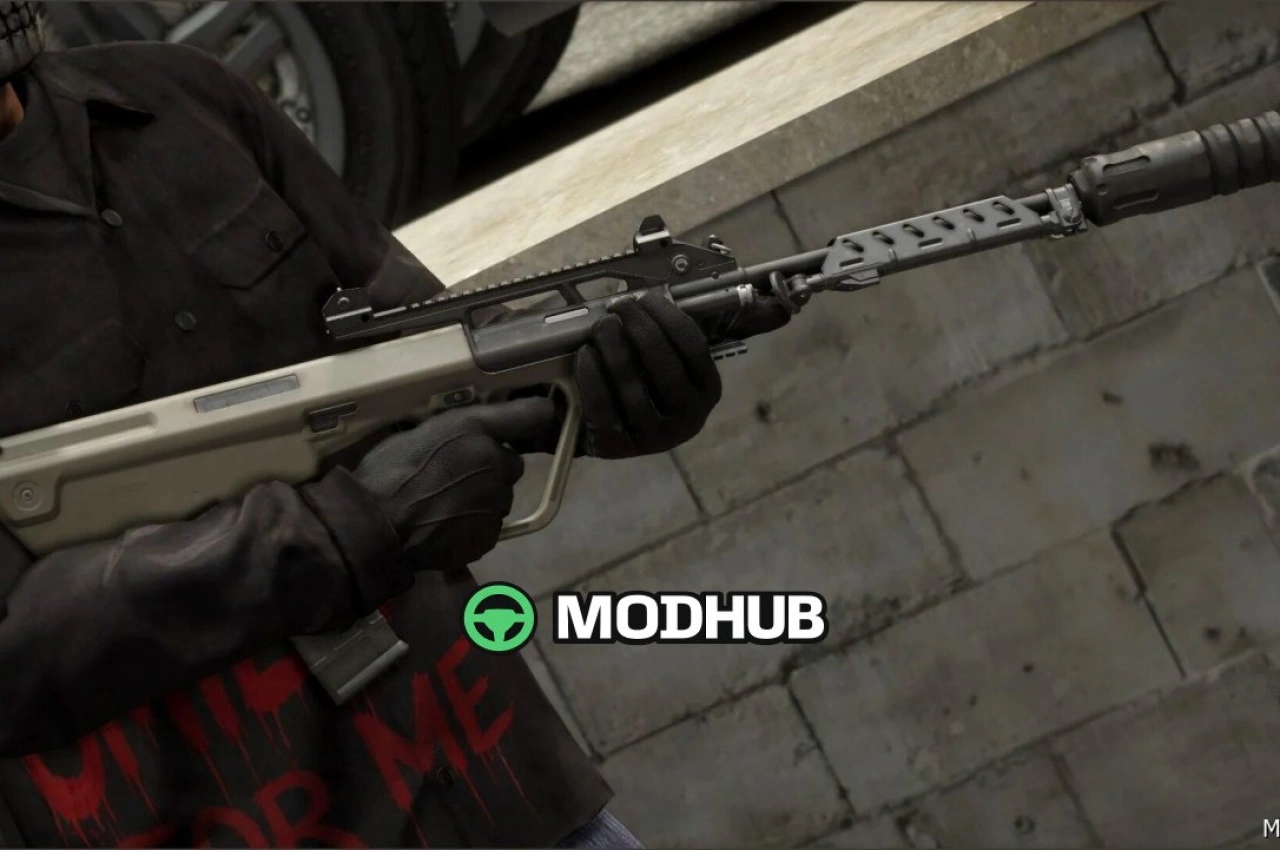
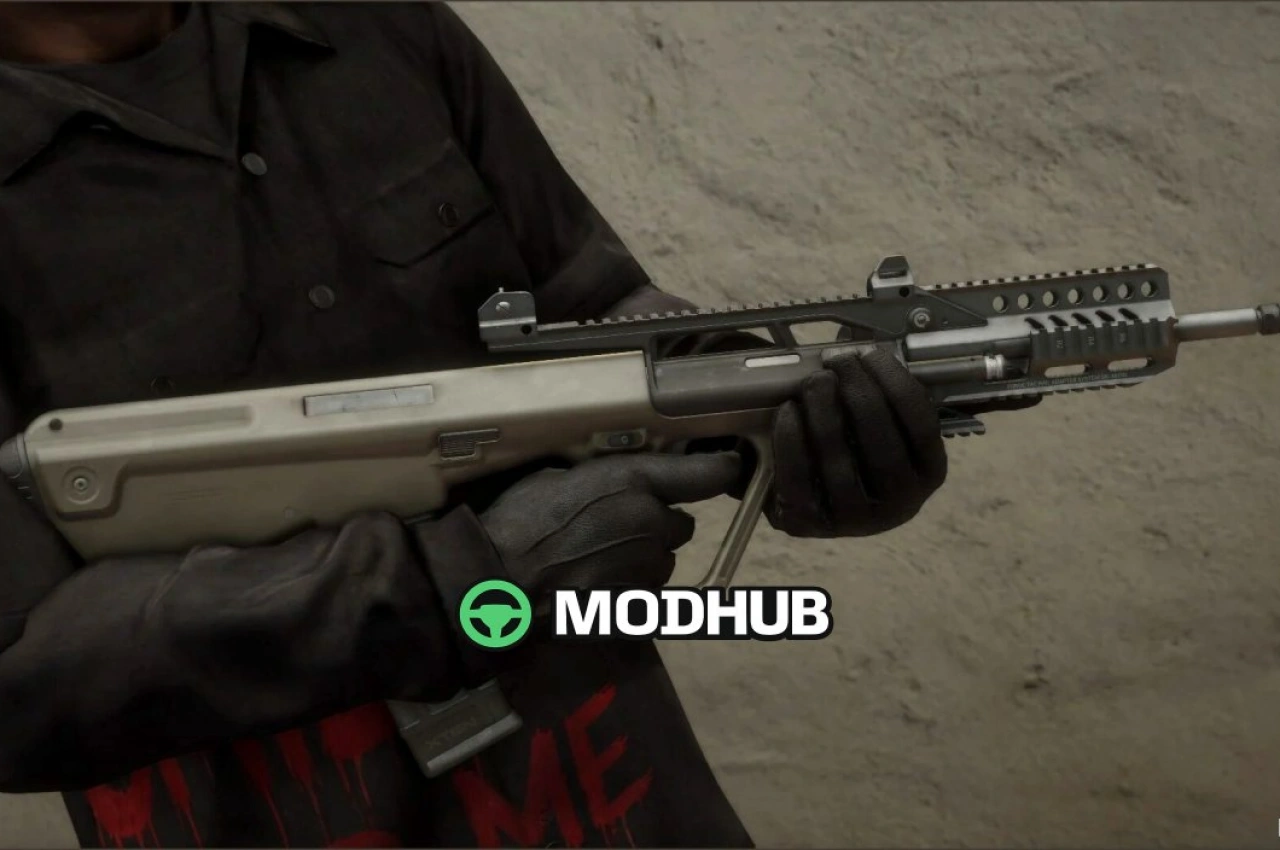
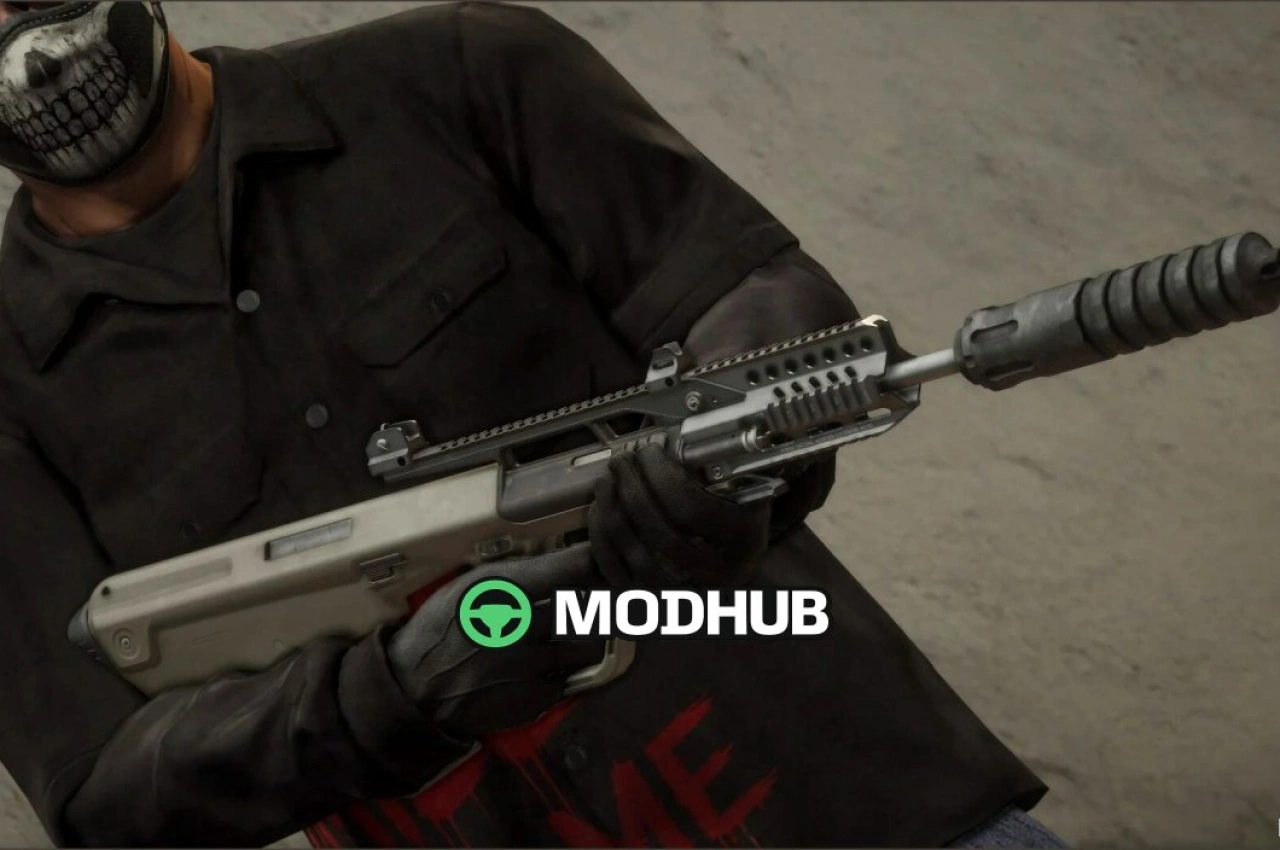
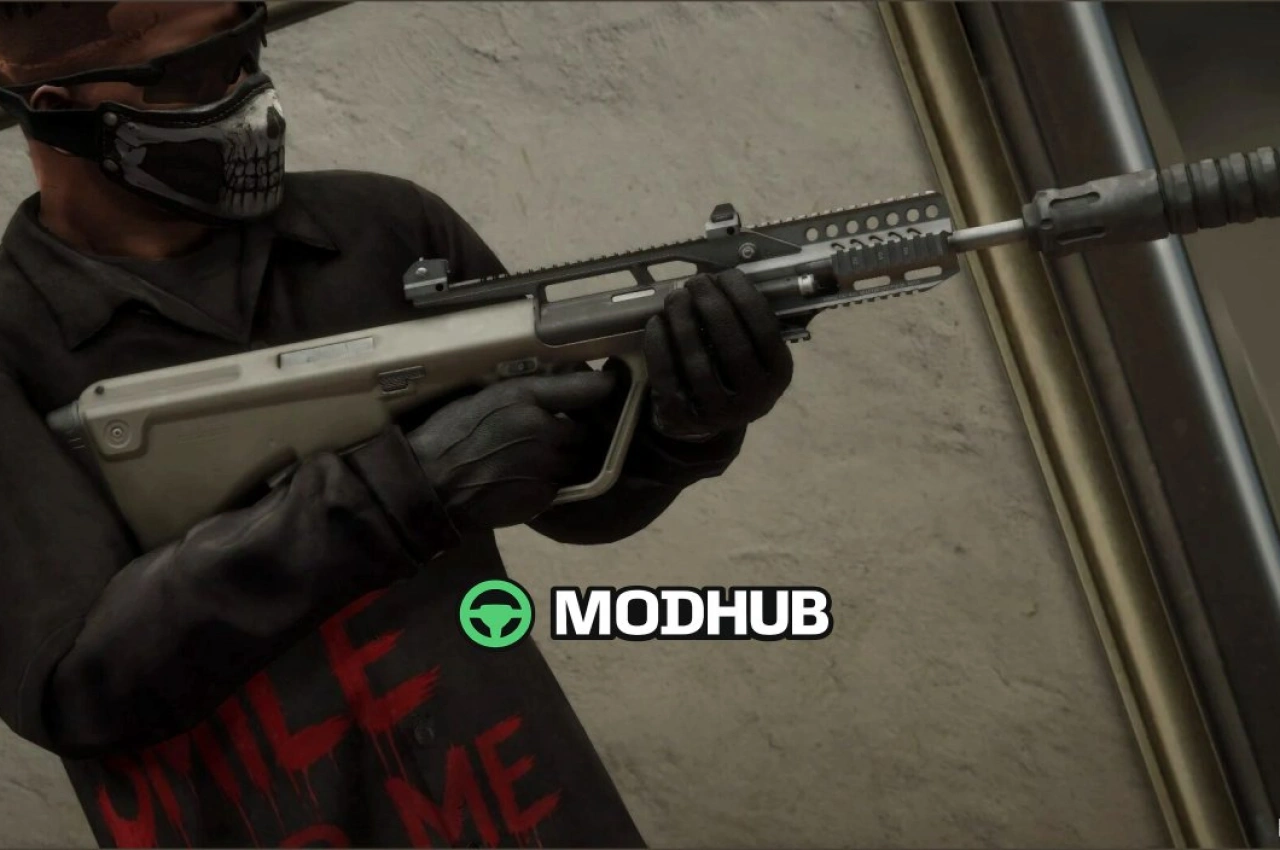
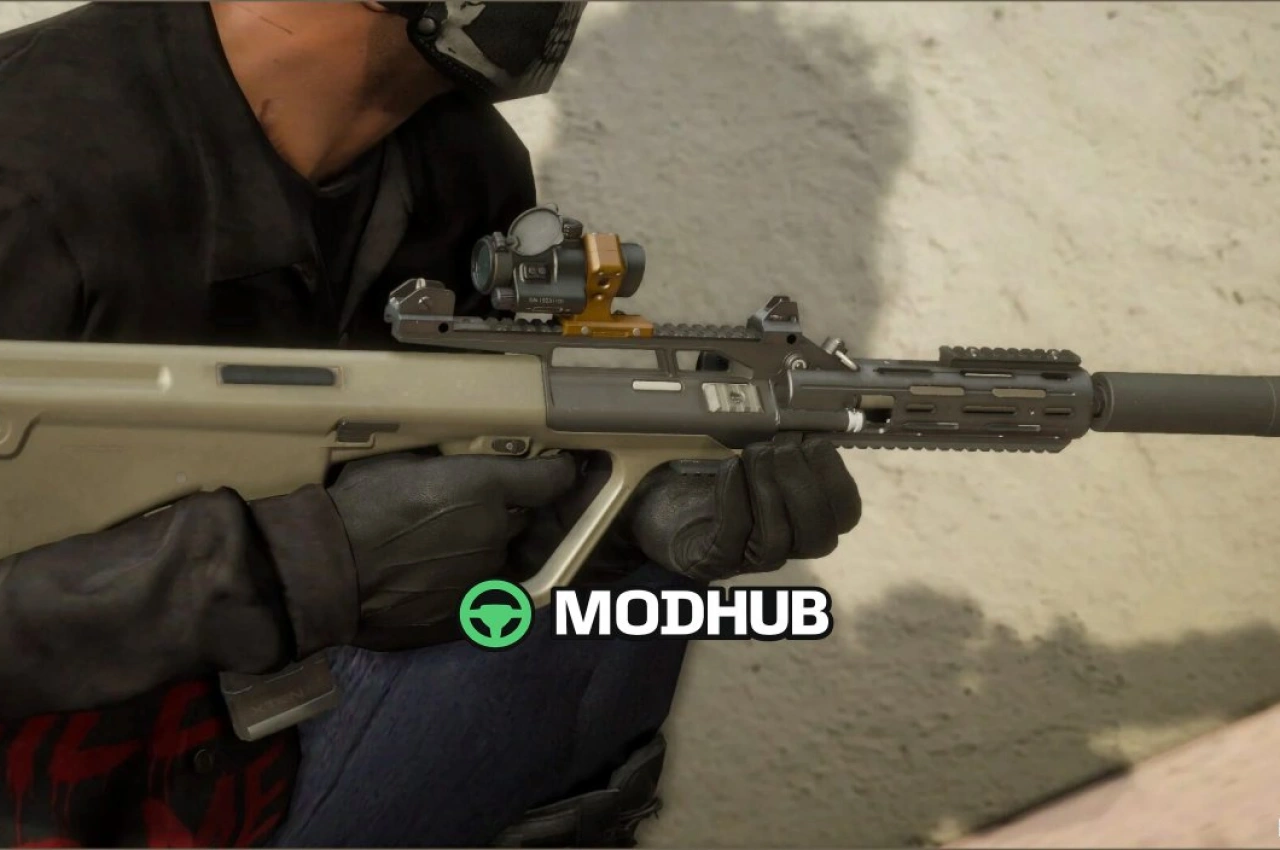
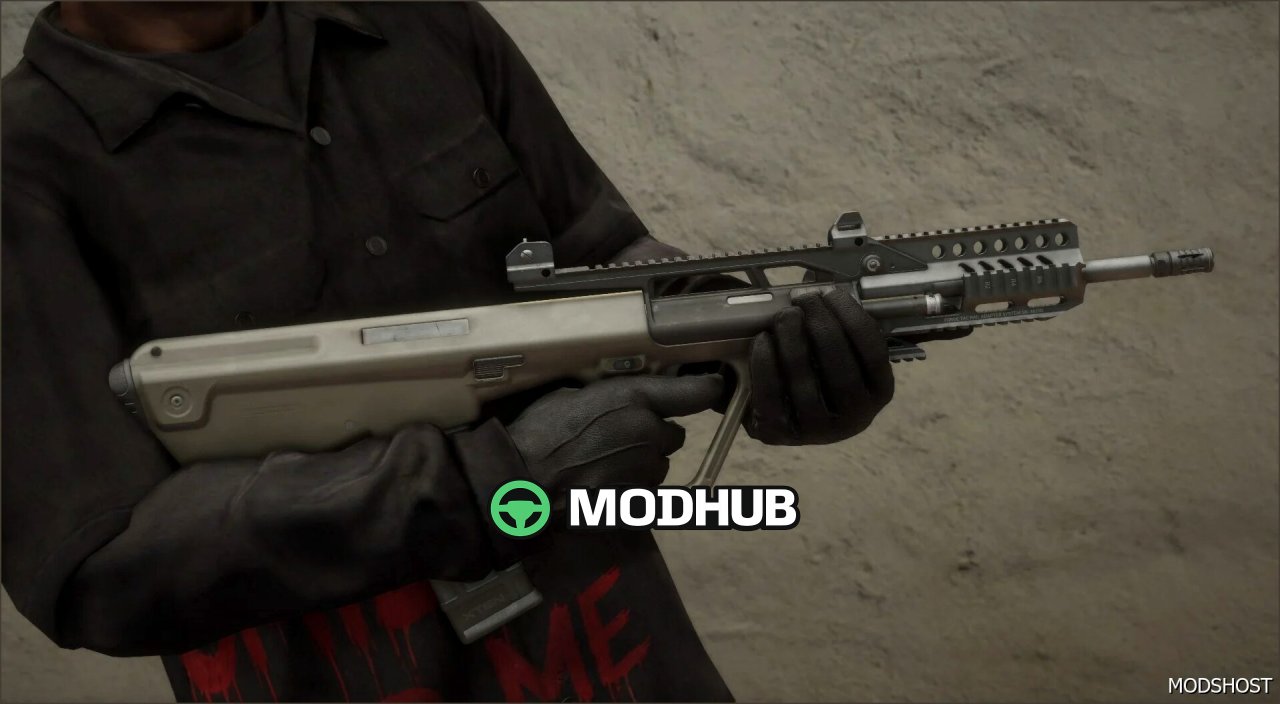
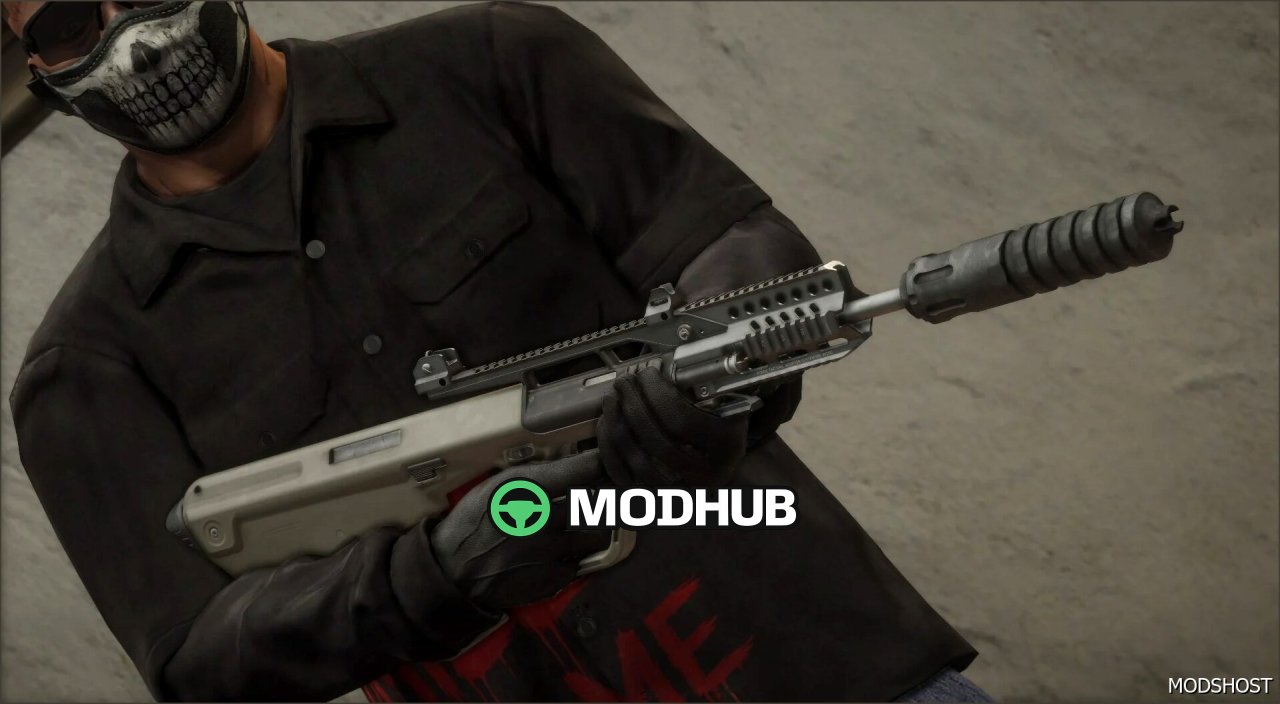
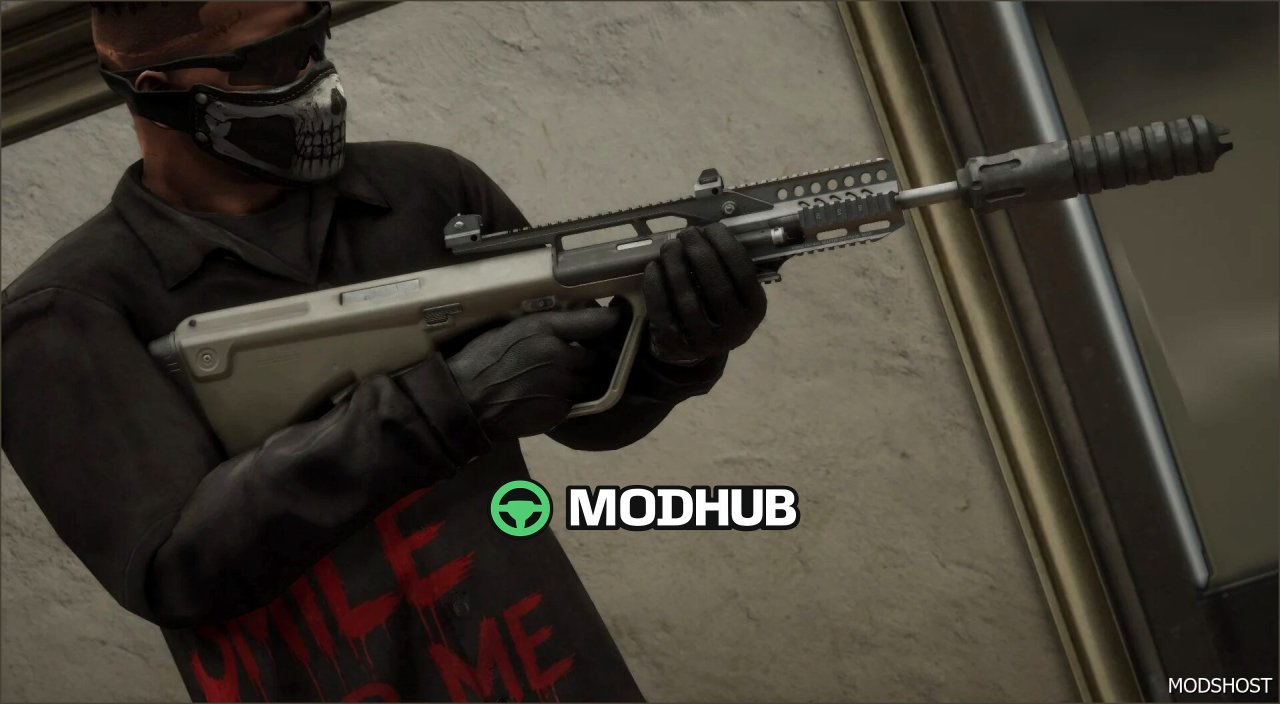
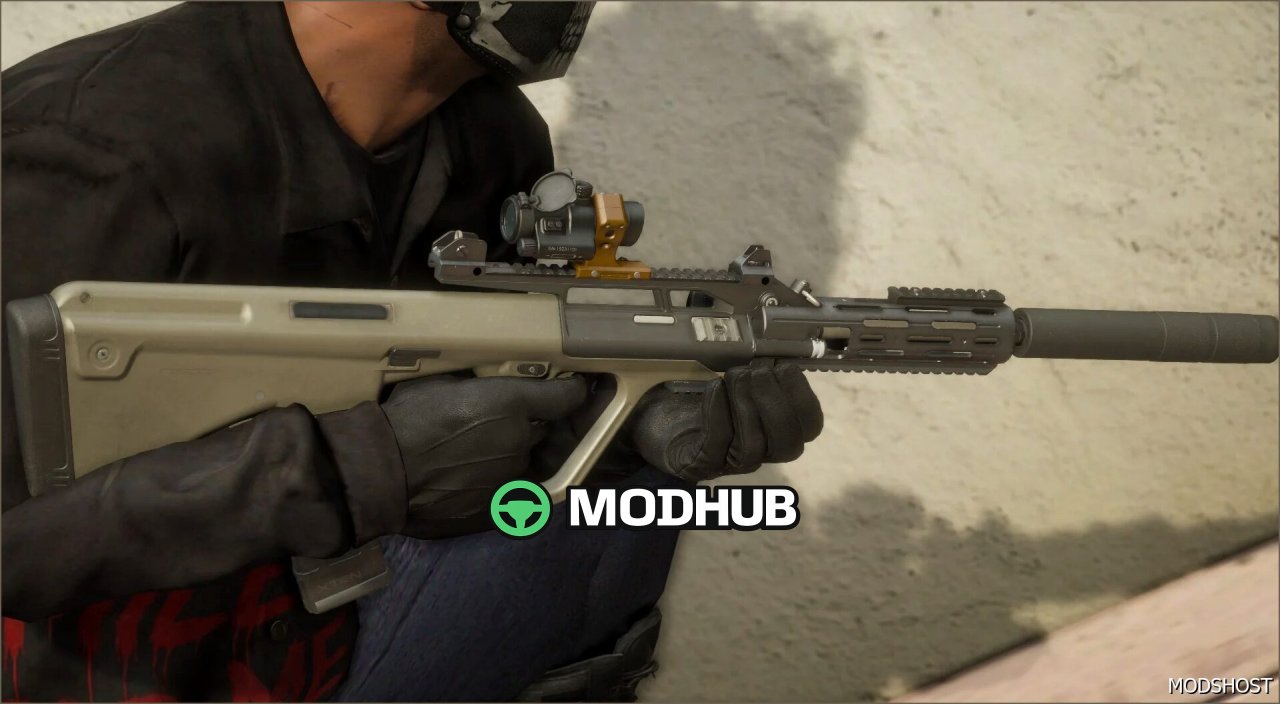
The “Steyr AUG Hbar weapon” mod is made for GTA 5 and replaces the standard weapon (Advanced Rifle) with an updated model, bringing new visuals and improved weapon-use animations.
Instead of only swapping the appearance, this add-on focuses on how the weapon feels in action. The Steyr AUG Hbar looks more detailed thanks to refined textures, while the updated animations make firing and reloading feel smoother and more engaging.
• Mod type: GTA 5 weapon modification (replaces Advanced Rifle)
• Model: Steyr AUG Hbar
• Variants: 3 Steyr AUG Hbar versions to choose from
• Features: new animations for weapon handling
• Visuals: enhanced textures for a realistic look
• Use case: change the shooting feel and add variety in GTA 5
Once added, you can pick the variation that matches your playstyle and enjoy a refreshed loadout throughout Los Santos. Proper setup with the required mod files helps avoid conflicts and ensures stable results.
About Weapon Steyr AUG Hbar for GTA 5
Weapon Steyr AUG Hbar for GTA 5 is a mod for GTA 5. Check the author description, supported game version and dependencies before installing.
How to install the mod
Follow the installation instructions for Weapon Steyr AUG Hbar for GTA 5, GTA 5 and your platform.
Download the mod archive using the Download button and read the author instructions.
Use the folder and archive format specified by the mod author for this game.
Start the game and enable the mod for the selected save or profile, if required.
Test using a backup or a new save. Install any dependencies listed by the author.
System requirements and compatibility
Check the mod description for supported game versions, required DLC and platforms. Compatibility with every version or other mods is not guaranteed.
Frequently asked questions
Is this mod free?
MODHUB does not charge for access to this mod page. Check the terms and download limits of the external file provider.
Can I use this mod in GTA 5 multiplayer?
Multiplayer support depends on the mod and its author. If supported, the server and players need matching mod versions and required DLC.
What should I check if the mod does not work?
Check the installation folder, archive structure, supported game version, dependencies and game logs. Test the mod separately using a backup save.
How can I check a downloaded mod?
Use trusted author sources, scan the archive and back up your saves. Do not run unrelated installers; a download listing does not guarantee safety or compatibility.