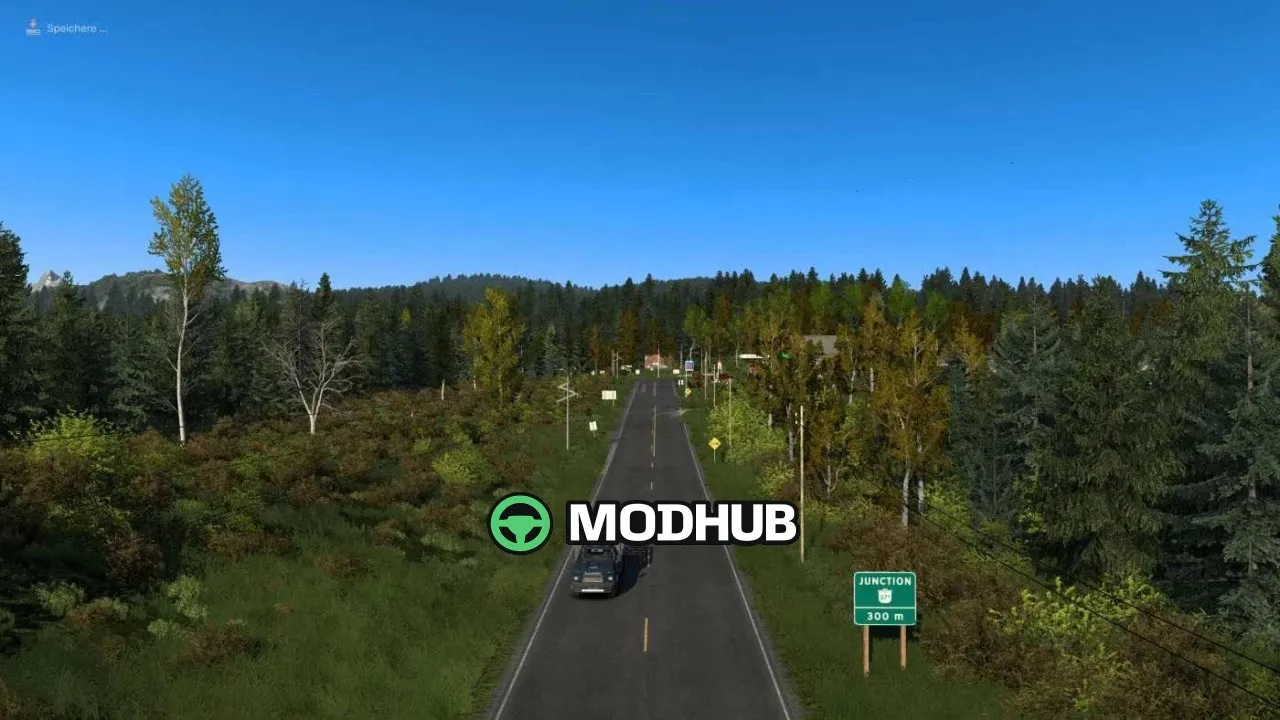
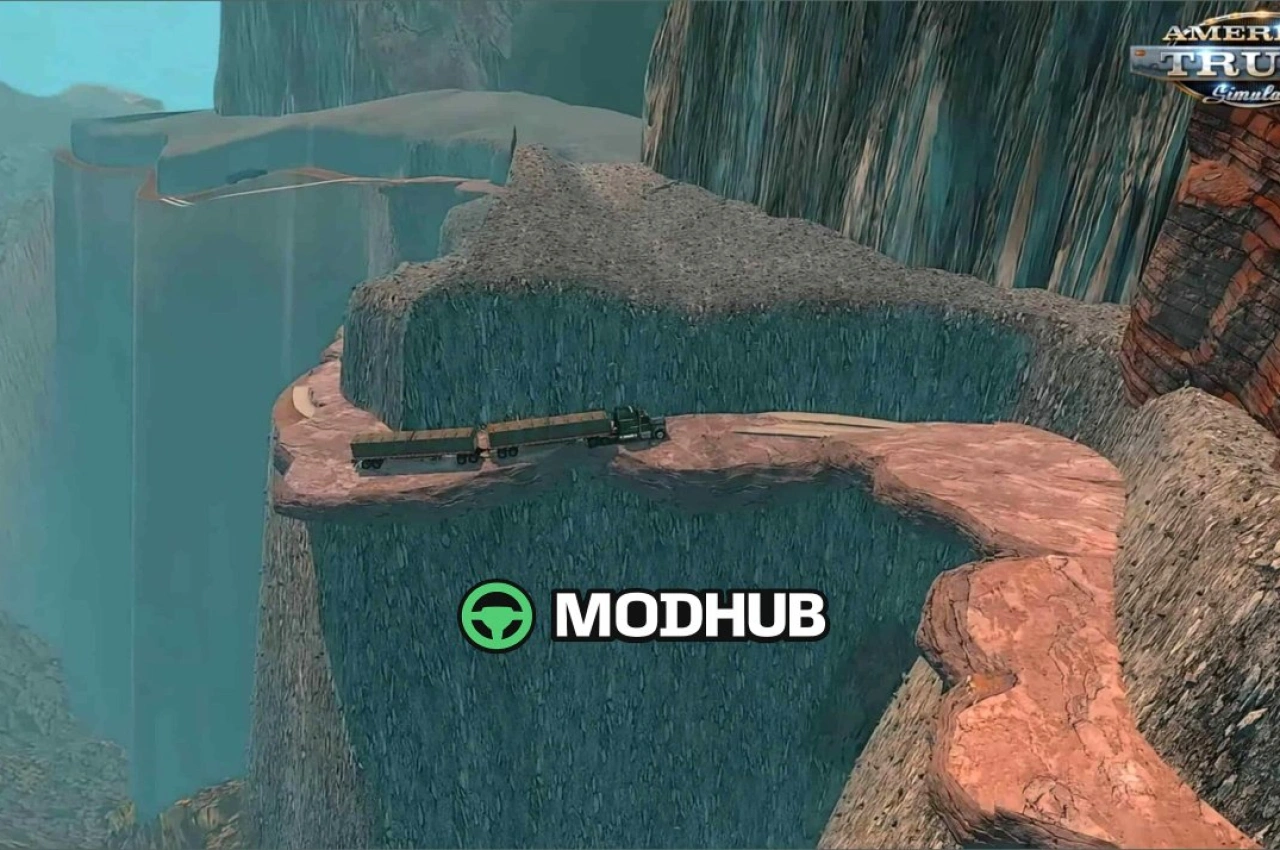
This is a road connection for American Truck Simulator that joins the Promods Canada and Alaska – North To The Future maps into a single route. The mod opens a long journey through British Columbia and Yukon, giving drivers an uninterrupted path north. Both maps are required, along with Alaska NTTF. Version v0.6.7.2 is compatible with game version 1.62.x and fixes a number of bugs.
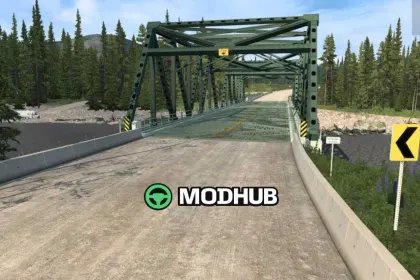
• New Teslin location with the original seven-truss bridge, custom modelled, and the adjacent new truss-less bridge.
• Swift River area added to the route.
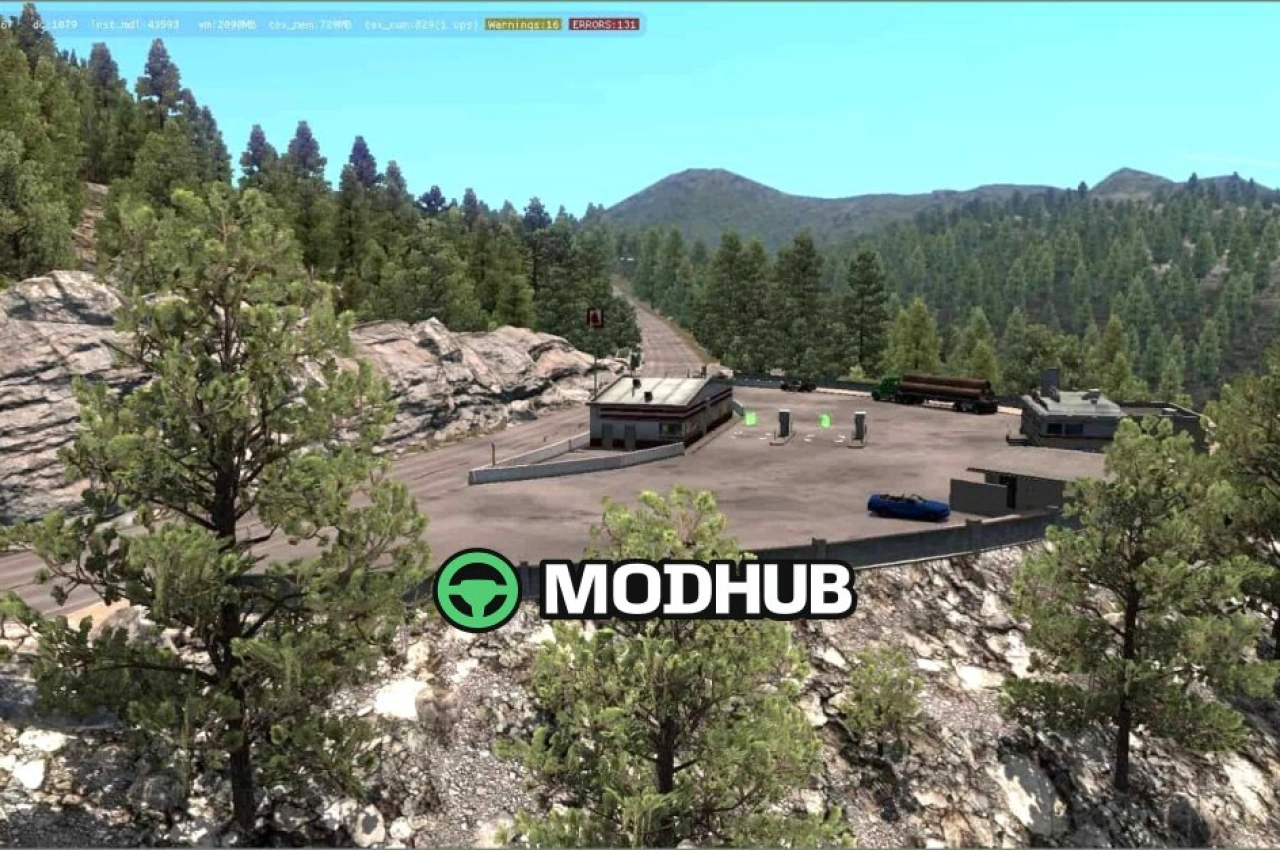
• Rest areas placed along the whole connection.
• Custom modelled signs throughout the route.
• Numerous bug fixes from earlier releases.
The mod suits players who want one continuous drive from Canada to Alaska within a single profile.
Author: franglais
About Road Connection Promods Canada and Alaska – North To The Future v0.6.7.2 for ATS
Road Connection Promods Canada and Alaska – North To The Future v0.6.7.2 for ATS is a mod for American Truck Simulator. Check the author description, supported game version and dependencies before installing.
How to install the mod
Follow the installation instructions for Road Connection Promods Canada and Alaska – North To The Future v0.6.7.2 for ATS, American Truck Simulator and your platform.
Download the mod archive using the Download button and read the author instructions.
Use the folder and archive format specified by the mod author for this game.
Start the game and enable the mod for the selected save or profile, if required.
Test using a backup or a new save. Install any dependencies listed by the author.
System requirements and compatibility
Check the mod description for supported game versions, required DLC and platforms. Compatibility with every version or other mods is not guaranteed.
Frequently asked questions
Is this mod free?
MODHUB does not charge for access to this mod page. Check the terms and download limits of the external file provider.
Can I use this mod in American Truck Simulator multiplayer?
Multiplayer support depends on the mod and its author. If supported, the server and players need matching mod versions and required DLC.
What should I check if the mod does not work?
Check the installation folder, archive structure, supported game version, dependencies and game logs. Test the mod separately using a backup save.
How can I check a downloaded mod?
Use trusted author sources, scan the archive and back up your saves. Do not run unrelated installers; a download listing does not guarantee safety or compatibility.