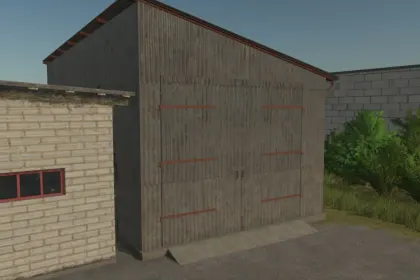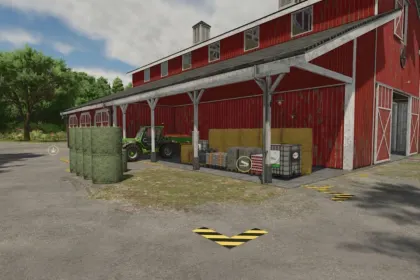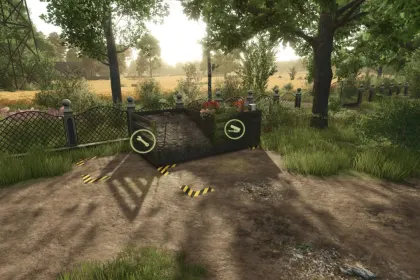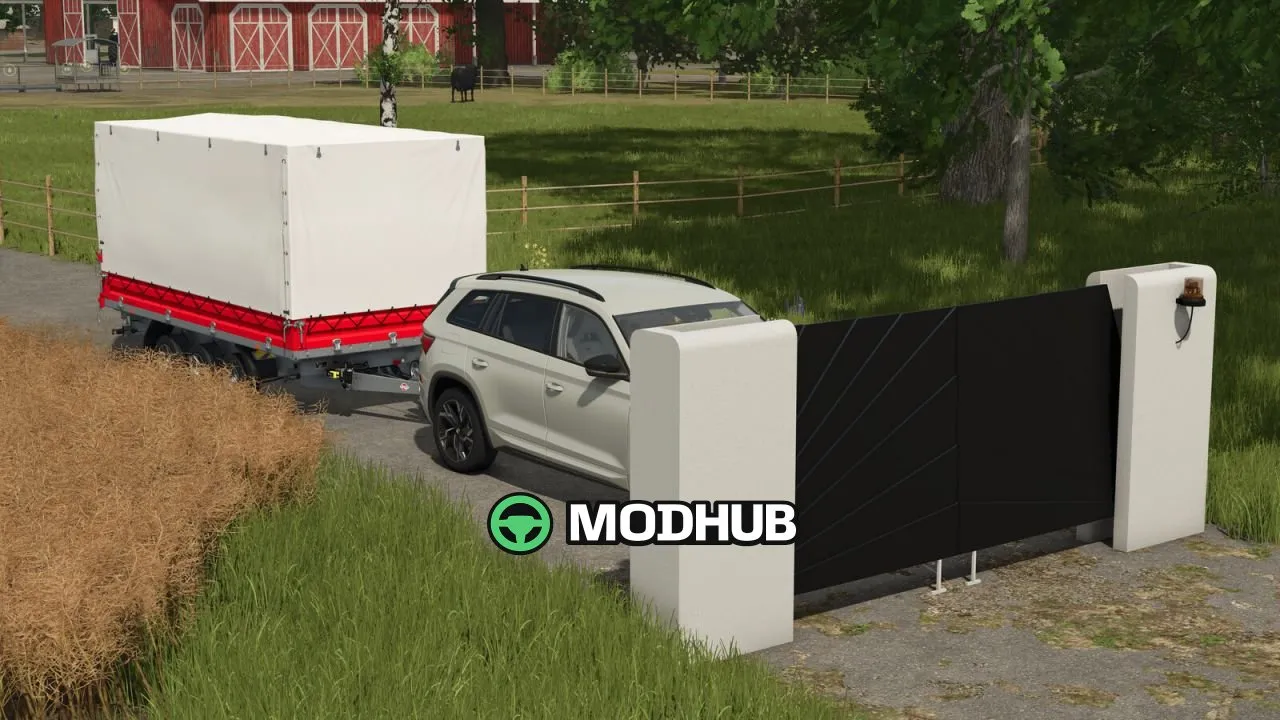
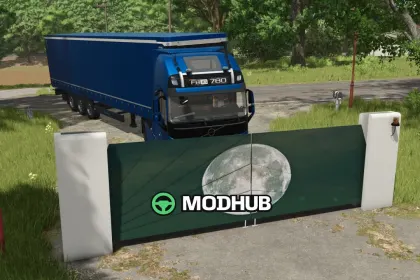
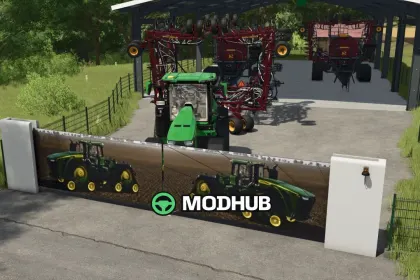
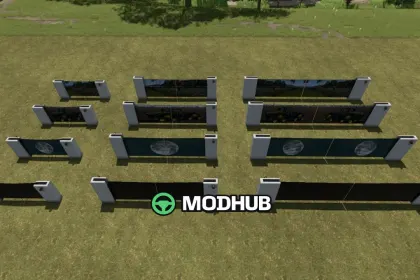
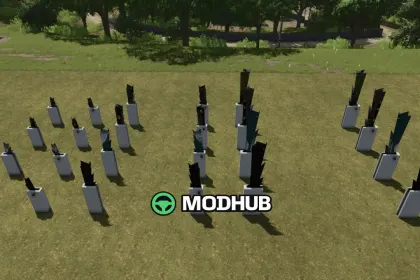
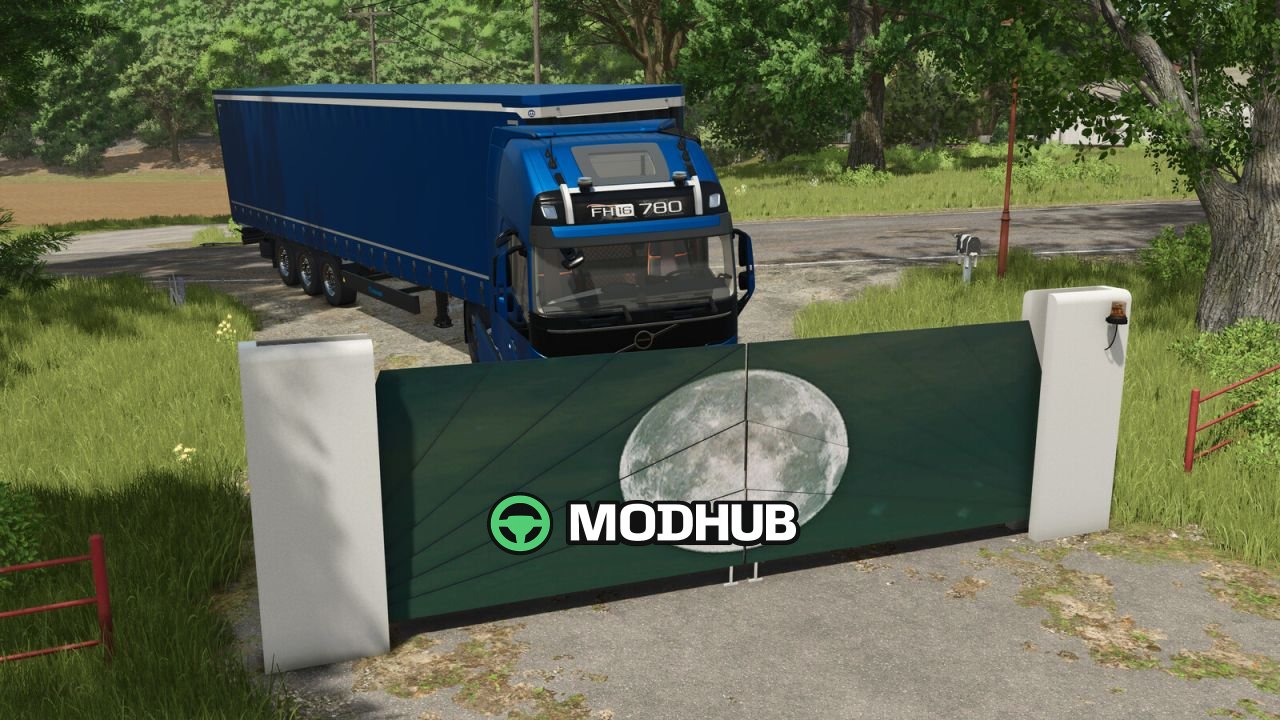
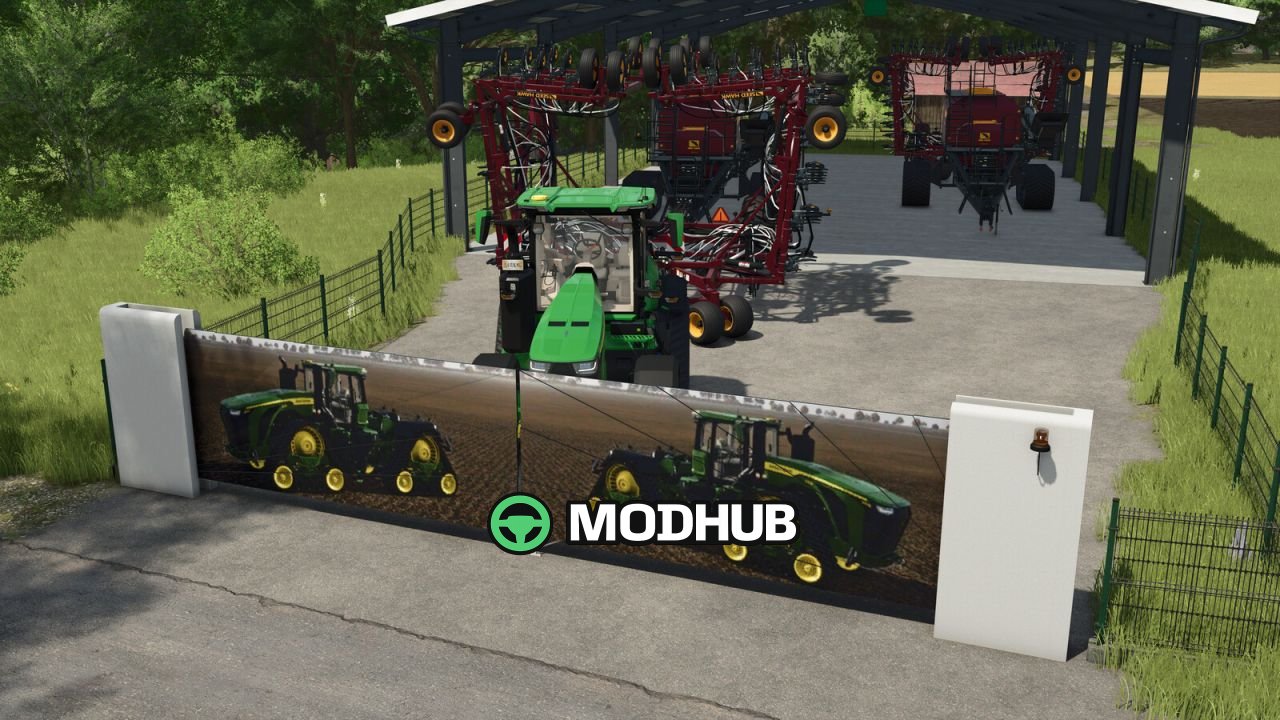
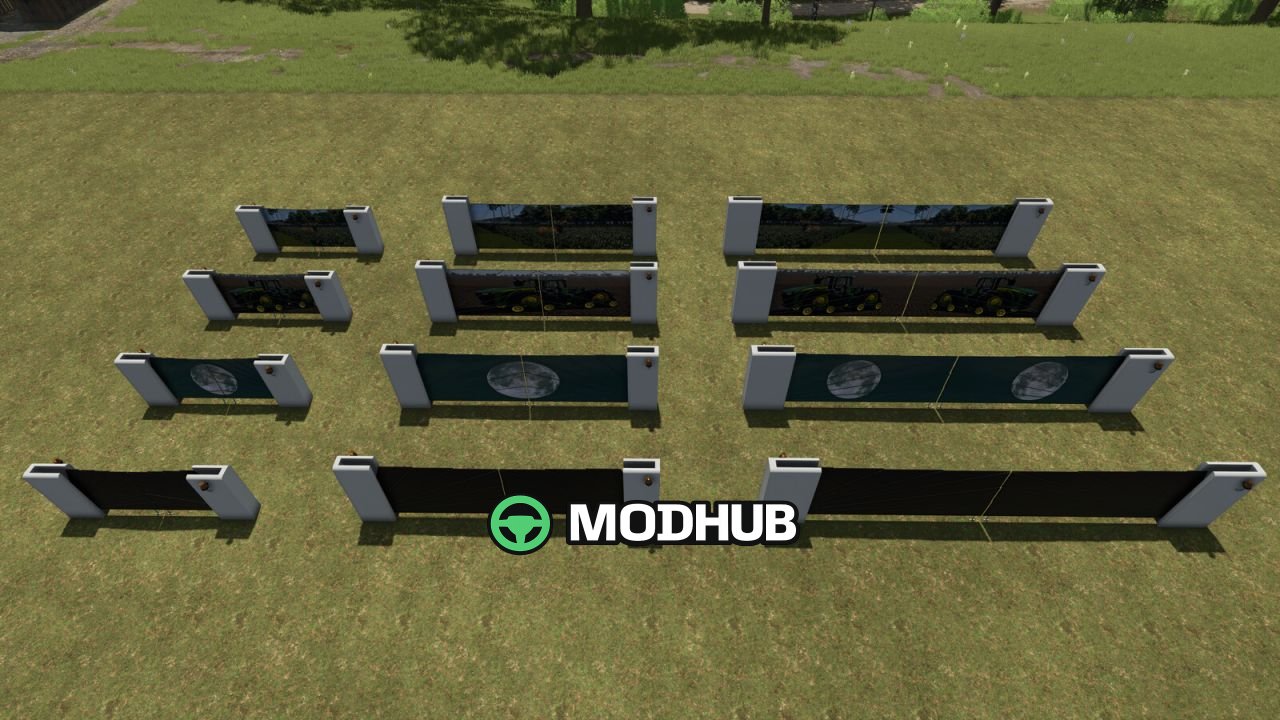
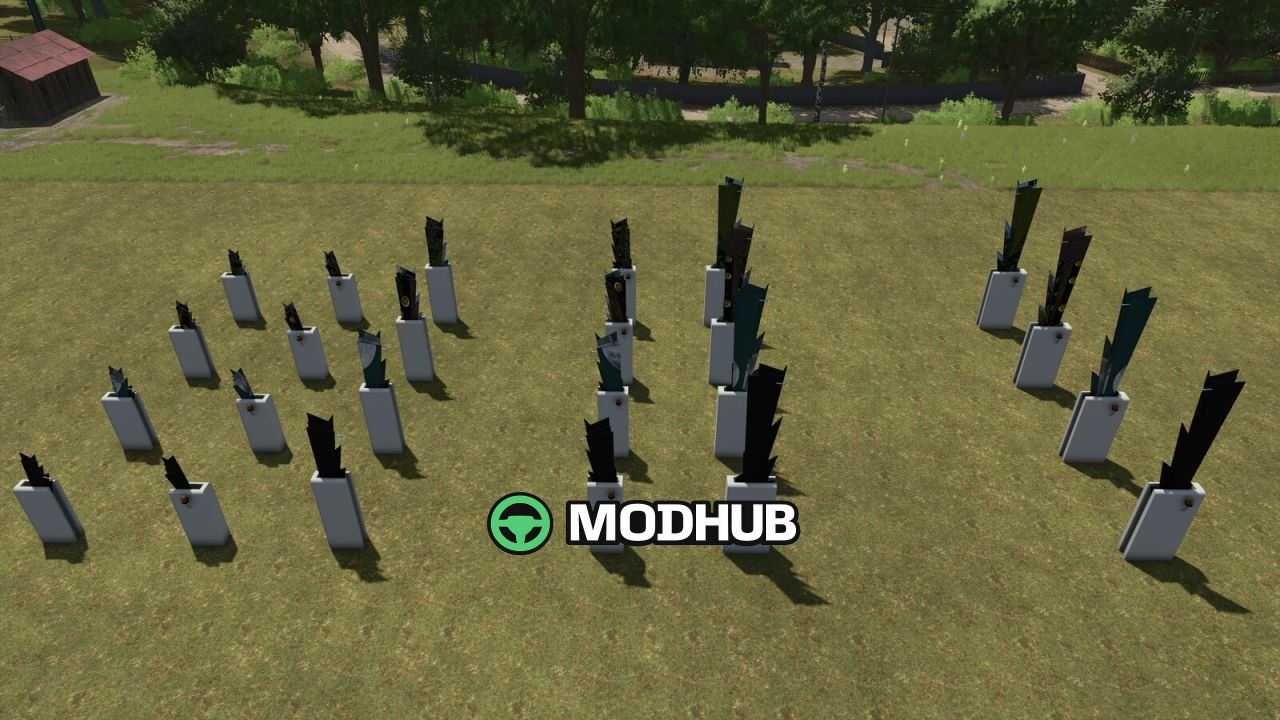
Butterfly Portal V1.0 is a decorative gate for Farming Simulator 25 that modernizes the entrances to your farm. The mod offers three gate sizes, each suited to a different class of vehicle. All variants sit in the Decorations category and do not affect gameplay logic. Every gate has its own price and daily upkeep, plus a set of decoration options in the configuration menu.
• Small gate: 250€, 5€ daily upkeep, ideal for small vehicles
• Medium gate: 500€, 10€ daily upkeep, suited to medium vehicles
• Large gate: 1000€, 15€ daily upkeep, built for XXL vehicles
• Decoration options: Moon, John Deere 9RX and Deer
With three sizes and swappable decorations, the gate fits almost any farm style.
About Gate Butterfly Portal V1.0 for FS25
Gate Butterfly Portal V1.0 for FS25 is a mod for Farming Simulator 25. Check the author description, supported game version and dependencies before installing.
How to install the mod
Follow the installation instructions for Gate Butterfly Portal V1.0 for FS25, Farming Simulator 25 and your platform.
Download the mod archive using the Download button and read the author instructions.
On PC, copy the mod ZIP without extracting it to Documents/My Games/FarmingSimulator2025/mods. For a bundle, extract the individual mod ZIPs first. macOS and Microsoft Store paths may differ; check Mod Directory in the game log.txt.
Start the game and enable the mod for the selected save or profile, if required.
Test using a backup or a new save. Install any dependencies listed by the author.
System requirements and compatibility
Check the mod description for supported game versions, required DLC and platforms. Compatibility with every version or other mods is not guaranteed. Farming Simulator script mods are for PC/macOS. Console players can only install compatible mods from the in-game GIANTS ModHub.
Frequently asked questions
Is this mod free?
MODHUB does not charge for access to this mod page. Check the terms and download limits of the external file provider.
Can I use this mod in Farming Simulator 25 multiplayer?
Multiplayer support depends on the mod and its author. If supported, the server and players need matching mod versions and required DLC.
What should I check if the mod does not work?
Check the installation folder, archive structure, supported game version, dependencies and game logs. Test the mod separately using a backup save.
How can I check a downloaded mod?
Use trusted author sources, scan the archive and back up your saves. Do not run unrelated installers; a download listing does not guarantee safety or compatibility.