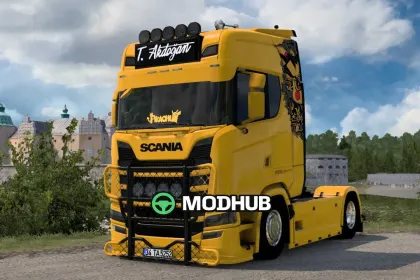
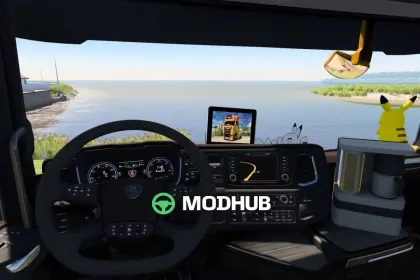
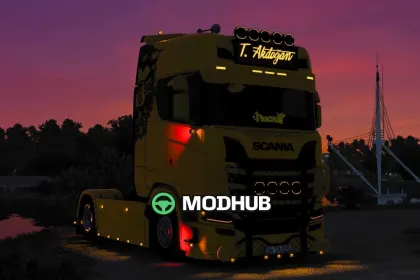
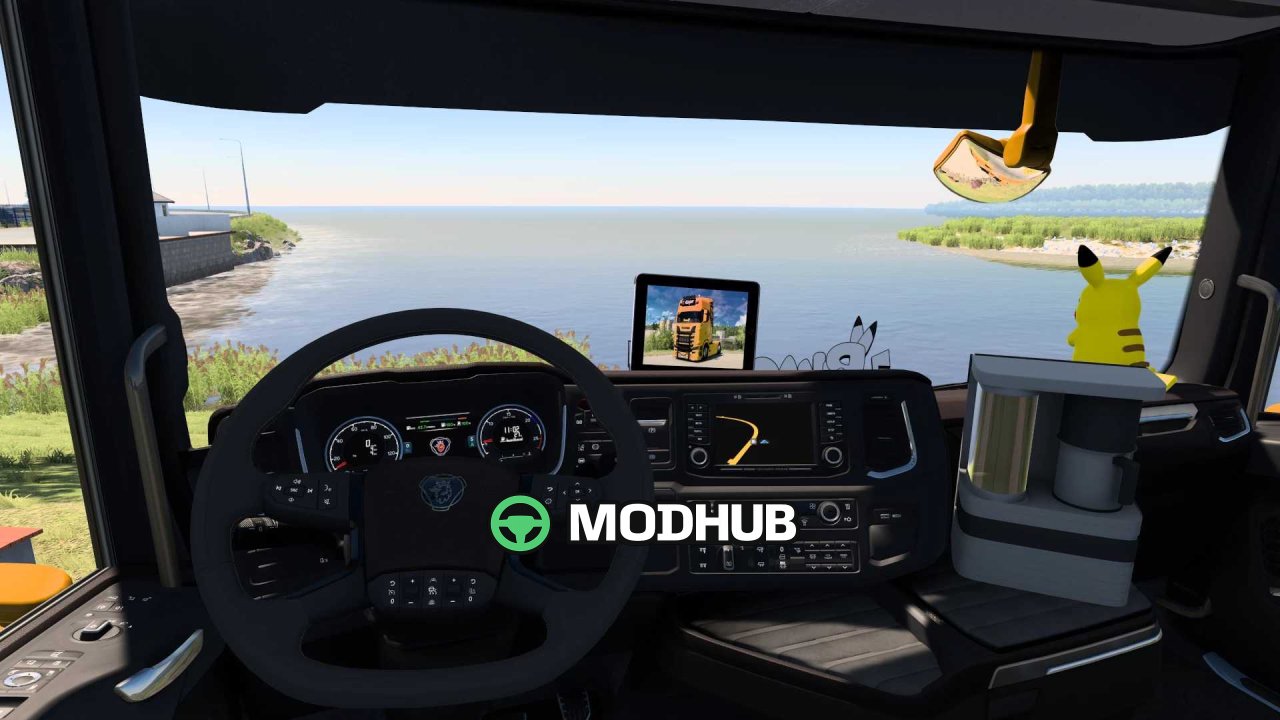
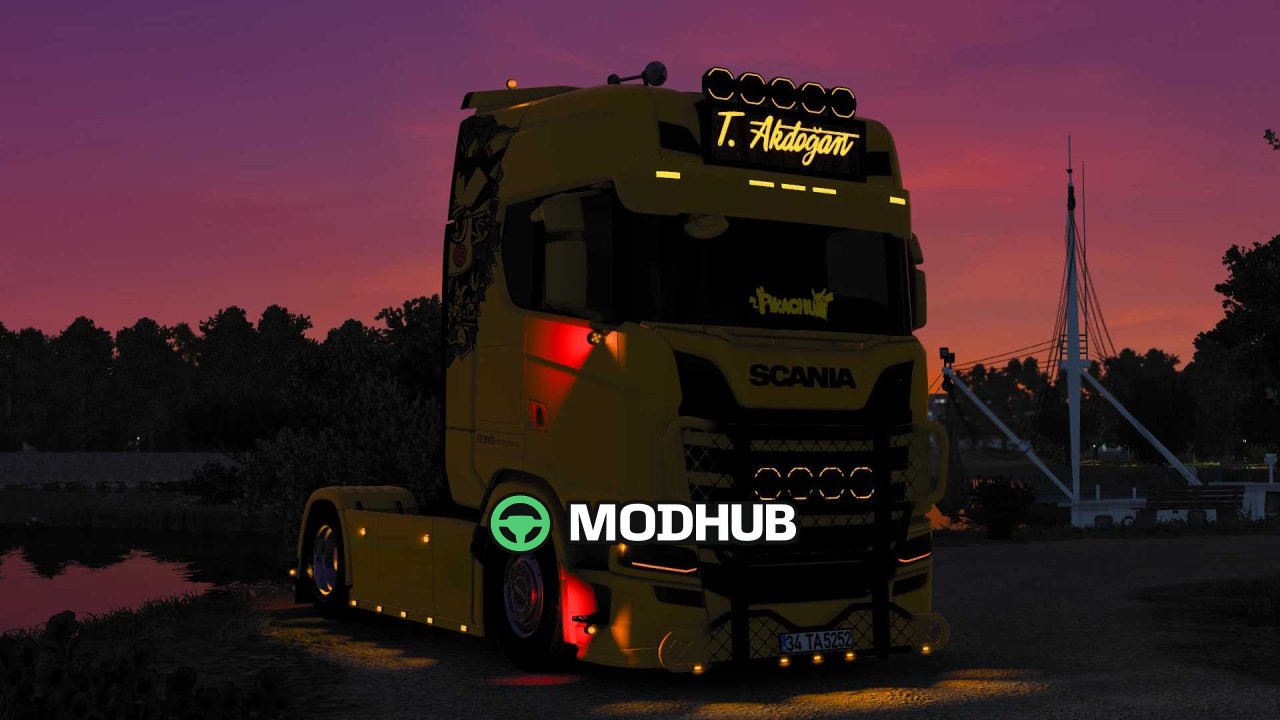
The Scania S540 Pikachu v1.0 is a truck mod for Euro Truck Simulator 2 that recreates the well-known Pikachu-themed livery on a Scania S540 base. The author preserved the recognizable look of the original vehicle and brought it into the game with careful attention to detail. The model includes a realistic engine sound and a separate retarder sound that makes driving feel more convincing. The body is fully paintable in any color, so the livery can be adapted to a personal style.
• Realistic engine sound and retarder sound
• Custom interior with the original Scania horn and air horn
• FPS-friendly LED lights that do not hurt performance
• Fully paintable body in any color
• Unlocked files, so the truck can be freely customized
Thanks to the open files, the mod suits both regular deliveries and further personalization to individual preferences.
Author: Label Garage
About Truck Scania S540 Pikachu v1.0 for ETS2
Truck Scania S540 Pikachu v1.0 for ETS2 is a mod for Euro Truck Simulator 2. Check the author description, supported game version and dependencies before installing.
How to install the mod
Follow the installation instructions for Truck Scania S540 Pikachu v1.0 for ETS2, Euro Truck Simulator 2 and your platform.
Download the mod archive using the Download button and read the author instructions.
Use the folder and archive format specified by the mod author for this game.
Start the game and enable the mod for the selected save or profile, if required.
Test using a backup or a new save. Install any dependencies listed by the author.
System requirements and compatibility
Check the mod description for supported game versions, required DLC and platforms. Compatibility with every version or other mods is not guaranteed.
Frequently asked questions
Is this mod free?
MODHUB does not charge for access to this mod page. Check the terms and download limits of the external file provider.
Can I use this mod in Euro Truck Simulator 2 multiplayer?
Multiplayer support depends on the mod and its author. If supported, the server and players need matching mod versions and required DLC.
What should I check if the mod does not work?
Check the installation folder, archive structure, supported game version, dependencies and game logs. Test the mod separately using a backup save.
How can I check a downloaded mod?
Use trusted author sources, scan the archive and back up your saves. Do not run unrelated installers; a download listing does not guarantee safety or compatibility.