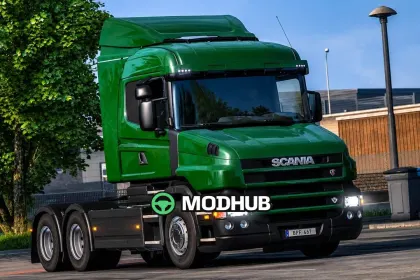
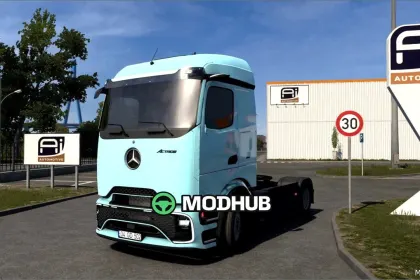
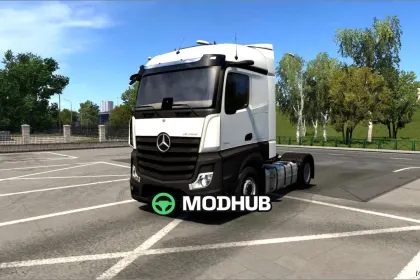
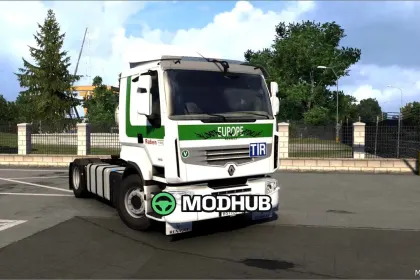
The RJL Scania T & T4 Series v1.62 mod adds Scania T1 and T2 trucks to Euro Truck Simulator 2 in a wide range of configurations. It includes Normal, Highline, Topline, Extended Topline and Longline cabins together with 4×2, 6×2, 6×2/4, 6×2*4, 6×4, 8×2/*6, 8×4/4, 8×4*4, 10×4/6, 10×4*6 and 10×6/4 chassis. Separate Scania T1 and T2 interiors are modelled for each series. The engine range covers Euro 3, Euro 4, Euro 5 and Euro 6 units.
• 8-, 9-, 12- and 14-speed gearboxes with 2.71, 3.08, 3.42 and 3.80 rear differentials
• Wide range of T1, T2 and Streamline parts
• Plastic and paintable chassis plus many Scania stock parts
• Large selection of custom and tuning parts
Compatibility addons are required separately for the Cabin Accessories, National Window Flags and Mighty Griffin DLCs.
Author: Compatibility for 1.62
About Truck RJL Scania T & T4 Series v1.62 for ETS2
Truck RJL Scania T & T4 Series v1.62 for ETS2 is a mod for Euro Truck Simulator 2. Check the author description, supported game version and dependencies before installing.
How to install the mod
Follow the installation instructions for Truck RJL Scania T & T4 Series v1.62 for ETS2, Euro Truck Simulator 2 and your platform.
Download the mod archive using the Download button and read the author instructions.
Use the folder and archive format specified by the mod author for this game.
Start the game and enable the mod for the selected save or profile, if required.
Test using a backup or a new save. Install any dependencies listed by the author.
System requirements and compatibility
Check the mod description for supported game versions, required DLC and platforms. Compatibility with every version or other mods is not guaranteed.
Frequently asked questions
Is this mod free?
MODHUB does not charge for access to this mod page. Check the terms and download limits of the external file provider.
Can I use this mod in Euro Truck Simulator 2 multiplayer?
Multiplayer support depends on the mod and its author. If supported, the server and players need matching mod versions and required DLC.
What should I check if the mod does not work?
Check the installation folder, archive structure, supported game version, dependencies and game logs. Test the mod separately using a backup save.
How can I check a downloaded mod?
Use trusted author sources, scan the archive and back up your saves. Do not run unrelated installers; a download listing does not guarantee safety or compatibility.