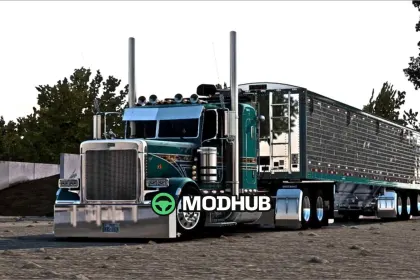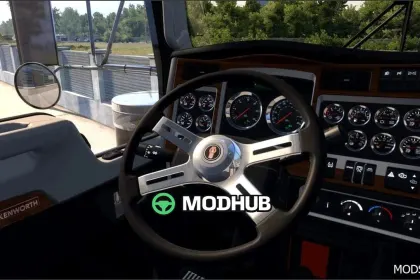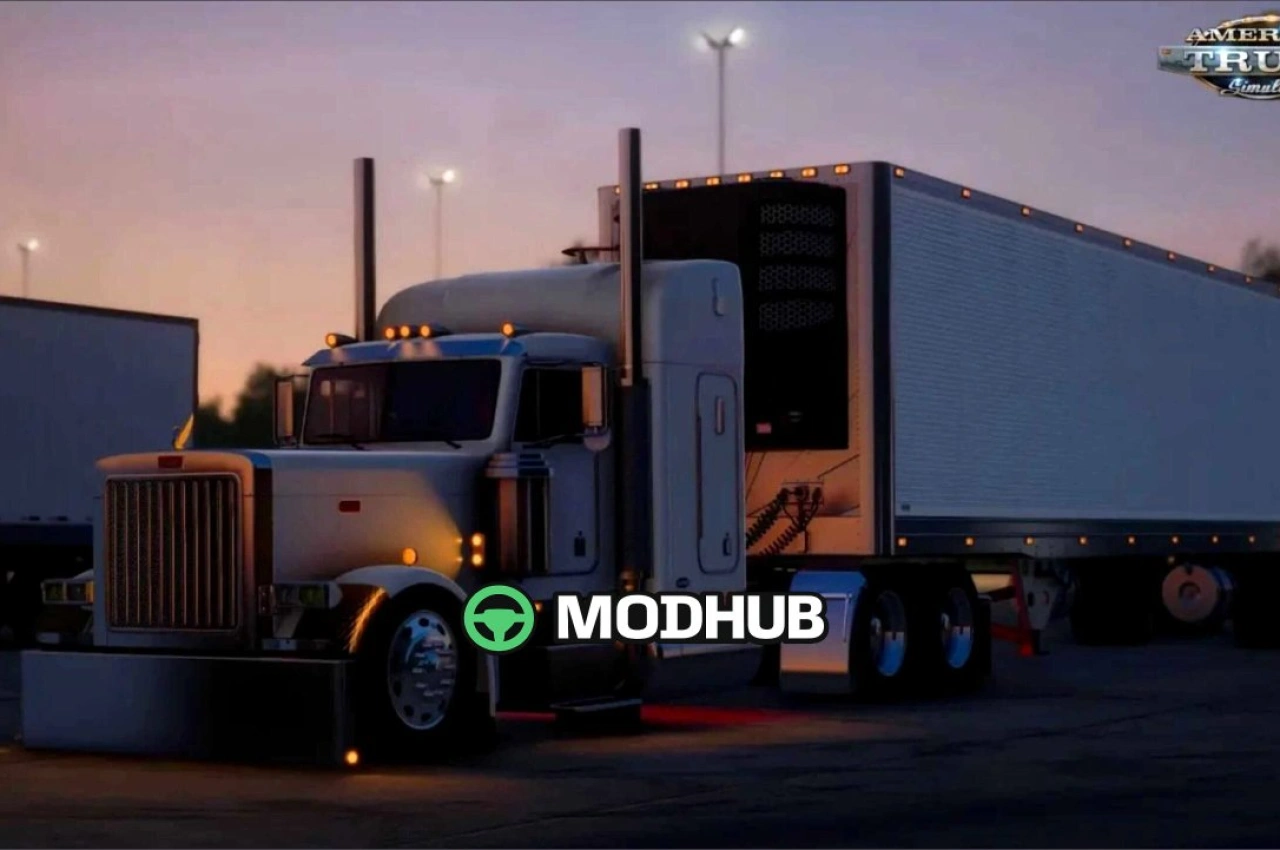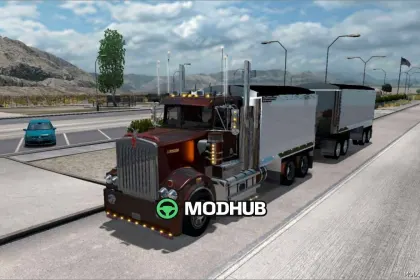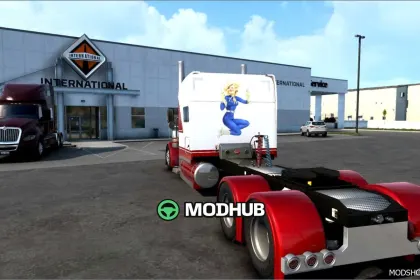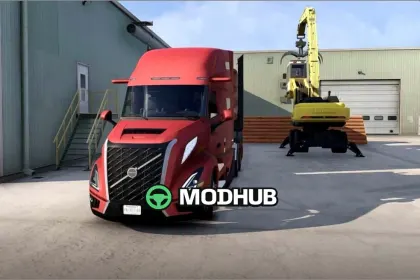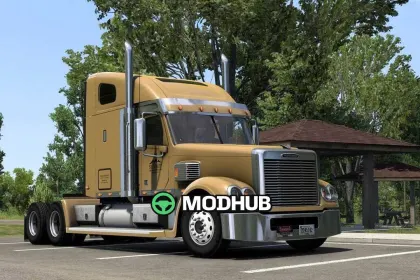
This truck mod Freighshaker Coronado SD v3.1 1.60 is built for American Truck Simulator and adds a highly detailed American-style sleeper with extensive customization options. Version 3.1 continues the Coronado work and focuses on resolving issues reported after the previous update, improving overall stability. If you noticed crashes after updating, it often comes from an outdated Flarepack, so it’s recommended to make sure all latest related files are installed.
• Original 1st gen Coronado front end and interior (“Classic” in the chassis menu)
• Original Coronado accessories: bumpers, filters, storage boxes, steps, aero parts, tanks, lights, visors
• New hood mirrors plus practical exterior additions
• 4 cab options and different hood lengths (122 and 132 inch)
• Separate RGB coloring option for every possible upgrade on the truck
You also get a wide range of chassis variants and carefully recreated exterior details. The mod includes deer guard bars, square fuel tanks, and dual fuel tanks available in both round and square types. There are also headache racks and winter grill screens (covers), giving the truck a more believable look across seasons. A dedicated cabin accessories integration helps your build match common DLC equipment.
• SBA chassis variant
• 10 colors of each interior element
• Compatibility with SISL’s Mega Pack and DLC Cabin Accessories
• Cabin Accessories Skinpack and template for your skins
• Engines and Sounds by Kriechbaum; compatible with our DLC Wrecker
The current version is 3.1 and it’s designed for compatibility with ATS 1.60, keeping the model and features aligned with the game’s latest setup.
About Truck Freighshaker Coronado SD v3.1 1.60 for ATS
Truck Freighshaker Coronado SD v3.1 1.60 for ATS is a mod for American Truck Simulator. Check the author description, supported game version and dependencies before installing.
How to install the mod
Follow the installation instructions for Truck Freighshaker Coronado SD v3.1 1.60 for ATS, American Truck Simulator and your platform.
Download the mod archive using the Download button and read the author instructions.
Use the folder and archive format specified by the mod author for this game.
Start the game and enable the mod for the selected save or profile, if required.
Test using a backup or a new save. Install any dependencies listed by the author.
System requirements and compatibility
Check the mod description for supported game versions, required DLC and platforms. Compatibility with every version or other mods is not guaranteed.
Frequently asked questions
Is this mod free?
MODHUB does not charge for access to this mod page. Check the terms and download limits of the external file provider.
Can I use this mod in American Truck Simulator multiplayer?
Multiplayer support depends on the mod and its author. If supported, the server and players need matching mod versions and required DLC.
What should I check if the mod does not work?
Check the installation folder, archive structure, supported game version, dependencies and game logs. Test the mod separately using a backup save.
How can I check a downloaded mod?
Use trusted author sources, scan the archive and back up your saves. Do not run unrelated installers; a download listing does not guarantee safety or compatibility.