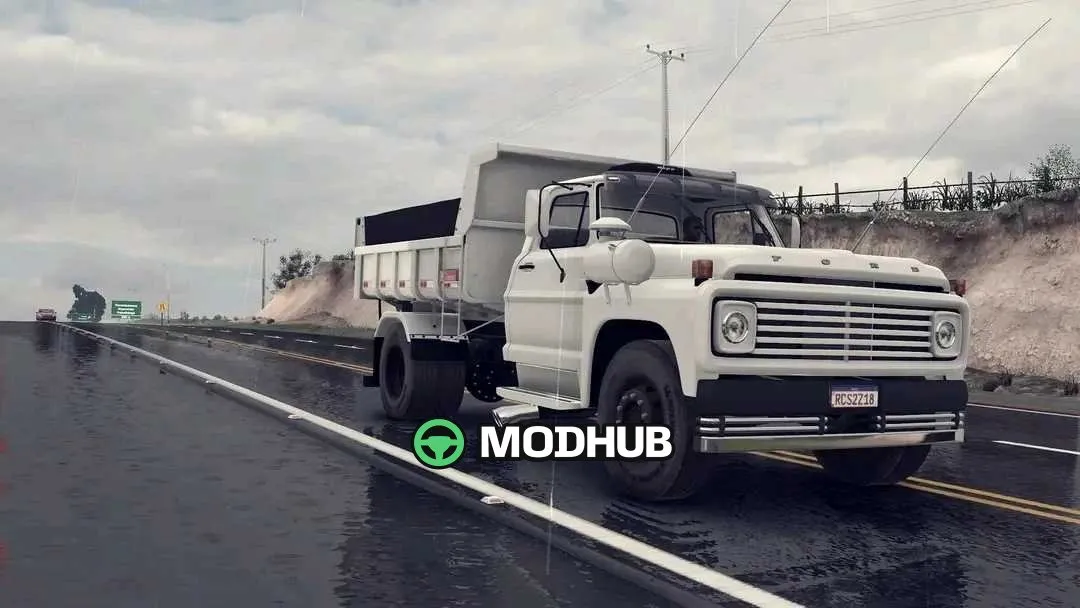
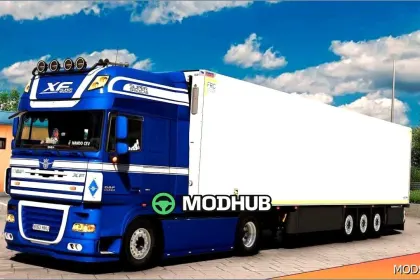
The Ford F-8500 1.60 truck mod is built for Euro Truck Simulator 2 and brings a heavy-duty commercial vehicle in a vintage, period-inspired style. It’s a great choice if you want a more atmospheric fleet and a truck feel that supports long hauls and regional jobs.
• Type: heavy / medium-heavy truck for ETS2
• Inspiration: Brazilian market look from the 1970s–1980s
• Powertrain: robust diesel engines typical for that era (era-accurate overall setup)
• Common uses: heavy cargo hauling, dump setups, flatbeds, regional delivery routes
• Features: detailed exterior model, ETS2-friendly driving feel and reliable behavior on different roads
This mod helps you expand your garage with a distinct classic truck concept. Use it for roleplay builds or everyday freight runs across ETS2 regions, especially when you want a dependable workhorse appearance with period character.
About Truck Ford F-8500 1.60 for ETS2
Truck Ford F-8500 1.60 for ETS2 is a mod for Euro Truck Simulator 2. Check the author description, supported game version and dependencies before installing.
How to install the mod
Follow the installation instructions for Truck Ford F-8500 1.60 for ETS2, Euro Truck Simulator 2 and your platform.
Download the mod archive using the Download button and read the author instructions.
Use the folder and archive format specified by the mod author for this game.
Start the game and enable the mod for the selected save or profile, if required.
Test using a backup or a new save. Install any dependencies listed by the author.
System requirements and compatibility
Check the mod description for supported game versions, required DLC and platforms. Compatibility with every version or other mods is not guaranteed.
Frequently asked questions
Is this mod free?
MODHUB does not charge for access to this mod page. Check the terms and download limits of the external file provider.
Can I use this mod in Euro Truck Simulator 2 multiplayer?
Multiplayer support depends on the mod and its author. If supported, the server and players need matching mod versions and required DLC.
What should I check if the mod does not work?
Check the installation folder, archive structure, supported game version, dependencies and game logs. Test the mod separately using a backup save.
How can I check a downloaded mod?
Use trusted author sources, scan the archive and back up your saves. Do not run unrelated installers; a download listing does not guarantee safety or compatibility.