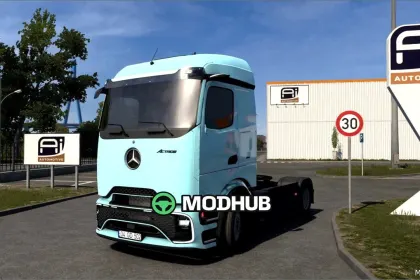
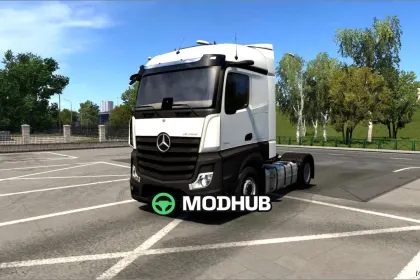
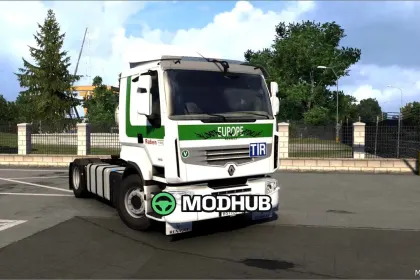
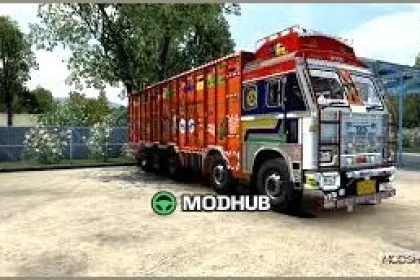
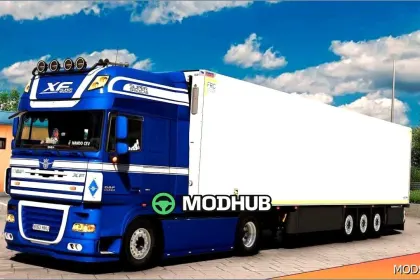
This mod adds the DAF XF105 Euro5 version 1.61 truck to Euro Truck Simulator 2. It features a fully standalone model with a 4×2 FT chassis, available in both standard and Low Deck configurations. The Paccar MX375 engine produces 510 hp and is paired with ZF transmission options, while the custom engine sound is recorded separately. The personal interior includes working window animation and cabin accessories from SISL.
• Power: Paccar MX375 engine with 510 hp and ZF transmission options.
• Chassis: 4×2 FT, standard and Low Deck tanks.
• Features: full lightmask, own flarepack, new shadows, and working window animation.
• Tuning: reflective stickers, TIR plates (open/closed), ADR and Oversize signs, license plates added to template.
• Extras: truck cables, cabin accessories (SISL etc.) and many personal tuning parts.
The mod also supports template skins for creating your own design.
About Truck DAF XF105 Euro5 1.61 for ETS2
Truck DAF XF105 Euro5 1.61 for ETS2 is a mod for Euro Truck Simulator 2. Check the author description, supported game version and dependencies before installing.
How to install the mod
Follow the installation instructions for Truck DAF XF105 Euro5 1.61 for ETS2, Euro Truck Simulator 2 and your platform.
Download the mod archive using the Download button and read the author instructions.
Use the folder and archive format specified by the mod author for this game.
Start the game and enable the mod for the selected save or profile, if required.
Test using a backup or a new save. Install any dependencies listed by the author.
System requirements and compatibility
Check the mod description for supported game versions, required DLC and platforms. Compatibility with every version or other mods is not guaranteed.
Frequently asked questions
Is this mod free?
MODHUB does not charge for access to this mod page. Check the terms and download limits of the external file provider.
Can I use this mod in Euro Truck Simulator 2 multiplayer?
Multiplayer support depends on the mod and its author. If supported, the server and players need matching mod versions and required DLC.
What should I check if the mod does not work?
Check the installation folder, archive structure, supported game version, dependencies and game logs. Test the mod separately using a backup save.
How can I check a downloaded mod?
Use trusted author sources, scan the archive and back up your saves. Do not run unrelated installers; a download listing does not guarantee safety or compatibility.