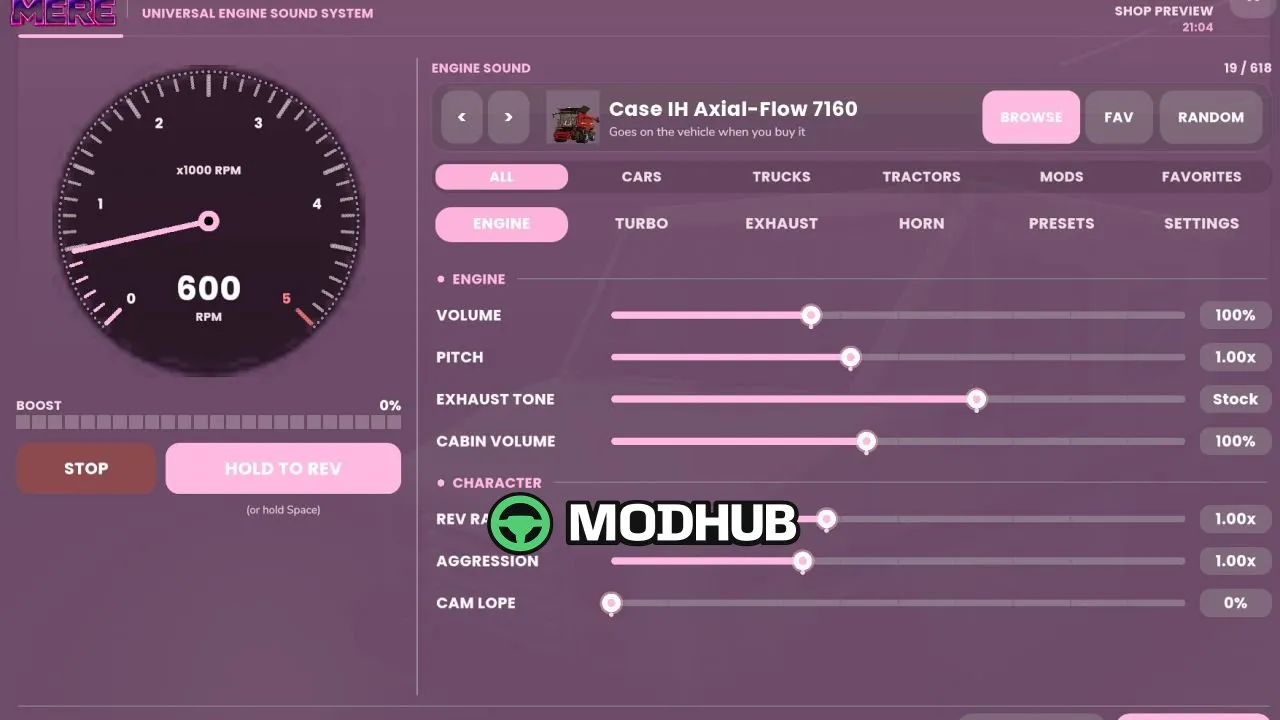
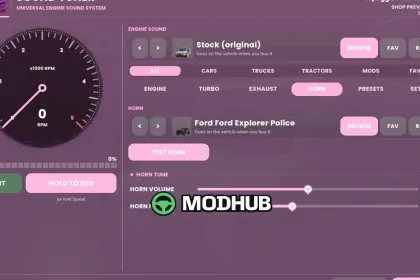
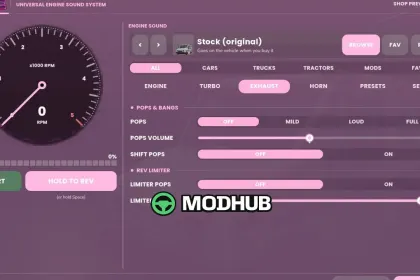
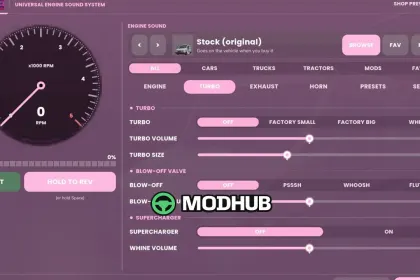
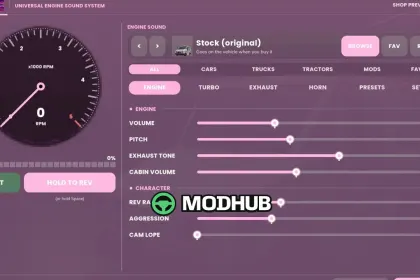
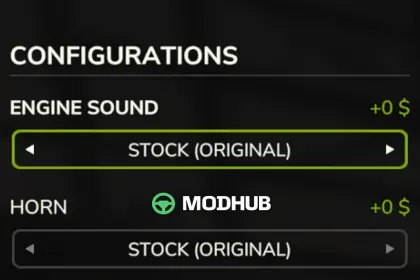
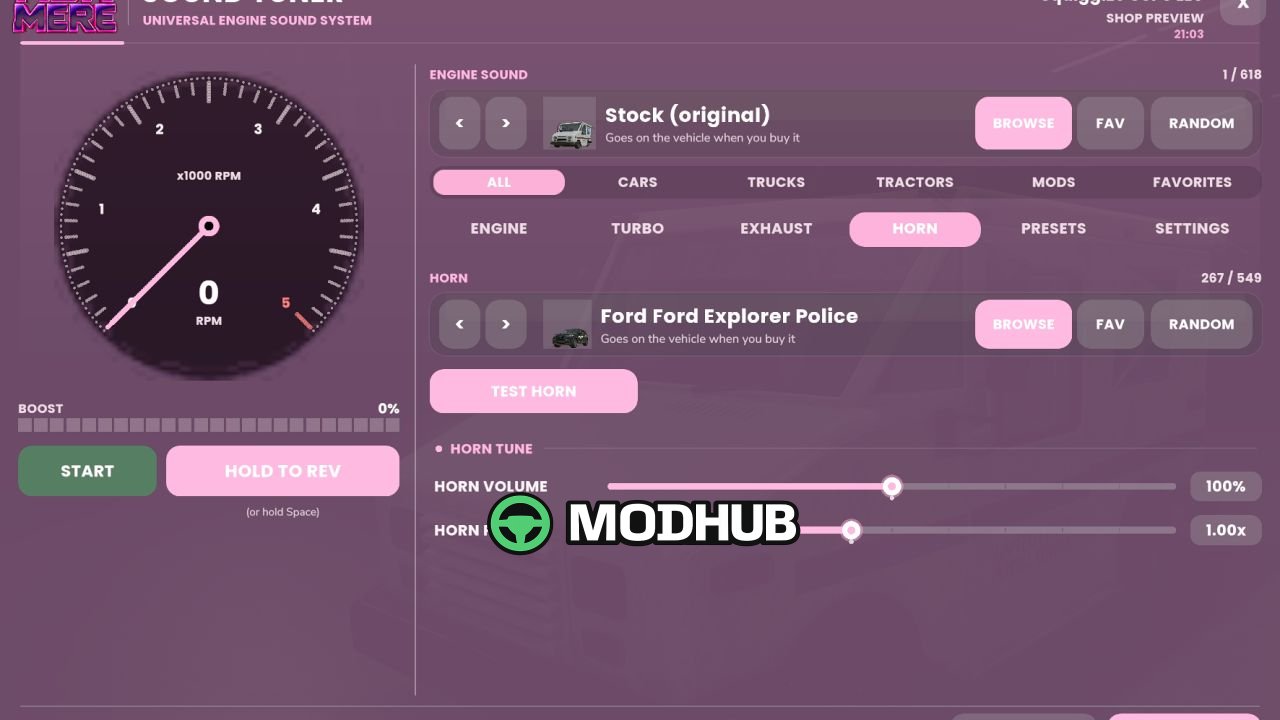
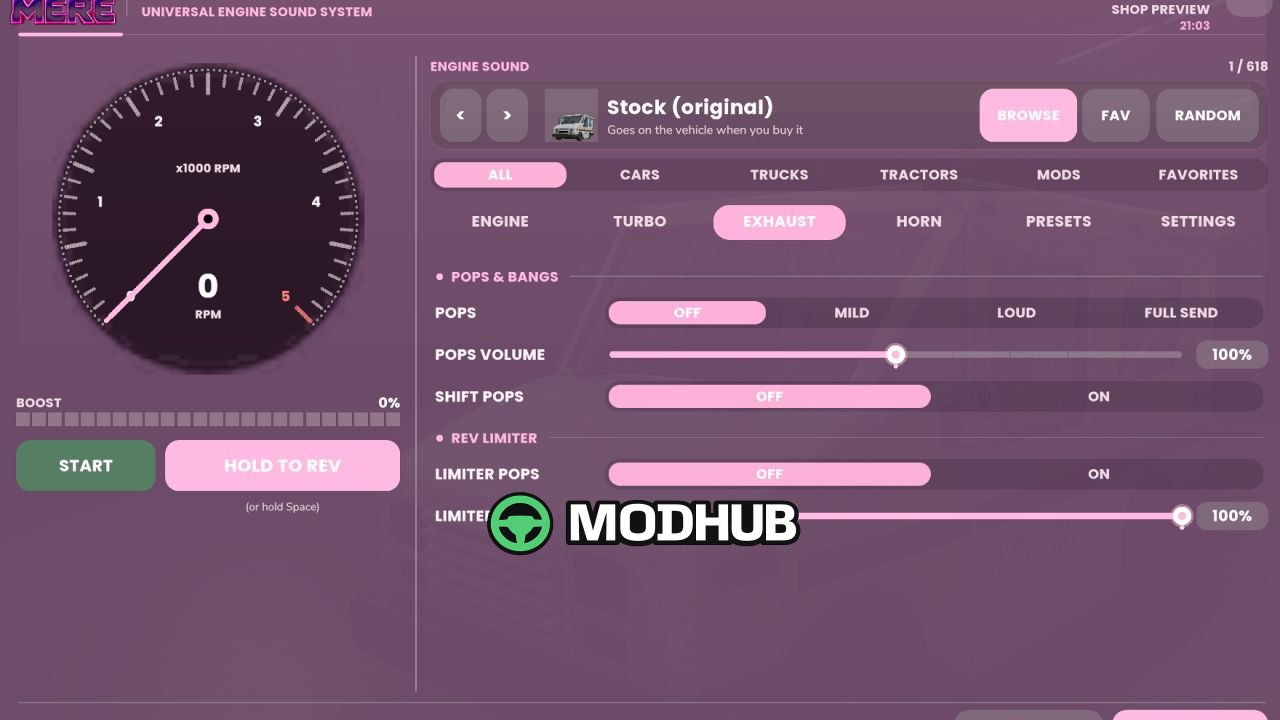
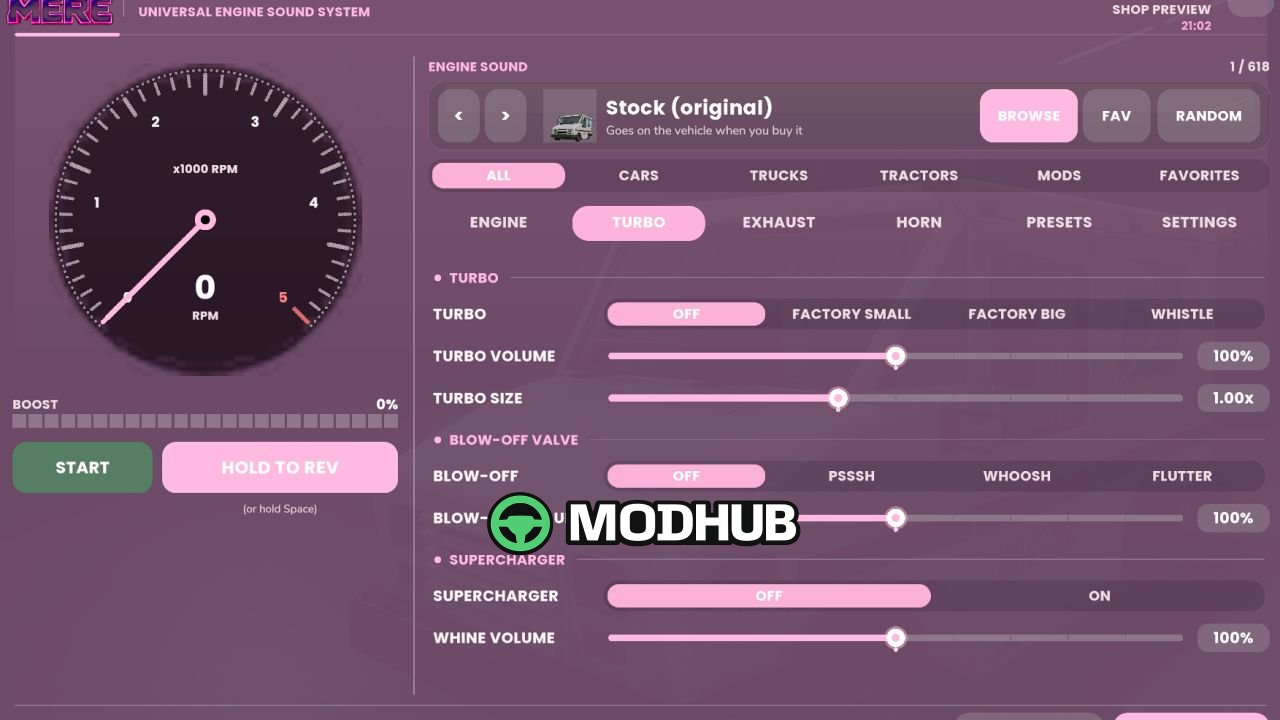
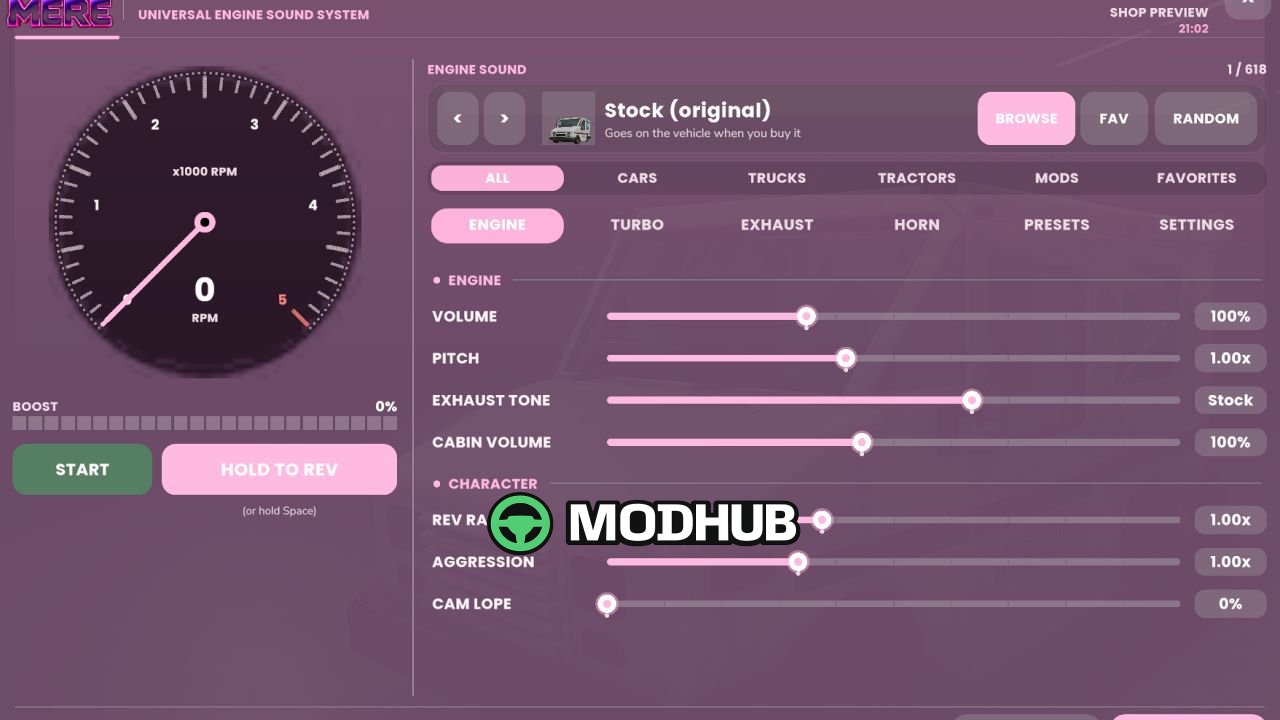
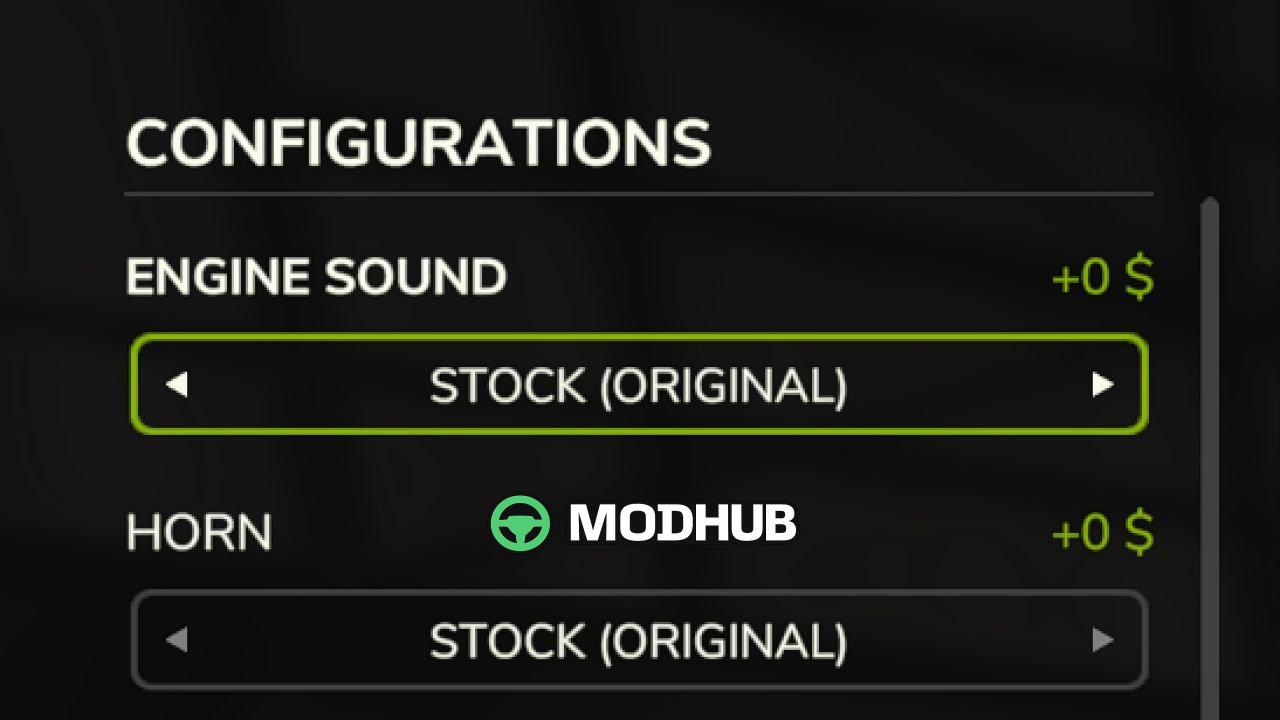
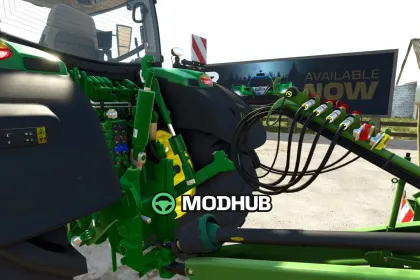
Universal Sound Tuner V1.0 is a script for Farming Simulator 25 that changes how engines and horns sound on motorized vehicles. It pulls sounds from base-game machines and installed vehicle mods, letting you build your own tunes. Every sound can be adjusted separately, from volume and pitch to exhaust tone and rev range. Saved setups are stored per vehicle and synced in multiplayer.
• Engine and horn swapping from base-game vehicles and installed mods, with search, filters and favorites
• Volume, pitch, exhaust tone, cabin volume, rev range, aggression and cam lope adjustments
• Turbo sounds in small, large and whistle variants plus supercharger whine and psssh, whoosh or flutter blow-off valves
• Lift-off, gear-change and limiter pops with a configurable limiter point
• Power, idle RPM, rev limits, top speed and fuel use tuning, with boost power from turbo and supercharger settings
• 7 presets and 4 custom slots, with copy and paste of tunes between vehicles
• Eighth mile, 1,000 feet and quarter mile drag racing with reaction time, 60-foot, elapsed time and trap speed
• Line lock burnouts, 2-step launch control and clean, stock, black or coal-rolling smoke
• Menu with tachometer, boost gauge and 12 themes, opened with Left Alt + U, Left Alt + Q and Left Shift + Left Alt + D
Everything sits under Ashmere in the shop and build mode, and server owners can limit power tuning permissions.
About Universal Sound Tuner V1.0 for FS25
Universal Sound Tuner V1.0 for FS25 is a mod for Farming Simulator 25. Check the author description, supported game version and dependencies before installing.
How to install the mod
Follow the installation instructions for Universal Sound Tuner V1.0 for FS25, Farming Simulator 25 and your platform.
Download the mod archive using the Download button and read the author instructions.
On PC, copy the mod ZIP without extracting it to Documents/My Games/FarmingSimulator2025/mods. For a bundle, extract the individual mod ZIPs first. macOS and Microsoft Store paths may differ; check Mod Directory in the game log.txt.
Start the game and enable the mod for the selected save or profile, if required.
Test using a backup or a new save. Install any dependencies listed by the author.
System requirements and compatibility
Check the mod description for supported game versions, required DLC and platforms. Compatibility with every version or other mods is not guaranteed. Farming Simulator script mods are for PC/macOS. Console players can only install compatible mods from the in-game GIANTS ModHub.
Frequently asked questions
Is this mod free?
MODHUB does not charge for access to this mod page. Check the terms and download limits of the external file provider.
Can I use this mod in Farming Simulator 25 multiplayer?
Multiplayer support depends on the mod and its author. If supported, the server and players need matching mod versions and required DLC.
What should I check if the mod does not work?
Check the installation folder, archive structure, supported game version, dependencies and game logs. Test the mod separately using a backup save.
How can I check a downloaded mod?
Use trusted author sources, scan the archive and back up your saves. Do not run unrelated installers; a download listing does not guarantee safety or compatibility.