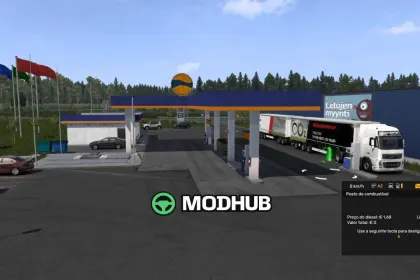
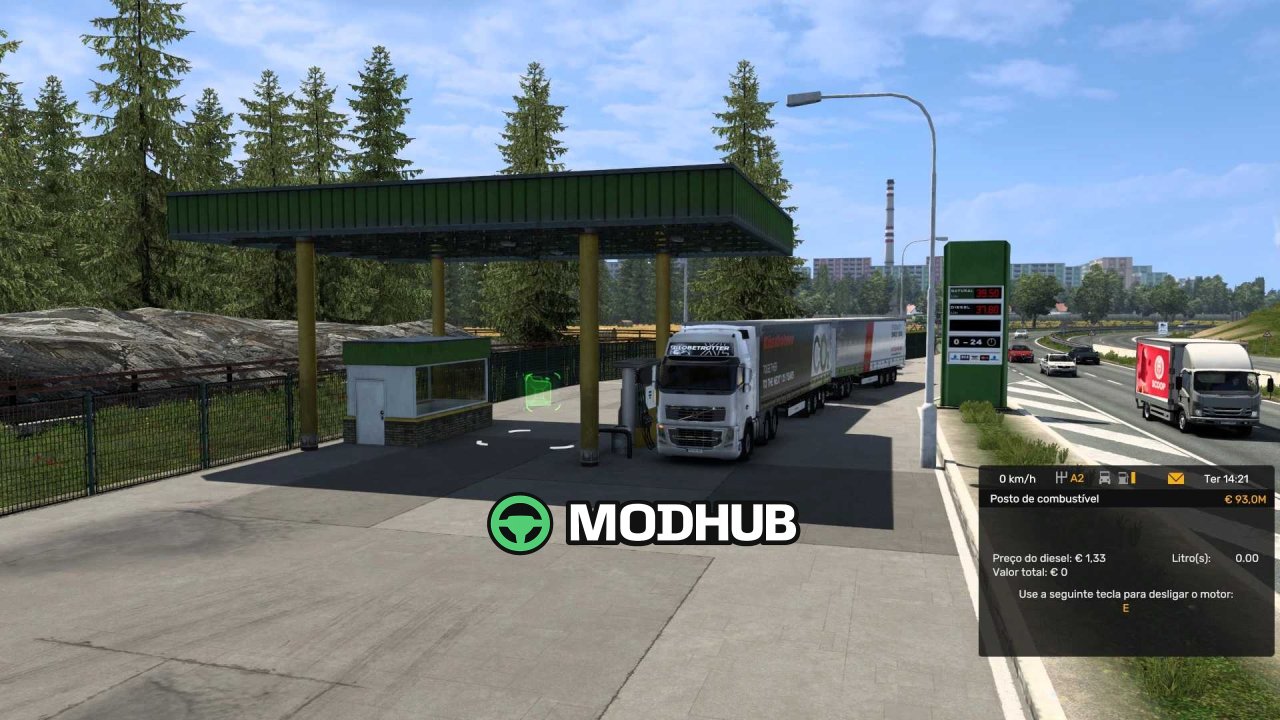
This mod for Euro Truck Simulator 2 adjusts the in-game diesel fuel pricing using the exact date and numbers provided in the mod name. By changing diesel costs, it reshapes your route economics: every refuel impacts overall expenses, helping you fine-tune profit expectations and planning.
• Configuration date: 05 09 2026
• Diesel Price ETS2: 1.40–1.61 (as stated in the mod)
• Direct effect on refueling costs for routes in Euro Truck Simulator 2
• Economy-focused change without extra gameplay elements
• Consistent pricing behavior while you travel
It’s a great fit if you want a specific fuel price period for roleplay or for comparing how different diesel rates affect your company balance. Instead of altering trucks or maps, it focuses purely on the market side of trucking.
The mod can be combined with other ETS2 economy or realism adjustments to build your own rules for running a long-haul business in Euro Truck Simulator 2.
About Diesel Price ETS2 05 09 2026 1.40 1.61 ETS2
Diesel Price ETS2 05 09 2026 1.40 1.61 ETS2 is a mod for Euro Truck Simulator 2. Check the author description, supported game version and dependencies before installing.
How to install the mod
Follow the installation instructions for Diesel Price ETS2 05 09 2026 1.40 1.61 ETS2, Euro Truck Simulator 2 and your platform.
Download the mod archive using the Download button and read the author instructions.
Use the folder and archive format specified by the mod author for this game.
Start the game and enable the mod for the selected save or profile, if required.
Test using a backup or a new save. Install any dependencies listed by the author.
System requirements and compatibility
Check the mod description for supported game versions, required DLC and platforms. Compatibility with every version or other mods is not guaranteed.
Frequently asked questions
Is this mod free?
MODHUB does not charge for access to this mod page. Check the terms and download limits of the external file provider.
Can I use this mod in Euro Truck Simulator 2 multiplayer?
Multiplayer support depends on the mod and its author. If supported, the server and players need matching mod versions and required DLC.
What should I check if the mod does not work?
Check the installation folder, archive structure, supported game version, dependencies and game logs. Test the mod separately using a backup save.
How can I check a downloaded mod?
Use trusted author sources, scan the archive and back up your saves. Do not run unrelated installers; a download listing does not guarantee safety or compatibility.