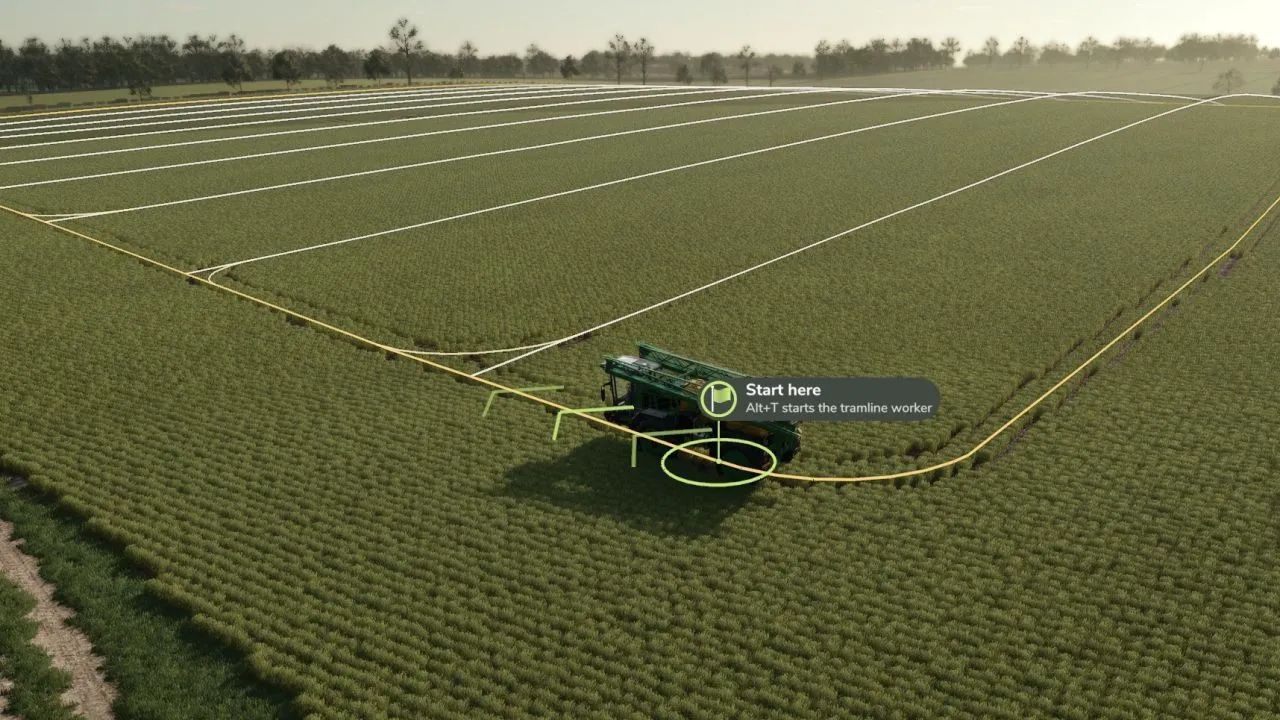
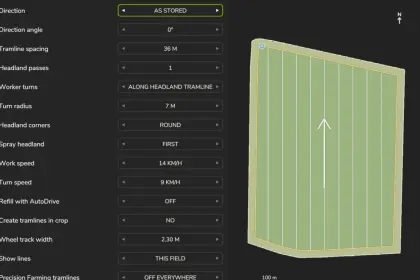
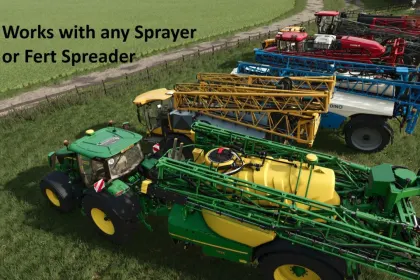
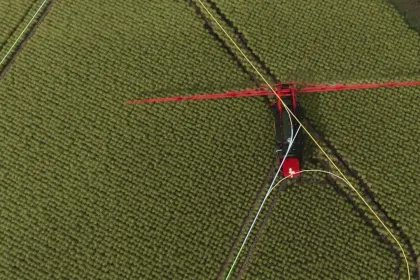
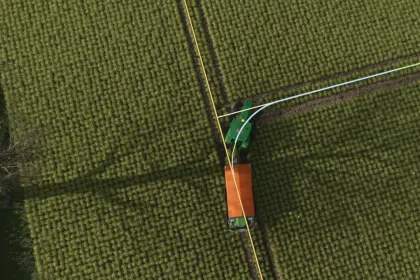
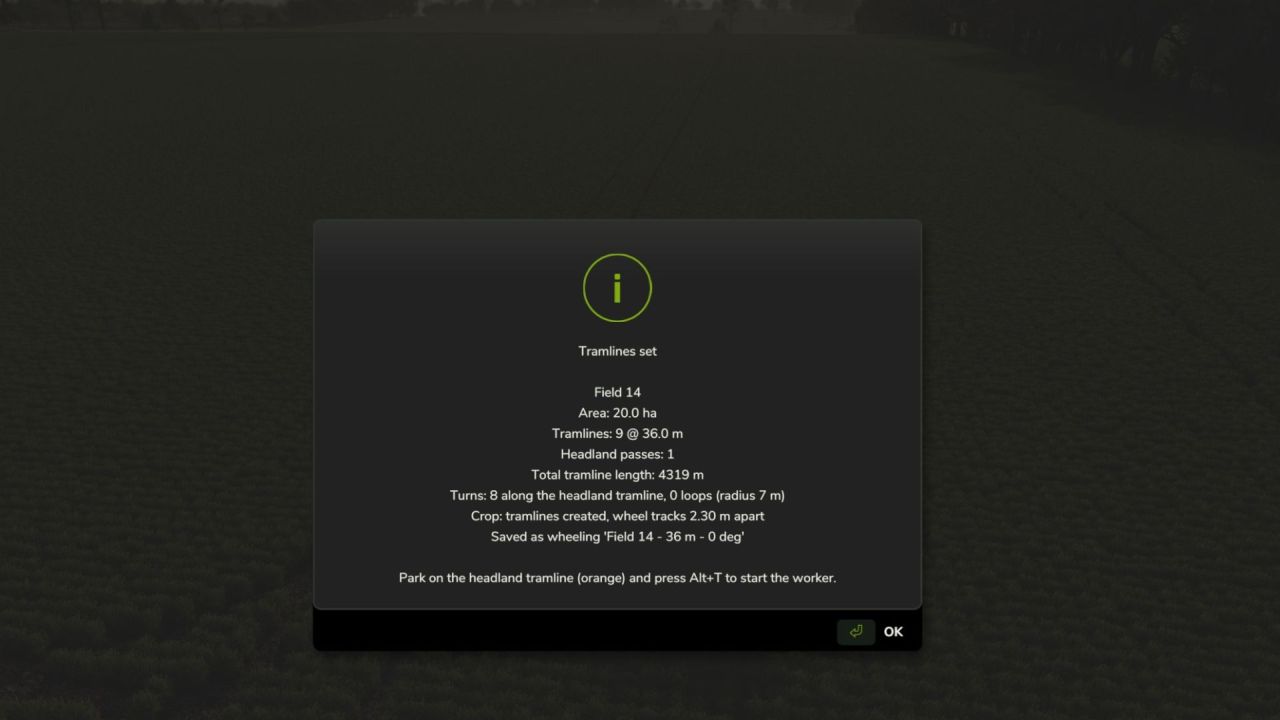
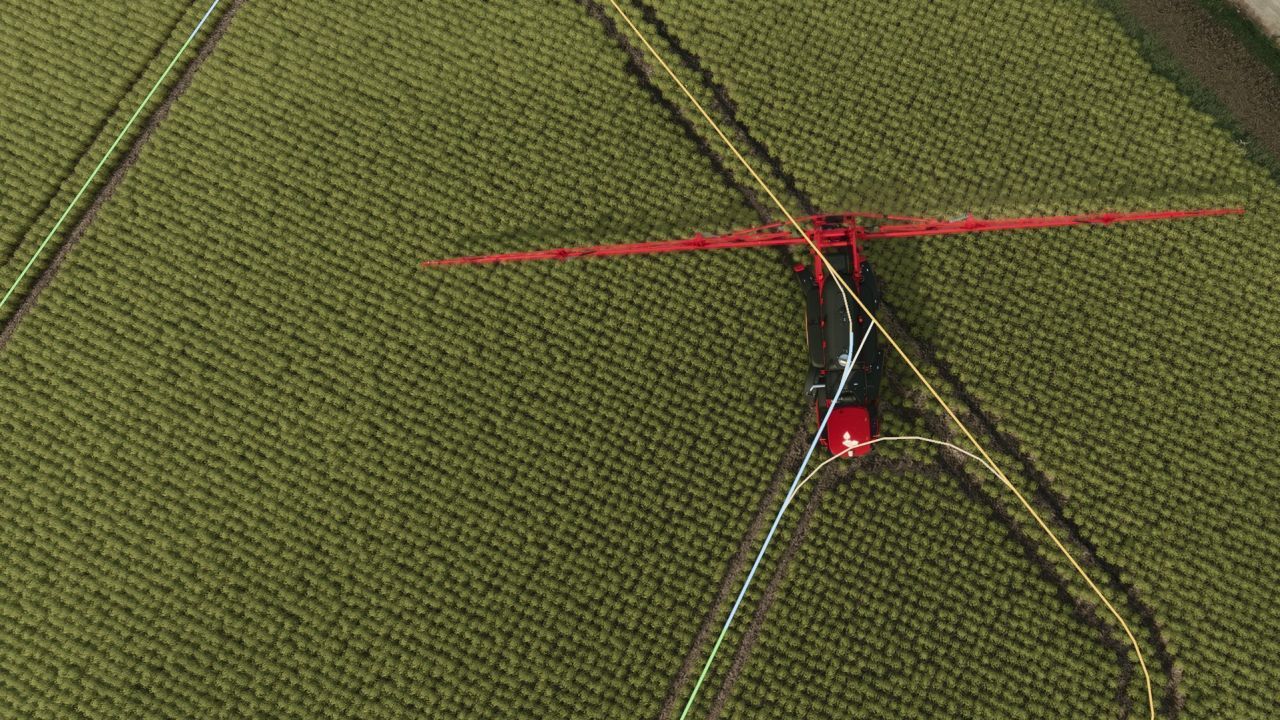
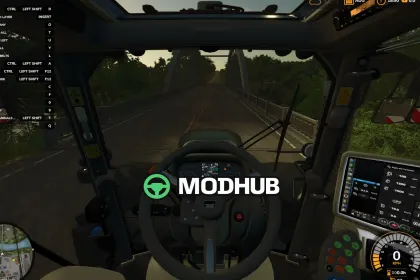
Tramline Pilot is a script for Farming Simulator 25 that automatically plans tramlines for every field, marks them, and allows the AI worker to drive, turn, and spray/spread exclusively on them. Based on Control Traffic Farming, it stores the same tramlines year after year and serves as a replacement for Precision Farming tramlines (Precision Farming is not required). The script integrates with AutoDrive for automatic refilling and supports creating tramlines in crop, saving layouts, and managing everything through hotkeys. All settings are accessed via a convenient menu opened with Right Ctrl+M.
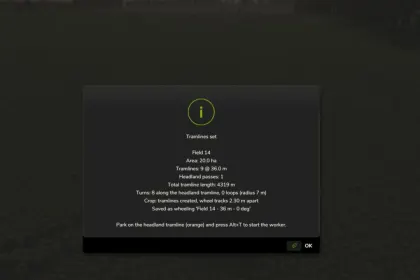
• Tramline planning: direction, spacing (6-60 m), headland passes (0-4), turn radius (4-15 m), and wheel track width (1.50-4.00 m).
• AI worker drives only on tramlines, including turns and backing into corners, minimizing crop damage.
• AutoDrive integration: after refilling, the worker returns to the field and continues from where it stopped.
• Saved wheelings: each layout is saved and can be reused next season or in another savegame on the same map.
• Create tramlines in crop: choose between wheel tracks (2 m apart) or a full lane (3 m), with crop removed immediately.
• Precision Farming compatibility: option to disable PF tramlines on fields where Tramline Pilot is used.
• Hotkeys: Right Ctrl+M (menu), Alt+T (start/stop), Alt+Q (stop), Alt+4 (show/hide lines), Alt+1/Alt+2 (set points A/B).
• Additional console commands for job management and saved wheelings.
Tramline Pilot significantly improves spraying and spreading efficiency, reducing fuel consumption and crop damage.
Author: MModing
About Tramline Pilot for Farming Simulator 25
Tramline Pilot for Farming Simulator 25 is a mod for Farming Simulator 25. Check the author description, supported game version and dependencies before installing.
How to install the mod
Follow the installation instructions for Tramline Pilot for Farming Simulator 25, Farming Simulator 25 and your platform.
Download the mod archive using the Download button and read the author instructions.
On PC, copy the mod ZIP without extracting it to Documents/My Games/FarmingSimulator2025/mods. For a bundle, extract the individual mod ZIPs first. macOS and Microsoft Store paths may differ; check Mod Directory in the game log.txt.
Start the game and enable the mod for the selected save or profile, if required.
Test using a backup or a new save. Install any dependencies listed by the author.
System requirements and compatibility
Check the mod description for supported game versions, required DLC and platforms. Compatibility with every version or other mods is not guaranteed. Farming Simulator script mods are for PC/macOS. Console players can only install compatible mods from the in-game GIANTS ModHub.
Frequently asked questions
Is this mod free?
MODHUB does not charge for access to this mod page. Check the terms and download limits of the external file provider.
Can I use this mod in Farming Simulator 25 multiplayer?
Multiplayer support depends on the mod and its author. If supported, the server and players need matching mod versions and required DLC.
What should I check if the mod does not work?
Check the installation folder, archive structure, supported game version, dependencies and game logs. Test the mod separately using a backup save.
How can I check a downloaded mod?
Use trusted author sources, scan the archive and back up your saves. Do not run unrelated installers; a download listing does not guarantee safety or compatibility.