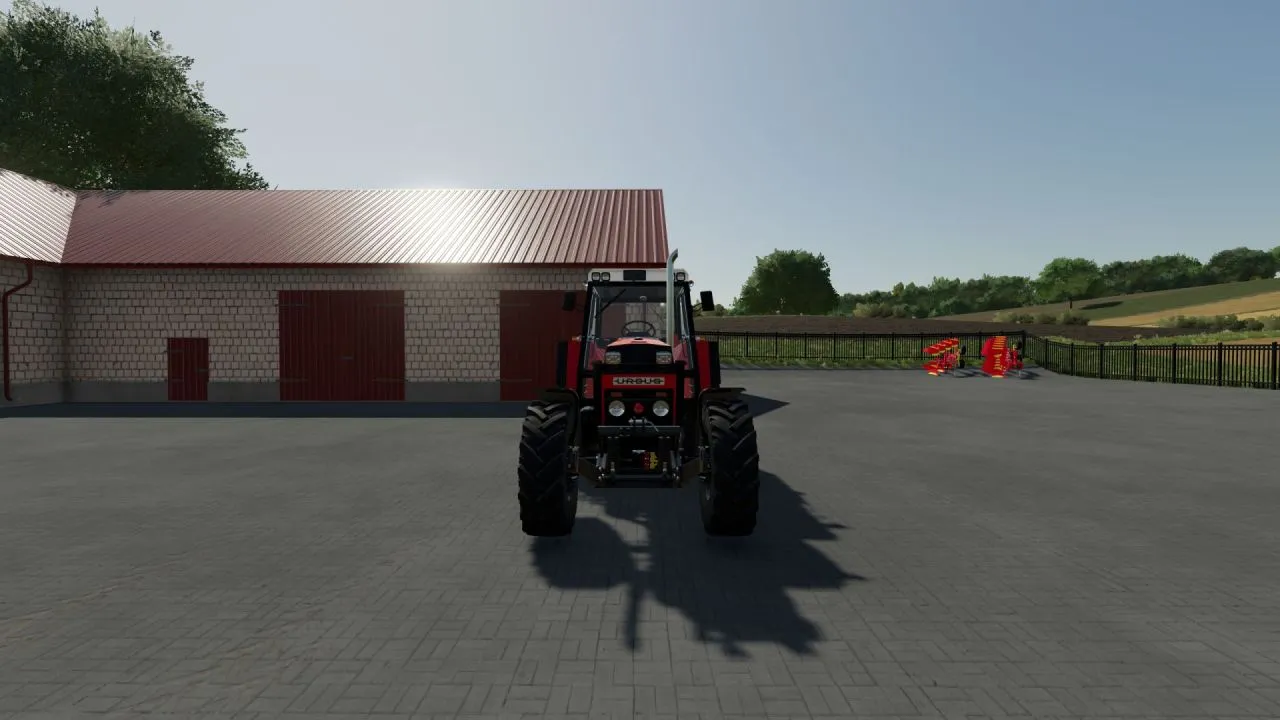
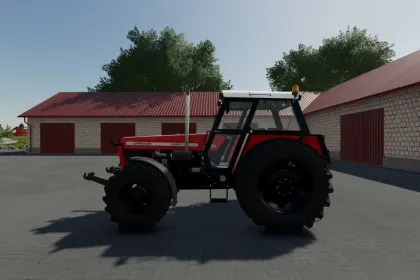
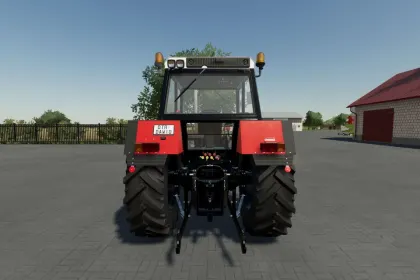
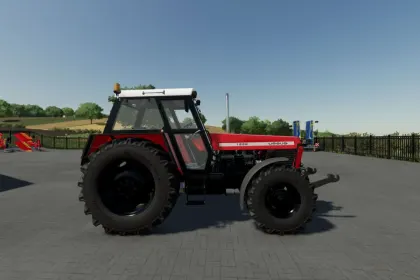
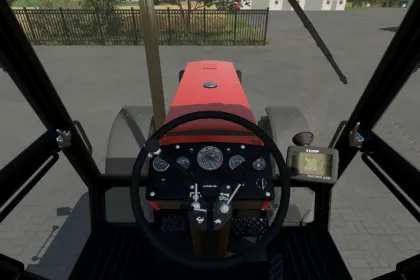
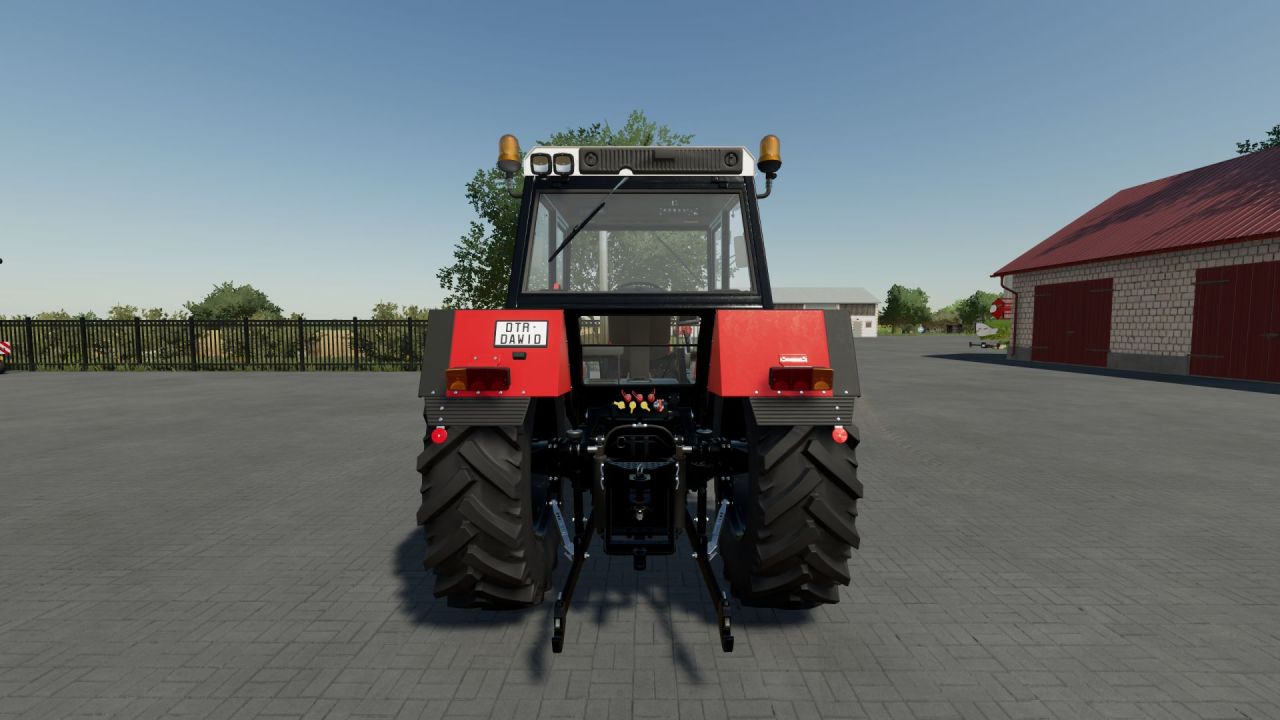
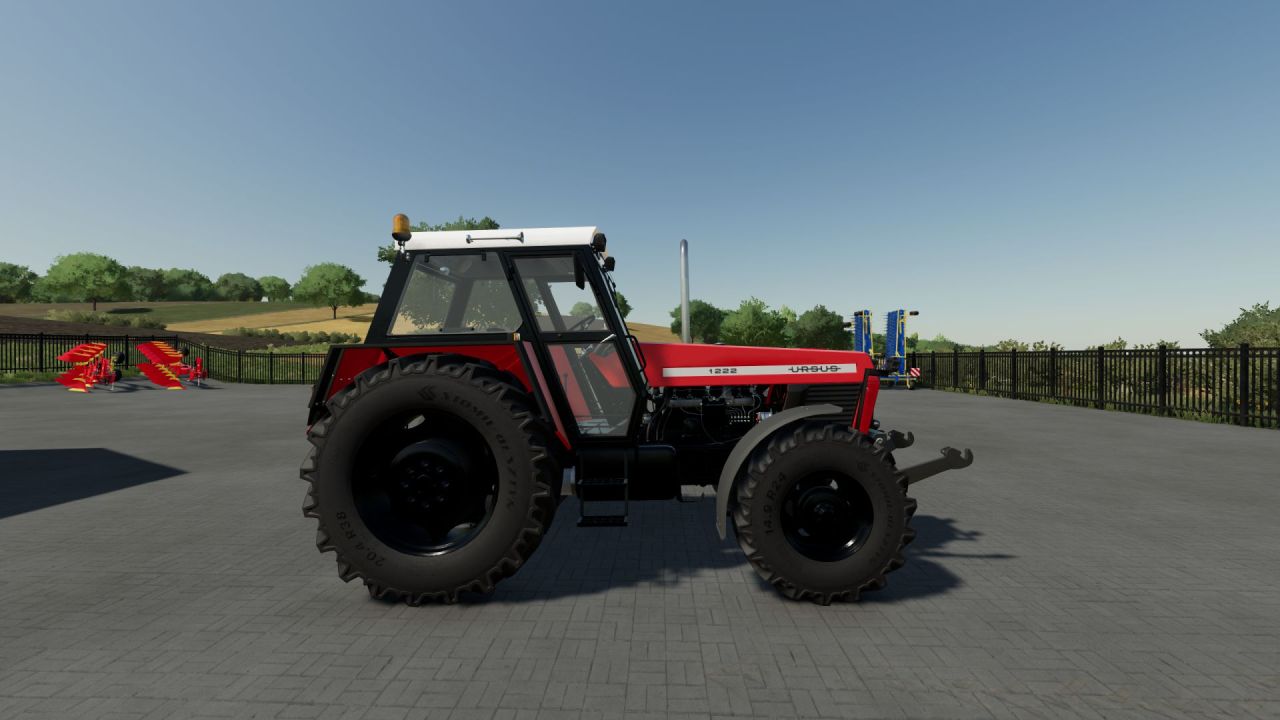
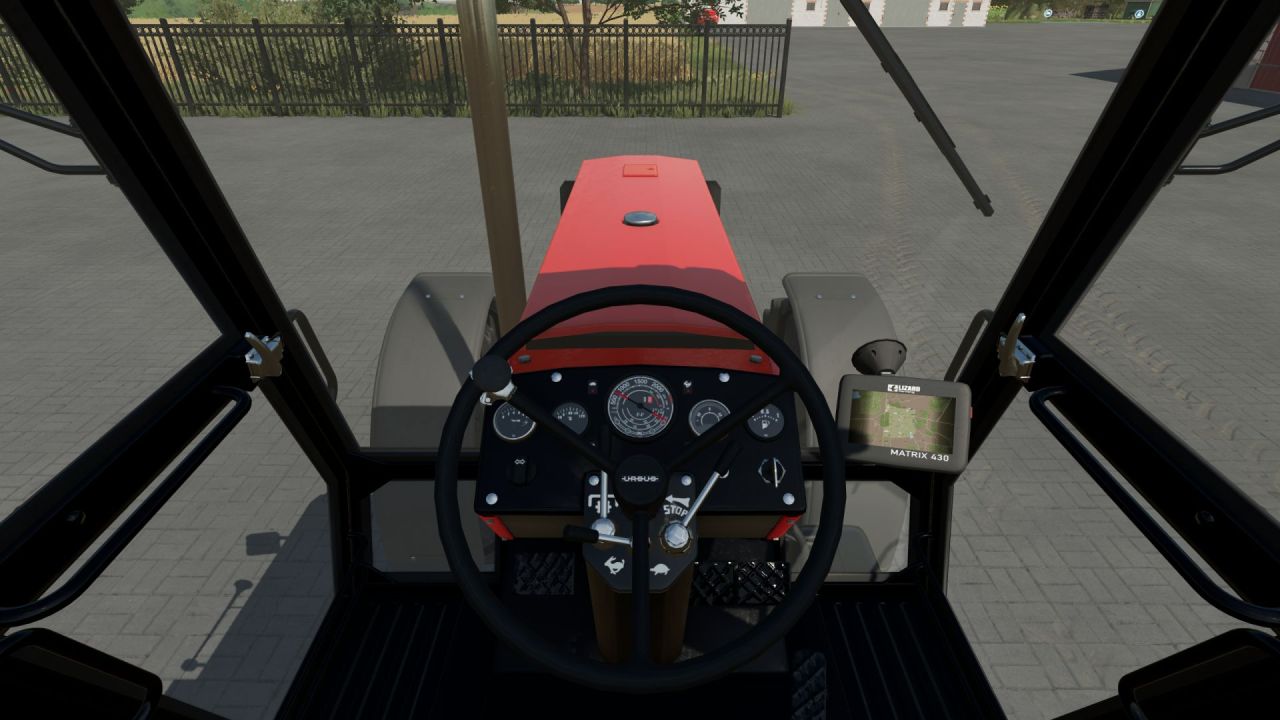
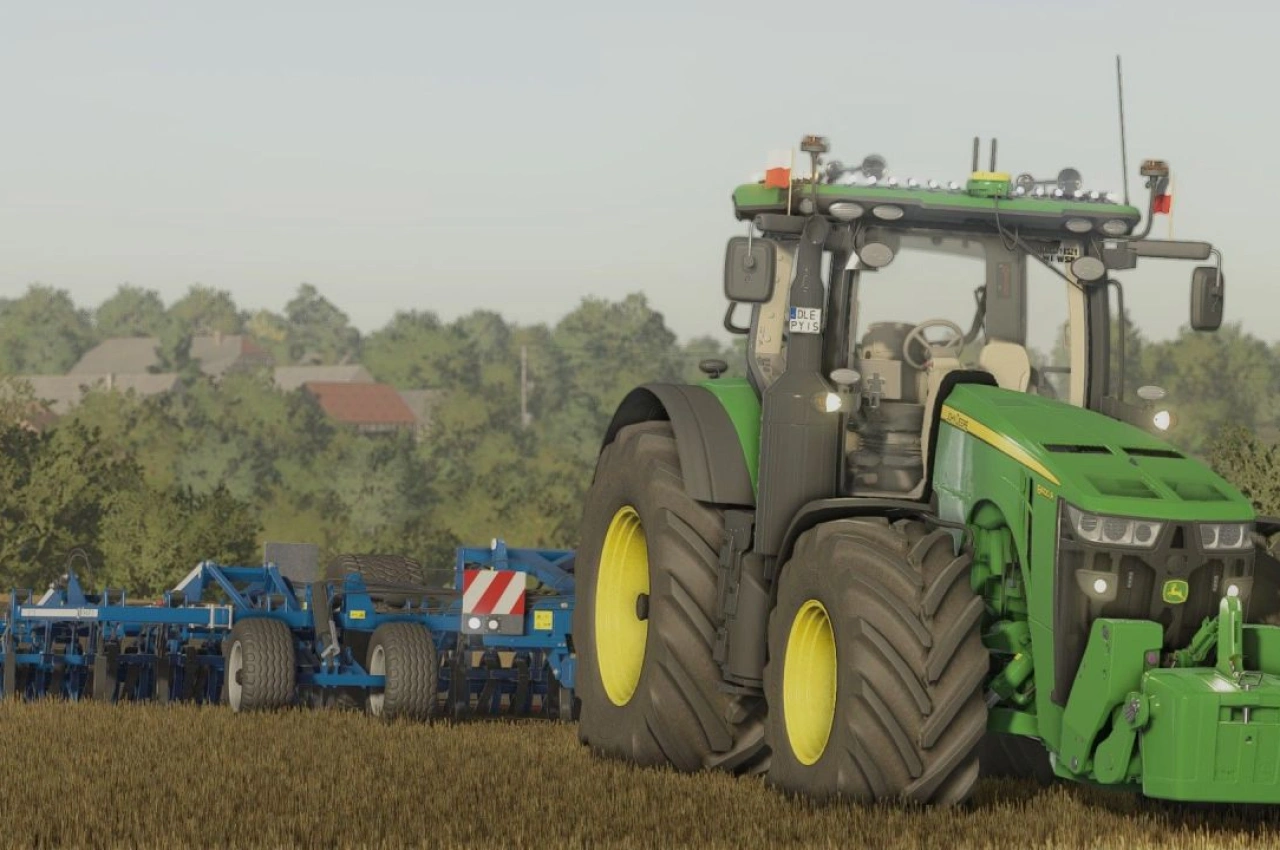
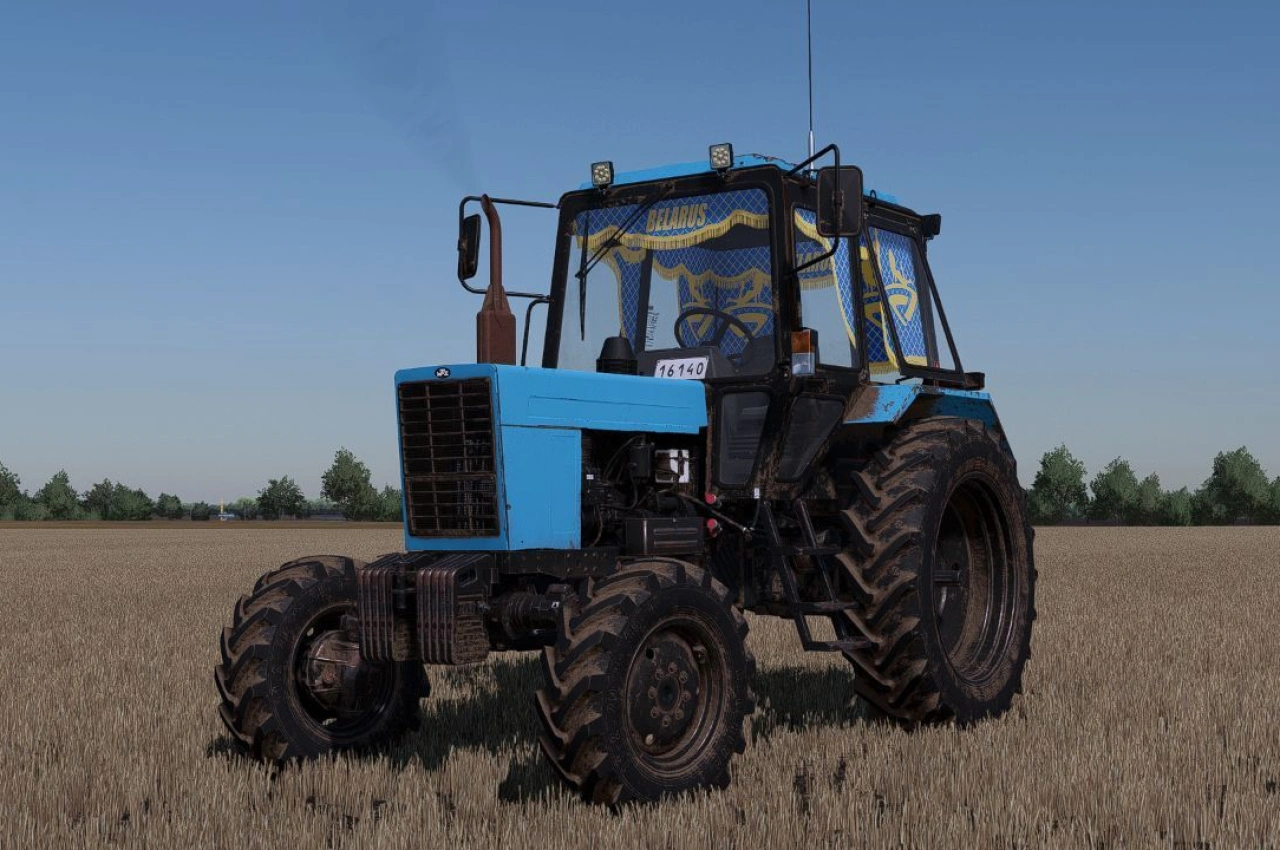
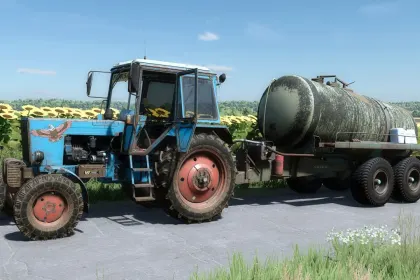
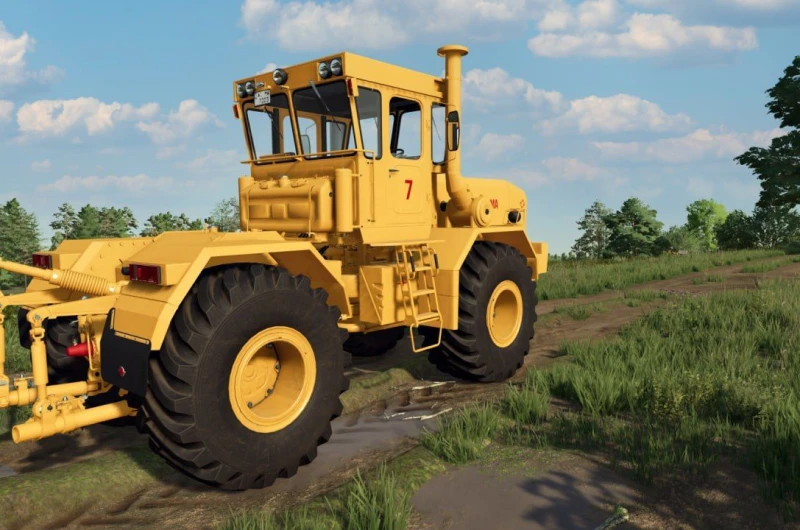
This is the Ursus 1222 4X4 tractor with new engine and horn sounds. The mod includes various configurations and elements to enhance gameplay.
Key specifications:
• Wide Vredenstein tires
• Weight of corn
• Simple mask
• Roof with 2 roosters
• Window stickers
• Stroboscopes
• Elements in the cabin (beer, tools, PTO)
• Filter (short, long)
• Additional roof elements (additional lights on a metal beam, flags, fanfares)
• Stair markers (white, red, orange)
• Additions on the front of the hood (lights with foam, Ursus badge on the grill, horseshoe)
• GPS
This mod adds many new features for users who want to improve their gaming experience.
About Tractor Ursus 1222 4x4 Pietriv Edit GPS for Farming Simulator 22
Tractor Ursus 1222 4x4 Pietriv Edit GPS for Farming Simulator 22 is a mod for Farming Simulator 22. Check the author description, supported game version and dependencies before installing.
How to install the mod
Follow the installation instructions for Tractor Ursus 1222 4x4 Pietriv Edit GPS for Farming Simulator 22, Farming Simulator 22 and your platform.
Download the mod archive using the Download button and read the author instructions.
On PC, copy the mod ZIP without extracting it to Documents/My Games/FarmingSimulator2022/mods. For a bundle, extract the individual mod ZIPs first. macOS and Microsoft Store paths may differ; check Mod Directory in the game log.txt.
Start the game and enable the mod for the selected save or profile, if required.
Test using a backup or a new save. Install any dependencies listed by the author.
System requirements and compatibility
Check the mod description for supported game versions, required DLC and platforms. Compatibility with every version or other mods is not guaranteed. Farming Simulator script mods are for PC/macOS. Console players can only install compatible mods from the in-game GIANTS ModHub.
Frequently asked questions
Is this mod free?
MODHUB does not charge for access to this mod page. Check the terms and download limits of the external file provider.
Can I use this mod in Farming Simulator 22 multiplayer?
Multiplayer support depends on the mod and its author. If supported, the server and players need matching mod versions and required DLC.
What should I check if the mod does not work?
Check the installation folder, archive structure, supported game version, dependencies and game logs. Test the mod separately using a backup save.
How can I check a downloaded mod?
Use trusted author sources, scan the archive and back up your saves. Do not run unrelated installers; a download listing does not guarantee safety or compatibility.