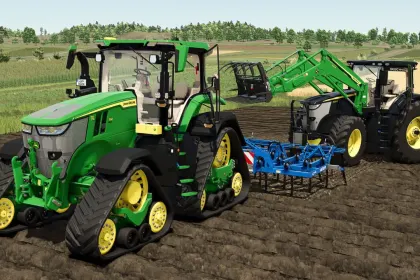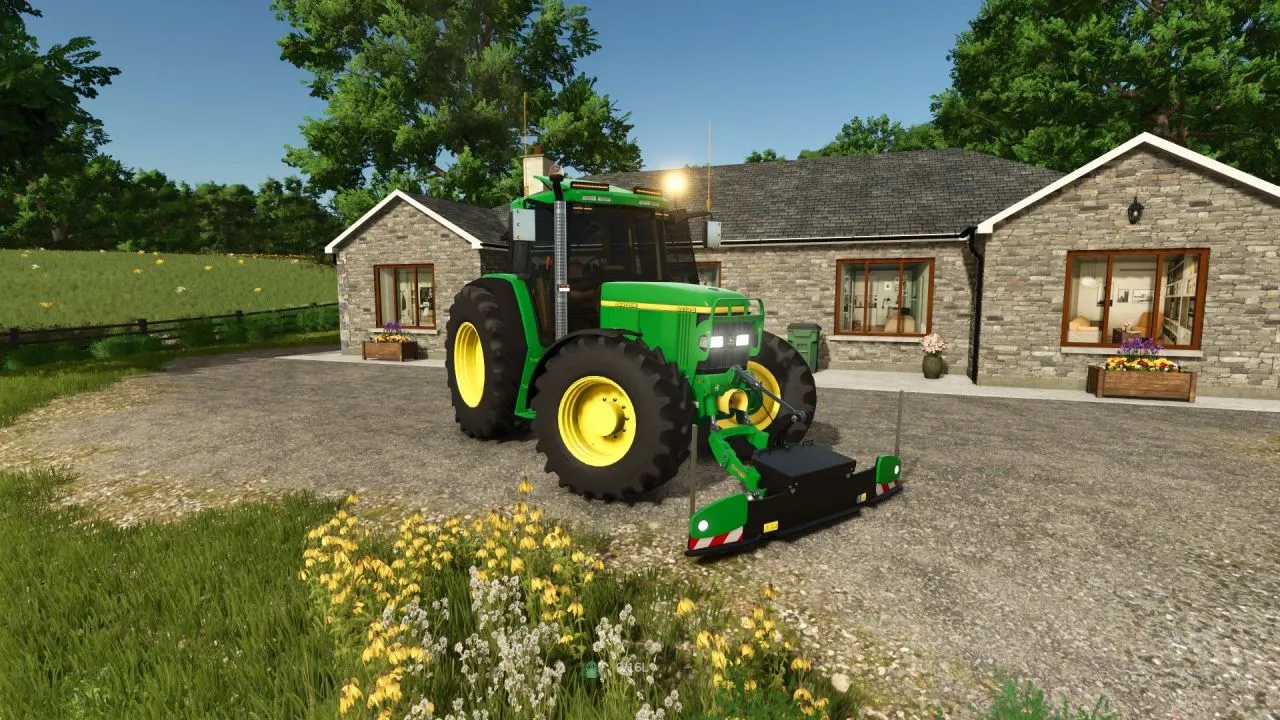
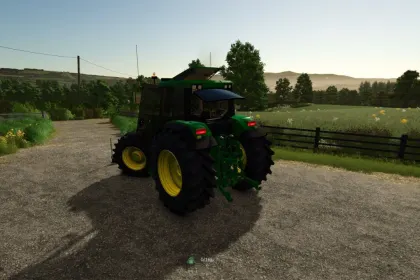
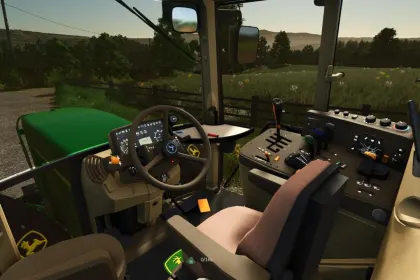
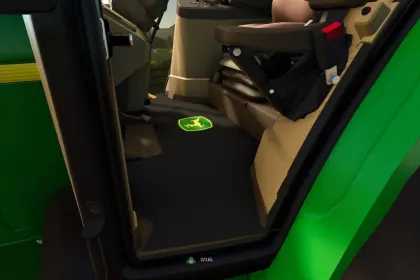
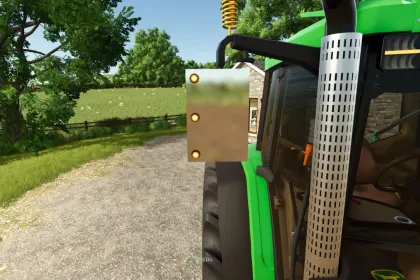
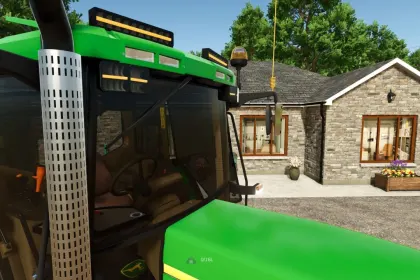
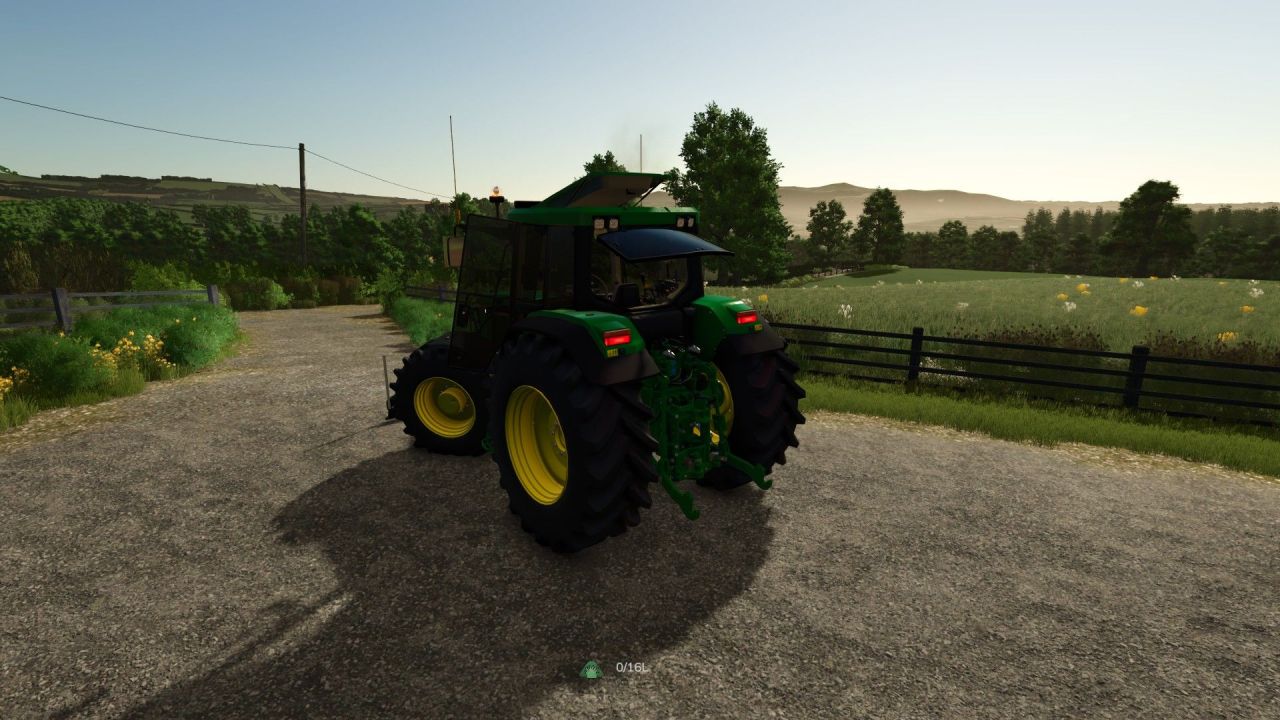
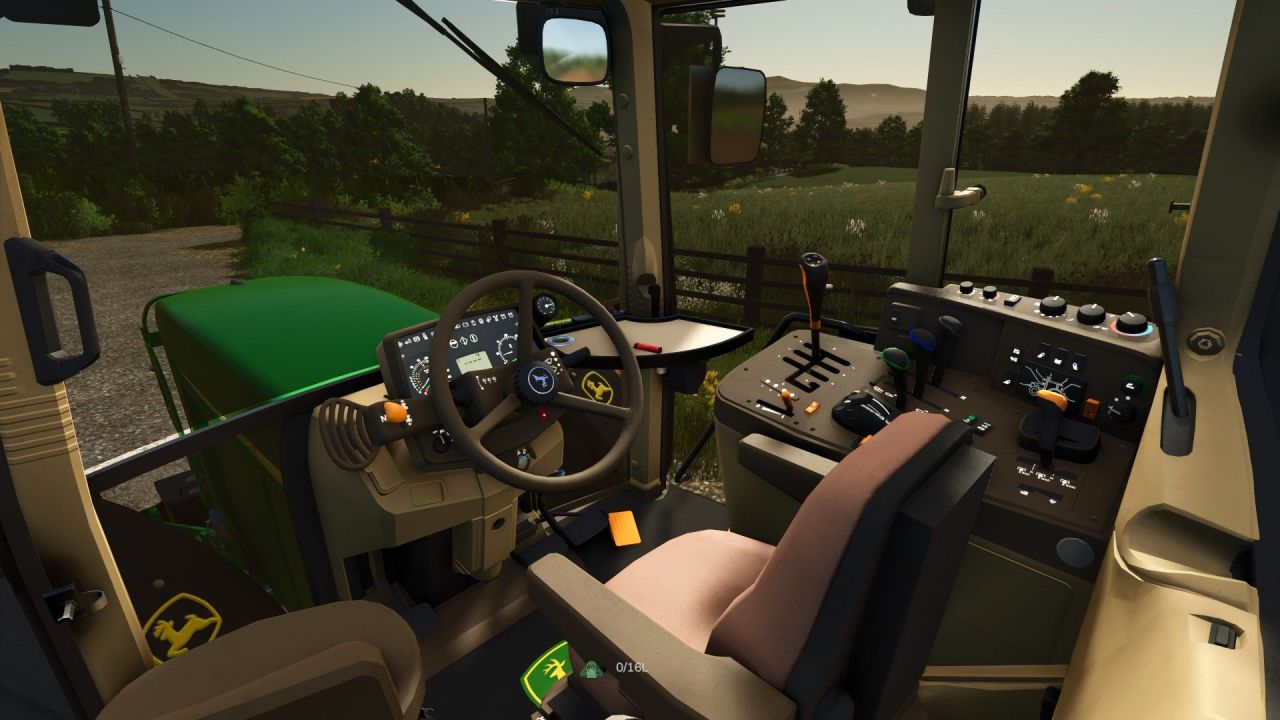
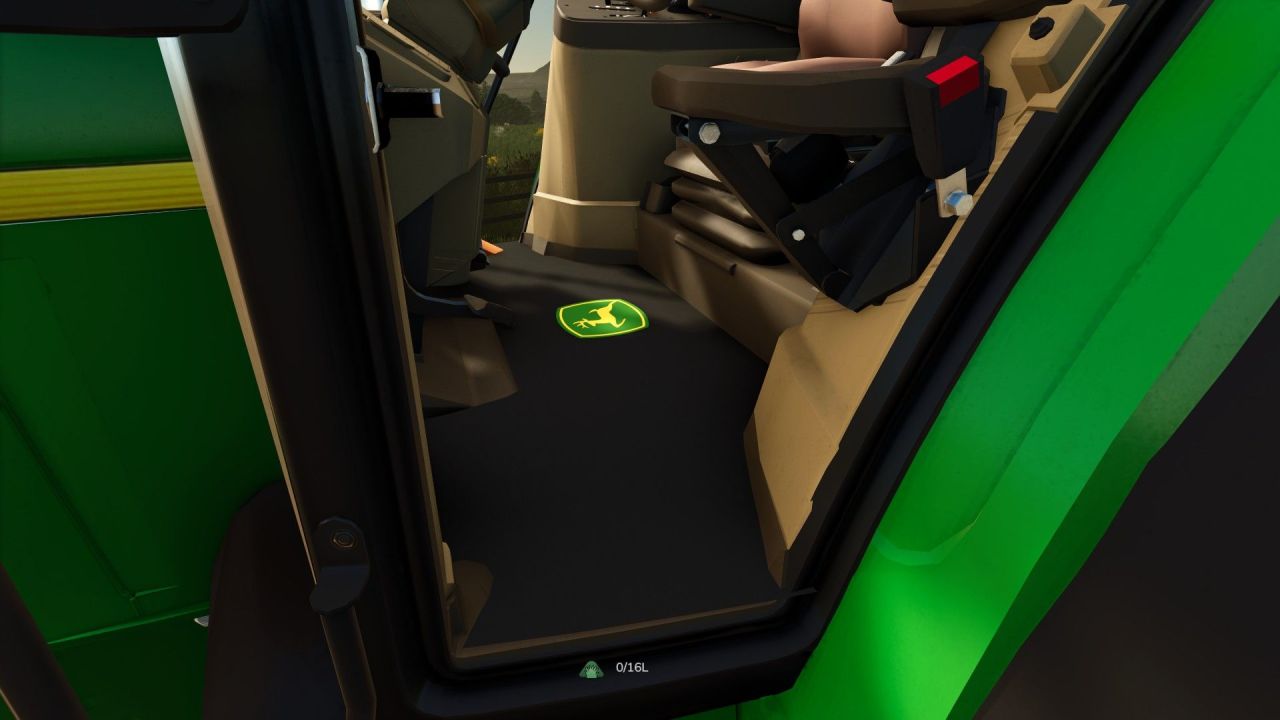
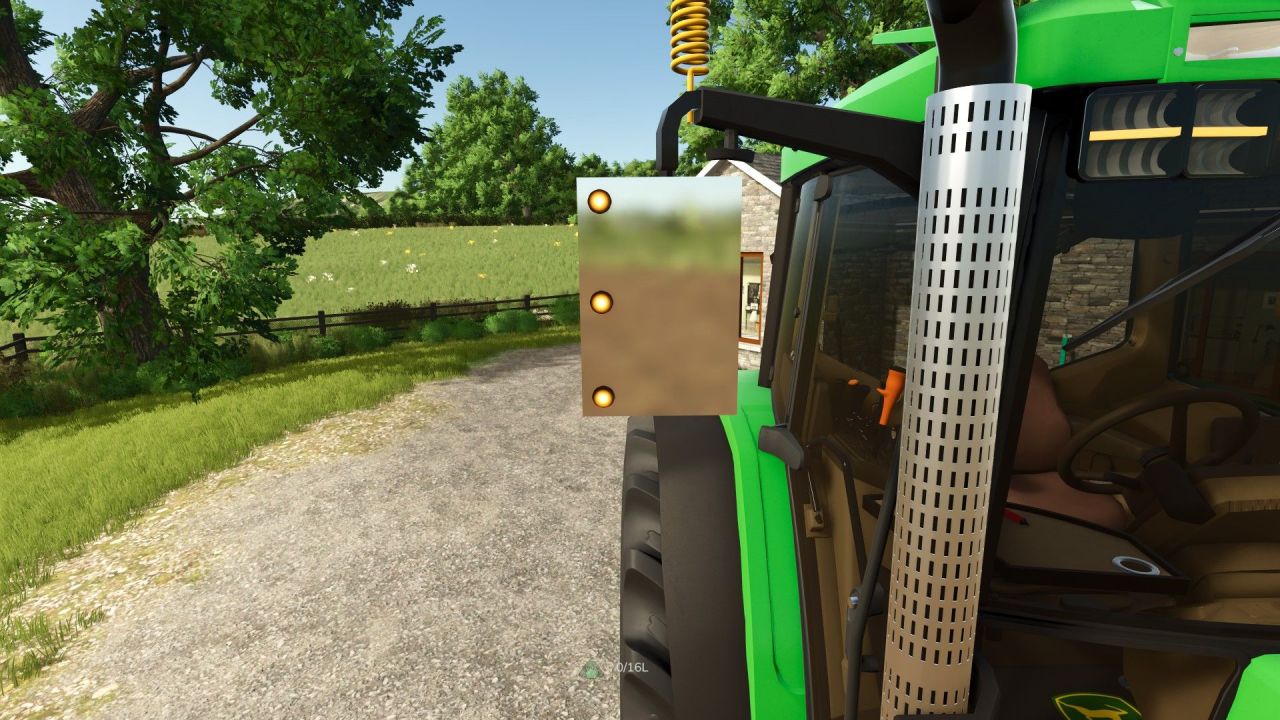
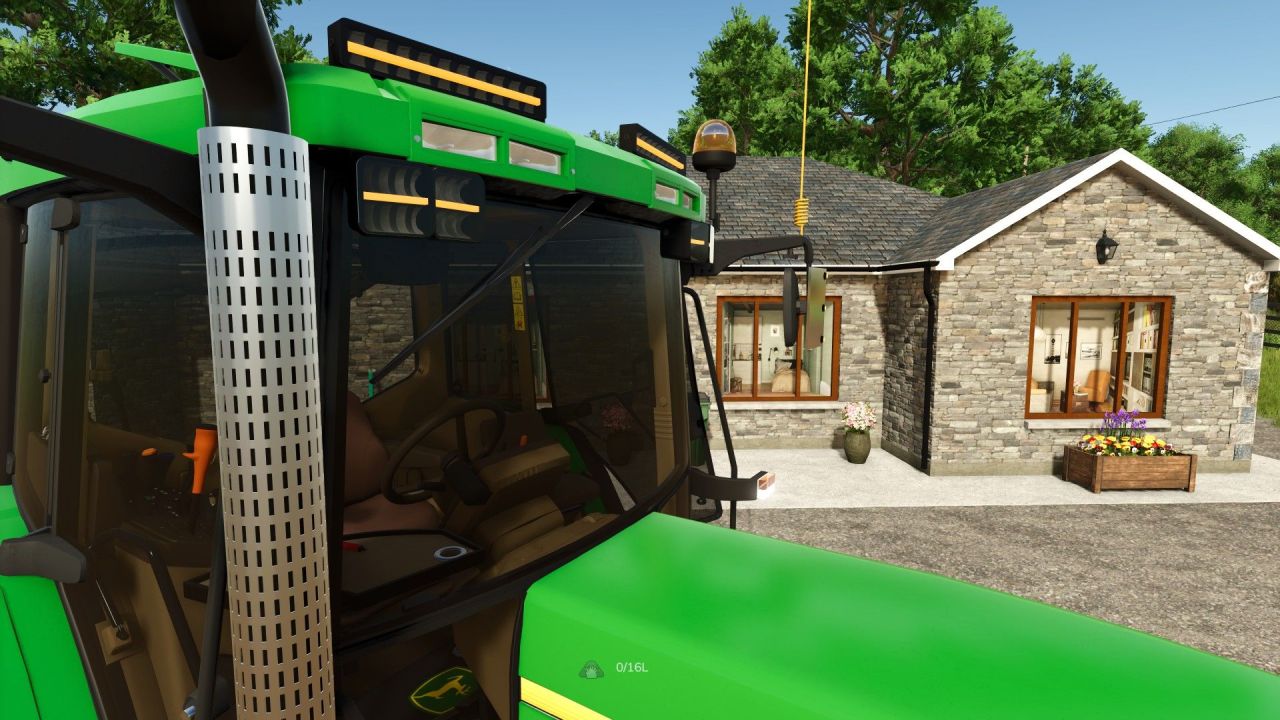
The John Deere 6010 DA tractor is a modification for Farming Simulator 25 that adds extensive customization options. The mod includes additional features such as mirror guards with amber lights, strobes on the grill, yellow CBS, custom engine sound, LED light bars, window tint, a cab table, and a carpet. All these elements are available as options in the store, allowing you to tailor the tractor to your preferences. The tractor retains the original characteristics of the John Deere 6010 DA but gains an improved appearance and interior detailing.
• Mirror guards with amber lights for enhanced visibility.
• Strobe lights on the grill for a stylish look.
• Yellow CBS (beacons) for added safety.
• Custom engine sound for realism.
• LED light bars and additional spotlights.
• Window tint for cab comfort.
• Cab table and carpet for a cozy interior.
This mod allows you to make the tractor unique and noticeable in the fields.
About Tractor John Deere 6010 DA for Farming Simulator 25
Tractor John Deere 6010 DA for Farming Simulator 25 is a mod for Farming Simulator 25. Check the author description, supported game version and dependencies before installing.
How to install the mod
Follow the installation instructions for Tractor John Deere 6010 DA for Farming Simulator 25, Farming Simulator 25 and your platform.
Download the mod archive using the Download button and read the author instructions.
On PC, copy the mod ZIP without extracting it to Documents/My Games/FarmingSimulator2025/mods. For a bundle, extract the individual mod ZIPs first. macOS and Microsoft Store paths may differ; check Mod Directory in the game log.txt.
Start the game and enable the mod for the selected save or profile, if required.
Test using a backup or a new save. Install any dependencies listed by the author.
System requirements and compatibility
Check the mod description for supported game versions, required DLC and platforms. Compatibility with every version or other mods is not guaranteed. Farming Simulator script mods are for PC/macOS. Console players can only install compatible mods from the in-game GIANTS ModHub.
Frequently asked questions
Is this mod free?
MODHUB does not charge for access to this mod page. Check the terms and download limits of the external file provider.
Can I use this mod in Farming Simulator 25 multiplayer?
Multiplayer support depends on the mod and its author. If supported, the server and players need matching mod versions and required DLC.
What should I check if the mod does not work?
Check the installation folder, archive structure, supported game version, dependencies and game logs. Test the mod separately using a backup save.
How can I check a downloaded mod?
Use trusted author sources, scan the archive and back up your saves. Do not run unrelated installers; a download listing does not guarantee safety or compatibility.