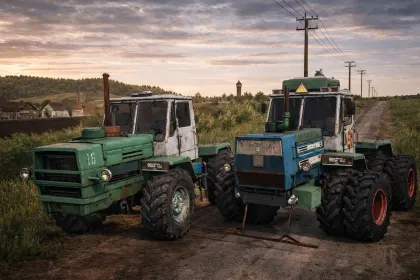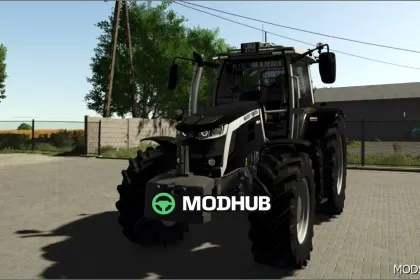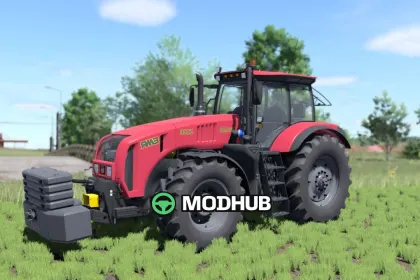
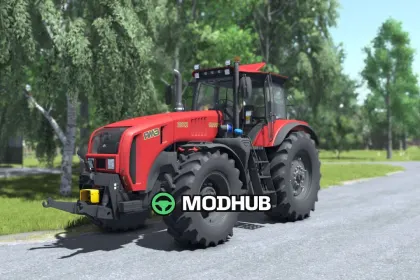
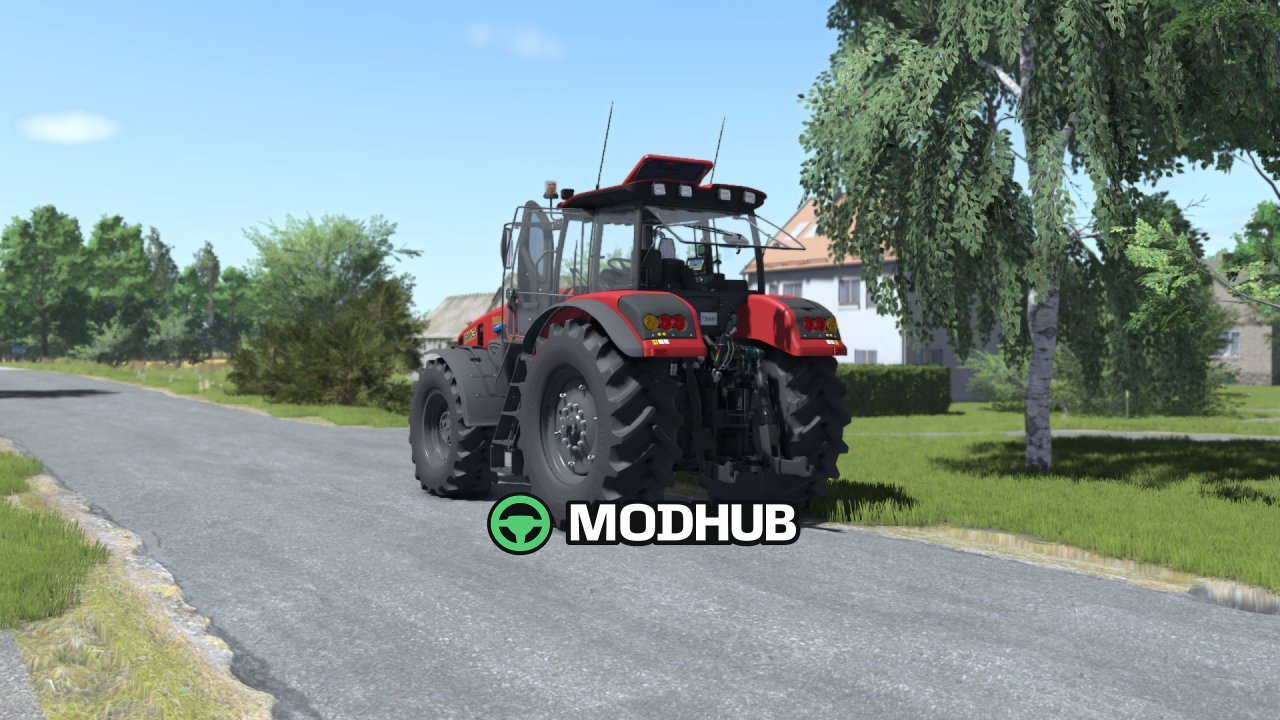
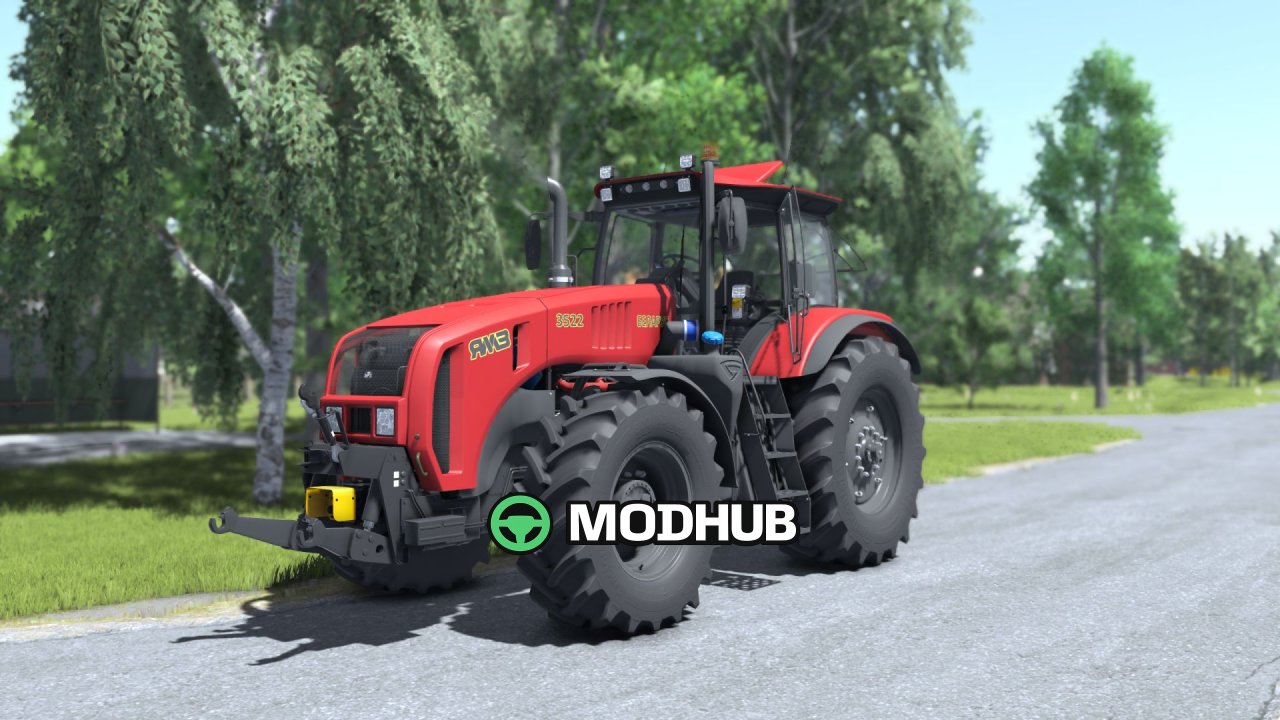
The Belarus 3522 V1.2 is an agricultural tractor for Farming Simulator 25, converted from the previous instalment of the game. It produces 287 kW (390 hp) and reaches a top speed of 40 km/h. The fuel tank holds 650 litres, while the machine costs €156,000 in the shop. This version brings FS25 shaders, revised base colours and support for two external mods.
• Power: 287 kW / 390 hp, top speed: 40 km/h
• Fuel tank: 650 l, price: €156,000
• Choice of plastic, frame, seat and rim colours
• Decal, beacon, wheel and licence plate configurations
• Animated instruments, display, pedals and levers
• Support for Interactive Control and Variable Tire Pressure
The tractor leaves tracks, gets dirty and can be washed, and its mirrors and work lights function during operation.
Author: BullES, Starlexs, SMods
About Tractor Belarus 3522 V1.2 for FS25
Tractor Belarus 3522 V1.2 for FS25 is a mod for Farming Simulator 25. Check the author description, supported game version and dependencies before installing.
How to install the mod
Follow the installation instructions for Tractor Belarus 3522 V1.2 for FS25, Farming Simulator 25 and your platform.
Download the mod archive using the Download button and read the author instructions.
On PC, copy the mod ZIP without extracting it to Documents/My Games/FarmingSimulator2025/mods. For a bundle, extract the individual mod ZIPs first. macOS and Microsoft Store paths may differ; check Mod Directory in the game log.txt.
Start the game and enable the mod for the selected save or profile, if required.
Test using a backup or a new save. Install any dependencies listed by the author.
System requirements and compatibility
Check the mod description for supported game versions, required DLC and platforms. Compatibility with every version or other mods is not guaranteed. Farming Simulator script mods are for PC/macOS. Console players can only install compatible mods from the in-game GIANTS ModHub.
Frequently asked questions
Is this mod free?
MODHUB does not charge for access to this mod page. Check the terms and download limits of the external file provider.
Can I use this mod in Farming Simulator 25 multiplayer?
Multiplayer support depends on the mod and its author. If supported, the server and players need matching mod versions and required DLC.
What should I check if the mod does not work?
Check the installation folder, archive structure, supported game version, dependencies and game logs. Test the mod separately using a backup save.
How can I check a downloaded mod?
Use trusted author sources, scan the archive and back up your saves. Do not run unrelated installers; a download listing does not guarantee safety or compatibility.