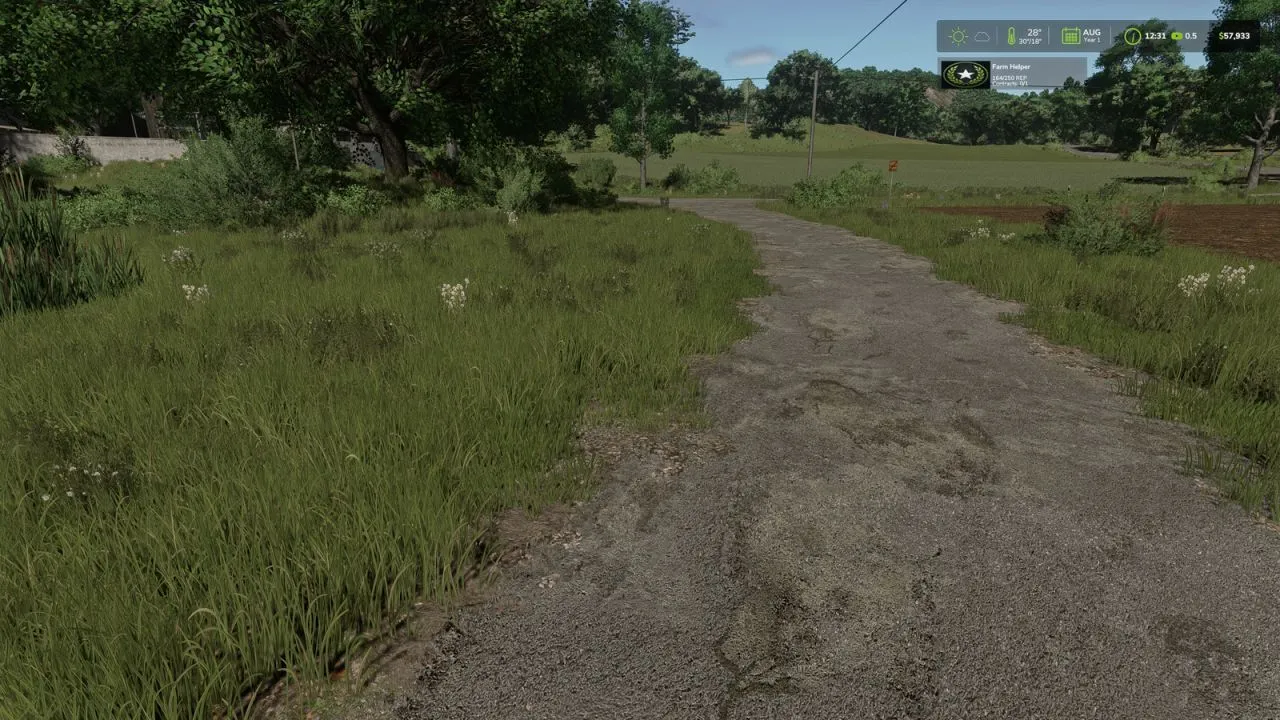
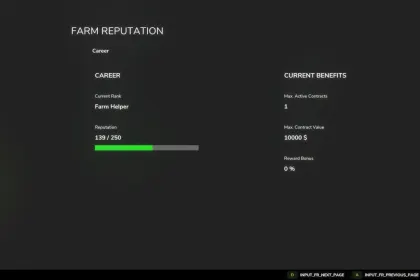
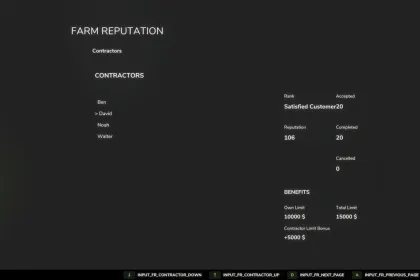
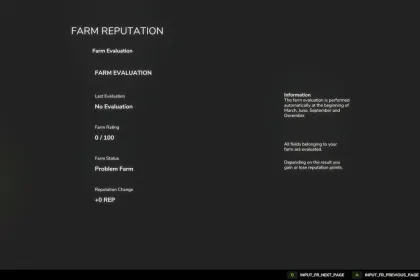
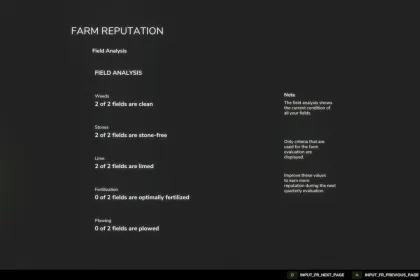
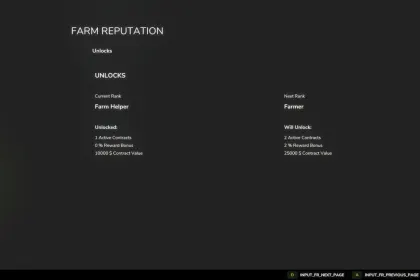
The Reputation System is a mod for Farming Simulator 25 that adds long-term progression and makes contracts more meaningful beyond short-term income. Instead of treating every job as a one-time task, you’ll earn reputation by completing orders and gradually unlock advantages for your farm. This adds a new layer to career play: every successful run moves you closer to better opportunities.
• Reputation levels with ongoing progression
• Reward bonuses that scale with your current reputation
• Increased contract limits for a steadier workload
• Higher maximum contract values
• Permanent bonuses that remain active once unlocked
• Multiplayer support for cooperative sessions
• Localization available in German, English, and French
This mod is ideal if you like planning your farming schedule and building momentum over time. As your reputation grows, you’ll be encouraged to take on contracts across different tiers, which helps you scale up tasks without feeling stuck. The result is a deeper motivation system where development is not limited to buying new vehicles—your status also affects what you can do.
In Farming Simulator 25, the Reputation System acts like a light RPG progression layer for your economy. Complete jobs, track your reputation level, and go for tougher contracts to receive better rewards and long-lasting bonuses.
About Farm Reputation for Farming Simulator 25
Farm Reputation for Farming Simulator 25 is a mod for Farming Simulator 25. Check the author description, supported game version and dependencies before installing.
How to install the mod
Follow the installation instructions for Farm Reputation for Farming Simulator 25, Farming Simulator 25 and your platform.
Download the mod archive using the Download button and read the author instructions.
On PC, copy the mod ZIP without extracting it to Documents/My Games/FarmingSimulator2025/mods. For a bundle, extract the individual mod ZIPs first. macOS and Microsoft Store paths may differ; check Mod Directory in the game log.txt.
Start the game and enable the mod for the selected save or profile, if required.
Test using a backup or a new save. Install any dependencies listed by the author.
System requirements and compatibility
Check the mod description for supported game versions, required DLC and platforms. Compatibility with every version or other mods is not guaranteed. Farming Simulator script mods are for PC/macOS. Console players can only install compatible mods from the in-game GIANTS ModHub.
Frequently asked questions
Is this mod free?
MODHUB does not charge for access to this mod page. Check the terms and download limits of the external file provider.
Can I use this mod in Farming Simulator 25 multiplayer?
Multiplayer support depends on the mod and its author. If supported, the server and players need matching mod versions and required DLC.
What should I check if the mod does not work?
Check the installation folder, archive structure, supported game version, dependencies and game logs. Test the mod separately using a backup save.
How can I check a downloaded mod?
Use trusted author sources, scan the archive and back up your saves. Do not run unrelated installers; a download listing does not guarantee safety or compatibility.