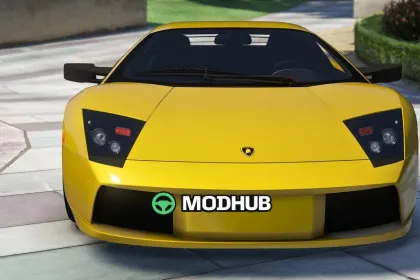
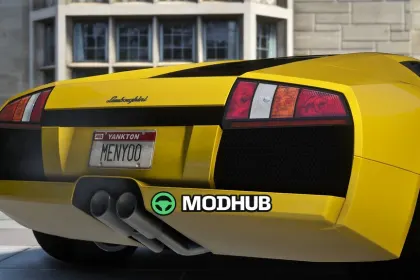
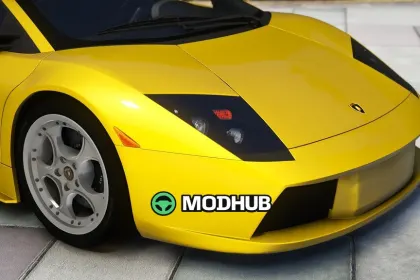
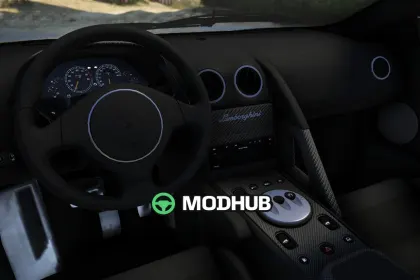
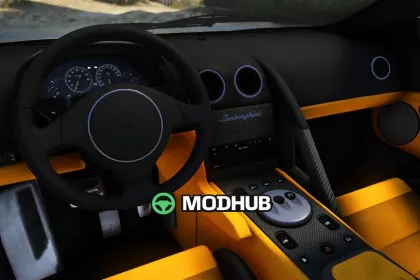
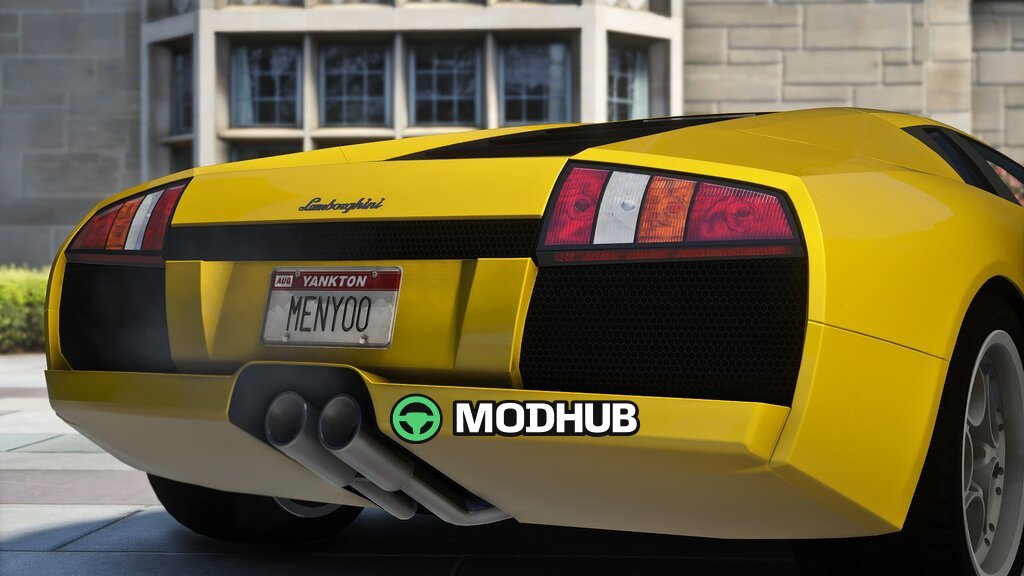
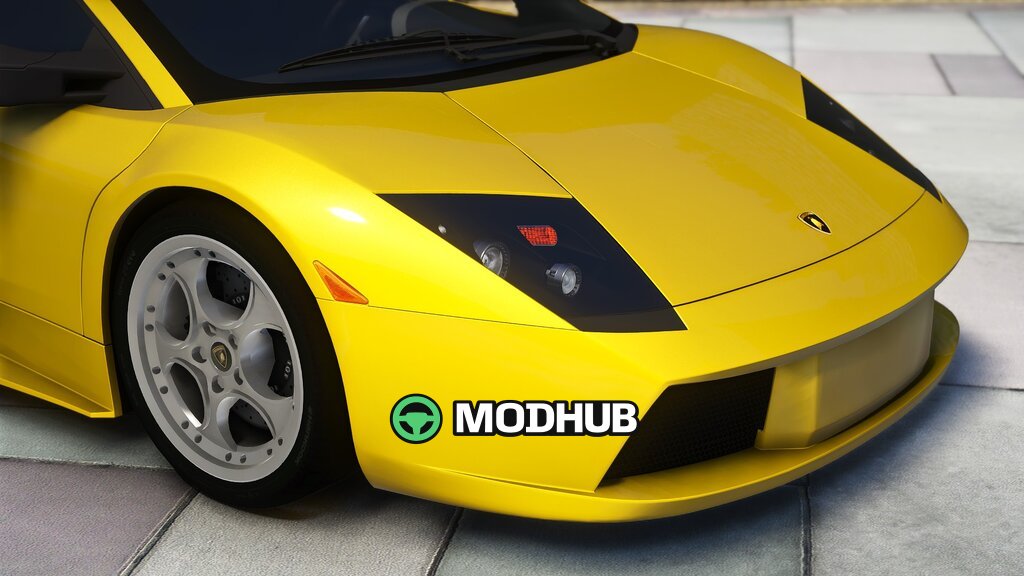
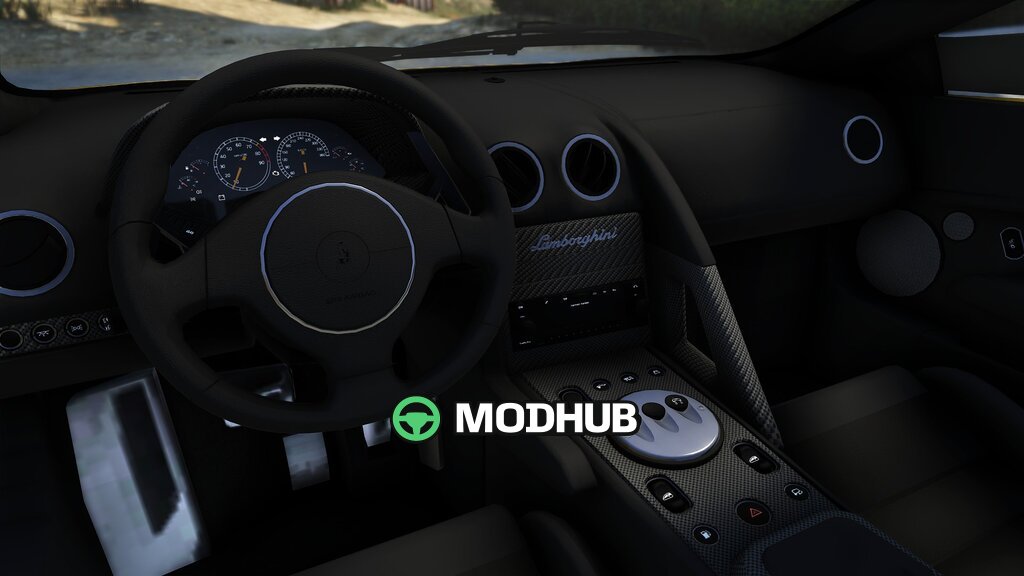
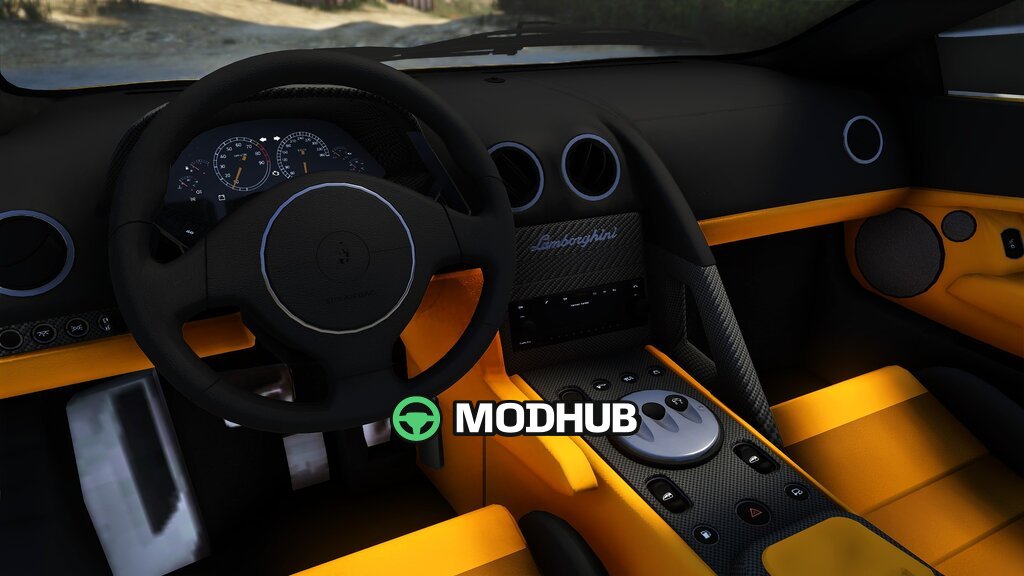
The Lamborghini Murciélago VT 2001 sports car is a detailed model of the iconic Italian supercar built for GTA 5. The vehicle recreates the production version with all-wheel drive and the distinctive wedge-shaped body silhouette. The model features a finished interior, working lights and proportions that match the original car. It installs as a separate add-on vehicle and does not replace any base game cars.
• 6.2-litre V12 engine producing 670 hp
• Top speed of over 330 km/h
• 0 to 100 km/h acceleration in roughly 3.4 seconds
• All-wheel drive and six-speed manual gearbox
• Template file for quick body repainting
This model suits city racing and in-game photo sessions thanks to its accurate geometry and clean textures.
About Sports Car Lamborghini Murciélago VT 2001 for GTA 5
Sports Car Lamborghini Murciélago VT 2001 for GTA 5 is a mod for GTA 5. Check the author description, supported game version and dependencies before installing.
How to install the mod
Follow the installation instructions for Sports Car Lamborghini Murciélago VT 2001 for GTA 5, GTA 5 and your platform.
Download the mod archive using the Download button and read the author instructions.
Use the folder and archive format specified by the mod author for this game.
Start the game and enable the mod for the selected save or profile, if required.
Test using a backup or a new save. Install any dependencies listed by the author.
System requirements and compatibility
Check the mod description for supported game versions, required DLC and platforms. Compatibility with every version or other mods is not guaranteed.
Frequently asked questions
Is this mod free?
MODHUB does not charge for access to this mod page. Check the terms and download limits of the external file provider.
Can I use this mod in GTA 5 multiplayer?
Multiplayer support depends on the mod and its author. If supported, the server and players need matching mod versions and required DLC.
What should I check if the mod does not work?
Check the installation folder, archive structure, supported game version, dependencies and game logs. Test the mod separately using a backup save.
How can I check a downloaded mod?
Use trusted author sources, scan the archive and back up your saves. Do not run unrelated installers; a download listing does not guarantee safety or compatibility.