Script Realistic Soil & Fertilizer V2.6 for FS25 turns ordinary farming into a deep soil simulation where every field has its own balance of nutrients, pH and organic matter. Each application of fertilizer, lime or crop protection affects fertility and future yields. The system supports multiplayer and over 26 languages, with a customizable interface. Ignoring soil condition leads to lower yields, while good management improves farm efficiency.
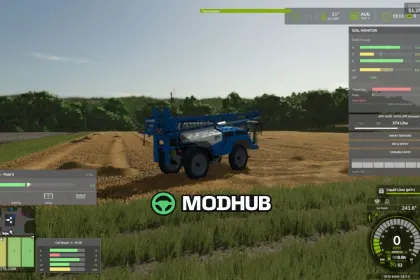
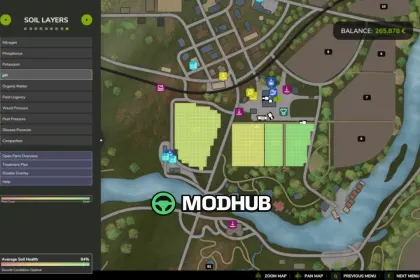
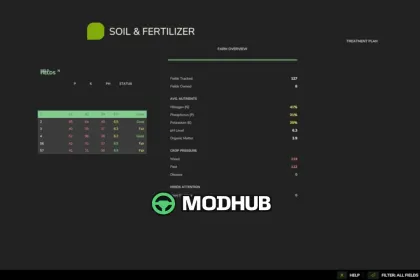
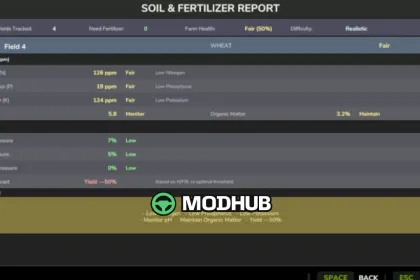
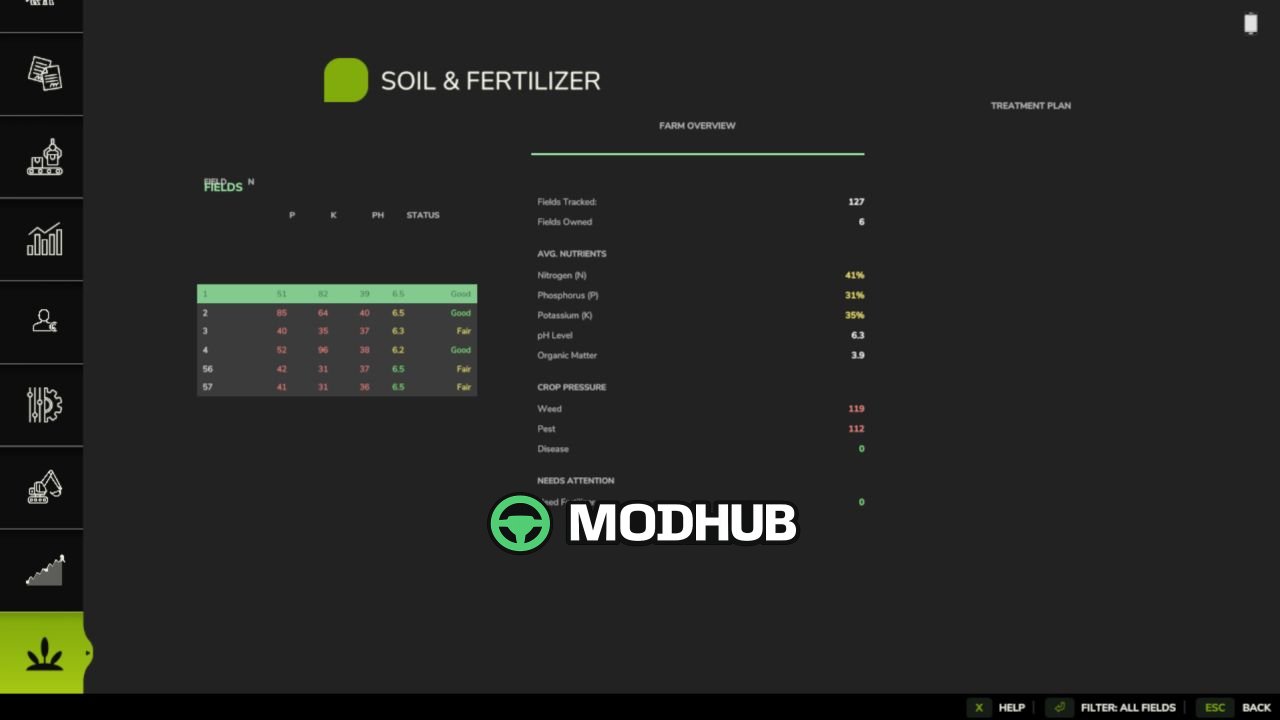
• Every field has its own nitrogen, phosphorus, potassium, organic matter and pH values that change with crops grown, inputs applied and weather.
• Realistic fertilizer types and precise rate control: sprayers and spreaders respect overlap, and switched-off sections do not mark ground as sprayed.
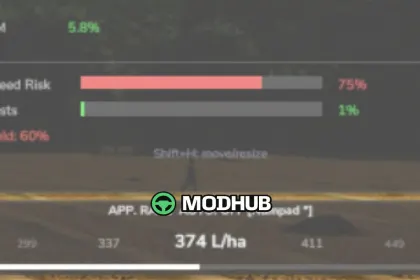
• Pest, weed and disease pressure affects crops, and crop protection responds to the actual sprayed area rather than the whole field.
• Live Soil HUD and map overlay, PDA soil report, a hand-held test kit, plus integration with Farm Tablet and Stock Guard.
• Multiplayer and dedicated server support with improved synchronization, security and performance.
• Advanced options such as Target N/P/K (AUTO) and Ground Material can be enabled optionally in the experimental systems menu.
Overall, Realistic Soil & Fertilizer V2.6 offers realistic depth without overwhelming complexity, making farming in FS25 more meaningful and rewarding.
About Script Realistic Soil & Fertilizer V2.6 for FS25
Script Realistic Soil & Fertilizer V2.6 for FS25 is a mod for Farming Simulator 25. Check the author description, supported game version and dependencies before installing.
How to install the mod
Follow the installation instructions for Script Realistic Soil & Fertilizer V2.6 for FS25, Farming Simulator 25 and your platform.
Download the mod archive using the Download button and read the author instructions.
On PC, copy the mod ZIP without extracting it to Documents/My Games/FarmingSimulator2025/mods. For a bundle, extract the individual mod ZIPs first. macOS and Microsoft Store paths may differ; check Mod Directory in the game log.txt.
Start the game and enable the mod for the selected save or profile, if required.
Test using a backup or a new save. Install any dependencies listed by the author.
System requirements and compatibility
Check the mod description for supported game versions, required DLC and platforms. Compatibility with every version or other mods is not guaranteed. Farming Simulator script mods are for PC/macOS. Console players can only install compatible mods from the in-game GIANTS ModHub.
Frequently asked questions
Is this mod free?
MODHUB does not charge for access to this mod page. Check the terms and download limits of the external file provider.
Can I use this mod in Farming Simulator 25 multiplayer?
Multiplayer support depends on the mod and its author. If supported, the server and players need matching mod versions and required DLC.
What should I check if the mod does not work?
Check the installation folder, archive structure, supported game version, dependencies and game logs. Test the mod separately using a backup save.
How can I check a downloaded mod?
Use trusted author sources, scan the archive and back up your saves. Do not run unrelated installers; a download listing does not guarantee safety or compatibility.