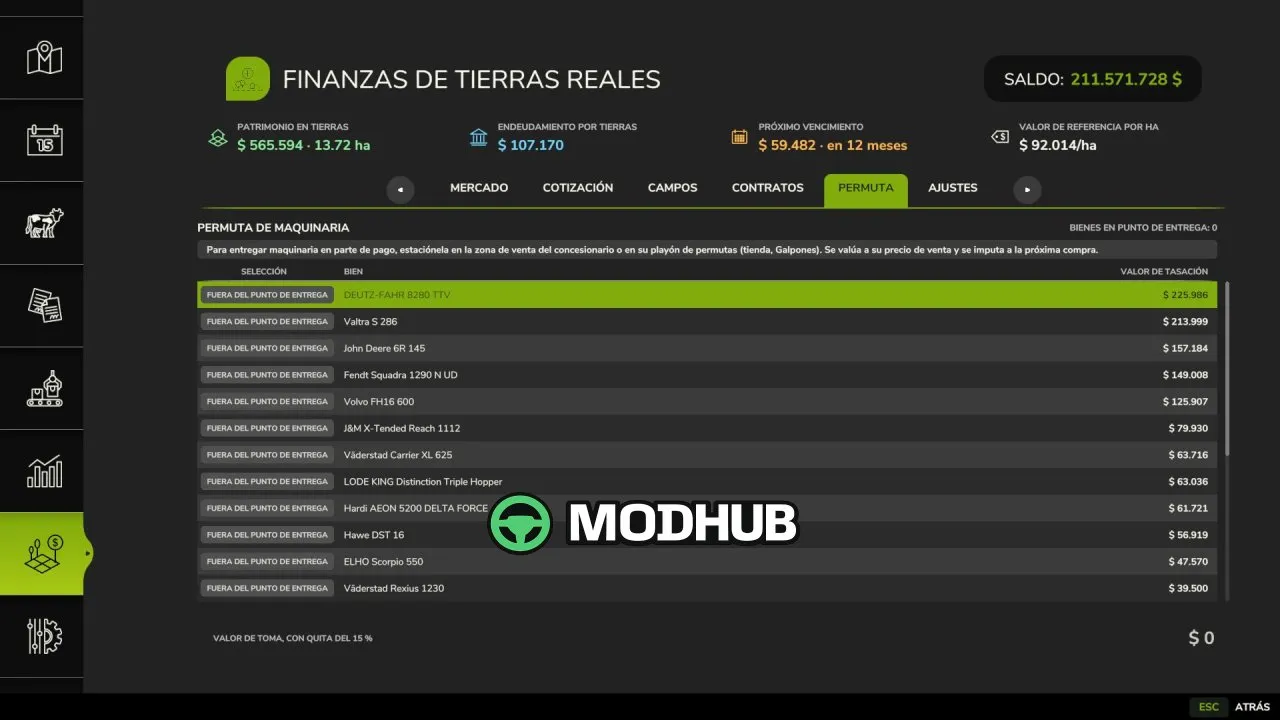
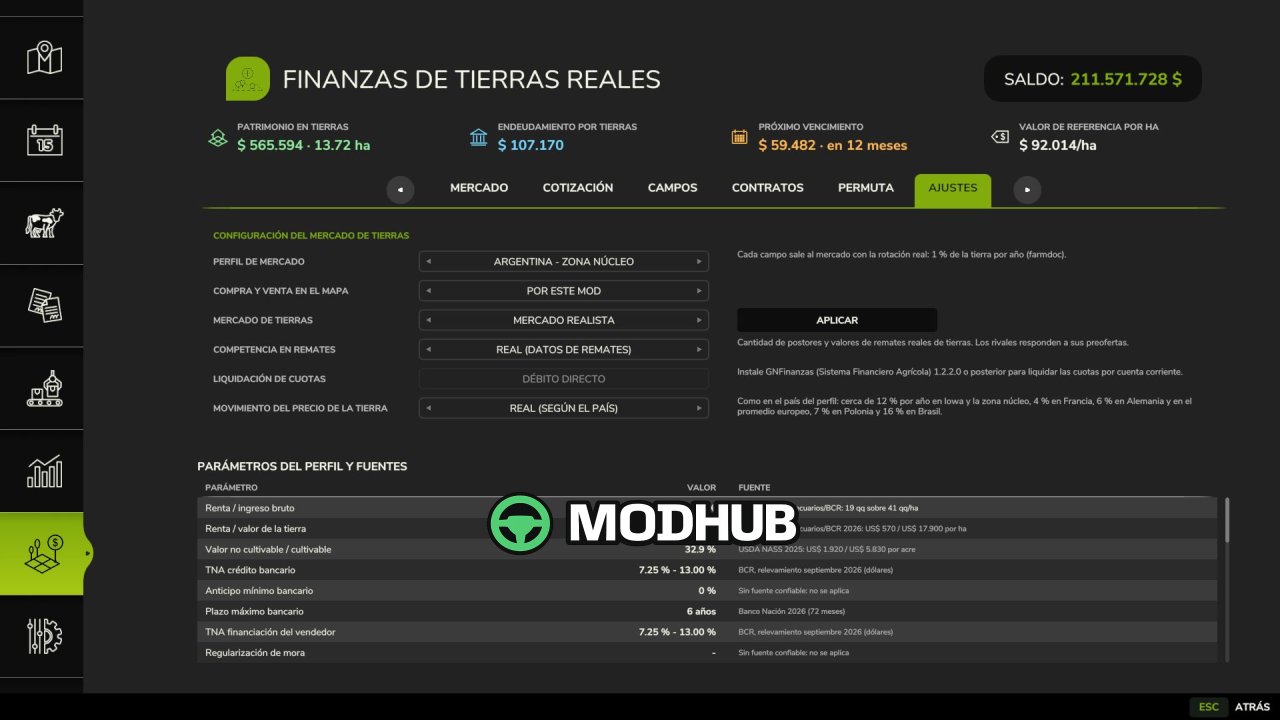
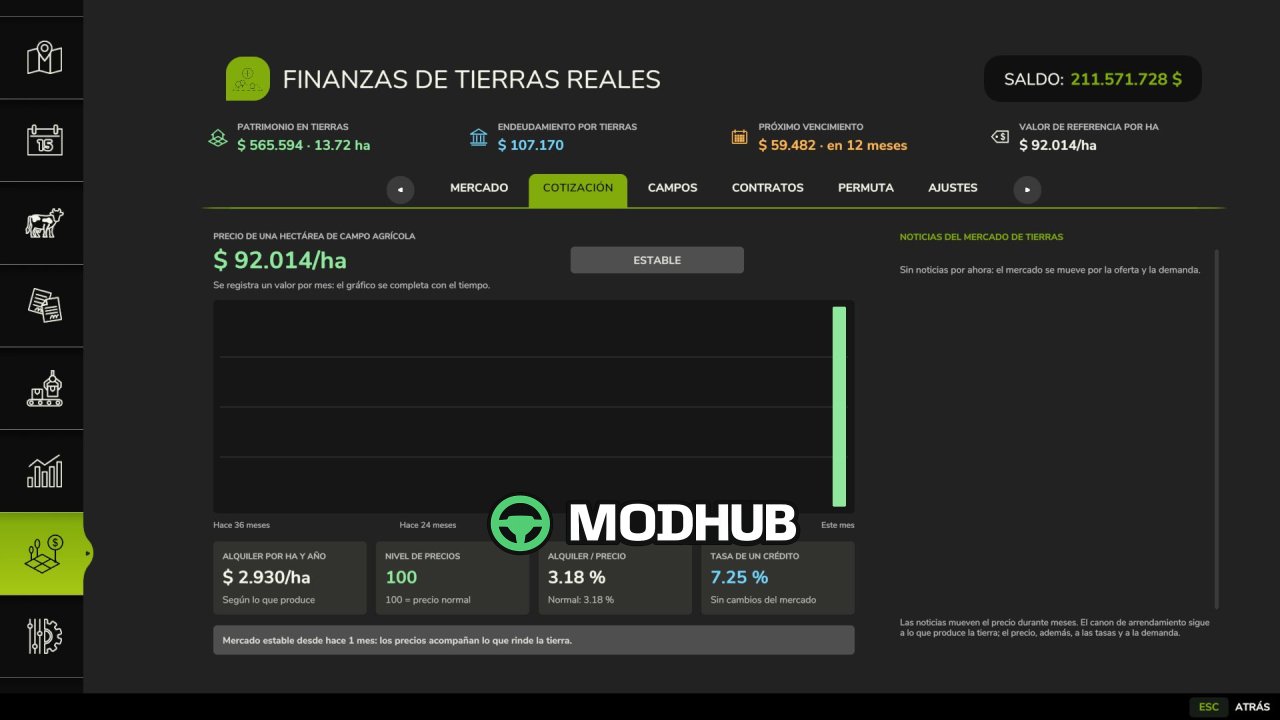
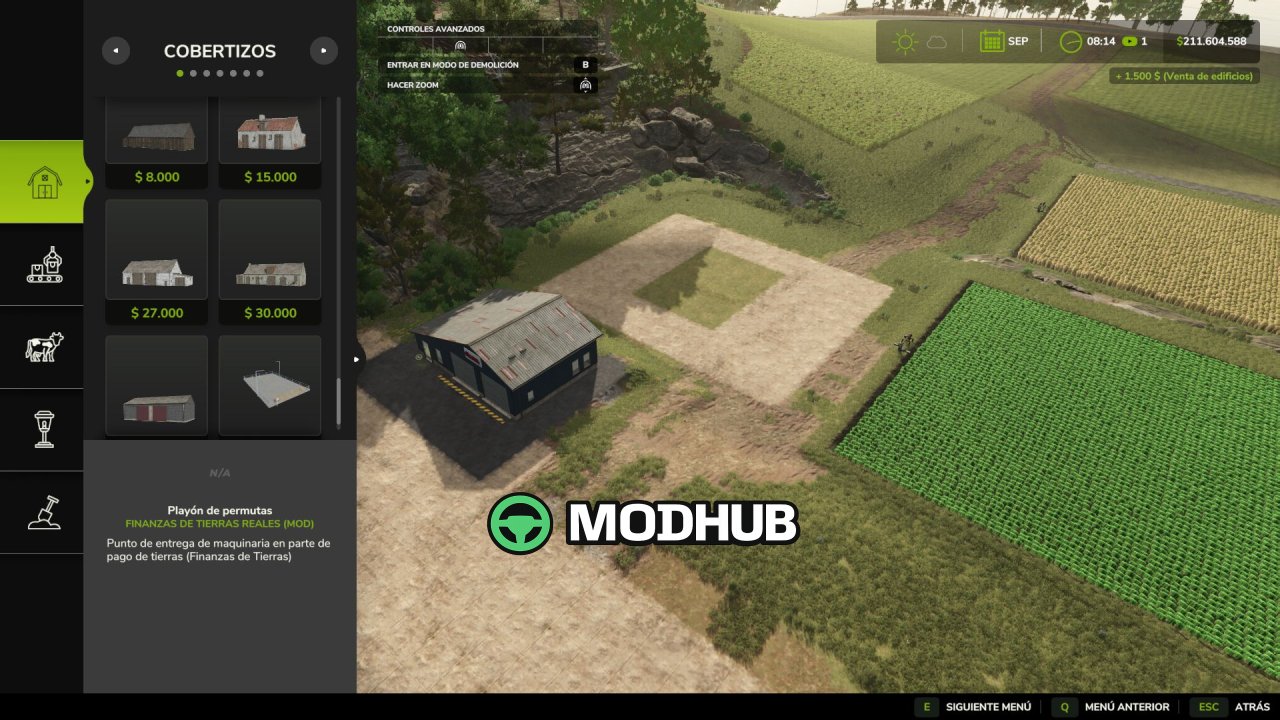
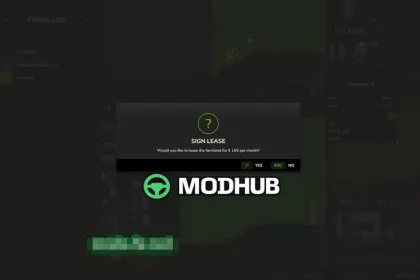
Real Land Finances V1.0 is a script for Farming Simulator 25 that turns buying a field into a multi-step financial deal instead of a single click. Every value in the settings is backed by a public source listed next to the parameter, so prices, rents and interest rates are not invented. A new savegame automatically picks the country profile from your game language: USA (Iowa), Argentina, France, Germany, Poland, Brazil or a generic European Union average. Each profile carries its own rents, land prices, loan rates and lease law, such as the French SAFER pre-emption, the German approval period or the Polish 300 ha limit.
• Field value is calculated from what the land produces, priced with your map's grain, multiplied by a land market index that moves monthly through booms, peaks, slumps and floors
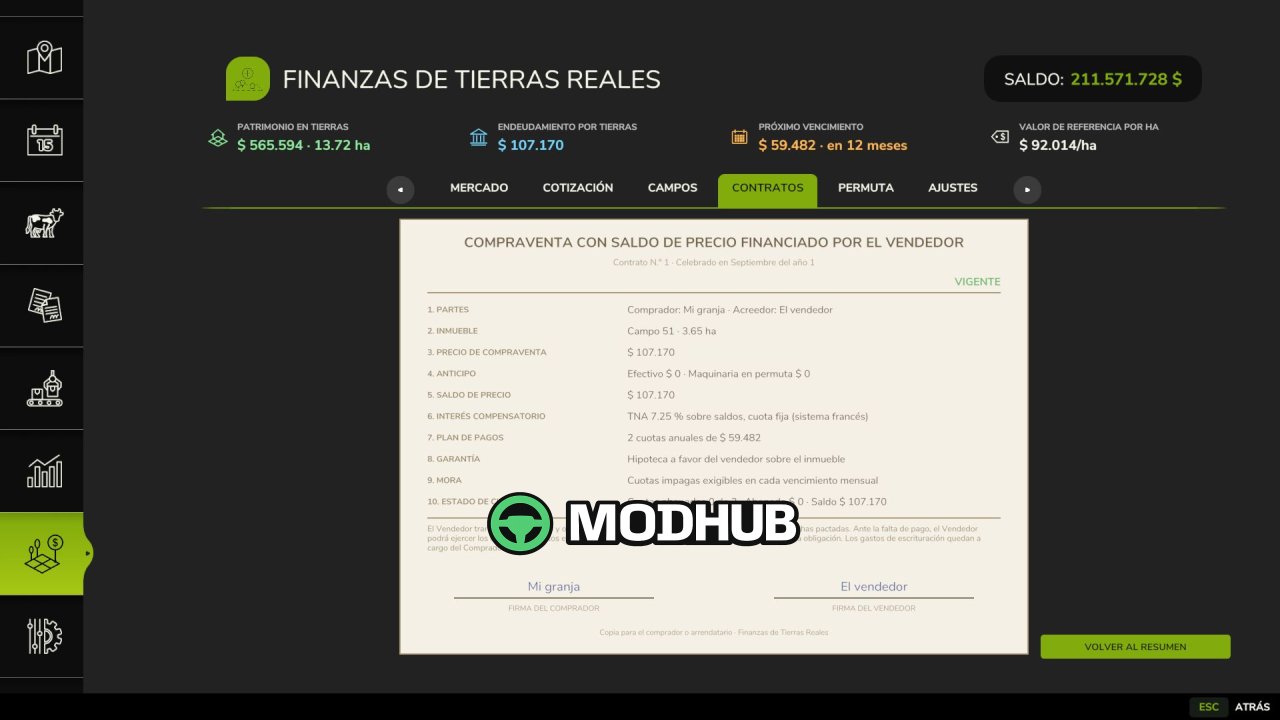
• Payment options: cash, bank mortgage, seller financing, a price agreed in grain, or a deposit with the balance paid at the deed
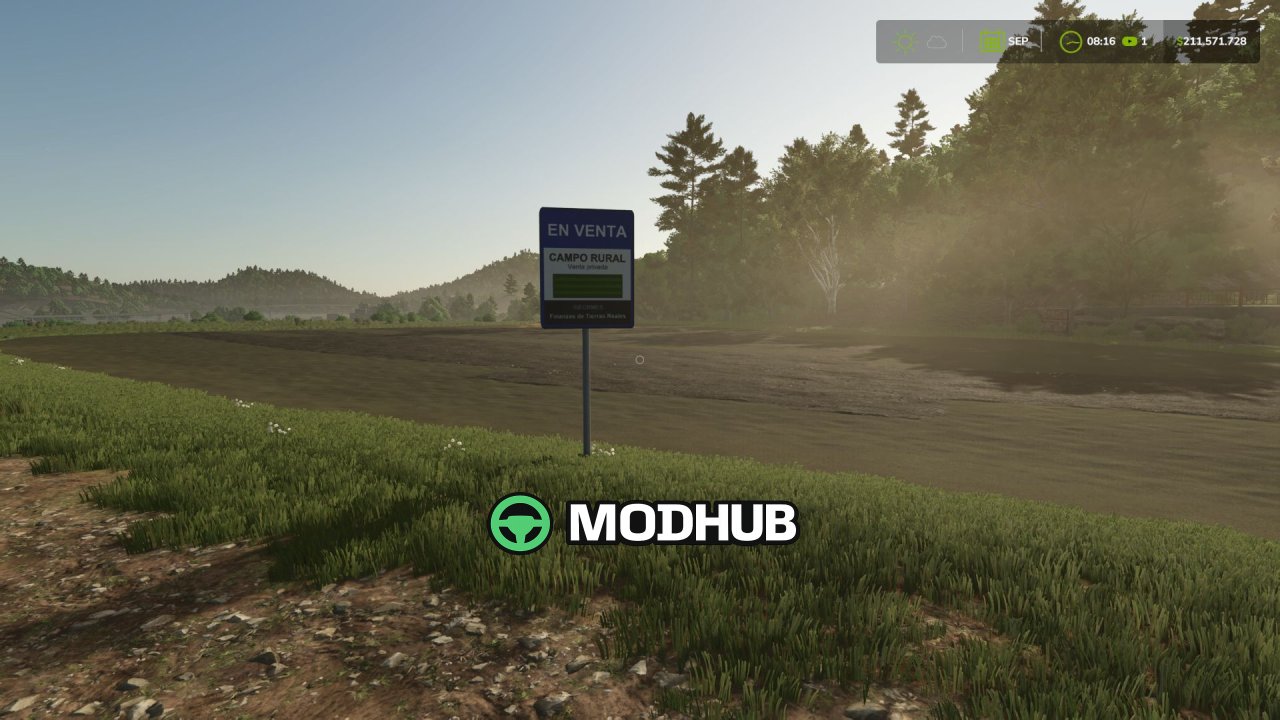
• Auctions: private sales, online bidding, live bidding at the field sign or both at once, with an automatic maximum bid and rival bidders
• Your own land can be sold on the free market, listed at a fixed price, auctioned with a reserve, or leased to another farm or a local farmer for yearly rent
• In multiplayer, farms auction, sell and lease land to each other, and every contract is printed as its own document type
• GNFINANZAS support: installments, rents and property tax are billed through its accounts payable and receivable
The script runs in single player, multiplayer and on dedicated servers, but it is not compatible with mods that change field prices or field buying and leasing.
About Script Real Land Finances V1.0 for FS25
Script Real Land Finances V1.0 for FS25 is a mod for Farming Simulator 25. Check the author description, supported game version and dependencies before installing.
How to install the mod
Follow the installation instructions for Script Real Land Finances V1.0 for FS25, Farming Simulator 25 and your platform.
Download the mod archive using the Download button and read the author instructions.
On PC, copy the mod ZIP without extracting it to Documents/My Games/FarmingSimulator2025/mods. For a bundle, extract the individual mod ZIPs first. macOS and Microsoft Store paths may differ; check Mod Directory in the game log.txt.
Start the game and enable the mod for the selected save or profile, if required.
Test using a backup or a new save. Install any dependencies listed by the author.
System requirements and compatibility
Check the mod description for supported game versions, required DLC and platforms. Compatibility with every version or other mods is not guaranteed. Farming Simulator script mods are for PC/macOS. Console players can only install compatible mods from the in-game GIANTS ModHub.
Frequently asked questions
Is this mod free?
MODHUB does not charge for access to this mod page. Check the terms and download limits of the external file provider.
Can I use this mod in Farming Simulator 25 multiplayer?
Multiplayer support depends on the mod and its author. If supported, the server and players need matching mod versions and required DLC.
What should I check if the mod does not work?
Check the installation folder, archive structure, supported game version, dependencies and game logs. Test the mod separately using a backup save.
How can I check a downloaded mod?
Use trusted author sources, scan the archive and back up your saves. Do not run unrelated installers; a download listing does not guarantee safety or compatibility.