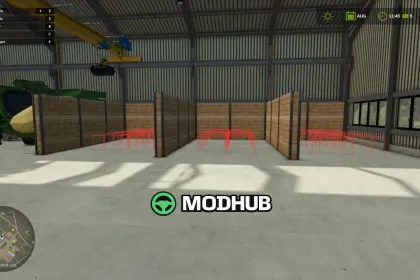
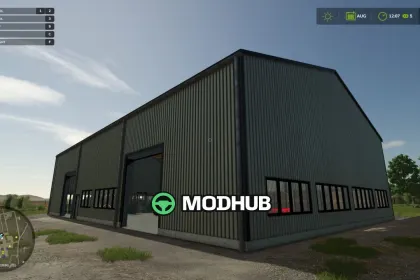
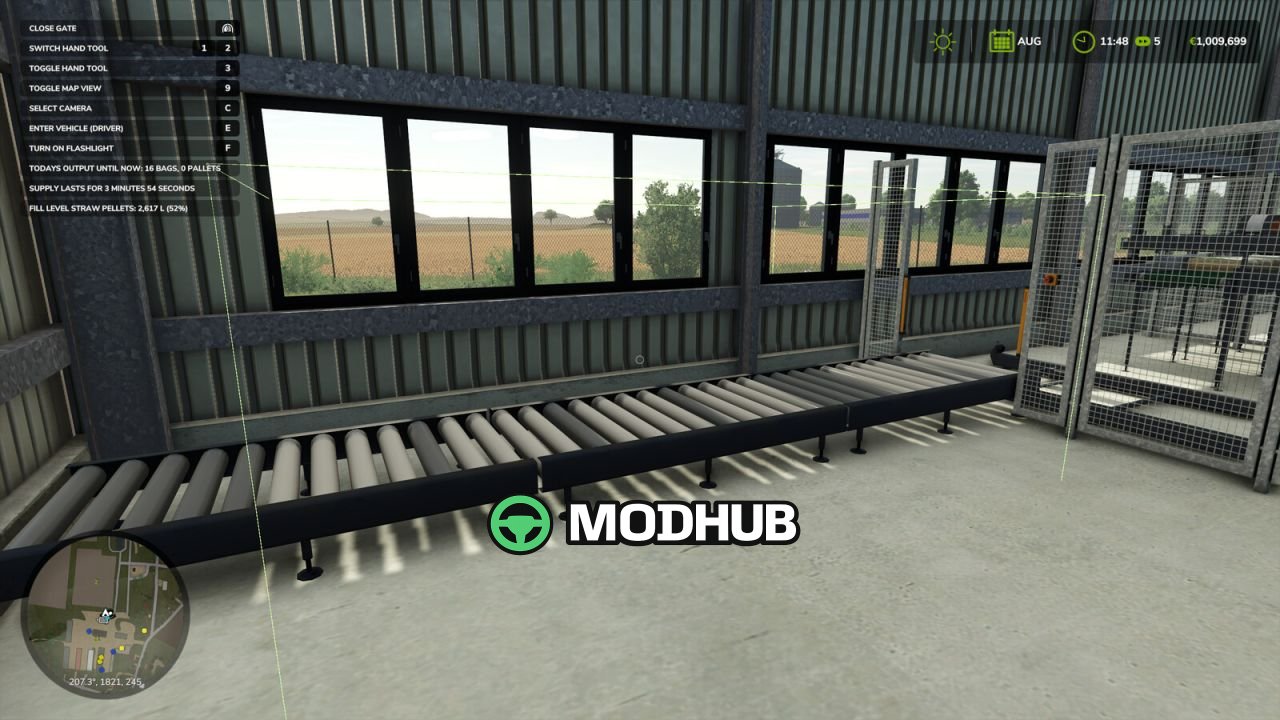
Pellet Hall Auto Stacker V1.0 is a script for Farming Simulator 25 that serves only the Pellet Hall building from the Straw Harvest add-on. It carries finished pallets from the output belt into the storage bays inside the hall and stacks them two high, so the production line keeps running. Without that pack installed the mod does nothing at all, since it is built around that one building. No vehicle is touched, no other mod is modified, no key binding is added and no panel is drawn.
• Watches the hall through a global listener instead of attaching to a vehicle or placeable
• Works out slot positions in the hall's own local coordinates, so stacking follows the building anywhere on the map
• Waits until the palletizer releases a pallet, retries if the first attempt fails and gives up cleanly
• Stops when every bay is full, letting the belt fill with its three pallets as usual
• Once per session, after physics settles, straightens pallets already sitting in the bays
Settings are optional and live in modSettings/FS25_PelletHallStacker/settings.xml, and the mod is single player only.
About Script Pellet Hall Auto Stacker V1.0 for FS25
Script Pellet Hall Auto Stacker V1.0 for FS25 is a mod for Farming Simulator 25. Check the author description, supported game version and dependencies before installing.
How to install the mod
Follow the installation instructions for Script Pellet Hall Auto Stacker V1.0 for FS25, Farming Simulator 25 and your platform.
Download the mod archive using the Download button and read the author instructions.
On PC, copy the mod ZIP without extracting it to Documents/My Games/FarmingSimulator2025/mods. For a bundle, extract the individual mod ZIPs first. macOS and Microsoft Store paths may differ; check Mod Directory in the game log.txt.
Start the game and enable the mod for the selected save or profile, if required.
Test using a backup or a new save. Install any dependencies listed by the author.
System requirements and compatibility
Check the mod description for supported game versions, required DLC and platforms. Compatibility with every version or other mods is not guaranteed. Farming Simulator script mods are for PC/macOS. Console players can only install compatible mods from the in-game GIANTS ModHub.
Frequently asked questions
Is this mod free?
MODHUB does not charge for access to this mod page. Check the terms and download limits of the external file provider.
Can I use this mod in Farming Simulator 25 multiplayer?
Multiplayer support depends on the mod and its author. If supported, the server and players need matching mod versions and required DLC.
What should I check if the mod does not work?
Check the installation folder, archive structure, supported game version, dependencies and game logs. Test the mod separately using a backup save.
How can I check a downloaded mod?
Use trusted author sources, scan the archive and back up your saves. Do not run unrelated installers; a download listing does not guarantee safety or compatibility.