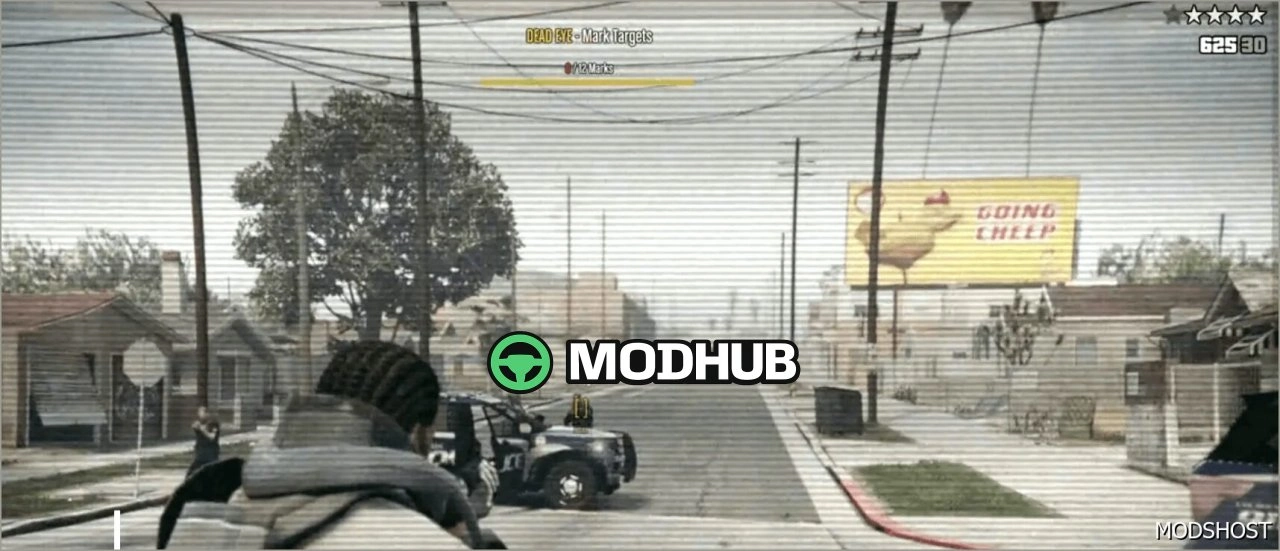
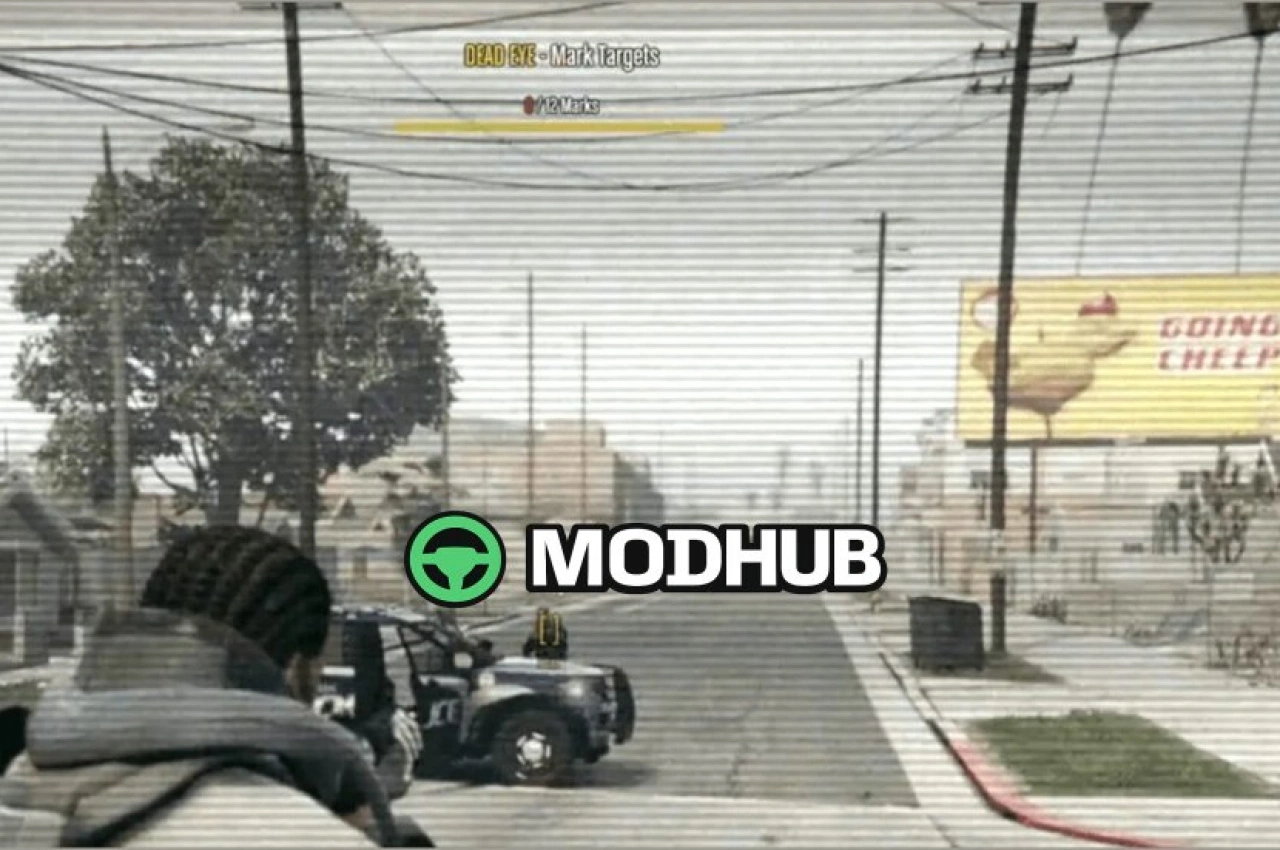
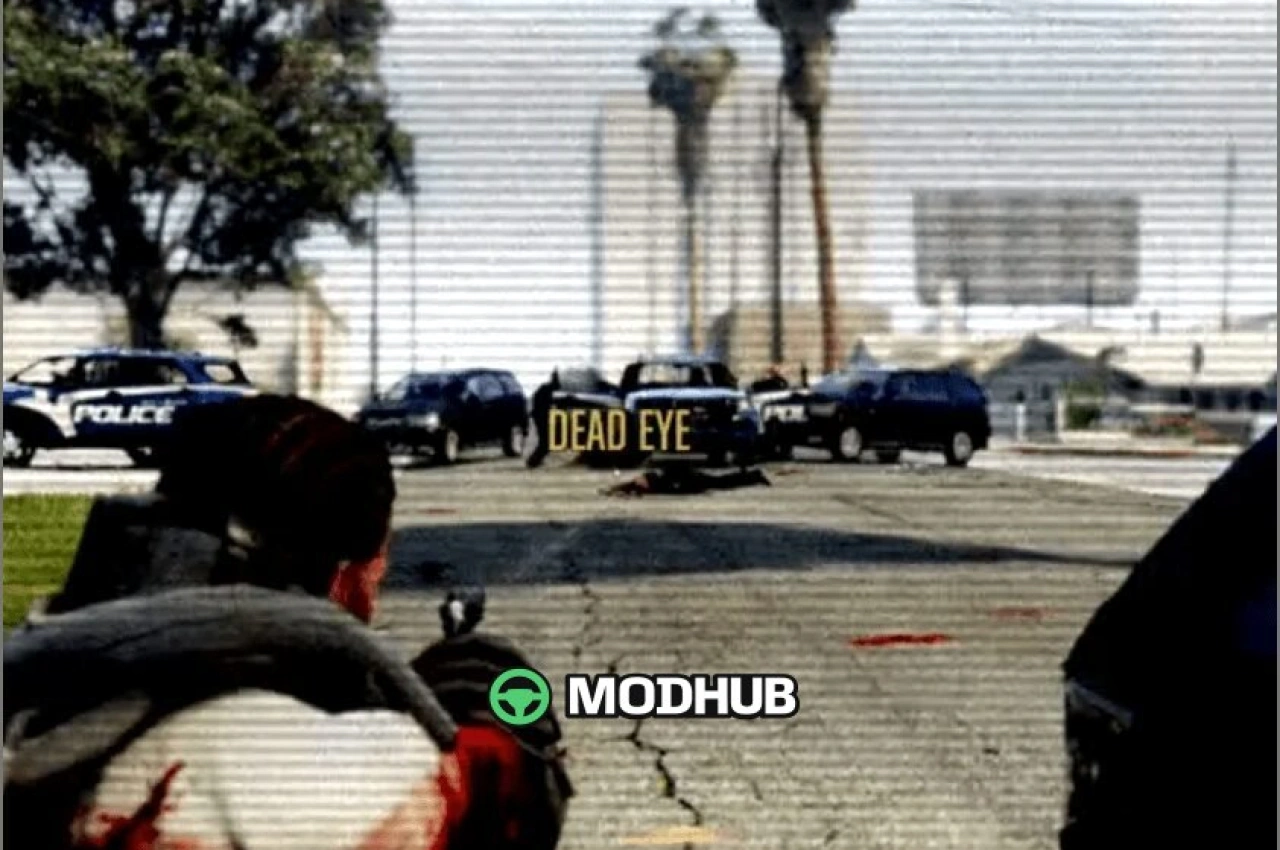
The Dead EYE mod script for GTA 5 brings a Dead Eye-style aiming mechanic into the game. It changes how combat feels: when you activate it, you can use slow targeting to mark enemies with greater accuracy.
Instead of rushing shots, you can plan your actions and keep control during intense firefights. The script focuses on a tactical flow—choose targets, maintain your markers, and then watch your character fire at each marked enemy in a cinematic manner.
• Slow targeting: time slows down to help you aim carefully at marked targets
• Mark up to 12 enemies at the same time
• Cinematic implementation: watch your character shoot each marked target
About Dead EYE Grand Theft Auto V Script Mod
Dead EYE Grand Theft Auto V Script Mod is a mod for GTA 5. Check the author description, supported game version and dependencies before installing.
How to install the mod
Follow the installation instructions for Dead EYE Grand Theft Auto V Script Mod, GTA 5 and your platform.
Download the mod archive using the Download button and read the author instructions.
Use the folder and archive format specified by the mod author for this game.
Start the game and enable the mod for the selected save or profile, if required.
Test using a backup or a new save. Install any dependencies listed by the author.
System requirements and compatibility
Check the mod description for supported game versions, required DLC and platforms. Compatibility with every version or other mods is not guaranteed.
Frequently asked questions
Is this mod free?
MODHUB does not charge for access to this mod page. Check the terms and download limits of the external file provider.
Can I use this mod in GTA 5 multiplayer?
Multiplayer support depends on the mod and its author. If supported, the server and players need matching mod versions and required DLC.
What should I check if the mod does not work?
Check the installation folder, archive structure, supported game version, dependencies and game logs. Test the mod separately using a backup save.
How can I check a downloaded mod?
Use trusted author sources, scan the archive and back up your saves. Do not run unrelated installers; a download listing does not guarantee safety or compatibility.