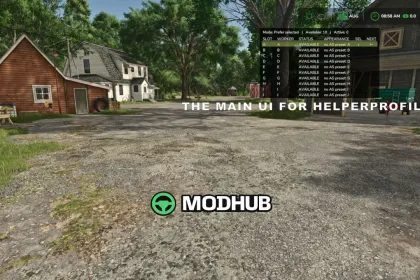
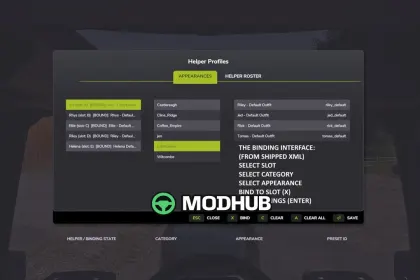
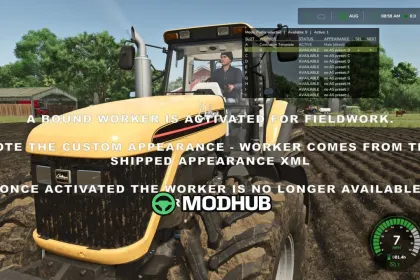
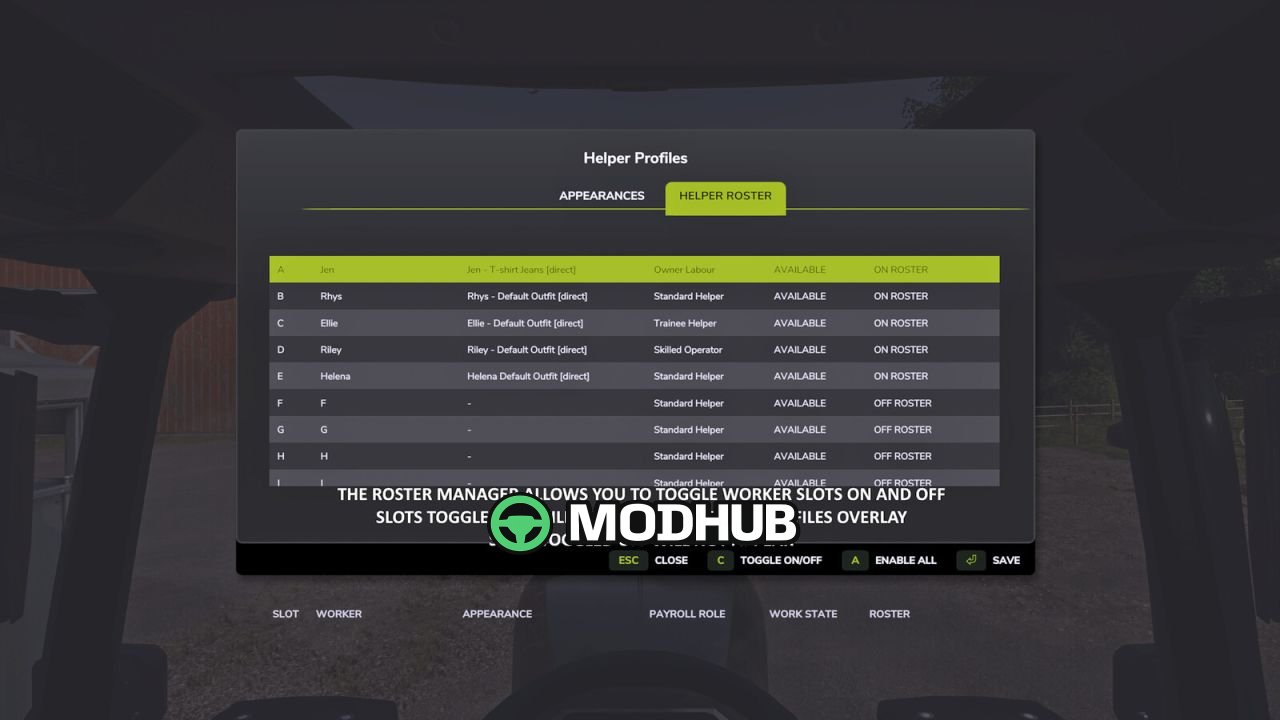
Helper Profiles is a script for Farming Simulator 25 that turns the standard helpers into a managed team of permanent workers. The mod expands the roster to 20 slots (A–T) and adds an automatically sized overlay showing the status of each worker. A two-tab Helper Management screen lets you switch individual workers ON or OFF the roster, enable all of them at once, or keep only your selected worker plus any active ones. Choosing who takes the next job is done through shortcuts or the Prefer Selected and First Free hiring modes.
• Up to 20 permanent worker slots (A–T) with separate ON and OFF roster states.
• Status overlay paging between A–J and K–T with configurable position, size and appearance.
• Prefer Selected mode hires your chosen worker when free, otherwise falls back to another available helper.
• Optional AvatarSwitcher appearance bindings and HelperPayroll role display on the overlay and roster screen.
• Default keys: ; to cycle workers, Shift + ; for hiring mode, Right Ctrl + ; for management, Right Alt + ; for the overlay.
The script is single player only and disables itself for the session when an incompatible helper-roster owner is detected.
About Script Helper Profiles for FS25
Script Helper Profiles for FS25 is a mod for Farming Simulator 25. Check the author description, supported game version and dependencies before installing.
How to install the mod
Follow the installation instructions for Script Helper Profiles for FS25, Farming Simulator 25 and your platform.
Download the mod archive using the Download button and read the author instructions.
On PC, copy the mod ZIP without extracting it to Documents/My Games/FarmingSimulator2025/mods. For a bundle, extract the individual mod ZIPs first. macOS and Microsoft Store paths may differ; check Mod Directory in the game log.txt.
Start the game and enable the mod for the selected save or profile, if required.
Test using a backup or a new save. Install any dependencies listed by the author.
System requirements and compatibility
Check the mod description for supported game versions, required DLC and platforms. Compatibility with every version or other mods is not guaranteed. Farming Simulator script mods are for PC/macOS. Console players can only install compatible mods from the in-game GIANTS ModHub.
Frequently asked questions
Is this mod free?
MODHUB does not charge for access to this mod page. Check the terms and download limits of the external file provider.
Can I use this mod in Farming Simulator 25 multiplayer?
Multiplayer support depends on the mod and its author. If supported, the server and players need matching mod versions and required DLC.
What should I check if the mod does not work?
Check the installation folder, archive structure, supported game version, dependencies and game logs. Test the mod separately using a backup save.
How can I check a downloaded mod?
Use trusted author sources, scan the archive and back up your saves. Do not run unrelated installers; a download listing does not guarantee safety or compatibility.