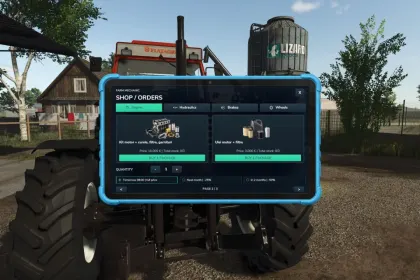
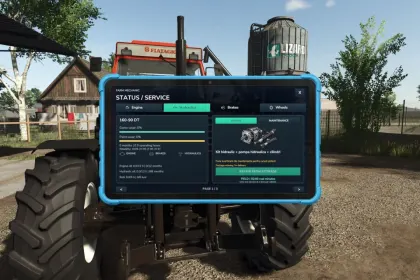
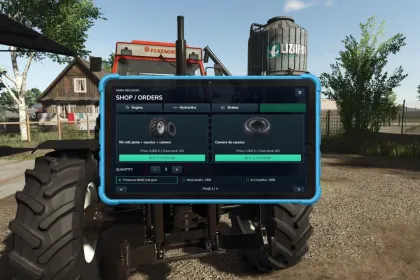
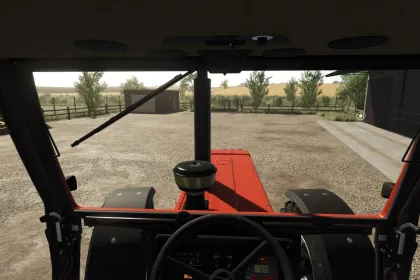
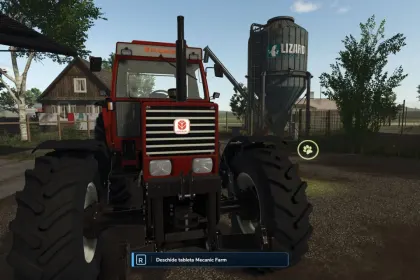
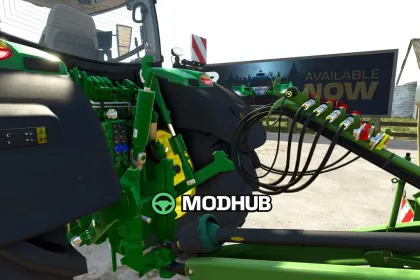
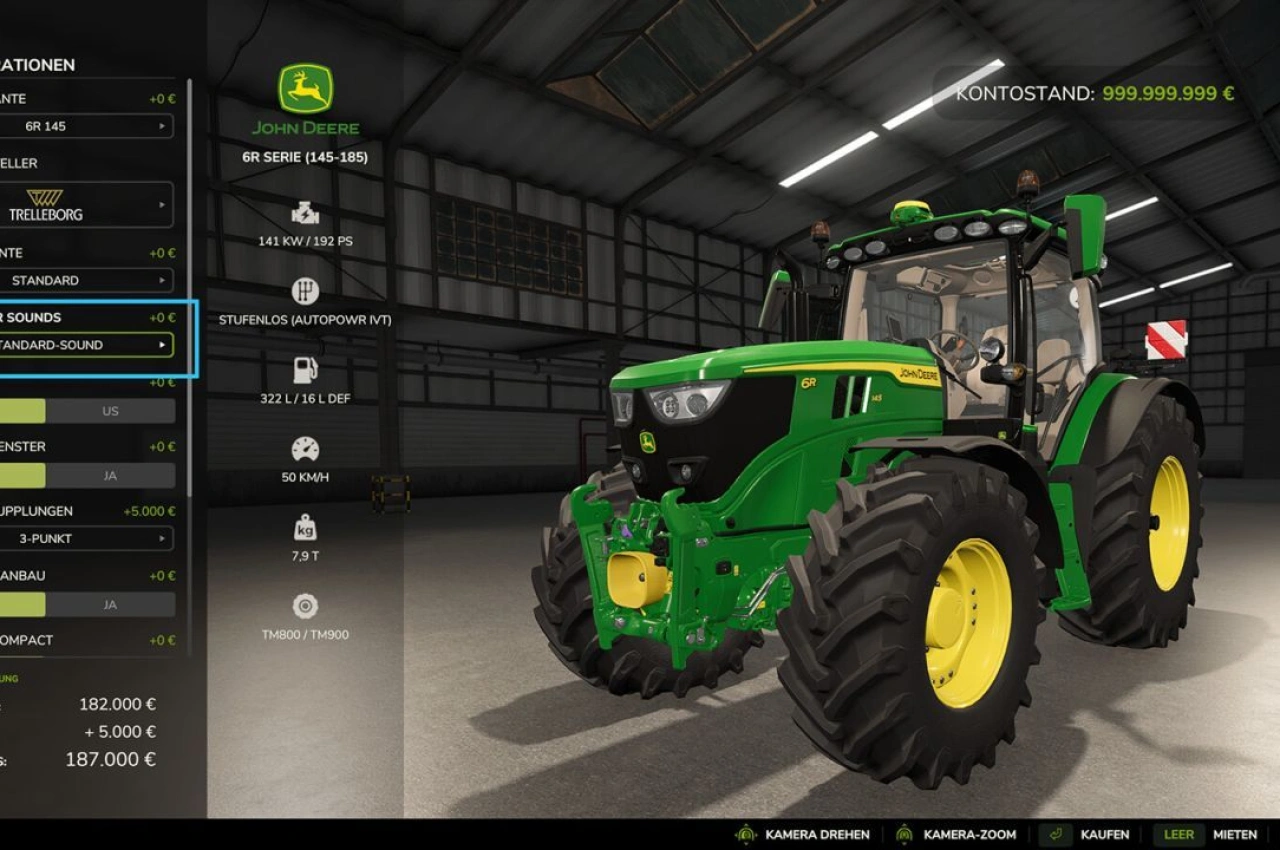
Farm Mechanic script for Farming Simulator 25 turns vehicle maintenance into a real part of your farming experience. It introduces a deep maintenance and repair system where machines require regular servicing and can develop real mechanical problems if maintenance is ignored. Each component—engine, brakes, hydraulics, and wheels—has its own wear and failure systems. Additionally, tire punctures, an interactive mechanic tablet, a parts shop, and realistic repair times are included.
• Mechanical failures for engine, brakes, hydraulics, and wheels with separate maintenance systems
• Maintenance warnings via a yellow wrench, giving you 3 working hours to service the machine
• Tire punctures on vehicles, trailers, and implements that can damage the rim if ignored
• Interactive mechanic tablet to check condition, order parts, and perform repairs
• Parts shop with delivery options and virtual workshop inventory that can degrade over time
• Realistic repair times, with field repairs slower than those near a workshop
• Separate oil change intervals for engine and hydraulic oil based on age and working hours
• Persistent saving of maintenance, failures, punctures, stored parts, orders, and repairs
• Multi-language support and optional integration with the AgroDeal reliability system
The mod is designed for PC and Mac and saves all data with your game.
About Farm Mechanic Script for Farming Simulator 25
Farm Mechanic Script for Farming Simulator 25 is a mod for Farming Simulator 25. Check the author description, supported game version and dependencies before installing.
How to install the mod
Follow the installation instructions for Farm Mechanic Script for Farming Simulator 25, Farming Simulator 25 and your platform.
Download the mod archive using the Download button and read the author instructions.
On PC, copy the mod ZIP without extracting it to Documents/My Games/FarmingSimulator2025/mods. For a bundle, extract the individual mod ZIPs first. macOS and Microsoft Store paths may differ; check Mod Directory in the game log.txt.
Start the game and enable the mod for the selected save or profile, if required.
Test using a backup or a new save. Install any dependencies listed by the author.
System requirements and compatibility
Check the mod description for supported game versions, required DLC and platforms. Compatibility with every version or other mods is not guaranteed. Farming Simulator script mods are for PC/macOS. Console players can only install compatible mods from the in-game GIANTS ModHub.
Frequently asked questions
Is this mod free?
MODHUB does not charge for access to this mod page. Check the terms and download limits of the external file provider.
Can I use this mod in Farming Simulator 25 multiplayer?
Multiplayer support depends on the mod and its author. If supported, the server and players need matching mod versions and required DLC.
What should I check if the mod does not work?
Check the installation folder, archive structure, supported game version, dependencies and game logs. Test the mod separately using a backup save.
How can I check a downloaded mod?
Use trusted author sources, scan the archive and back up your saves. Do not run unrelated installers; a download listing does not guarantee safety or compatibility.