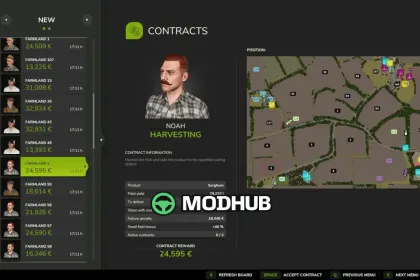
Contract Manager v1.0 is a script for Farming Simulator 25 that gives the server admin control over field contracts and keeps them fair for every farm. It runs on dedicated servers, in hosted multiplayer games and in single player, and relies only on the game's own menus. The mod was built for a community server where contracts were easy to exploit and hard to manage, since a farm could take a harvest contract, sell the crop elsewhere or pass it on and simply let the contract fail. Rewards can now be matched to the server economy, and admins have proper tools to step in.
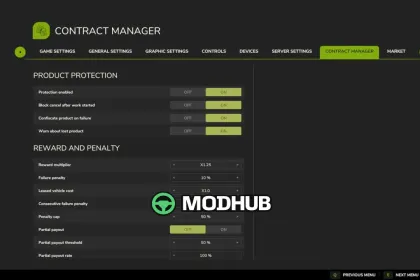
• Product protection: contract crop can only move between vehicles of the farms working the contract and can only be unloaded at its delivery point
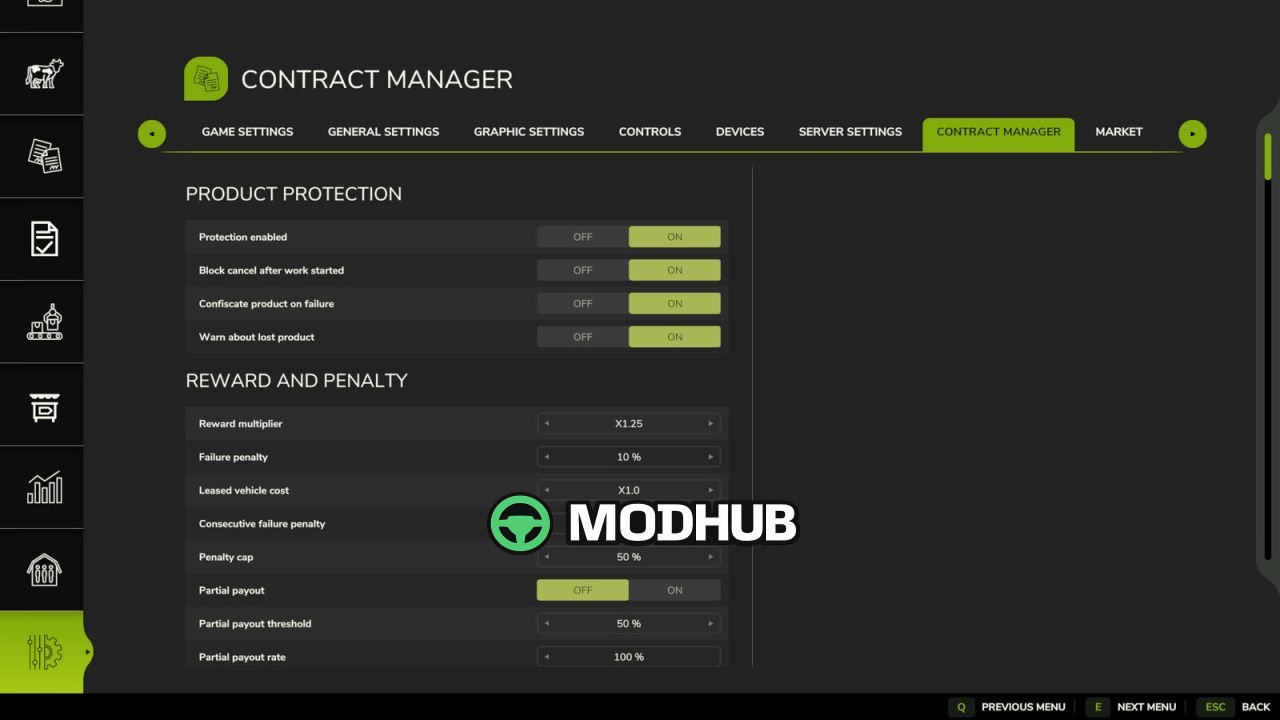
• Admin rules: reward multiplier with minimum and maximum, failure penalty, partial payout, active contracts per farm, daily and monthly quota
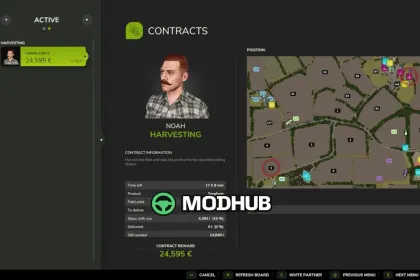
• Extra lines in contract details: time left, possible penalty, expected yield, amount to deliver and progress
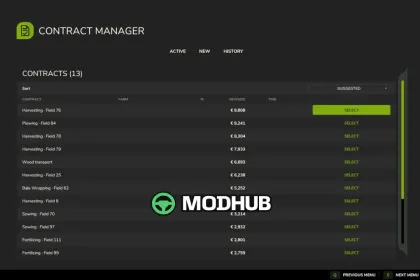
• Contract Manager page in the ESC menu: every contract in one sortable table with Active, New and History tabs
• Multiplayer: reserve a contract for a few minutes, share it with a partner farm and split the reward by contribution
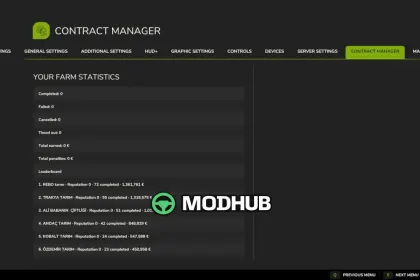
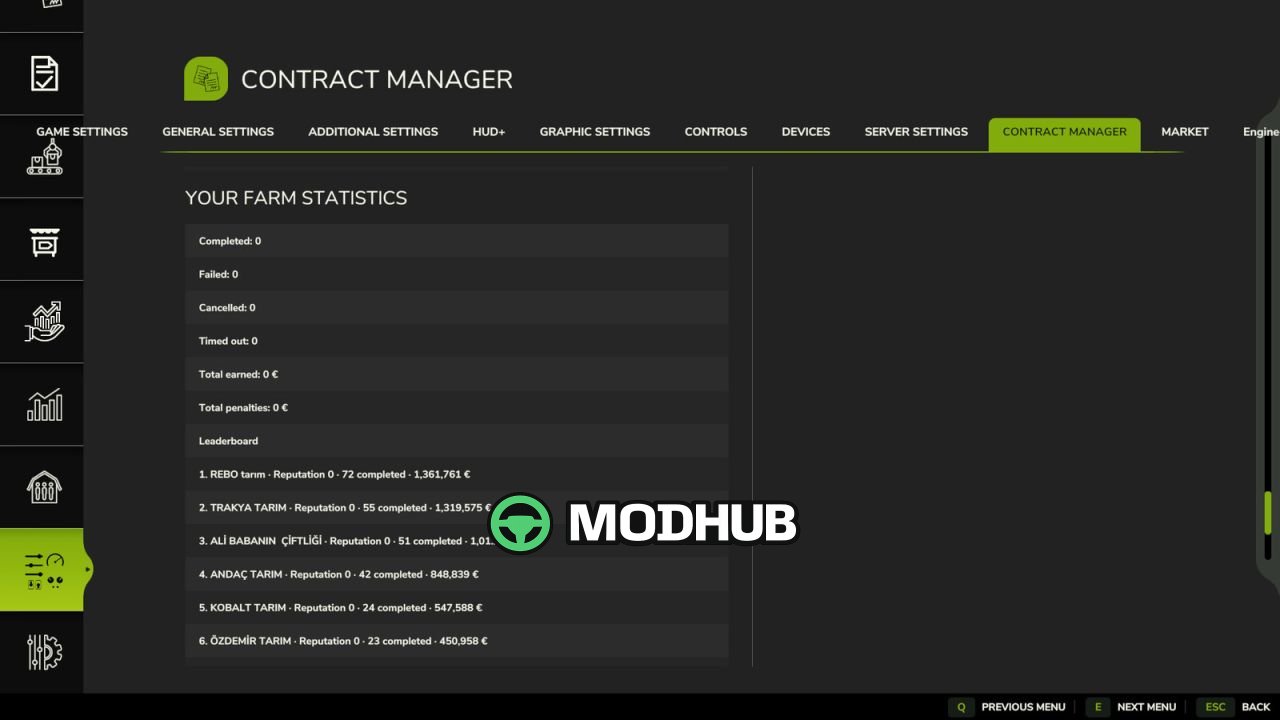
Settings live under ESC > Settings > Contract Manager and are stored in modSettings/FS25_ContractManager.xml.
About Script Contract Manager v1.0 for FS25
Script Contract Manager v1.0 for FS25 is a mod for Farming Simulator 25. Check the author description, supported game version and dependencies before installing.
How to install the mod
Follow the installation instructions for Script Contract Manager v1.0 for FS25, Farming Simulator 25 and your platform.
Download the mod archive using the Download button and read the author instructions.
On PC, copy the mod ZIP without extracting it to Documents/My Games/FarmingSimulator2025/mods. For a bundle, extract the individual mod ZIPs first. macOS and Microsoft Store paths may differ; check Mod Directory in the game log.txt.
Start the game and enable the mod for the selected save or profile, if required.
Test using a backup or a new save. Install any dependencies listed by the author.
System requirements and compatibility
Check the mod description for supported game versions, required DLC and platforms. Compatibility with every version or other mods is not guaranteed. Farming Simulator script mods are for PC/macOS. Console players can only install compatible mods from the in-game GIANTS ModHub.
Frequently asked questions
Is this mod free?
MODHUB does not charge for access to this mod page. Check the terms and download limits of the external file provider.
Can I use this mod in Farming Simulator 25 multiplayer?
Multiplayer support depends on the mod and its author. If supported, the server and players need matching mod versions and required DLC.
What should I check if the mod does not work?
Check the installation folder, archive structure, supported game version, dependencies and game logs. Test the mod separately using a backup save.
How can I check a downloaded mod?
Use trusted author sources, scan the archive and back up your saves. Do not run unrelated installers; a download listing does not guarantee safety or compatibility.