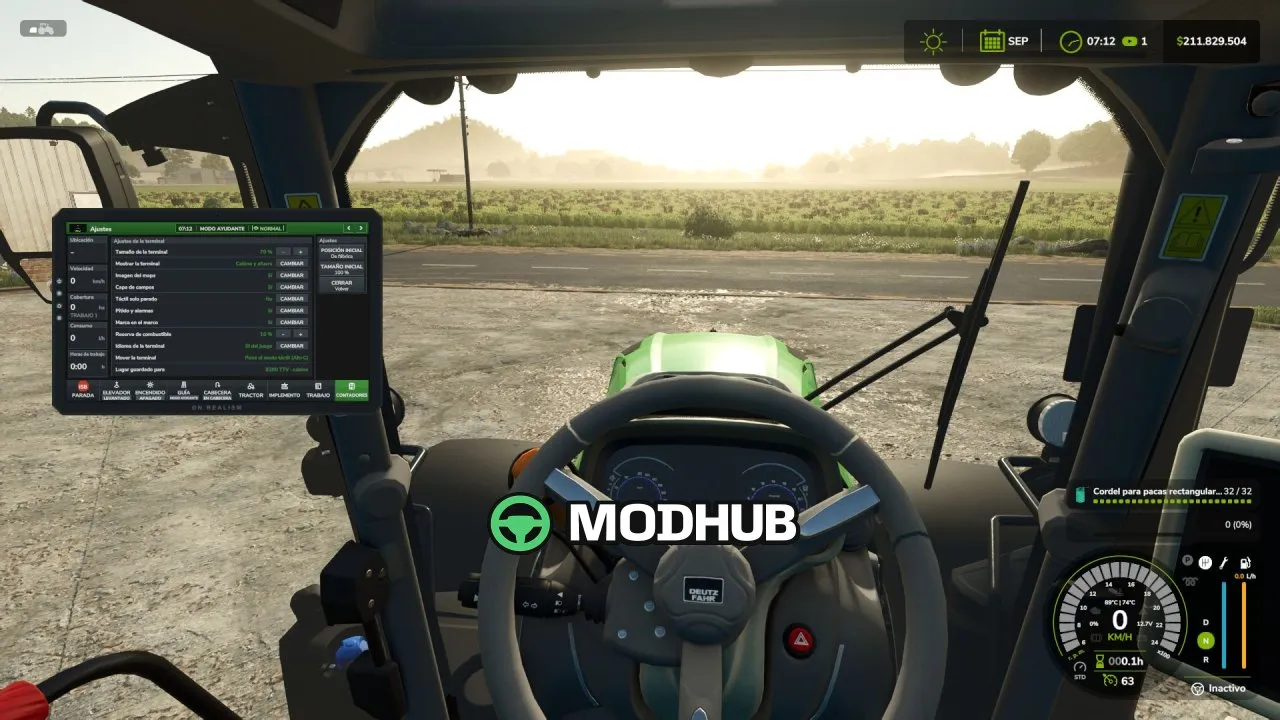
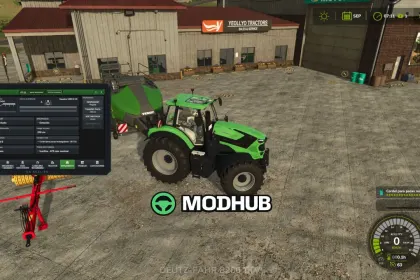
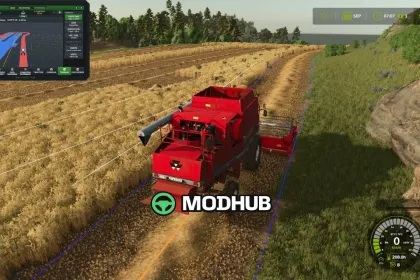
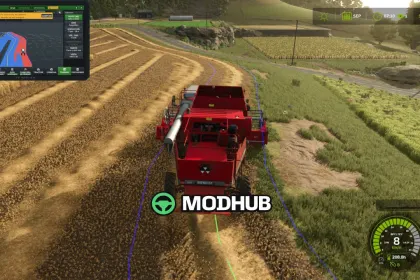
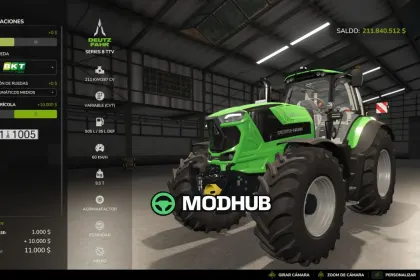
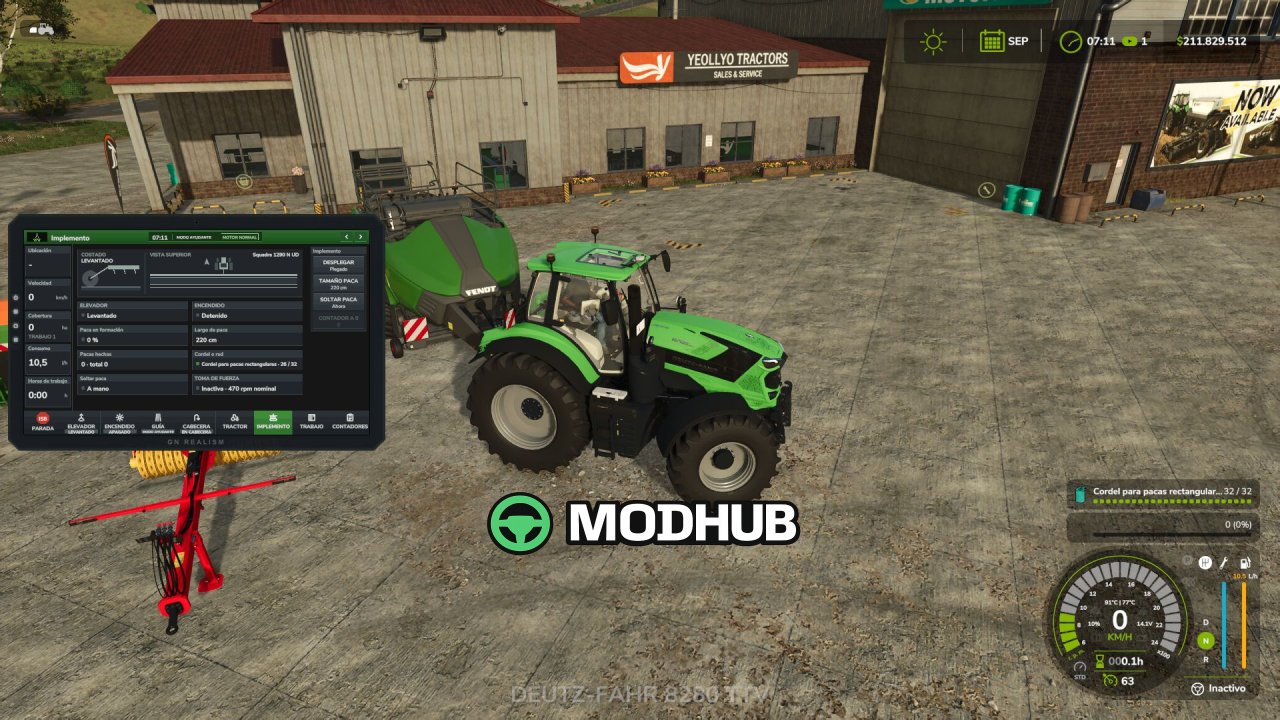
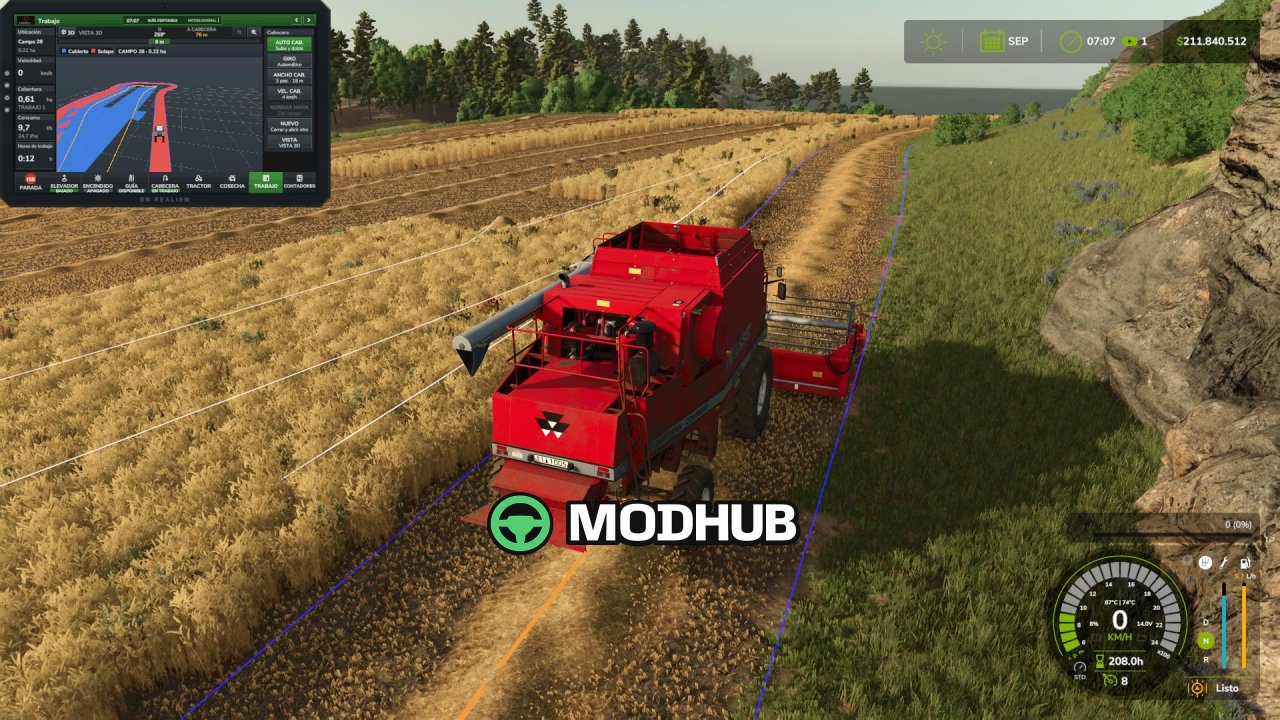
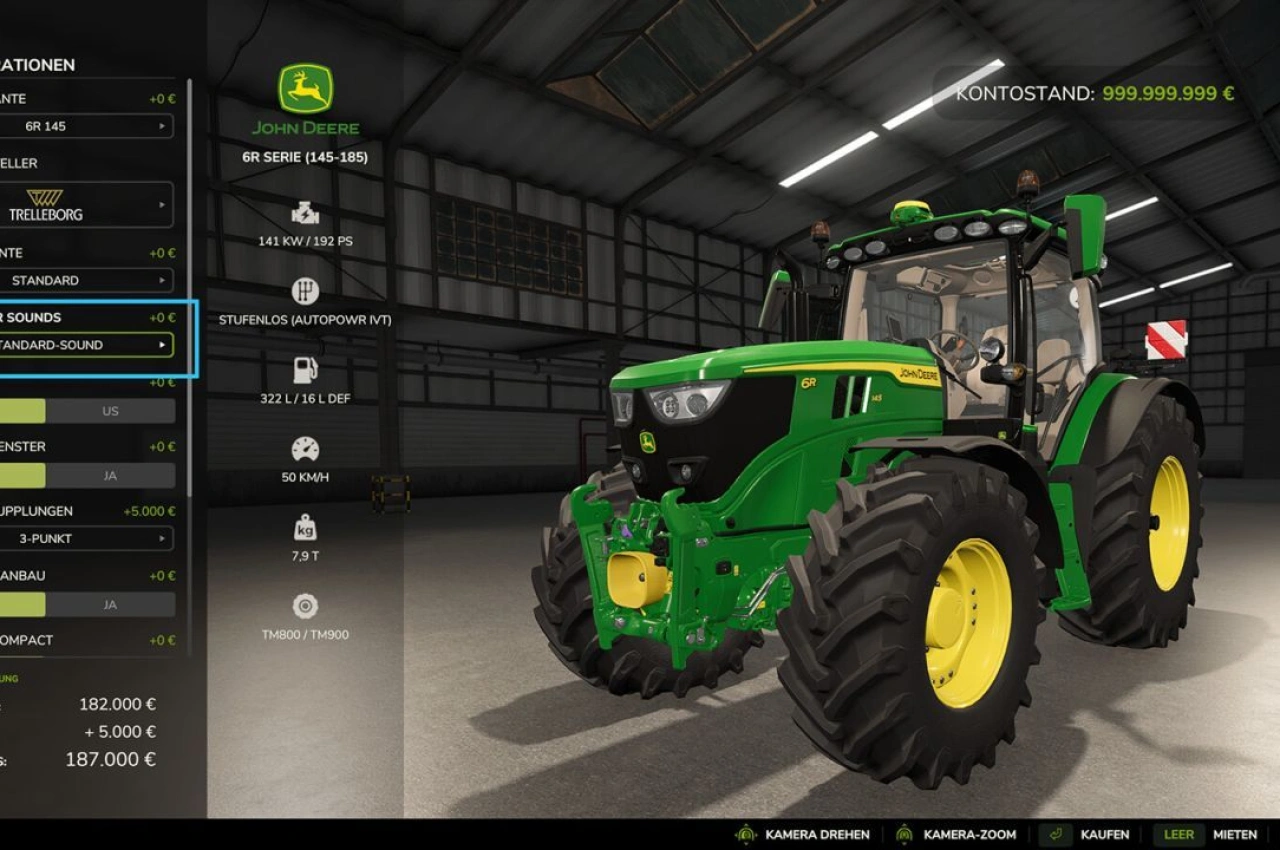
Agricultural Terminal V1.0 is a script for Farming Simulator 25 that brings a realistic onboard terminal into the cab of your machinery, similar to those used by John Deere, CLAAS, Fendt, and Trimble. It works with actual in-game data, with no made-up numbers, and assists you in managing machines and implements. The terminal can be purchased from the shop as a separate piece of equipment or added via the customization menu at the dealership. The license costs $10,000 to buy and $2,000 per machine annually, charged monthly as an operating cost.
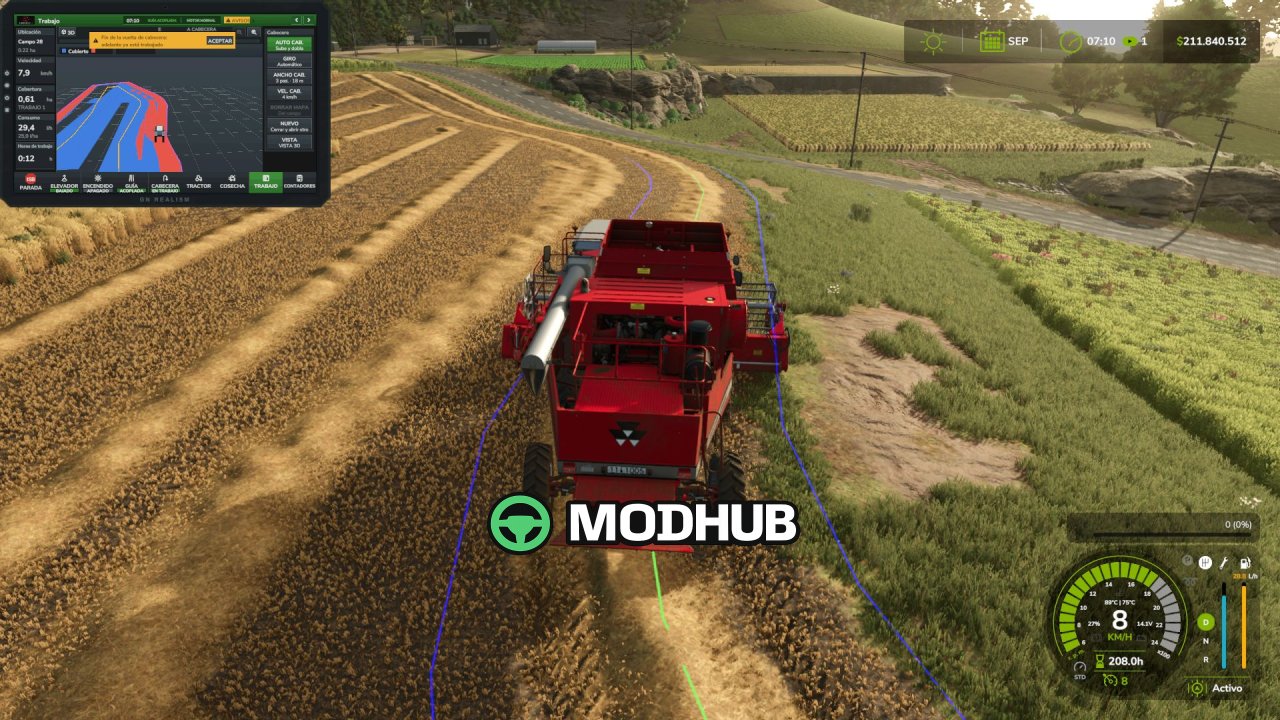
• Automatic headland turns: raises and switches off implements, reduces speed, performs a U-turn or bulb turn, and restores working speed.
• Field coverage map: highlights overlaps in red, offers a 3D view, heading-up or north-up orientation, and saves with your game.
• Automatic section control: 0%, 50%, or 100% overlap settings, adjustable look-ahead, and displays application rate in L/ha or kg/ha.
• Tractor systems: engine, fuel level and range, AdBlue, wheel slip, differential lock, automatic PTO, and hydraulics.
• Implement controls: side view of lift position, top view of sections, folding, markers, reversing, working depth, and baler controls.
• Alert center with acknowledge: fuel reserve, AdBlue, battery, full grain tank, parking brake, malfunctions, and excessive wheel slip.
The terminal supports multiplayer and dedicated servers, and is compatible with Real Fuel Consumption, Realistic Diesel Start, Realistic Brakes, and Variable Working Depth mods.
About Script Agricultural Terminal V1.0 for FS25
Script Agricultural Terminal V1.0 for FS25 is a mod for Farming Simulator 25. Check the author description, supported game version and dependencies before installing.
How to install the mod
Follow the installation instructions for Script Agricultural Terminal V1.0 for FS25, Farming Simulator 25 and your platform.
Download the mod archive using the Download button and read the author instructions.
On PC, copy the mod ZIP without extracting it to Documents/My Games/FarmingSimulator2025/mods. For a bundle, extract the individual mod ZIPs first. macOS and Microsoft Store paths may differ; check Mod Directory in the game log.txt.
Start the game and enable the mod for the selected save or profile, if required.
Test using a backup or a new save. Install any dependencies listed by the author.
System requirements and compatibility
Check the mod description for supported game versions, required DLC and platforms. Compatibility with every version or other mods is not guaranteed. Farming Simulator script mods are for PC/macOS. Console players can only install compatible mods from the in-game GIANTS ModHub.
Frequently asked questions
Is this mod free?
MODHUB does not charge for access to this mod page. Check the terms and download limits of the external file provider.
Can I use this mod in Farming Simulator 25 multiplayer?
Multiplayer support depends on the mod and its author. If supported, the server and players need matching mod versions and required DLC.
What should I check if the mod does not work?
Check the installation folder, archive structure, supported game version, dependencies and game logs. Test the mod separately using a backup save.
How can I check a downloaded mod?
Use trusted author sources, scan the archive and back up your saves. Do not run unrelated installers; a download listing does not guarantee safety or compatibility.