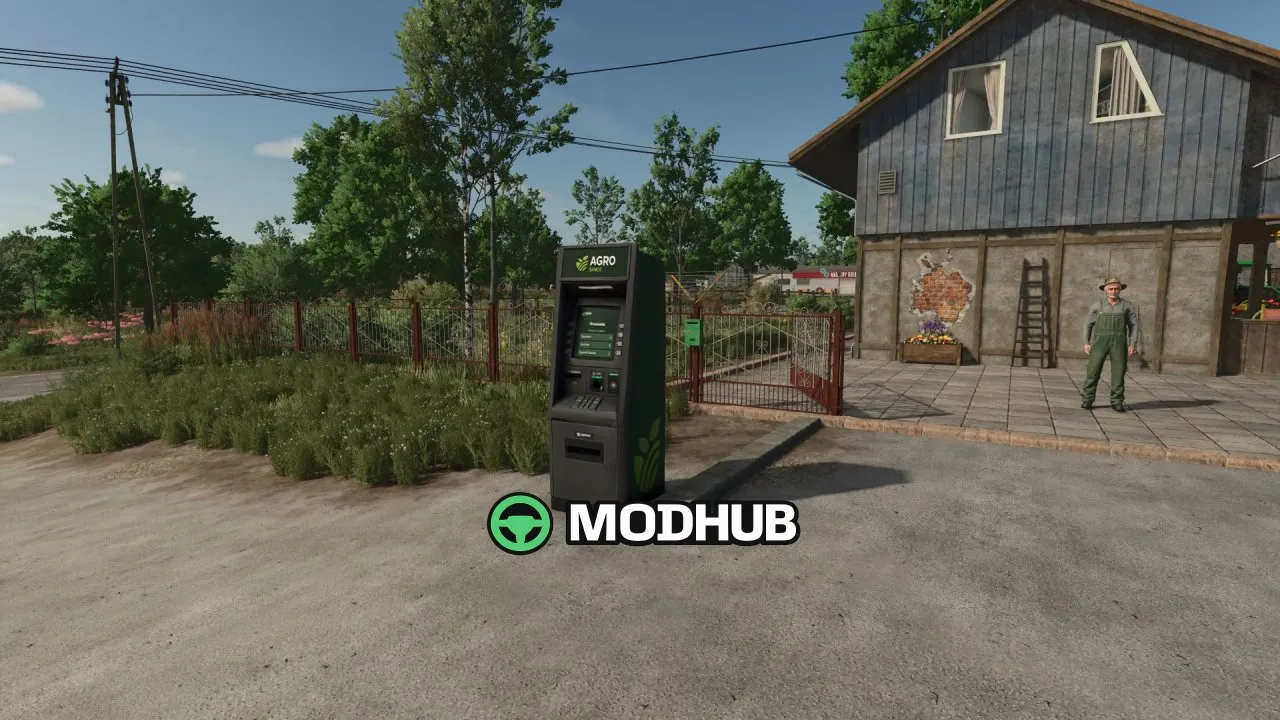
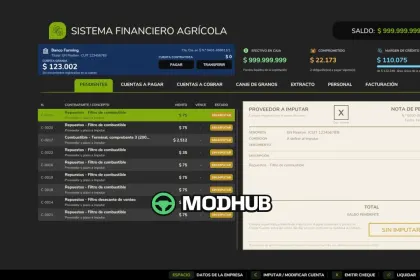
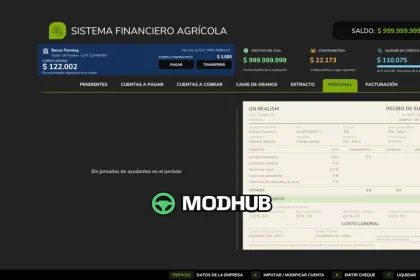
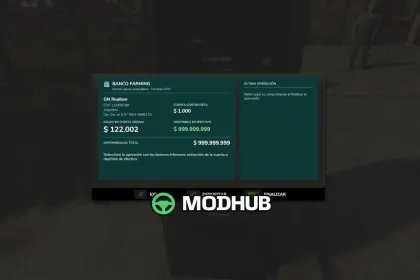
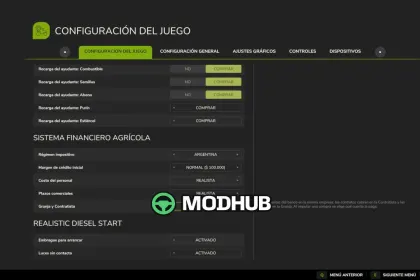
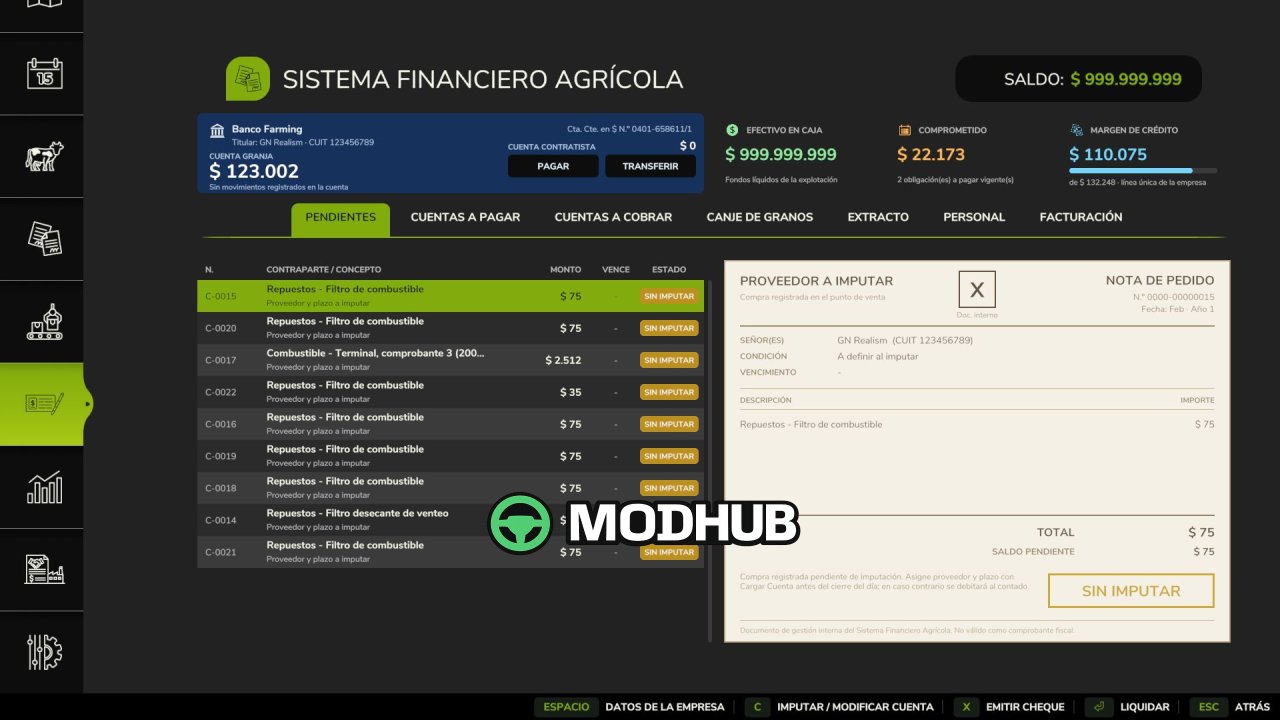
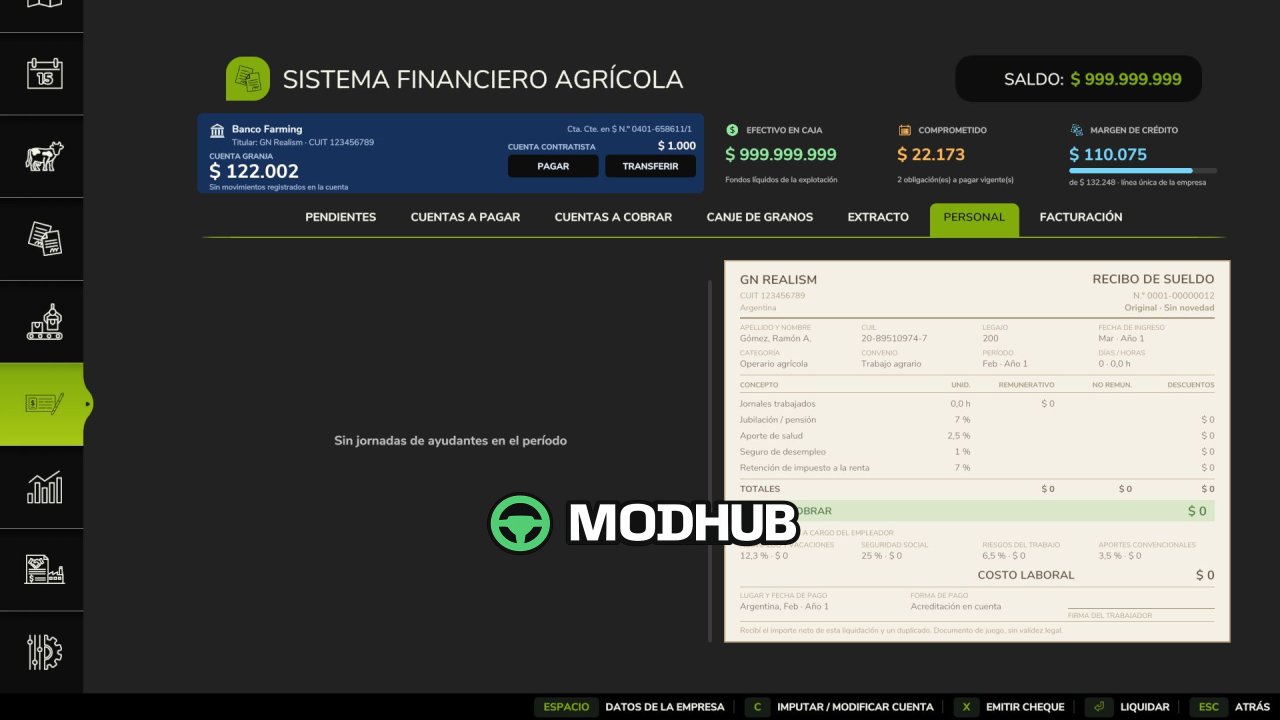
Agricultural Financial System V1.3.1 is a script for Farming Simulator 25 that turns the simplified game economy into a full financial system for a farm business. Instead of paying cash instantly, you buy machinery and animals on account with 30, 60 or 90 day terms and a surcharge shown before you confirm. Every transaction comes with a paper document — invoice, cheque, promissory note or payslip — carrying its own status stamp. The mod supports single player, multiplayer and dedicated servers, and it is compatible with save games from version 1.2.0.0.
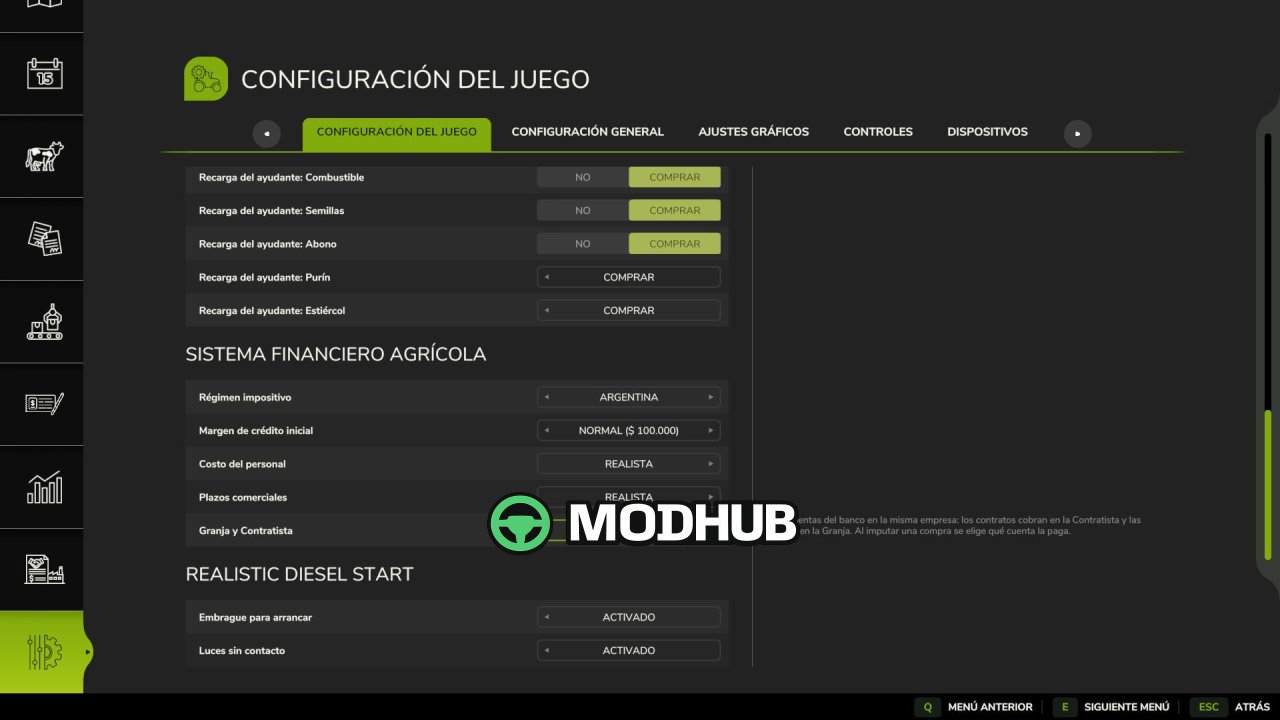
• One credit line for the whole company: starts at 100,000 and grows 15 % with each on-time payment, up to 8 times
• Current accounts with a 25 % down payment on machinery and buildings and 3 % off per month for early payment
• Promissory notes for 180 days with a 30 % surcharge and deferred cheques at 30, 60 and 90 days
• Optional taxes for Argentina, Brazil, Spain, Germany, France, Italy and the United States with VAT and annual income tax
• Staff payslips with real labour charges of 47.3 % or 15 % and grain barter to settle debts
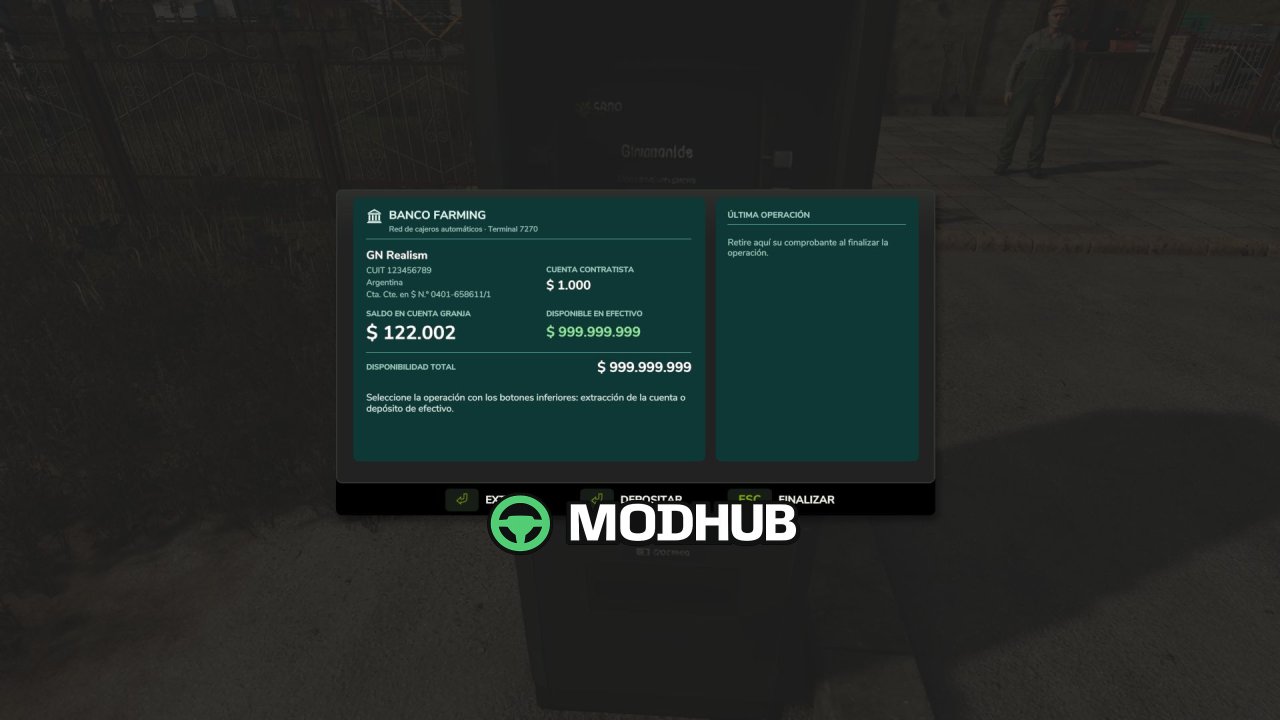
It also adds a placeable 3D ATM, transfers between farms, invoices between farms and separate Farm and Contractor accounts, so your finances stay under control through every season.
About Script Agricultural Financial System V1.3.1 for FS25
Script Agricultural Financial System V1.3.1 for FS25 is a mod for Farming Simulator 25. Check the author description, supported game version and dependencies before installing.
How to install the mod
Follow the installation instructions for Script Agricultural Financial System V1.3.1 for FS25, Farming Simulator 25 and your platform.
Download the mod archive using the Download button and read the author instructions.
On PC, copy the mod ZIP without extracting it to Documents/My Games/FarmingSimulator2025/mods. For a bundle, extract the individual mod ZIPs first. macOS and Microsoft Store paths may differ; check Mod Directory in the game log.txt.
Start the game and enable the mod for the selected save or profile, if required.
Test using a backup or a new save. Install any dependencies listed by the author.
System requirements and compatibility
Check the mod description for supported game versions, required DLC and platforms. Compatibility with every version or other mods is not guaranteed. Farming Simulator script mods are for PC/macOS. Console players can only install compatible mods from the in-game GIANTS ModHub.
Frequently asked questions
Is this mod free?
MODHUB does not charge for access to this mod page. Check the terms and download limits of the external file provider.
Can I use this mod in Farming Simulator 25 multiplayer?
Multiplayer support depends on the mod and its author. If supported, the server and players need matching mod versions and required DLC.
What should I check if the mod does not work?
Check the installation folder, archive structure, supported game version, dependencies and game logs. Test the mod separately using a backup save.
How can I check a downloaded mod?
Use trusted author sources, scan the archive and back up your saves. Do not run unrelated installers; a download listing does not guarantee safety or compatibility.