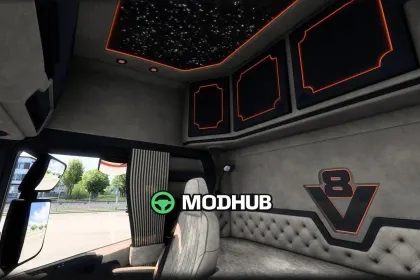
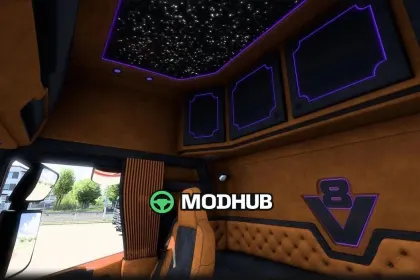
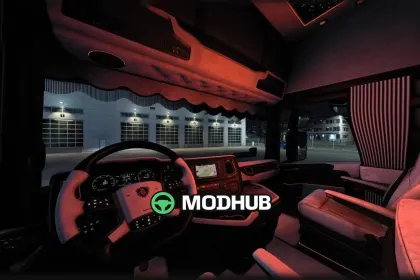
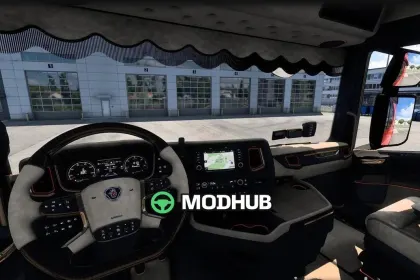
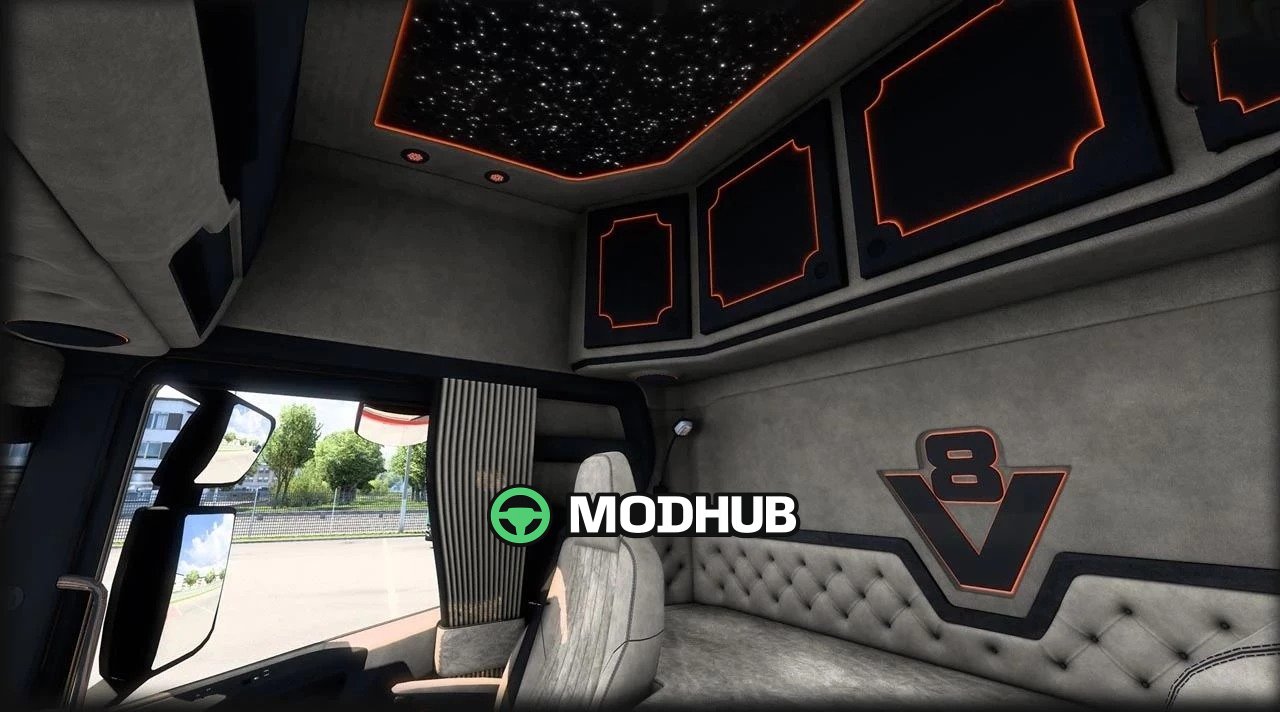
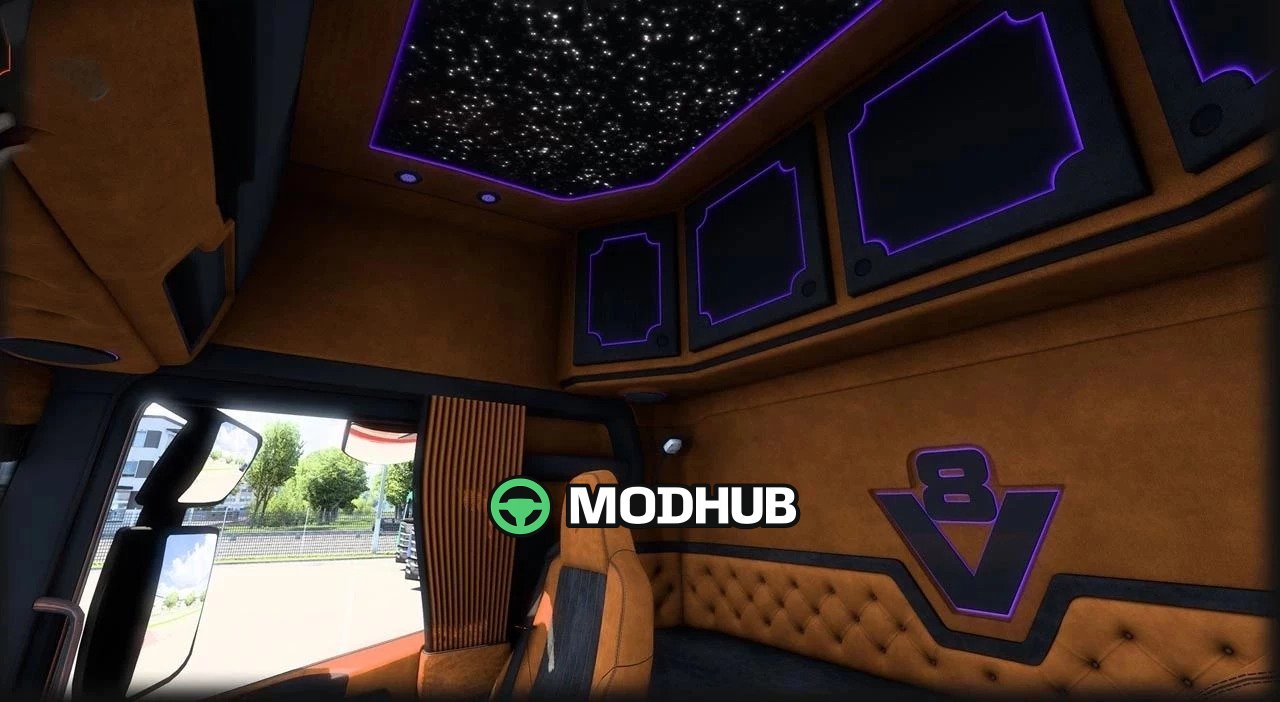
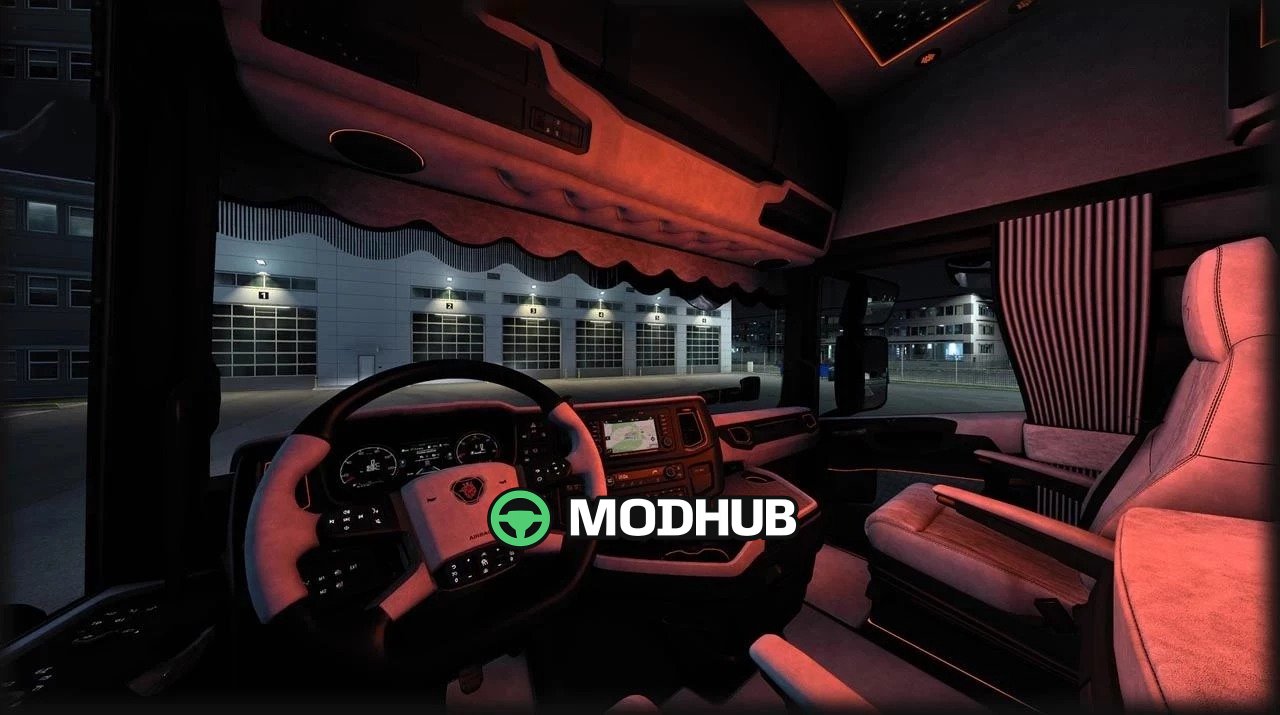
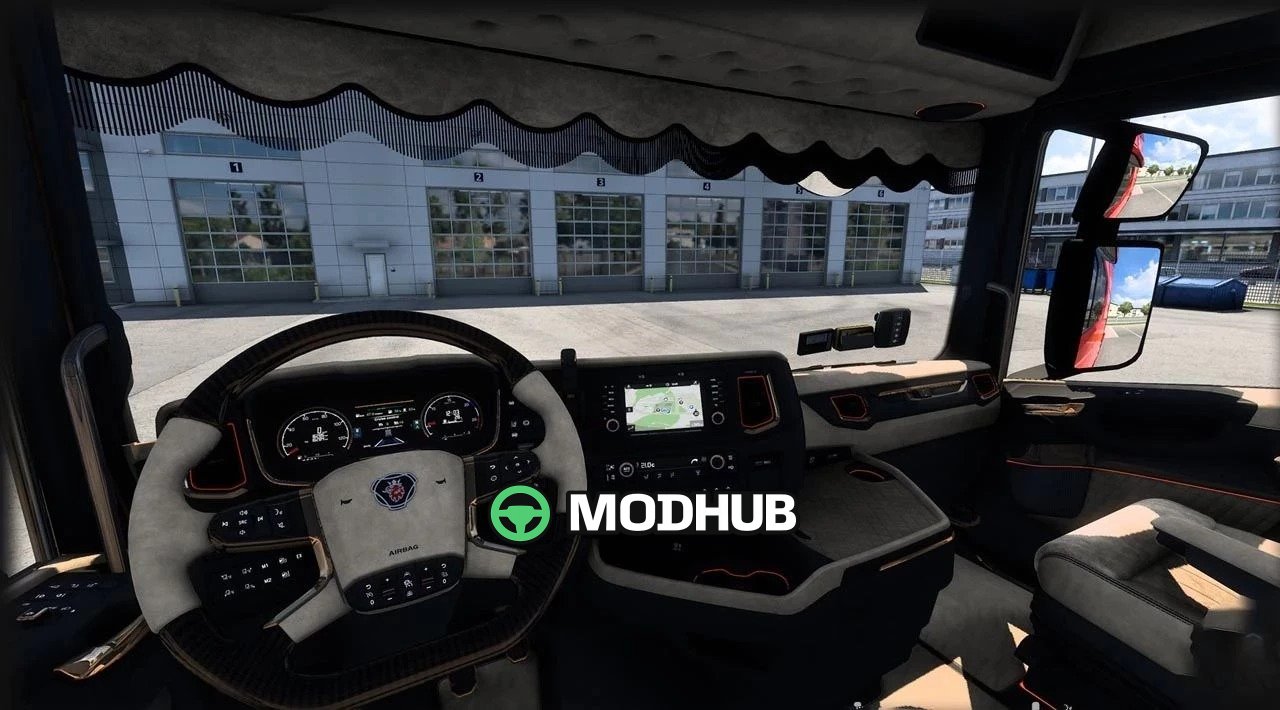
Scania Next Gen 770S Interior Pack v3.0 is an interior modification for the truck in Euro Truck Simulator 2 that fully replaces the default cabin layout. The pack offers six standalone interior variants, each fitted with its own steering wheel and a distinct trim style. The mod supports both the interior view and the exterior view through the windows, so the detailing can be checked from any angle. All textures use high-quality AO baking, which keeps the shading natural even in dim lighting conditions.
• Six independent interior variants with individual steering wheels for each one
• Non-removable curtains plus a variety of interior and ambient lights
• High-quality AO bake for realistic surface shading
• The beacon button "O" switches the top lights on without extra setup
• Compatibility tested on game version 1.61
The pack also includes addons that vary the look of the cabin during long hauls.
About Scania Next Gen 770S Interior Pack v3.0 for ETS2
Scania Next Gen 770S Interior Pack v3.0 for ETS2 is a mod for Euro Truck Simulator 2. Check the author description, supported game version and dependencies before installing.
How to install the mod
Follow the installation instructions for Scania Next Gen 770S Interior Pack v3.0 for ETS2, Euro Truck Simulator 2 and your platform.
Download the mod archive using the Download button and read the author instructions.
Use the folder and archive format specified by the mod author for this game.
Start the game and enable the mod for the selected save or profile, if required.
Test using a backup or a new save. Install any dependencies listed by the author.
System requirements and compatibility
Check the mod description for supported game versions, required DLC and platforms. Compatibility with every version or other mods is not guaranteed.
Frequently asked questions
Is this mod free?
MODHUB does not charge for access to this mod page. Check the terms and download limits of the external file provider.
Can I use this mod in Euro Truck Simulator 2 multiplayer?
Multiplayer support depends on the mod and its author. If supported, the server and players need matching mod versions and required DLC.
What should I check if the mod does not work?
Check the installation folder, archive structure, supported game version, dependencies and game logs. Test the mod separately using a backup save.
How can I check a downloaded mod?
Use trusted author sources, scan the archive and back up your saves. Do not run unrelated installers; a download listing does not guarantee safety or compatibility.