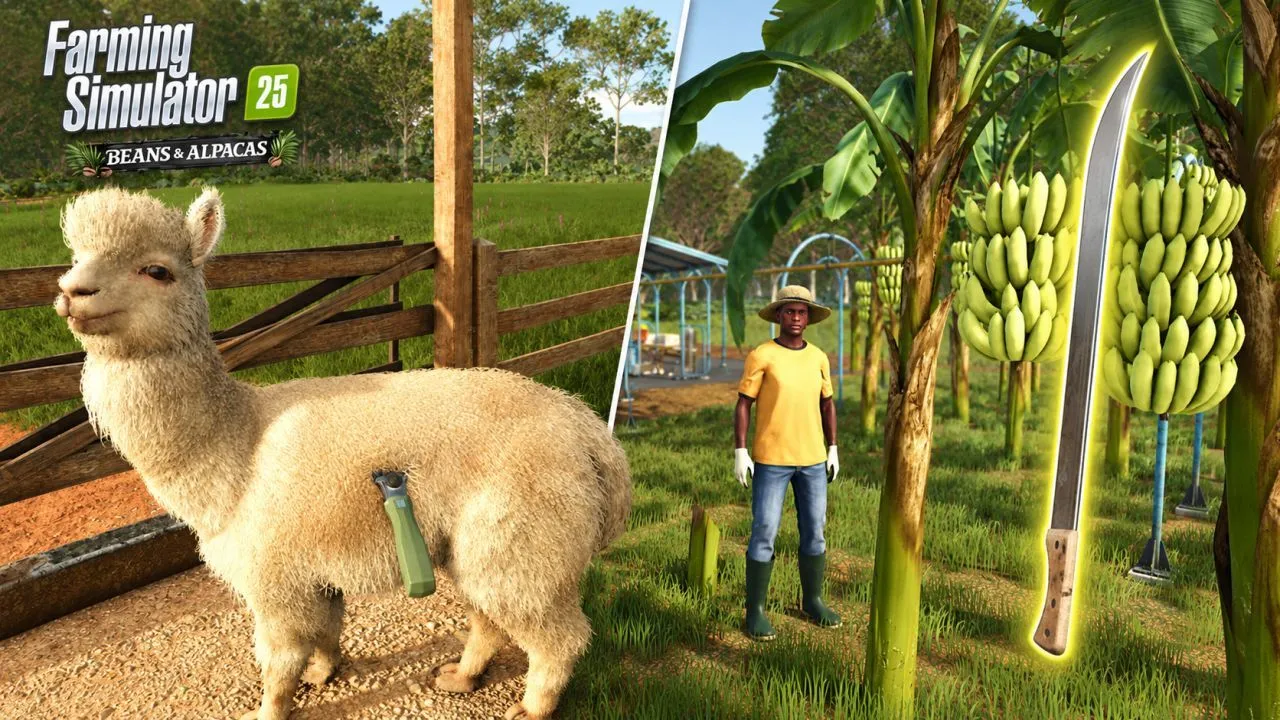
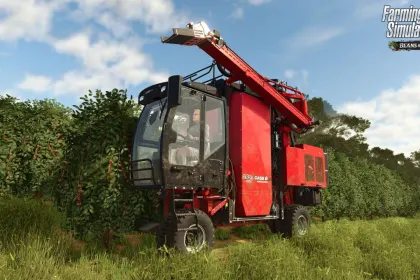
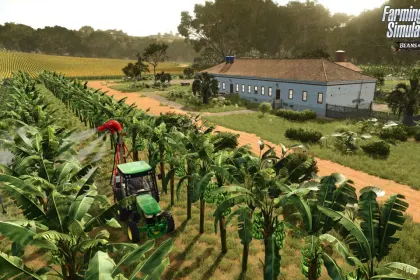
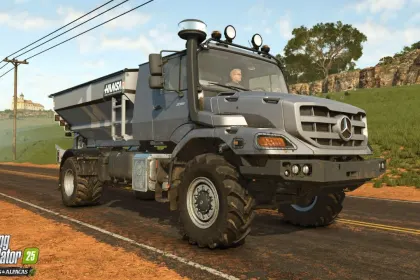
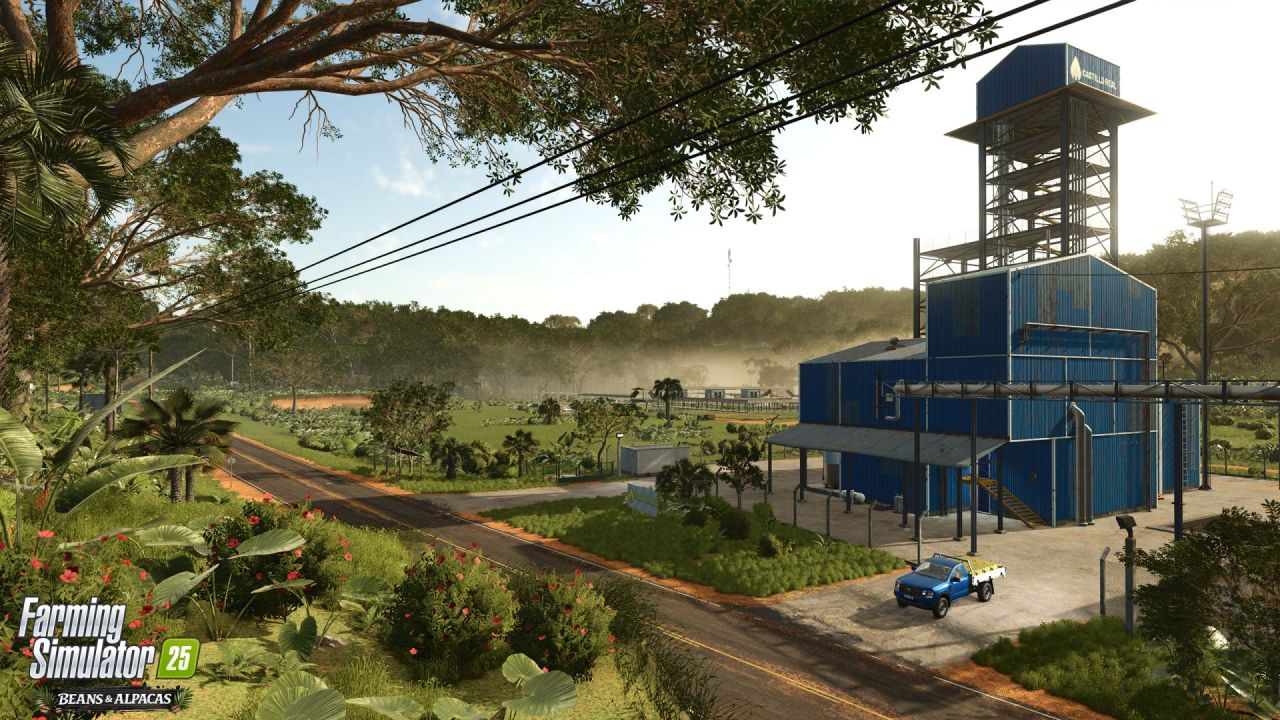
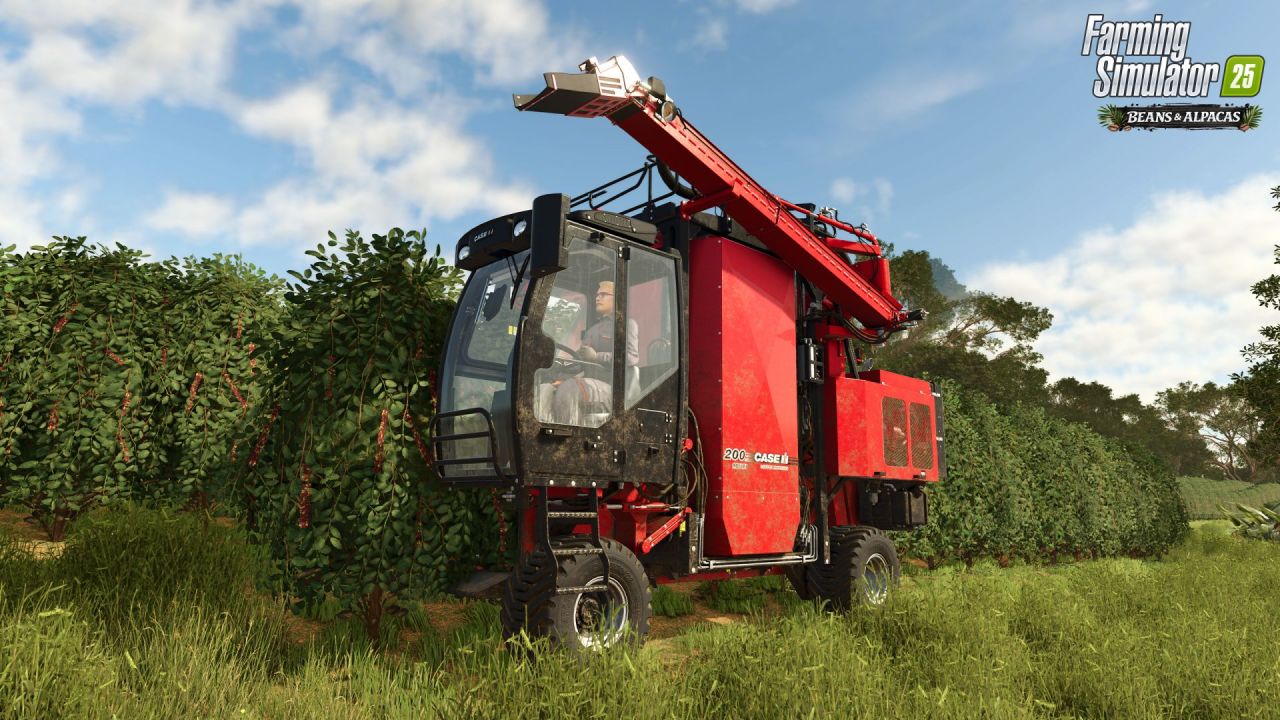
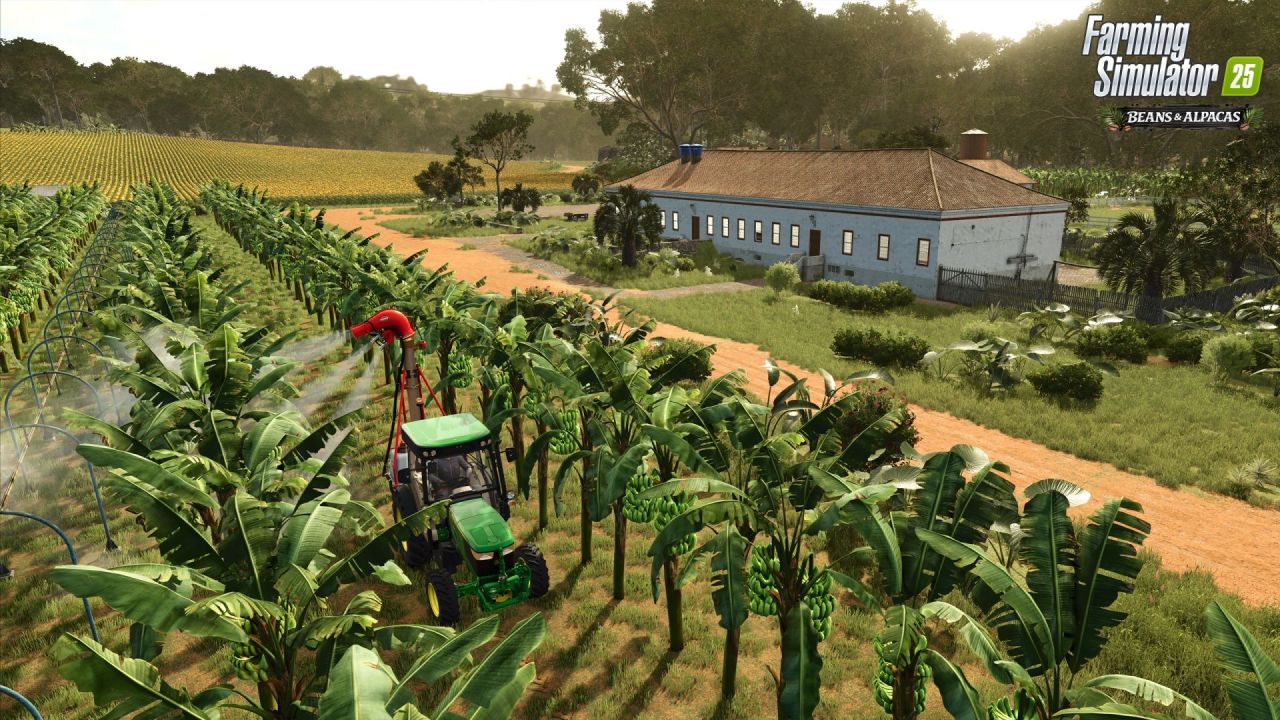
Beans & Alpacas Expansion is a major DLC for Farming Simulator 25 that transports players to Catuaí, a South America-inspired region where coffee and banana plantations cover rolling hills. In this region, you manage a coffee estate and grow a warmer kind of farm life. The expansion introduces new crops, animals, production chains, and more than 25 new machines from renowned brands. Additionally, you can explore lush valleys, undertake construction projects, and collect unique discoveries.
• New crops: coffee and bananas with an all-new cultivation system and transport rails to washing stations.
• New animals: alpacas for shearing and Brahman cows to expand your livestock.
• Over 25 new machines from Case IH, Ford, John Deere, KUHN, Mercedes-Benz Trucks, New Holland, Valtra, and more.
• New brands: Colombo Industries and Southern Spreaders, plus enhanced ground tool animations and improved effects.
• Production chains for crop processing, creating pigment and resin, and repainting houses for the community.
• Research Center construction project, dinosaur skeleton parts to find, and a collectible museum.
• Wildlife including crocodiles and parrots that bring more life to the environment.
This expansion significantly diversifies gameplay and adds numerous new opportunities for farm life.
About Beans & Alpacas Expansion for Farming Simulator 25
Beans & Alpacas Expansion for Farming Simulator 25 is a mod for Farming Simulator 25. Check the author description, supported game version and dependencies before installing.
How to install the mod
Follow the installation instructions for Beans & Alpacas Expansion for Farming Simulator 25, Farming Simulator 25 and your platform.
Download the mod archive using the Download button and read the author instructions.
On PC, copy the mod ZIP without extracting it to Documents/My Games/FarmingSimulator2025/mods. For a bundle, extract the individual mod ZIPs first. macOS and Microsoft Store paths may differ; check Mod Directory in the game log.txt.
Start the game and enable the mod for the selected save or profile, if required.
Test using a backup or a new save. Install any dependencies listed by the author.
System requirements and compatibility
Check the mod description for supported game versions, required DLC and platforms. Compatibility with every version or other mods is not guaranteed. Farming Simulator script mods are for PC/macOS. Console players can only install compatible mods from the in-game GIANTS ModHub.
Frequently asked questions
Is this mod free?
MODHUB does not charge for access to this mod page. Check the terms and download limits of the external file provider.
Can I use this mod in Farming Simulator 25 multiplayer?
Multiplayer support depends on the mod and its author. If supported, the server and players need matching mod versions and required DLC.
What should I check if the mod does not work?
Check the installation folder, archive structure, supported game version, dependencies and game logs. Test the mod separately using a backup save.
How can I check a downloaded mod?
Use trusted author sources, scan the archive and back up your saves. Do not run unrelated installers; a download listing does not guarantee safety or compatibility.