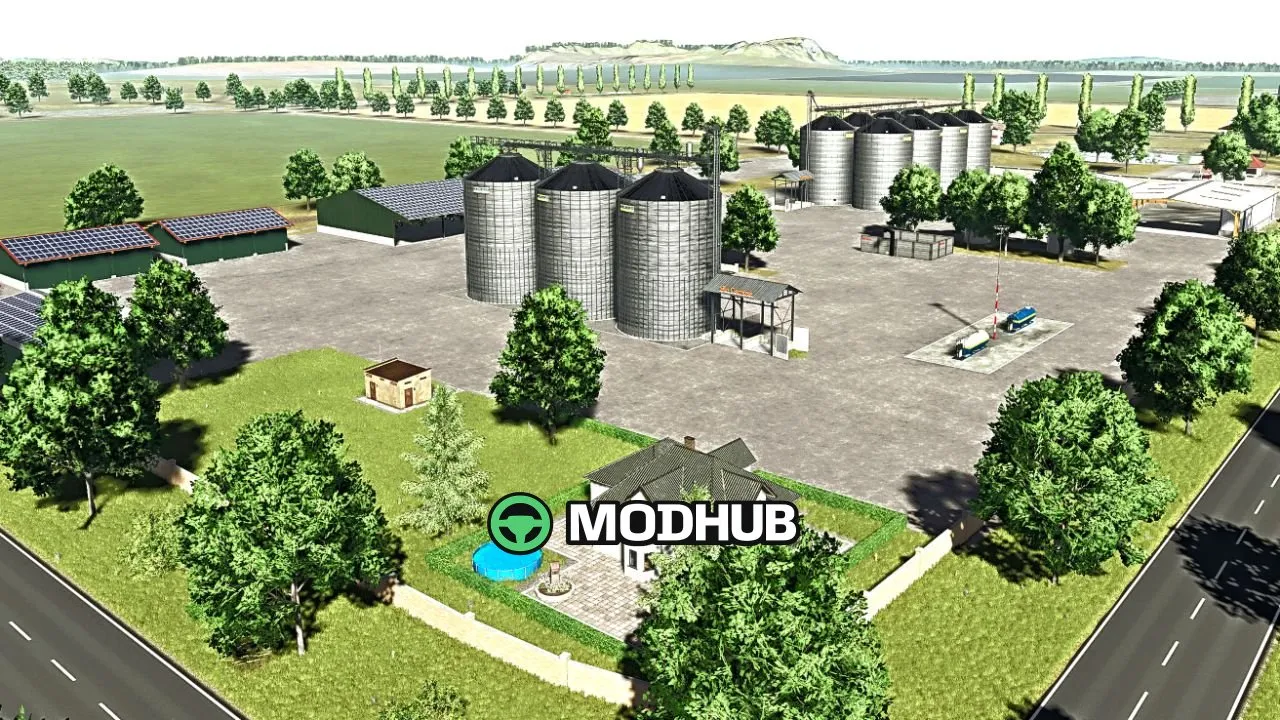
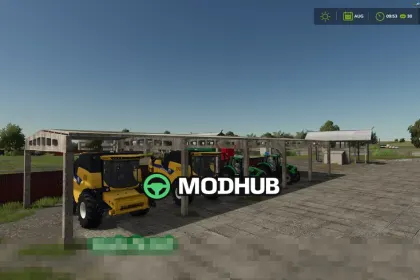
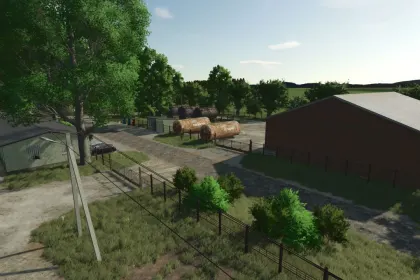
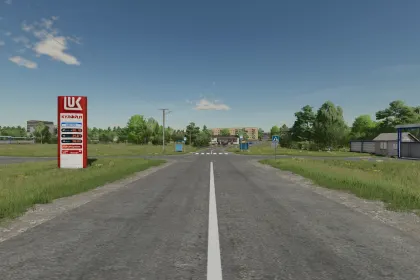
MultiMap Edit 4x v1.0 is a map mod built for Farming Simulator 25 (FS25), offering a large 4x layout and a production-focused setup. The scenery is completely fictional and placed somewhere in Germany. The concept of “multi” evolves here: instead of only multi-fruit, FS25 emphasizes multi-productions with a network of facilities and energy logistics.
• 4x scale with 42 fields ranging from roughly 7 ha up to 62 ha
• 4 prepared farms to begin with
• 41 pre-installed productions, with a few exceptions requiring electrical power
• Multiple energy suppliers to keep production lines running
• 21 sales outlets and 70 purchasable areas for expansion
Beyond production, MultiMap Edit 4x v1.0 includes practical farm infrastructure for long-term gameplay. Farms feature high-capacity barns, while players also get 3 open build areas to expand their setups freely. Each farm has a paid water point for drawing water, and an additional free water point is located next to the main yard. To play this map correctly, the FS25_MapsSupplementaryPackage mod is required, as it contains all production sites and sales outlets used on the map.
About MultiMap Edit 4x v1.0 for FS25
MultiMap Edit 4x v1.0 for FS25 is a mod for Farming Simulator 25. Check the author description, supported game version and dependencies before installing.
How to install the mod
Follow the installation instructions for MultiMap Edit 4x v1.0 for FS25, Farming Simulator 25 and your platform.
Download the mod archive using the Download button and read the author instructions.
On PC, copy the mod ZIP without extracting it to Documents/My Games/FarmingSimulator2025/mods. For a bundle, extract the individual mod ZIPs first. macOS and Microsoft Store paths may differ; check Mod Directory in the game log.txt.
Start the game and enable the mod for the selected save or profile, if required.
Test using a backup or a new save. Install any dependencies listed by the author.
System requirements and compatibility
Check the mod description for supported game versions, required DLC and platforms. Compatibility with every version or other mods is not guaranteed. Farming Simulator script mods are for PC/macOS. Console players can only install compatible mods from the in-game GIANTS ModHub.
Frequently asked questions
Is this mod free?
MODHUB does not charge for access to this mod page. Check the terms and download limits of the external file provider.
Can I use this mod in Farming Simulator 25 multiplayer?
Multiplayer support depends on the mod and its author. If supported, the server and players need matching mod versions and required DLC.
What should I check if the mod does not work?
Check the installation folder, archive structure, supported game version, dependencies and game logs. Test the mod separately using a backup save.
How can I check a downloaded mod?
Use trusted author sources, scan the archive and back up your saves. Do not run unrelated installers; a download listing does not guarantee safety or compatibility.