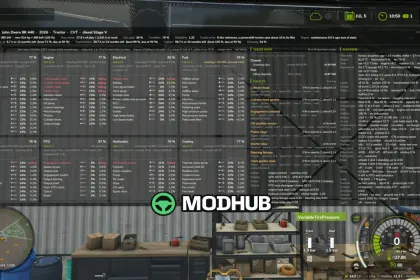
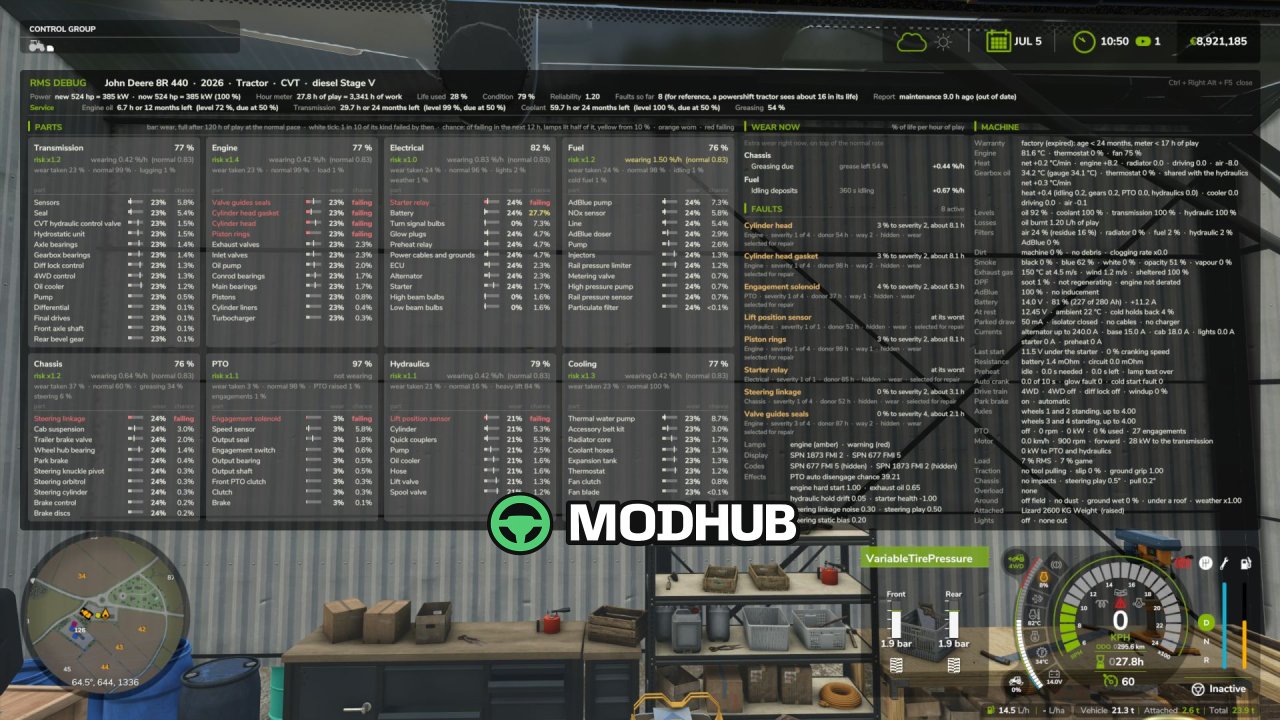
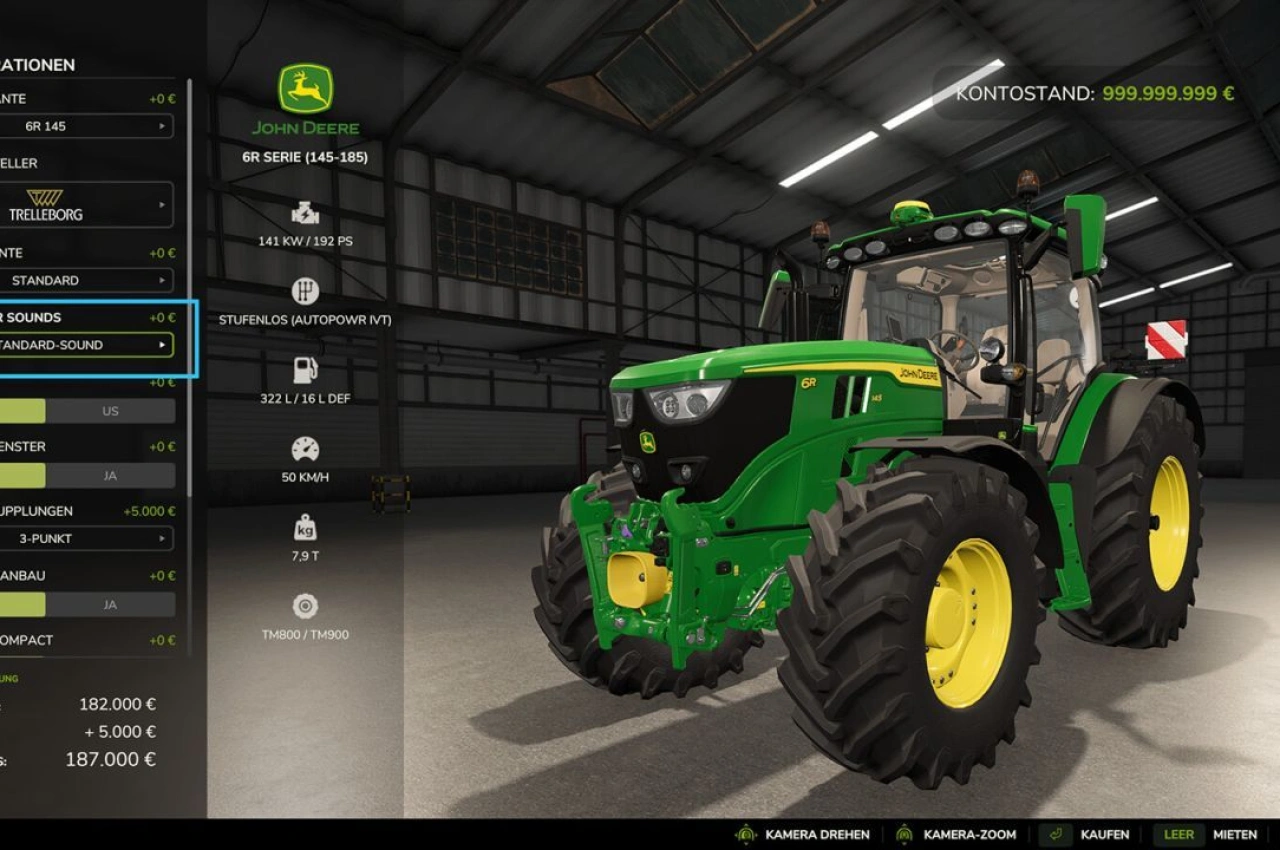
Realistic Mechanical Systems BETA 5 is a mechanical simulation script for Farming Simulator 25 that adds wear, breakdowns and maintenance to your entire fleet. Every machine ages over time, and its reliability, performance and running costs depend on how you drive and how well you look after it. Up to eight distinct mechanical systems are built from the actual parts that fail in them, so the component that breaks is the one your usage has worn out. Unusual noises, unstable engine speed, smoke and loss of power warn you about the condition of a machine, while engine temperature and warm-up react to cold weather, workload and fouling.
• Transmission with 2WD, 4WD and AUTO modes plus differential locks, and a parking brake that is automatic on recent CVTs and Powershifts
• Electric machines get their own motor, traction battery that loses capacity with age and power electronics
• On-foot maintenance: check levels, top up fluids, clean with the air blow gun and apply grease with the gun
• Charging and jump-start help via jump leads or the Telwin Doctor Charge 155 Connect on a trolley
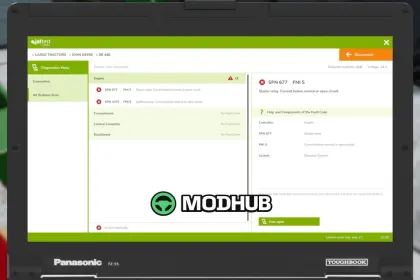
• Diagnostic tool reads fault codes, and the inspection identifies the worn part behind each code
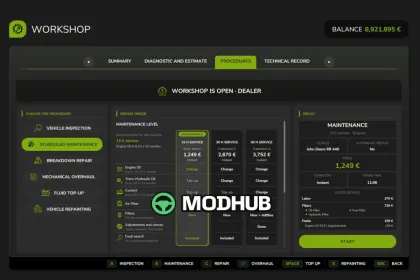
• Full workshop cycle: inspection, repair, overhaul and repainting with original, aftermarket or used parts
Repair history, maintenance due dates and reports affect vehicle value, and workers adapt their driving to overloading to protect the equipment.
About Realistic Mechanical Systems RMS BETA 5 for FS25
Realistic Mechanical Systems RMS BETA 5 for FS25 is a mod for Farming Simulator 25. Check the author description, supported game version and dependencies before installing.
How to install the mod
Follow the installation instructions for Realistic Mechanical Systems RMS BETA 5 for FS25, Farming Simulator 25 and your platform.
Download the mod archive using the Download button and read the author instructions.
On PC, copy the mod ZIP without extracting it to Documents/My Games/FarmingSimulator2025/mods. For a bundle, extract the individual mod ZIPs first. macOS and Microsoft Store paths may differ; check Mod Directory in the game log.txt.
Start the game and enable the mod for the selected save or profile, if required.
Test using a backup or a new save. Install any dependencies listed by the author.
System requirements and compatibility
Check the mod description for supported game versions, required DLC and platforms. Compatibility with every version or other mods is not guaranteed. Farming Simulator script mods are for PC/macOS. Console players can only install compatible mods from the in-game GIANTS ModHub.
Frequently asked questions
Is this mod free?
MODHUB does not charge for access to this mod page. Check the terms and download limits of the external file provider.
Can I use this mod in Farming Simulator 25 multiplayer?
Multiplayer support depends on the mod and its author. If supported, the server and players need matching mod versions and required DLC.
What should I check if the mod does not work?
Check the installation folder, archive structure, supported game version, dependencies and game logs. Test the mod separately using a backup save.
How can I check a downloaded mod?
Use trusted author sources, scan the archive and back up your saves. Do not run unrelated installers; a download listing does not guarantee safety or compatibility.