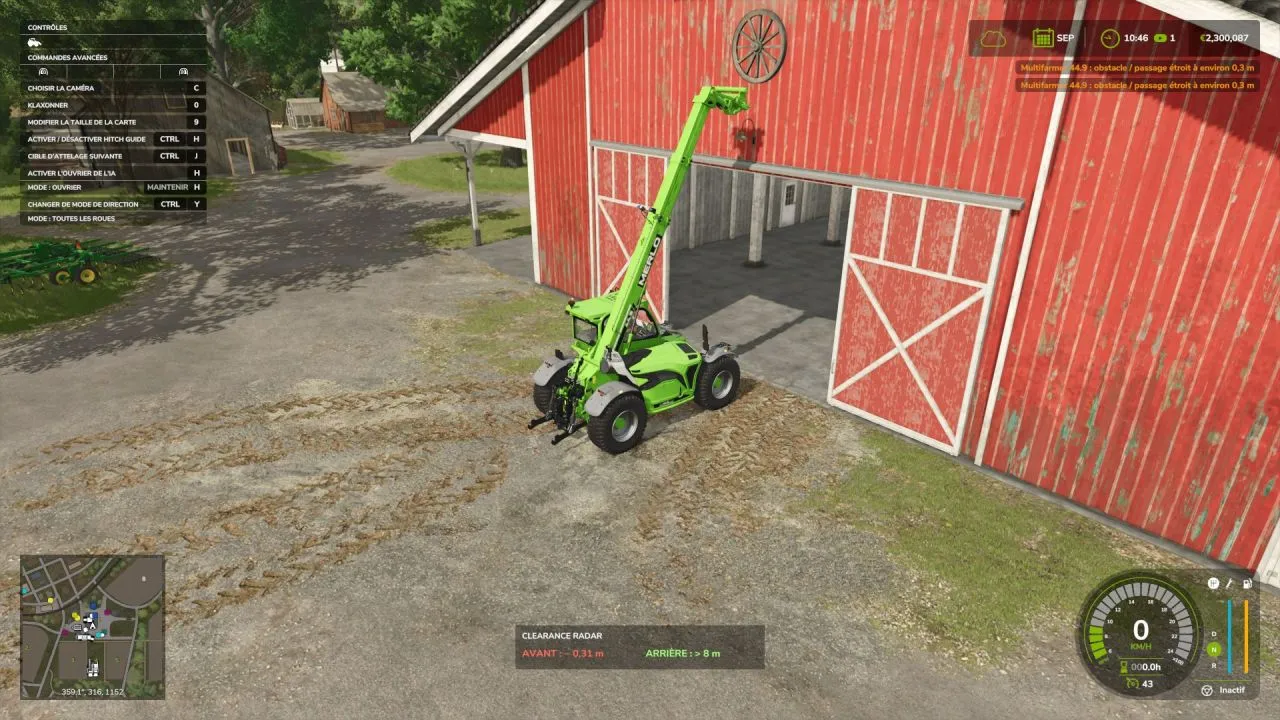
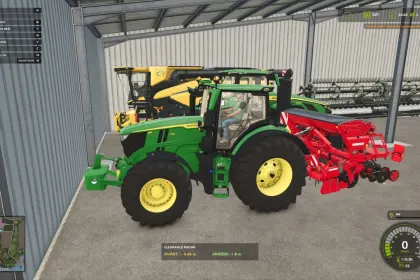
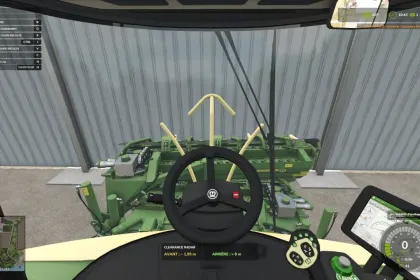
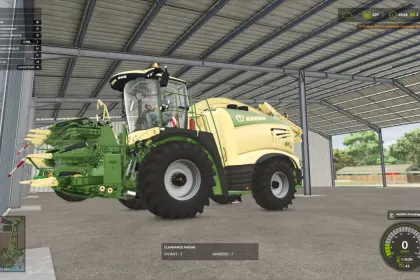
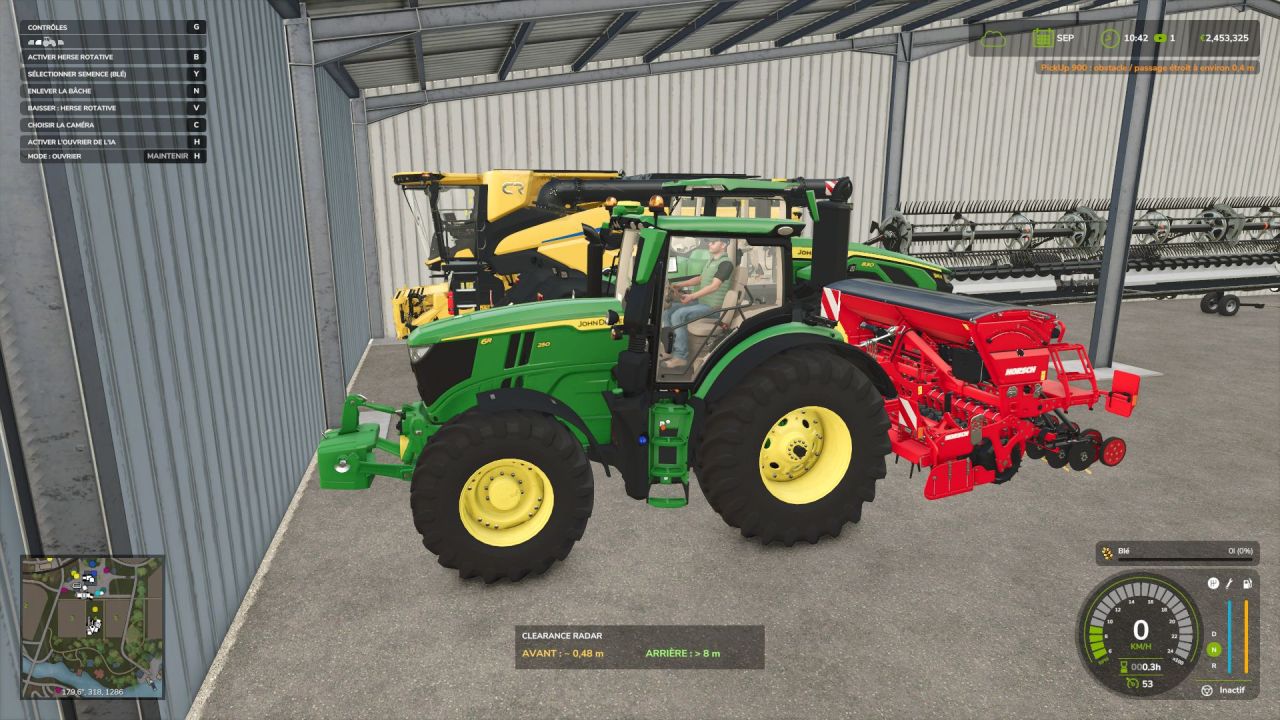
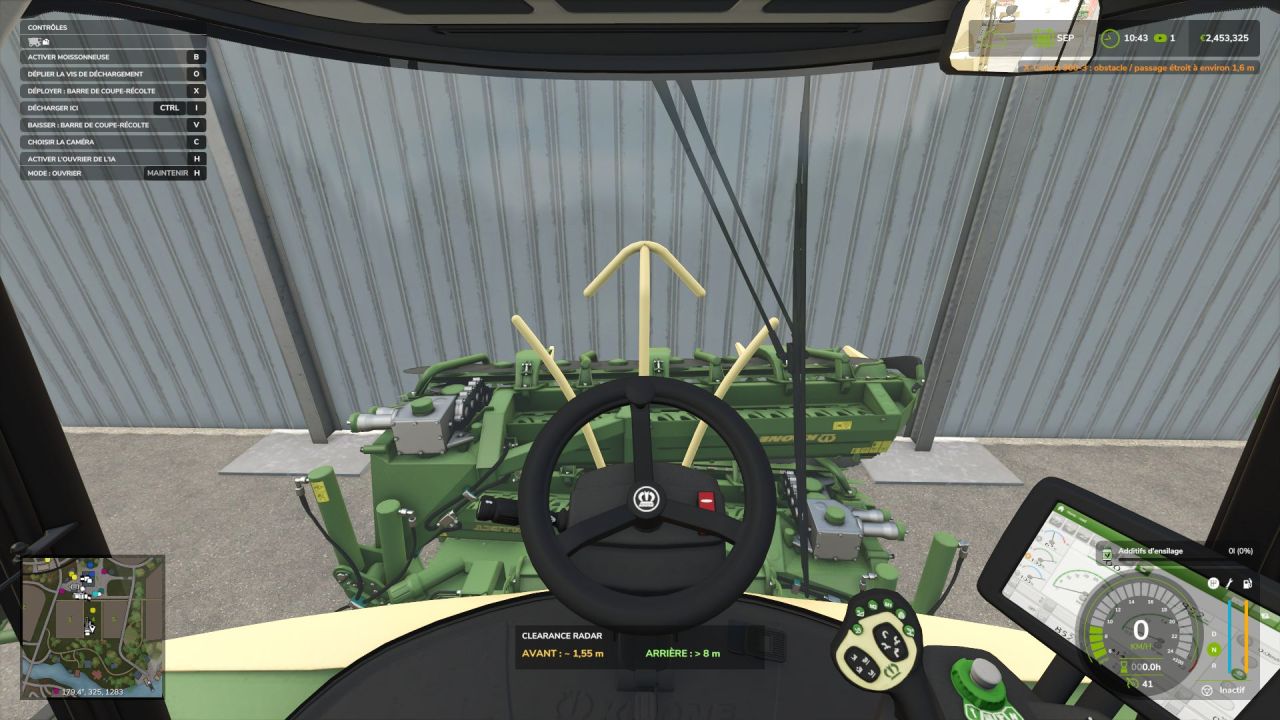
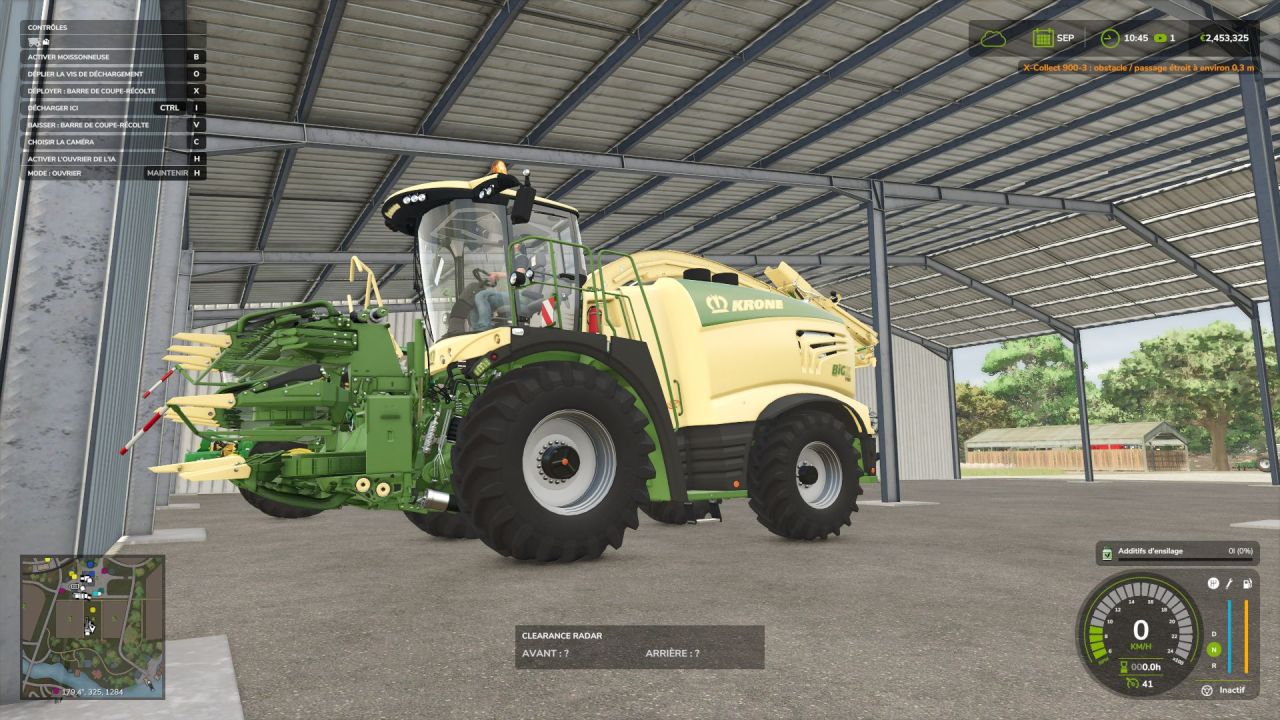
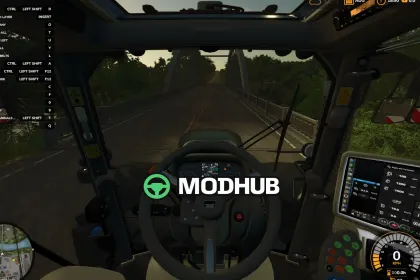
Clearance Radar is a useful script for Farming Simulator 25 that helps you maneuver near walls, doors, roofs, trees, and other vehicles. The radar monitors the driven vehicle and, optionally, its attached implements, taking into account collisions with moving parts, including raised arms on telehandlers. It warns you of danger with orange in-game notifications showing the machine name and the estimated distance to the obstacle. The script features front and rear radars with independent distances, which is especially useful for parking a vehicle combination at the back of a shed.
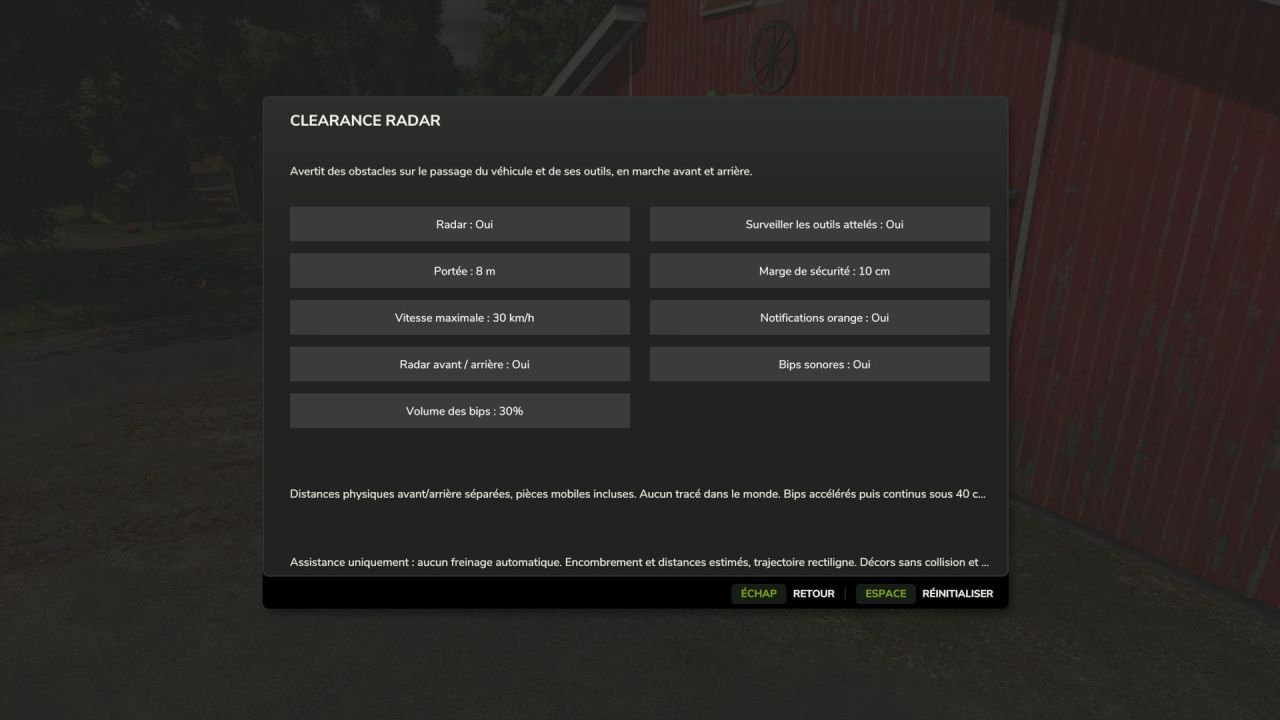
• Orange in-game notifications with the machine name and the estimated distance to the obstacle.
• Front and rear radar with independent distances, useful for parking a vehicle combination at the back of a shed.
• Small distance panel and stationary detection for maneuvering.
• Beeps that accelerate as you approach an obstacle, then become continuous below 40 cm.
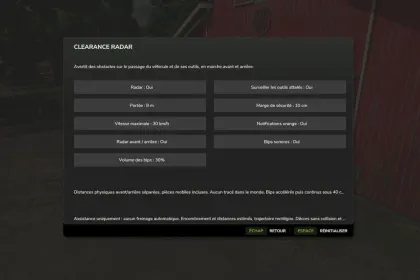
• Sound can be disabled and volume adjustable from 0 to 100%.
• Monitoring of attached implements can be enabled or disabled.
• Adjustable range, safety margin, maximum speed, and notifications.
• Interface in the FS25 style and settings saved automatically.
• Translations included in all 27 languages of the game.
The radar provides assistance: distances are estimated from available collisions and a straight-line trajectory, but it does not brake automatically, so you remain in control of the vehicle and must visually check the passage.
About Clearance Radar for Farming Simulator 25
Clearance Radar for Farming Simulator 25 is a mod for Farming Simulator 25. Check the author description, supported game version and dependencies before installing.
How to install the mod
Follow the installation instructions for Clearance Radar for Farming Simulator 25, Farming Simulator 25 and your platform.
Download the mod archive using the Download button and read the author instructions.
On PC, copy the mod ZIP without extracting it to Documents/My Games/FarmingSimulator2025/mods. For a bundle, extract the individual mod ZIPs first. macOS and Microsoft Store paths may differ; check Mod Directory in the game log.txt.
Start the game and enable the mod for the selected save or profile, if required.
Test using a backup or a new save. Install any dependencies listed by the author.
System requirements and compatibility
Check the mod description for supported game versions, required DLC and platforms. Compatibility with every version or other mods is not guaranteed. Farming Simulator script mods are for PC/macOS. Console players can only install compatible mods from the in-game GIANTS ModHub.
Frequently asked questions
Is this mod free?
MODHUB does not charge for access to this mod page. Check the terms and download limits of the external file provider.
Can I use this mod in Farming Simulator 25 multiplayer?
Multiplayer support depends on the mod and its author. If supported, the server and players need matching mod versions and required DLC.
What should I check if the mod does not work?
Check the installation folder, archive structure, supported game version, dependencies and game logs. Test the mod separately using a backup save.
How can I check a downloaded mod?
Use trusted author sources, scan the archive and back up your saves. Do not run unrelated installers; a download listing does not guarantee safety or compatibility.