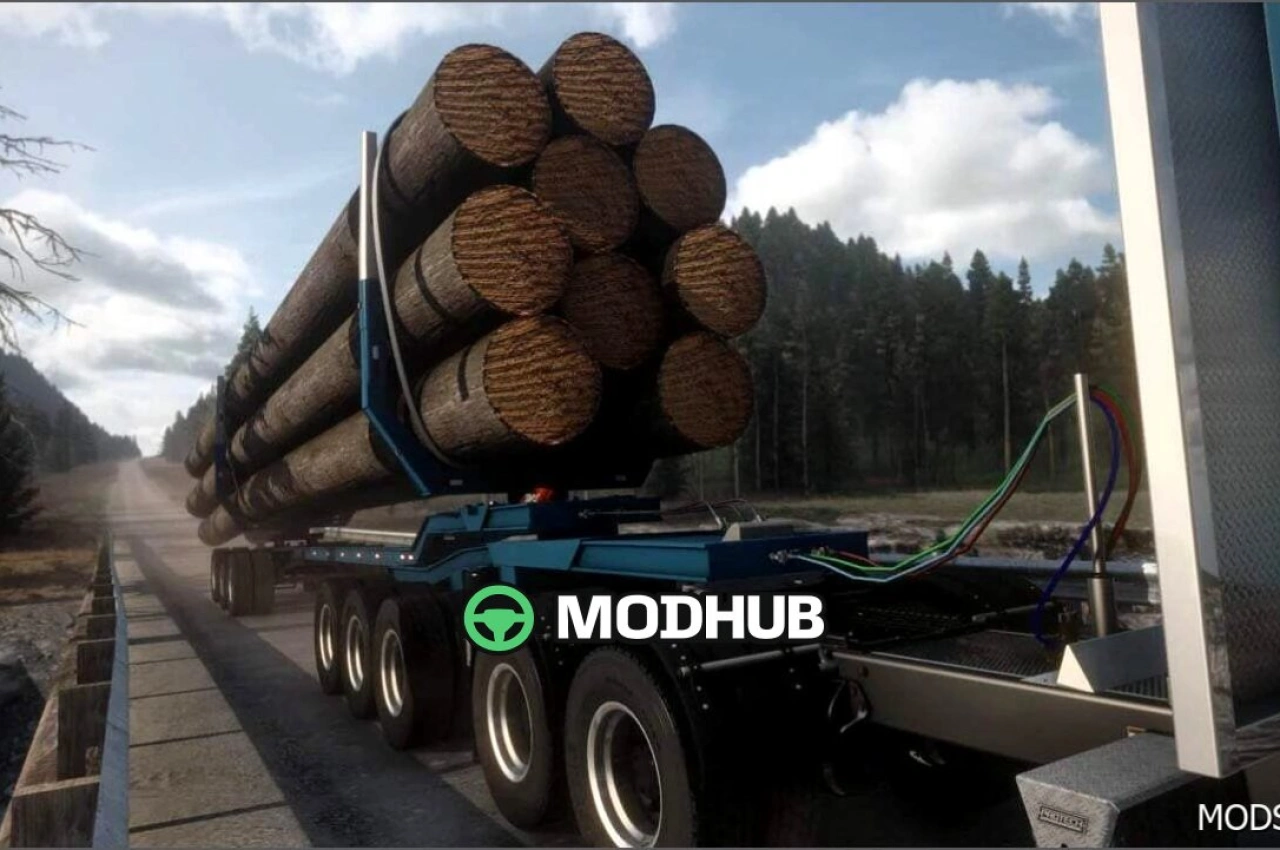
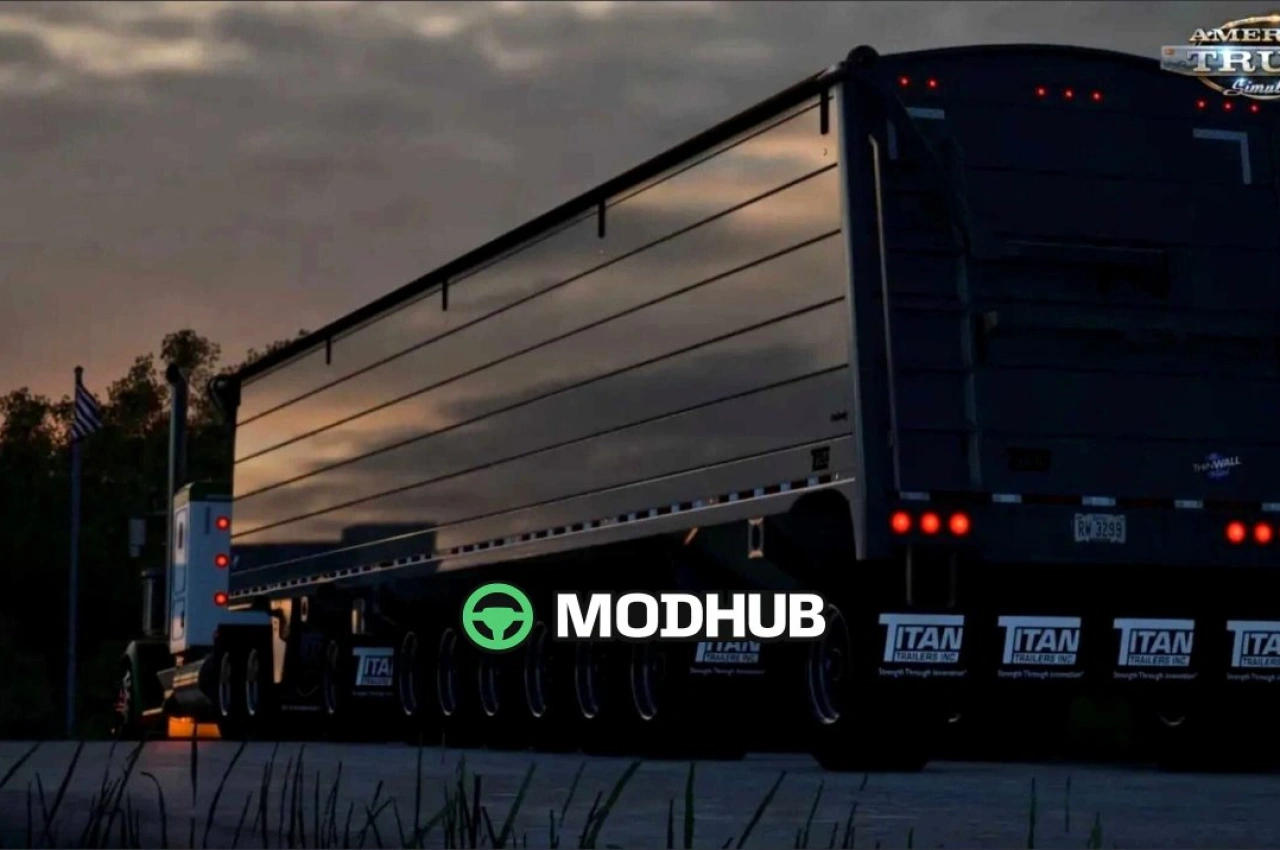
This mod is the Timpte Super Hopper v6.26 for American Truck Simulator. It offers various customization options and lengths, making it versatile for use.
• Length: 46ft and 50ft
• Paintable and customizable features
• Compatible with B4rt light pack
• Custom light boxes on the hoppers
• Six different chassis setups to choose from
• Lift/steerable chassis for tandem setups
The Timpte Super Hopper impresses with its functionality, allowing you to choose chassis colors and a wide range of tarp options. You can also add a ladder or step to the trailer for convenience.
• Custom visible loads
• Two hose color options: orange or black
• Numerous fender and mudflap options
• EZ Flow electric trap doors and vibrators
This mod is designed for those who appreciate realism in the game and want to customize their trailer to meet their needs.
About Trailer Timpte Super Hopper v6.26 for ATS
Trailer Timpte Super Hopper v6.26 for ATS is a mod for American Truck Simulator. Check the author description, supported game version and dependencies before installing.
How to install the mod
Follow the installation instructions for Trailer Timpte Super Hopper v6.26 for ATS, American Truck Simulator and your platform.
Download the mod archive using the Download button and read the author instructions.
Use the folder and archive format specified by the mod author for this game.
Start the game and enable the mod for the selected save or profile, if required.
Test using a backup or a new save. Install any dependencies listed by the author.
System requirements and compatibility
Check the mod description for supported game versions, required DLC and platforms. Compatibility with every version or other mods is not guaranteed.
Frequently asked questions
Is this mod free?
MODHUB does not charge for access to this mod page. Check the terms and download limits of the external file provider.
Can I use this mod in American Truck Simulator multiplayer?
Multiplayer support depends on the mod and its author. If supported, the server and players need matching mod versions and required DLC.
What should I check if the mod does not work?
Check the installation folder, archive structure, supported game version, dependencies and game logs. Test the mod separately using a backup save.
How can I check a downloaded mod?
Use trusted author sources, scan the archive and back up your saves. Do not run unrelated installers; a download listing does not guarantee safety or compatibility.