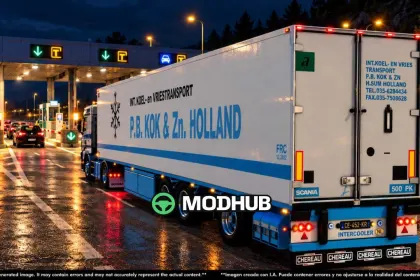
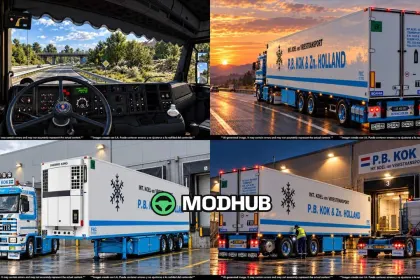
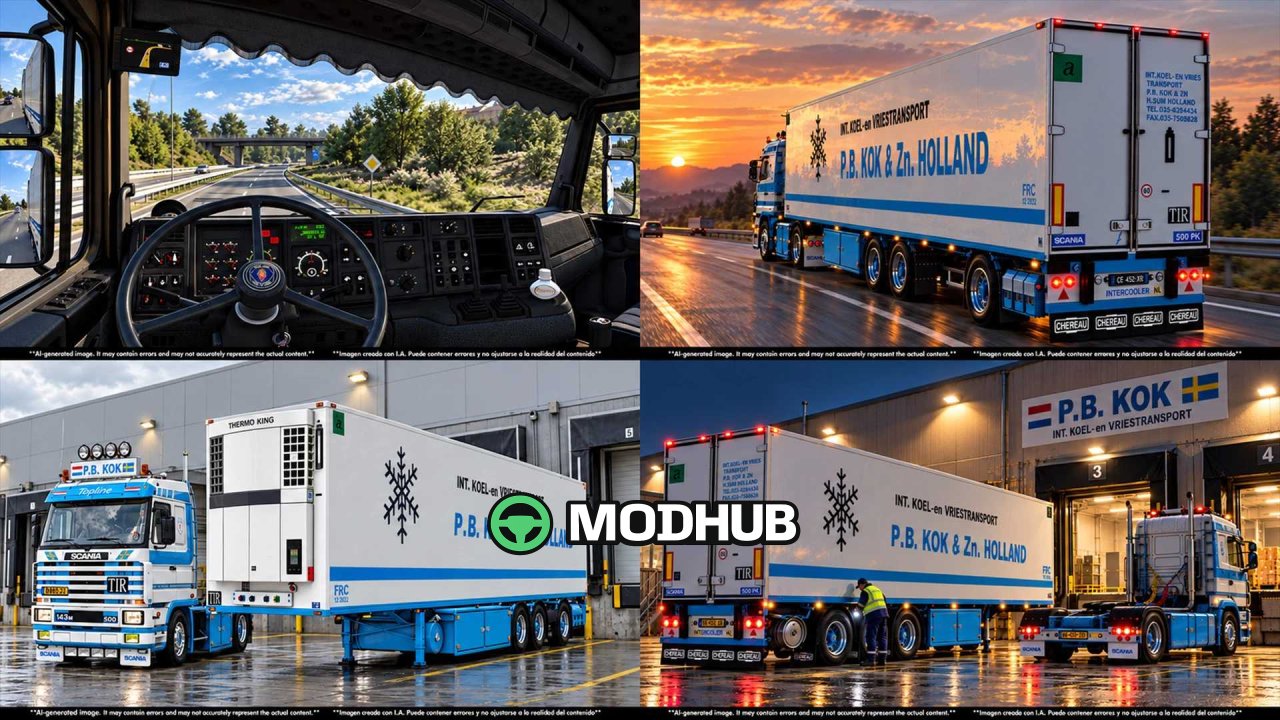
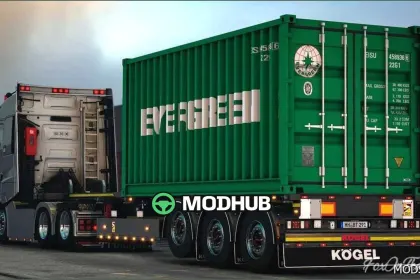
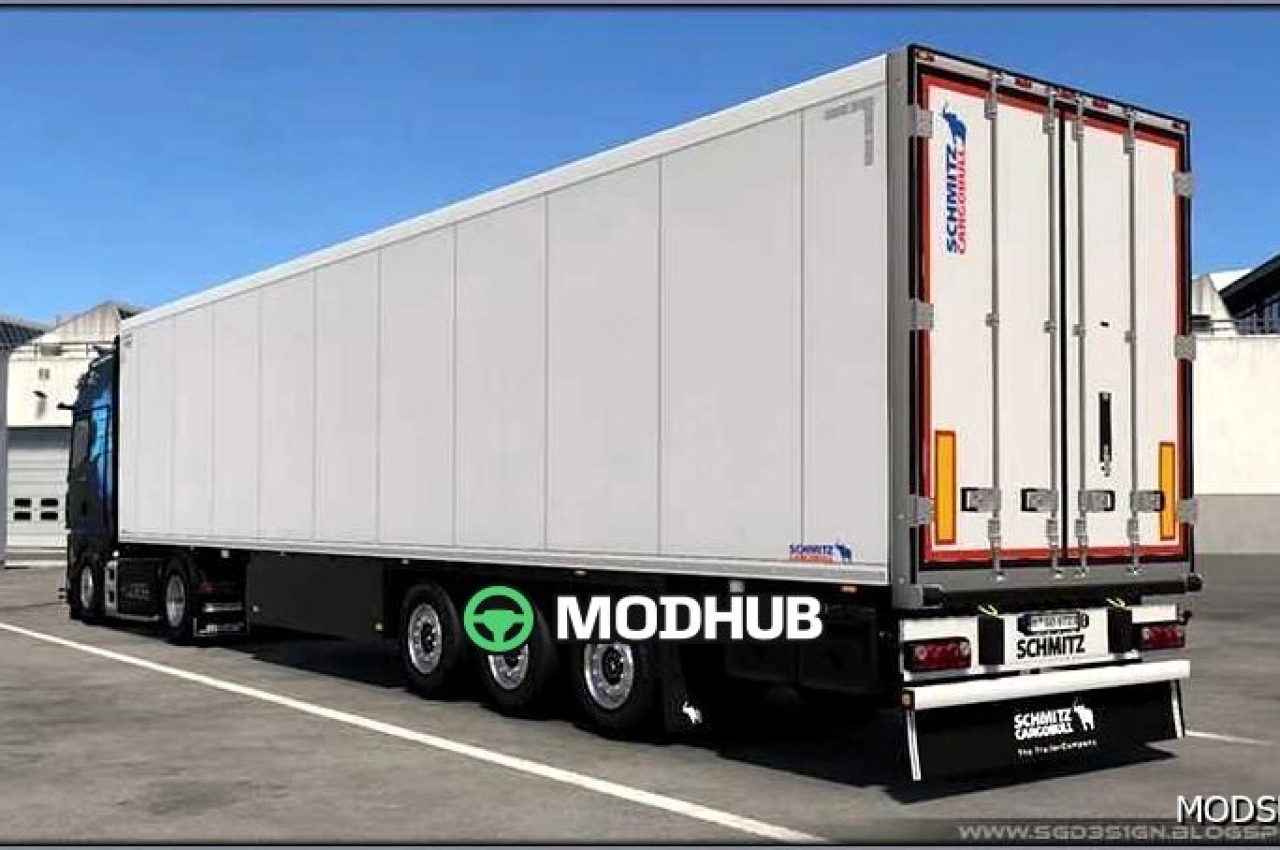
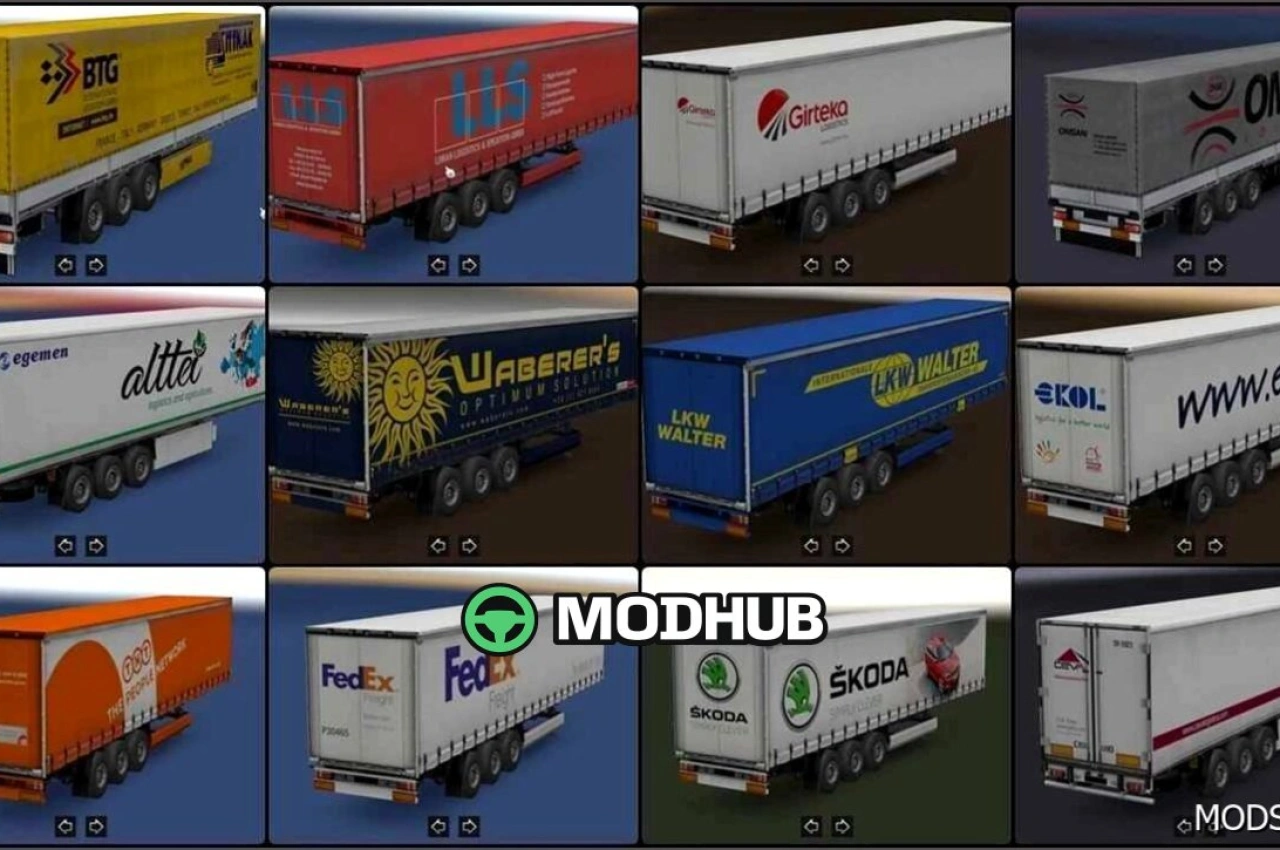
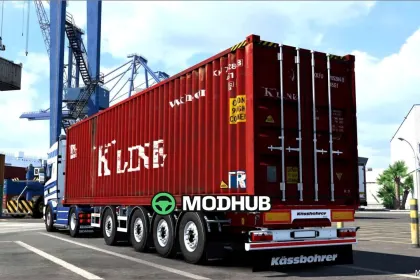
The CHEREAU Vogelzang P.B. KOK & ZN Holland v2.0 trailer is a Dutch transport company model built for Euro Truck Simulator 2. In this release the truck and trailer are integrated into a single mod, so the rig works as one complete unit. The authors adapted the model to game versions 1.60–1.61.x and corrected errors from earlier builds. The update also reworked the visual side and fixed several minor technical issues.
• Three V8 engines with their own exhaust sound
• Two steering wheel models and cabin accessories
• Country flag support and ambient cabin lighting
• Reworked UI shadow and corrected 3D models
• Freight market support in the full version
The mod suits players who want a recognisable Dutch trailer with a carefully detailed cabin in their fleet.
About Trailer CHEREAU Vogelzang P.B. KOK & ZN Holland v2.0 for ETS2
Trailer CHEREAU Vogelzang P.B. KOK & ZN Holland v2.0 for ETS2 is a mod for Euro Truck Simulator 2. Check the author description, supported game version and dependencies before installing.
How to install the mod
Follow the installation instructions for Trailer CHEREAU Vogelzang P.B. KOK & ZN Holland v2.0 for ETS2, Euro Truck Simulator 2 and your platform.
Download the mod archive using the Download button and read the author instructions.
Use the folder and archive format specified by the mod author for this game.
Start the game and enable the mod for the selected save or profile, if required.
Test using a backup or a new save. Install any dependencies listed by the author.
System requirements and compatibility
Check the mod description for supported game versions, required DLC and platforms. Compatibility with every version or other mods is not guaranteed.
Frequently asked questions
Is this mod free?
MODHUB does not charge for access to this mod page. Check the terms and download limits of the external file provider.
Can I use this mod in Euro Truck Simulator 2 multiplayer?
Multiplayer support depends on the mod and its author. If supported, the server and players need matching mod versions and required DLC.
What should I check if the mod does not work?
Check the installation folder, archive structure, supported game version, dependencies and game logs. Test the mod separately using a backup save.
How can I check a downloaded mod?
Use trusted author sources, scan the archive and back up your saves. Do not run unrelated installers; a download listing does not guarantee safety or compatibility.