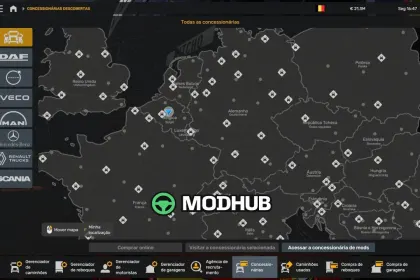
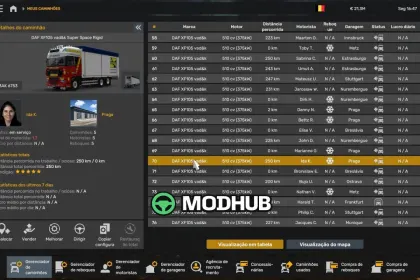
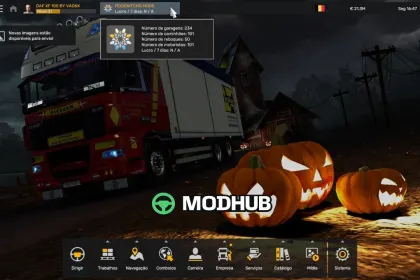
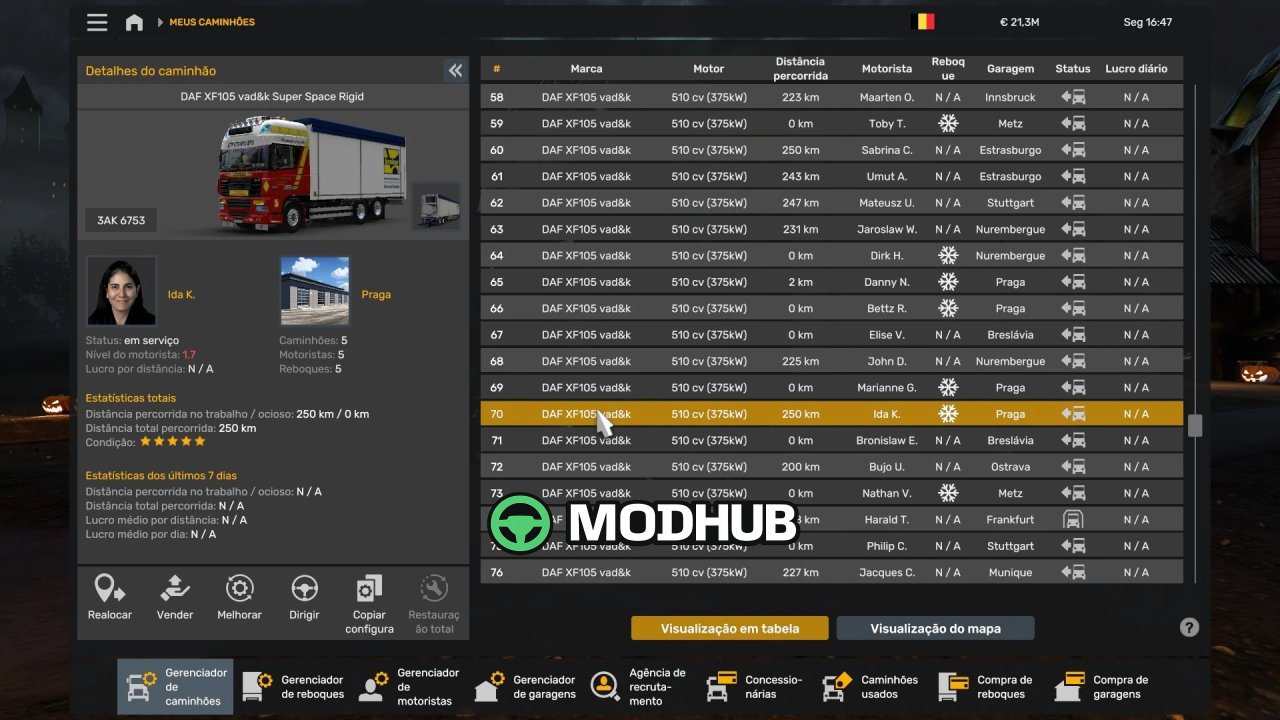
The DAF XF 105 profile by VAD&K is a ready-made save for Euro Truck Simulator 2 that opens a fully developed company from the first launch. It is built for game version 1.61 and carries the date 27 October 2026. The main garage sits in Brussels, and the player is already at level 37 with 150,000 experience points. Every major statistic is filled in, so the save can be continued in any direction the player prefers.
• Garages: 234 owned, with 1170 free parking spaces
• Trucks: 101 vehicles in the fleet
• Drivers: 101 hired employees
• Buses and trailers: 0 buses and 50 trailers
• Money: 21,343,888 euros on the balance
• Map: 100.00% explored, 374 of 374 cities and 35 of 35 countries
• Dealers and agencies: 143 of 143 and 135 of 135
• Roads explored: 190,017 km
The total distance driven by hand is only 30 km, so the progress is concentrated in company growth and map discovery.
About Profile DAF XF 105 by VAD&K for ETS2
Profile DAF XF 105 by VAD&K for ETS2 is a mod for Euro Truck Simulator 2. Check the author description, supported game version and dependencies before installing.
How to install the mod
Follow the installation instructions for Profile DAF XF 105 by VAD&K for ETS2, Euro Truck Simulator 2 and your platform.
Download the mod archive using the Download button and read the author instructions.
Use the folder and archive format specified by the mod author for this game.
Start the game and enable the mod for the selected save or profile, if required.
Test using a backup or a new save. Install any dependencies listed by the author.
System requirements and compatibility
Check the mod description for supported game versions, required DLC and platforms. Compatibility with every version or other mods is not guaranteed.
Frequently asked questions
Is this mod free?
MODHUB does not charge for access to this mod page. Check the terms and download limits of the external file provider.
Can I use this mod in Euro Truck Simulator 2 multiplayer?
Multiplayer support depends on the mod and its author. If supported, the server and players need matching mod versions and required DLC.
What should I check if the mod does not work?
Check the installation folder, archive structure, supported game version, dependencies and game logs. Test the mod separately using a backup save.
How can I check a downloaded mod?
Use trusted author sources, scan the archive and back up your saves. Do not run unrelated installers; a download listing does not guarantee safety or compatibility.