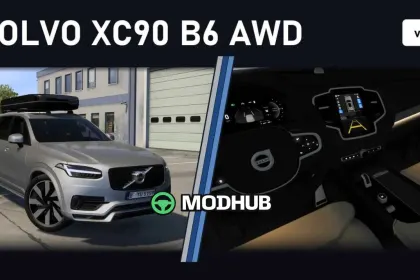
The Volvo XC90 B6 AWD v1.1 is a detailed car mod for Euro Truck Simulator 2 that brings a premium Scandinavian SUV into your garage. The model features improved performance, new LED tail lights and new headlights. Brake caliper colours in the chassis tab include Grey, Red, Gold and Black, while mirror caps come in body colour or gloss black. Everything is configured per car, so no global physics.sii is used and other vehicles stay untouched.
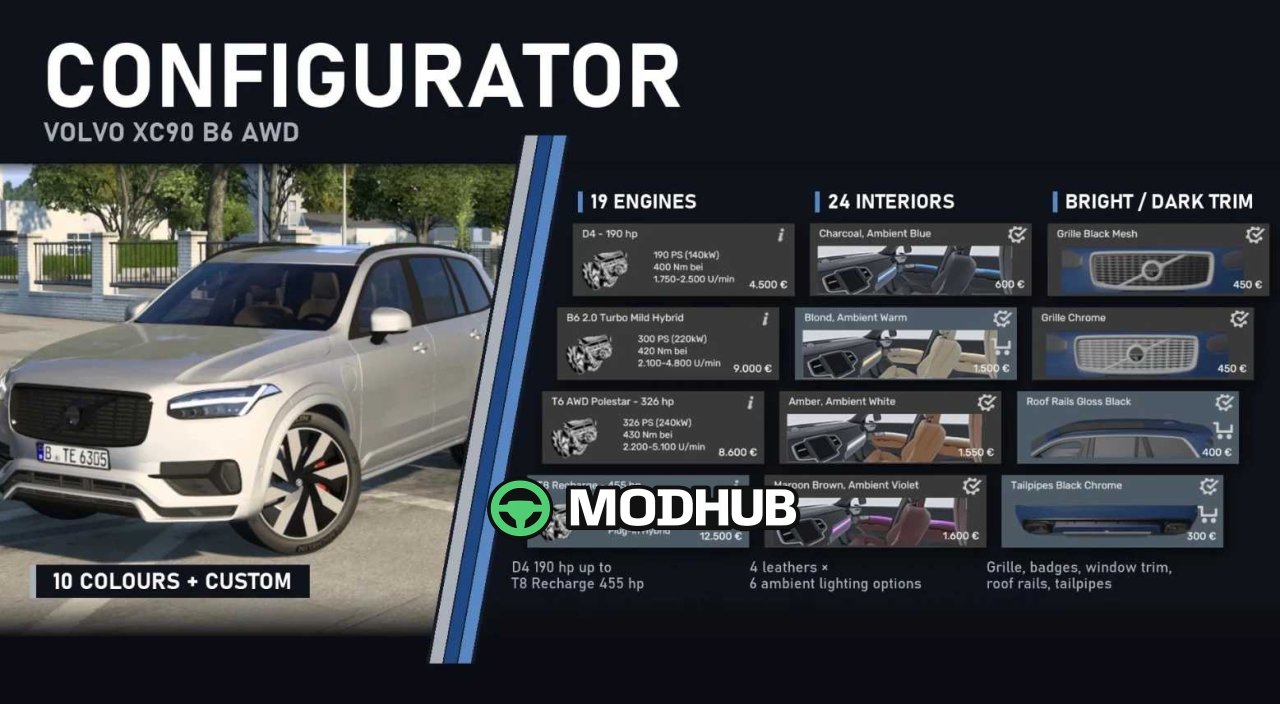
• B6 engine: 2.0 l four-cylinder turbo mild hybrid, 300 hp (220 kW), 420 Nm from 2,100 to 4,800 rpm
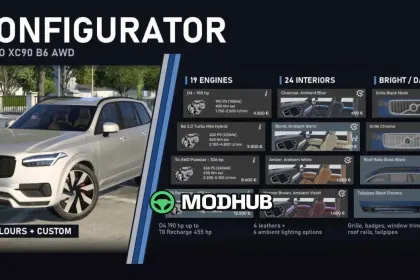
• 19 selectable engines, from the D4 (190 hp) to the T8 Recharge plug-in hybrid with 455 hp, including Polestar versions
• Geartronic 8-speed automatic with all-wheel drive
• 24 interiors in Charcoal, Blond, Amber or Maroon Brown leather with six ambient lighting options
• 21″ 5-spoke or 8-spoke Black Diamond rims with Michelin Pilot Sport 4 SUV 275/40 R21 tyres
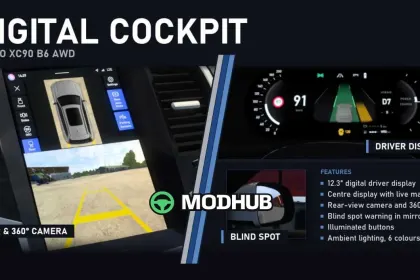
Additional highlights include animated front and rear wipers, rain on the panoramic roof, a 12.3″ digital instrument cluster and a centre display with map and 360° view when reversing.
About SUV Volvo XC90 B6 AWD v1.1 for ETS2
SUV Volvo XC90 B6 AWD v1.1 for ETS2 is a mod for Euro Truck Simulator 2. Check the author description, supported game version and dependencies before installing.
How to install the mod
Follow the installation instructions for SUV Volvo XC90 B6 AWD v1.1 for ETS2, Euro Truck Simulator 2 and your platform.
Download the mod archive using the Download button and read the author instructions.
Use the folder and archive format specified by the mod author for this game.
Start the game and enable the mod for the selected save or profile, if required.
Test using a backup or a new save. Install any dependencies listed by the author.
System requirements and compatibility
Check the mod description for supported game versions, required DLC and platforms. Compatibility with every version or other mods is not guaranteed.
Frequently asked questions
Is this mod free?
MODHUB does not charge for access to this mod page. Check the terms and download limits of the external file provider.
Can I use this mod in Euro Truck Simulator 2 multiplayer?
Multiplayer support depends on the mod and its author. If supported, the server and players need matching mod versions and required DLC.
What should I check if the mod does not work?
Check the installation folder, archive structure, supported game version, dependencies and game logs. Test the mod separately using a backup save.
How can I check a downloaded mod?
Use trusted author sources, scan the archive and back up your saves. Do not run unrelated installers; a download listing does not guarantee safety or compatibility.