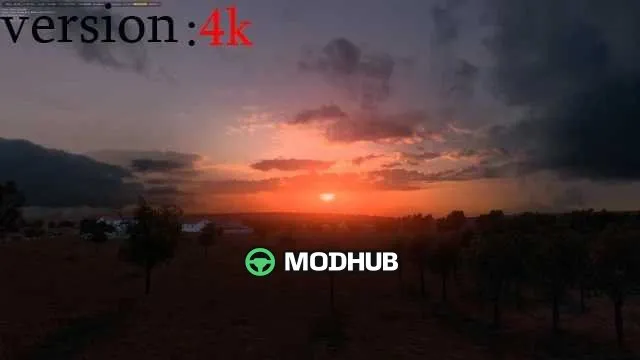
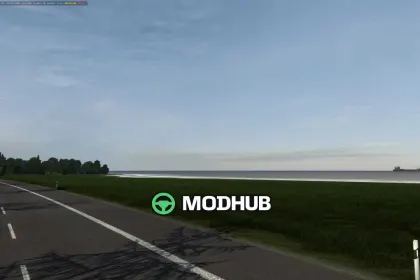
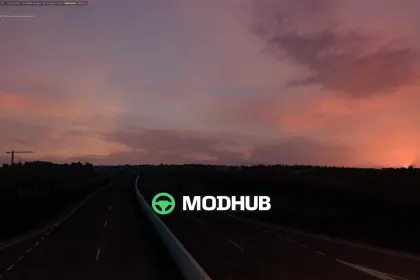
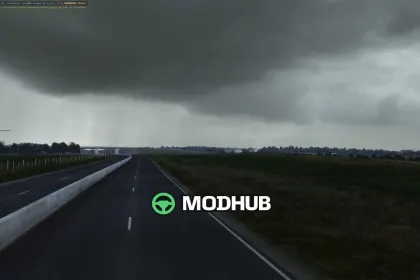
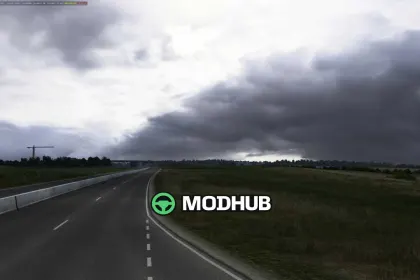
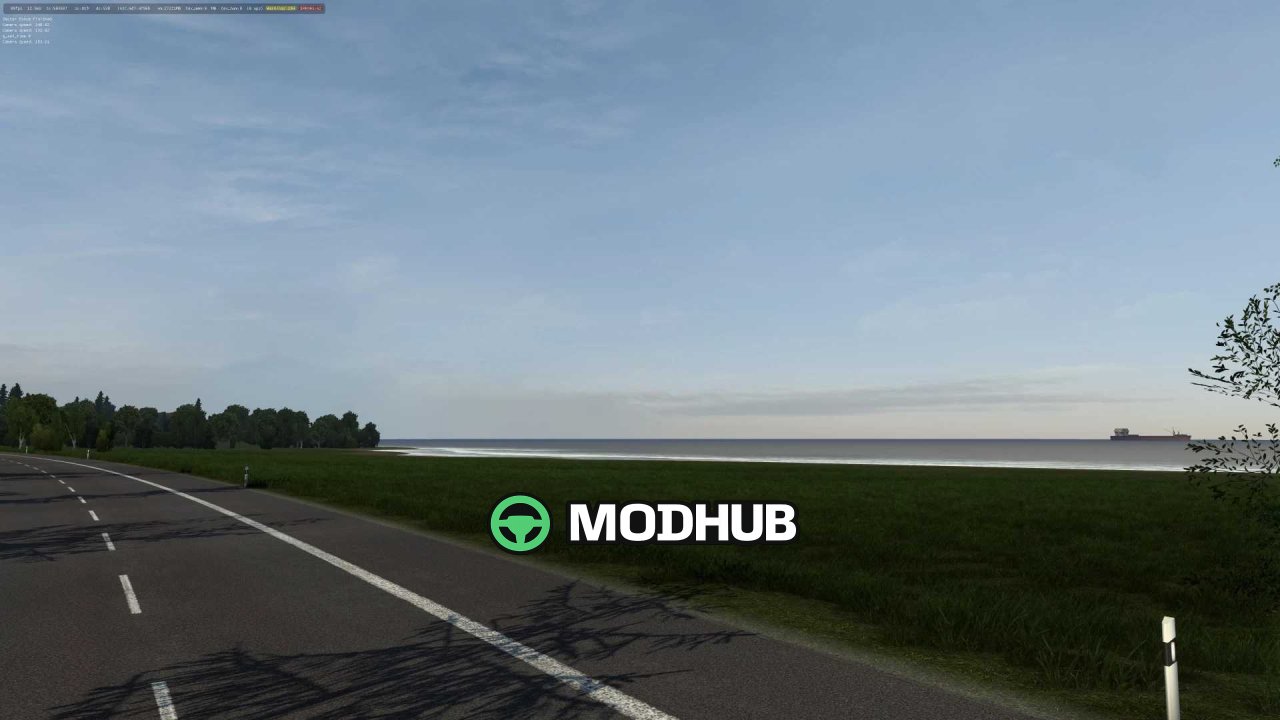
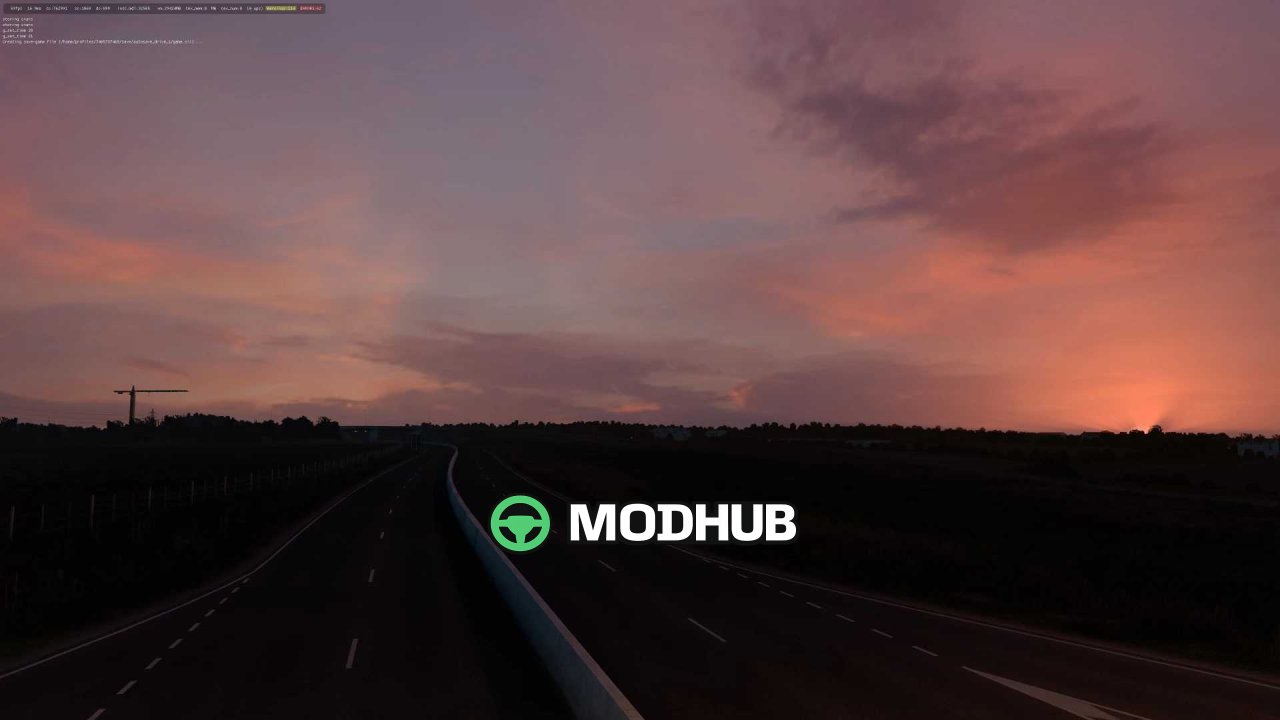
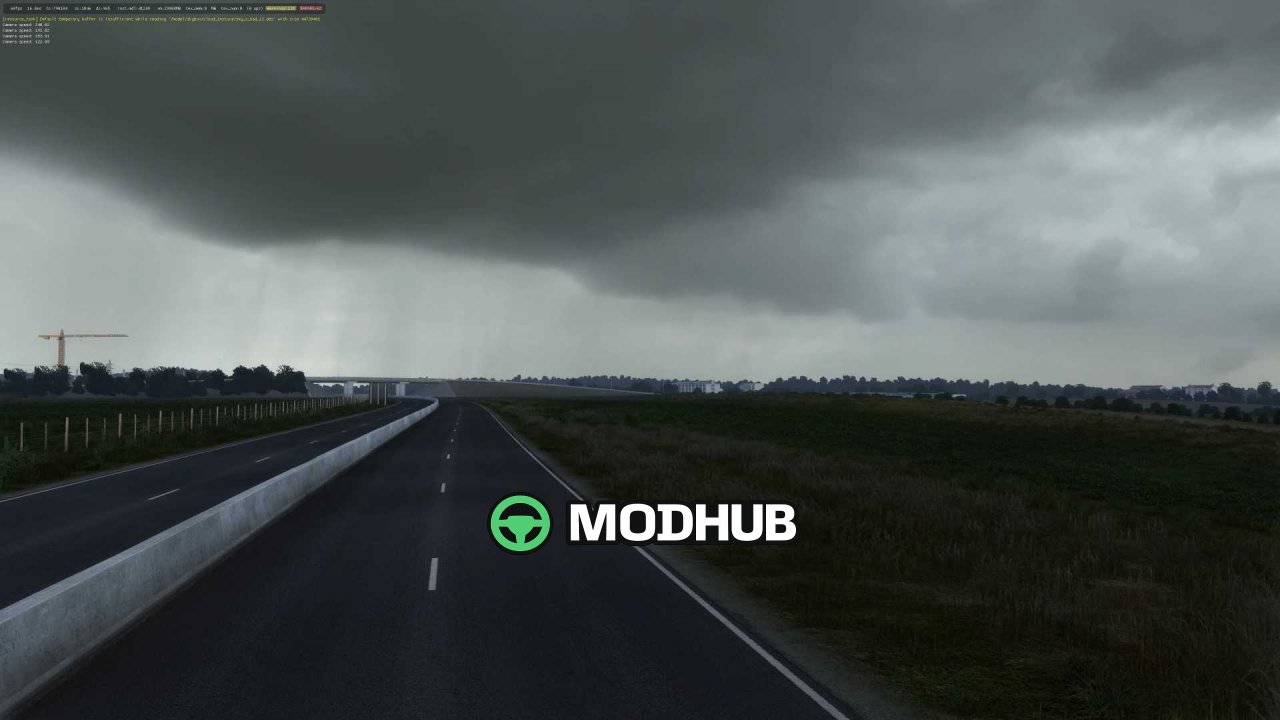
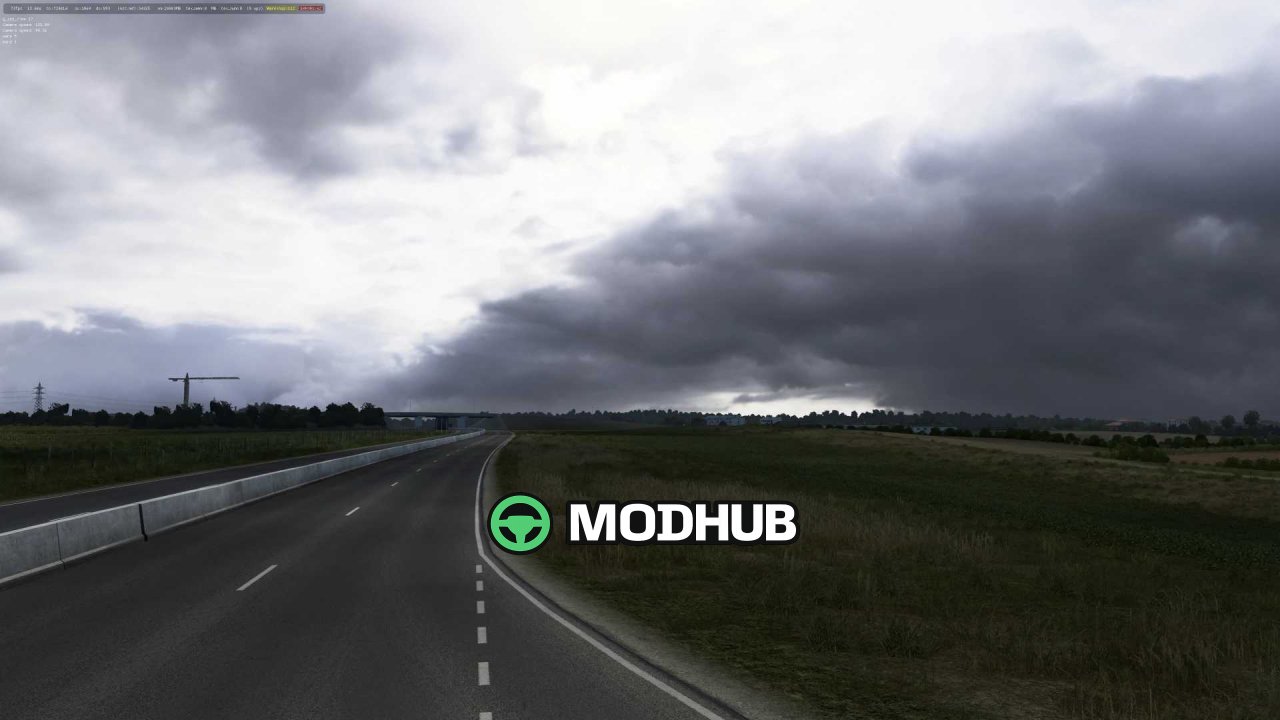
Weather v3.9 4K is a graphics mod for Euro Truck Simulator 2 that completely overhauls lighting and sky textures. In version 3.9, the file size has been reduced by 30% while maintaining high texture quality. The mod includes 319 skyboxes with a resolution of 4096×1024, ensuring detailed cloud formations. It is compatible with all maps and supports game versions 1.60 and 1.61.
• New graphics lighting for a more realistic day and night appearance.
• 319 unique 4K skyboxes covering various weather conditions.
• Added new weather types for greater variety during your journeys.
• 30% smaller file size makes downloading and installation easier.
• Full compatibility with all maps and game versions 1.60–1.61.
This mod is ideal for drivers who want to enhance the visual atmosphere without sacrificing performance.
About Weather v3.9 4K for ETS2
Weather v3.9 4K for ETS2 is a mod for Euro Truck Simulator 2. Check the author description, supported game version and dependencies before installing.
How to install the mod
Follow the installation instructions for Weather v3.9 4K for ETS2, Euro Truck Simulator 2 and your platform.
Download the mod archive using the Download button and read the author instructions.
Use the folder and archive format specified by the mod author for this game.
Start the game and enable the mod for the selected save or profile, if required.
Test using a backup or a new save. Install any dependencies listed by the author.
System requirements and compatibility
Check the mod description for supported game versions, required DLC and platforms. Compatibility with every version or other mods is not guaranteed.
Frequently asked questions
Is this mod free?
MODHUB does not charge for access to this mod page. Check the terms and download limits of the external file provider.
Can I use this mod in Euro Truck Simulator 2 multiplayer?
Multiplayer support depends on the mod and its author. If supported, the server and players need matching mod versions and required DLC.
What should I check if the mod does not work?
Check the installation folder, archive structure, supported game version, dependencies and game logs. Test the mod separately using a backup save.
How can I check a downloaded mod?
Use trusted author sources, scan the archive and back up your saves. Do not run unrelated installers; a download listing does not guarantee safety or compatibility.