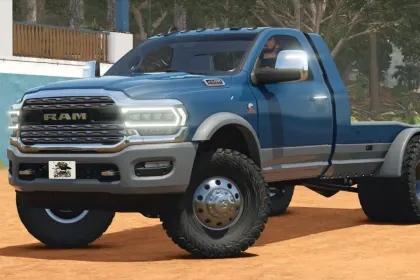
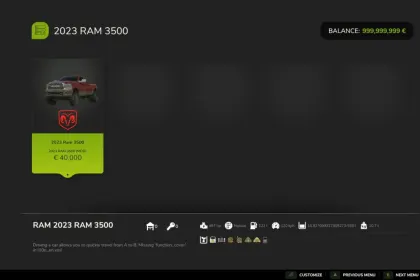
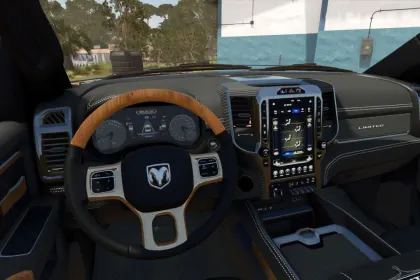
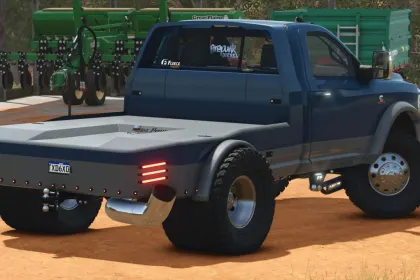
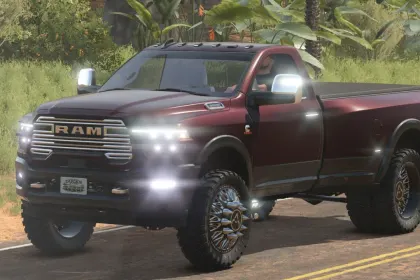
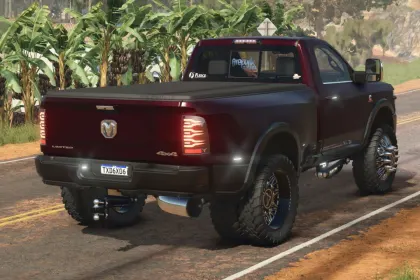
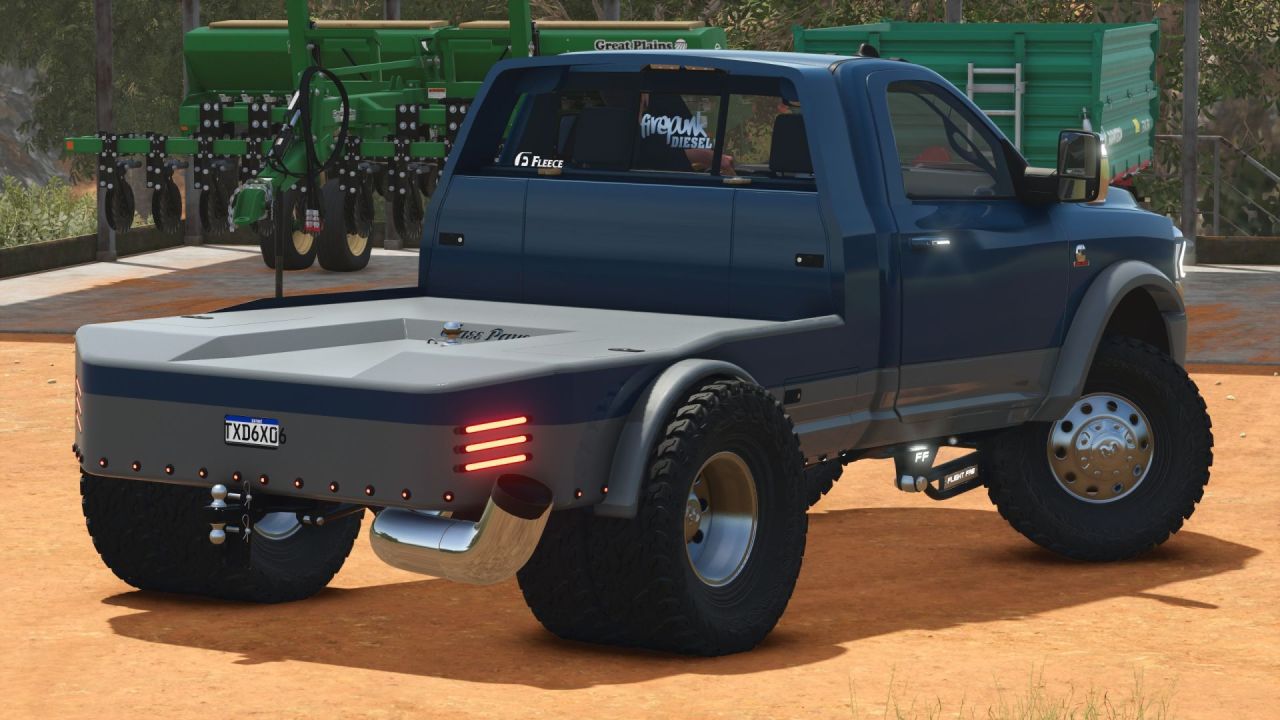
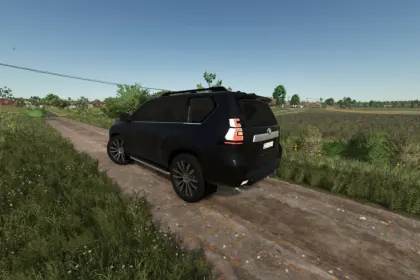
The Dodge RAM 3500/4500 2019-2023 is a detailed pickup truck mod for Farming Simulator 25, offering extensive customization options. It features a 6.7 Cummins engine with standard and turn-up exhaust options. The mod includes 14 wheel configurations, including factory, American Force, and Rodeo Forged wheels. You can choose from pickup beds and multiple flatbeds, including Pronghorn UTD, CM, and ClassPays.
• 6.7 Cummins with standard and turn-up exhaust options.
• Single rear wheel and dually setups.
• 14 wheel configurations, including factory wheels, American Force, and Rodeo Forged options.
• Pickup beds and multiple flatbeds, including Pronghorn UTD, CM, and ClassPays.
• Early and late 5th-gen front clip options.
• Stock and Ranch Hand bumpers, with cooler rack and penny light options.
• Stock or AlphaRex headlights and taillights, plus Boost Auto cab light options.
• Stock or 2024-style mirrors, multiple grille choices, and optional illuminated door handles.
• Stock, Wicked, and Flight Fab radius arms, with optional traction bars.
• Fuel transfer tank and cake feeder configurations.
• Adjustable drop hitch, gooseneck towing, and tension belts.
• Body, two-tone, frame, grille, trim, flatbed, and wheel color choices.
• Window tint, tonneau cover, fender flares, badges, and decorative front plates.
This truck is perfect for hauling trailers, feeding cattle, or building a vehicle that matches your farm's style.
About Pickup Dodge RAM 3500/4500 2019-2023 for Farming Simulator 25
Pickup Dodge RAM 3500/4500 2019-2023 for Farming Simulator 25 is a mod for Farming Simulator 25. Check the author description, supported game version and dependencies before installing.
How to install the mod
Follow the installation instructions for Pickup Dodge RAM 3500/4500 2019-2023 for Farming Simulator 25, Farming Simulator 25 and your platform.
Download the mod archive using the Download button and read the author instructions.
On PC, copy the mod ZIP without extracting it to Documents/My Games/FarmingSimulator2025/mods. For a bundle, extract the individual mod ZIPs first. macOS and Microsoft Store paths may differ; check Mod Directory in the game log.txt.
Start the game and enable the mod for the selected save or profile, if required.
Test using a backup or a new save. Install any dependencies listed by the author.
System requirements and compatibility
Check the mod description for supported game versions, required DLC and platforms. Compatibility with every version or other mods is not guaranteed. Farming Simulator script mods are for PC/macOS. Console players can only install compatible mods from the in-game GIANTS ModHub.
Frequently asked questions
Is this mod free?
MODHUB does not charge for access to this mod page. Check the terms and download limits of the external file provider.
Can I use this mod in Farming Simulator 25 multiplayer?
Multiplayer support depends on the mod and its author. If supported, the server and players need matching mod versions and required DLC.
What should I check if the mod does not work?
Check the installation folder, archive structure, supported game version, dependencies and game logs. Test the mod separately using a backup save.
How can I check a downloaded mod?
Use trusted author sources, scan the archive and back up your saves. Do not run unrelated installers; a download listing does not guarantee safety or compatibility.