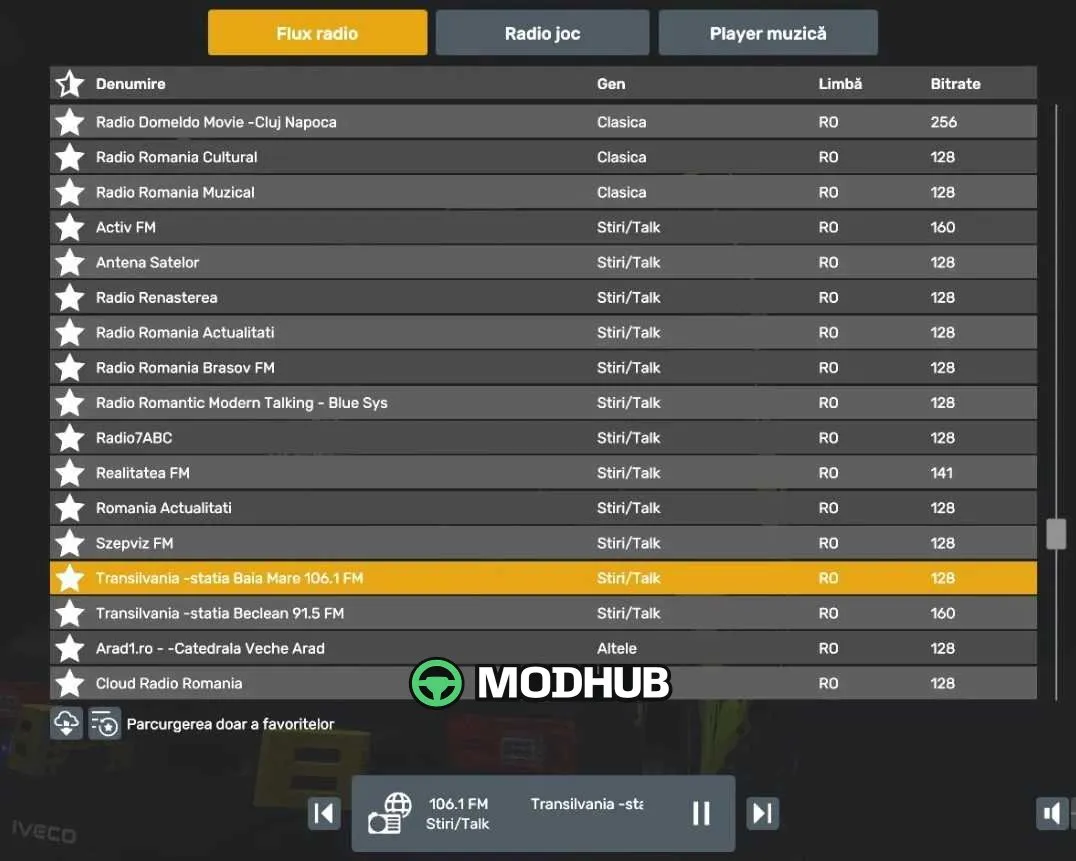
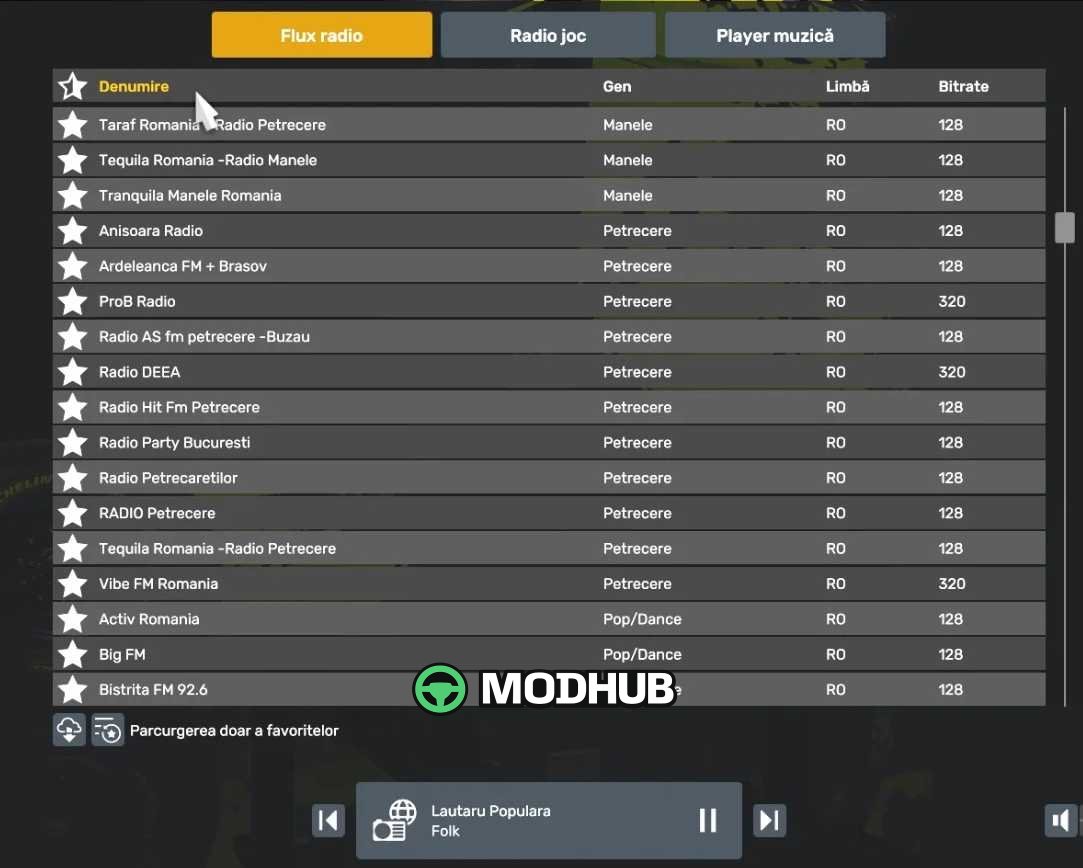
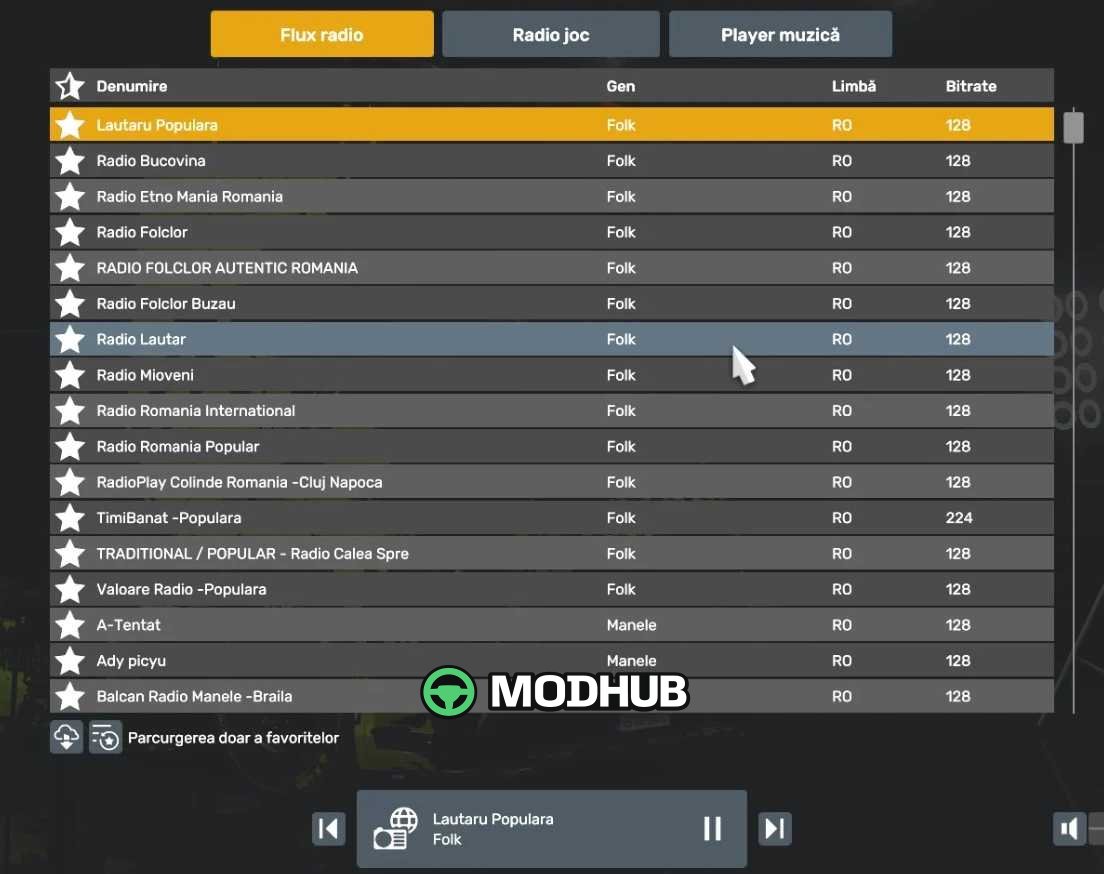
This Romanian radio stations pack for Euro Truck Simulator 2 adds 218 live MP3 streams. It replaces the default live_streams.sii file with a new one containing stations sorted by genre. All streams were tested before release, so most of them work reliably. The pack does not affect saves or profiles because it is a user file, not a mod folder.
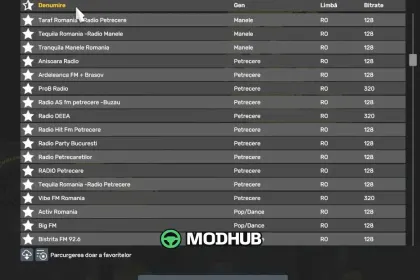
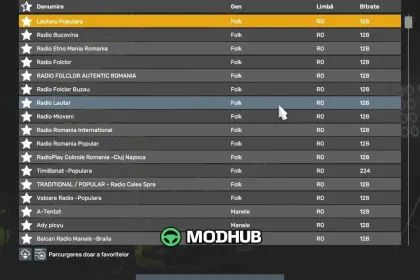
• 218 Romanian radio stations across genres: folk, manele, party, pop/dance, rock, retro, classical, news and talk.
• All streams are MP3 and were tested before release.
• Stations are sorted by category, making it easy to find your preferred genre while driving.
• To install, copy the live_streams.sii file to Documents\Euro Truck Simulator 2 and restart the game.
• Stream addresses change from time to time, so a few stations may stop working; if you find one that is silent, report it in the comments for a fix or removal.
More stations will be added in future updates.
About Romanian Radio Stations Pack (218 Live Streams) v1.0 for ETS2
Romanian Radio Stations Pack (218 Live Streams) v1.0 for ETS2 is a mod for Euro Truck Simulator 2. Check the author description, supported game version and dependencies before installing.
How to install the mod
Follow the installation instructions for Romanian Radio Stations Pack (218 Live Streams) v1.0 for ETS2, Euro Truck Simulator 2 and your platform.
Download the mod archive using the Download button and read the author instructions.
Use the folder and archive format specified by the mod author for this game.
Start the game and enable the mod for the selected save or profile, if required.
Test using a backup or a new save. Install any dependencies listed by the author.
System requirements and compatibility
Check the mod description for supported game versions, required DLC and platforms. Compatibility with every version or other mods is not guaranteed.
Frequently asked questions
Is this mod free?
MODHUB does not charge for access to this mod page. Check the terms and download limits of the external file provider.
Can I use this mod in Euro Truck Simulator 2 multiplayer?
Multiplayer support depends on the mod and its author. If supported, the server and players need matching mod versions and required DLC.
What should I check if the mod does not work?
Check the installation folder, archive structure, supported game version, dependencies and game logs. Test the mod separately using a backup save.
How can I check a downloaded mod?
Use trusted author sources, scan the archive and back up your saves. Do not run unrelated installers; a download listing does not guarantee safety or compatibility.