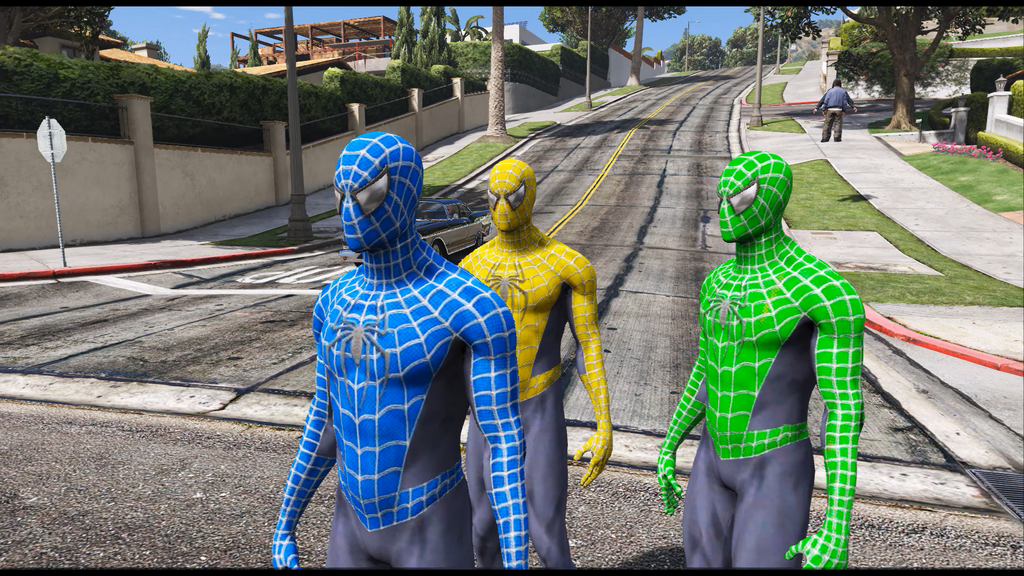
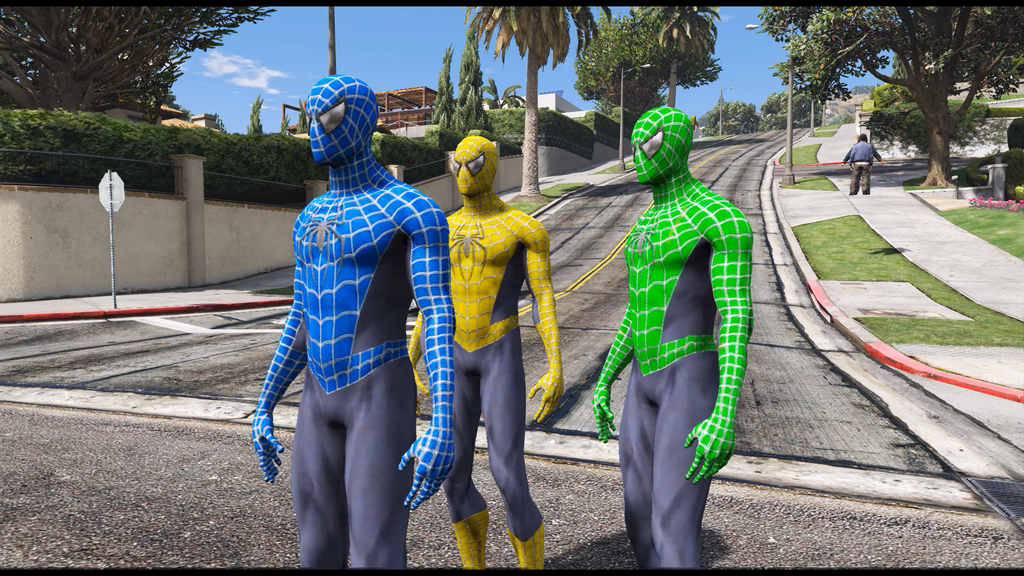
The Spider-Man Colours Pack is a set of skins for GTA 5 that brings the hero's signature palette to the player character. Each variant keeps the recognisable mix of vivid red and deep blue without unnecessary details. The skins work both in single-player and for screenshot sessions in city locations. Installation is done through the standard character texture replacement tools.
• Several colour variants, including Classic Red-Blue
• Saturated red and blue tones with detail preserved
• Compatibility with the standard GTA 5 character model
• High-resolution textures
• Simple file replacement via OpenIV
The pack suits players who want to refresh the hero's look quickly without installing a full custom model.
About Spider-Man Colours Pack for GTA 5
Spider-Man Colours Pack for GTA 5 is a mod for GTA 5. Check the author description, supported game version and dependencies before installing.
How to install the mod
Follow the installation instructions for Spider-Man Colours Pack for GTA 5, GTA 5 and your platform.
Download the mod archive using the Download button and read the author instructions.
Use the folder and archive format specified by the mod author for this game.
Start the game and enable the mod for the selected save or profile, if required.
Test using a backup or a new save. Install any dependencies listed by the author.
System requirements and compatibility
Check the mod description for supported game versions, required DLC and platforms. Compatibility with every version or other mods is not guaranteed.
Frequently asked questions
Is this mod free?
MODHUB does not charge for access to this mod page. Check the terms and download limits of the external file provider.
Can I use this mod in GTA 5 multiplayer?
Multiplayer support depends on the mod and its author. If supported, the server and players need matching mod versions and required DLC.
What should I check if the mod does not work?
Check the installation folder, archive structure, supported game version, dependencies and game logs. Test the mod separately using a backup save.
How can I check a downloaded mod?
Use trusted author sources, scan the archive and back up your saves. Do not run unrelated installers; a download listing does not guarantee safety or compatibility.