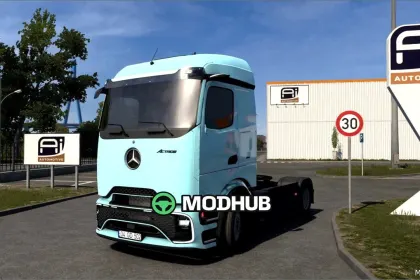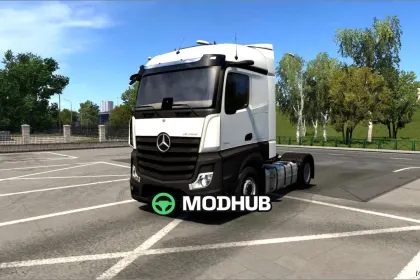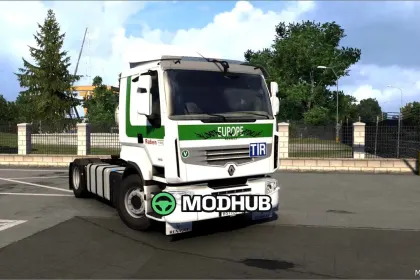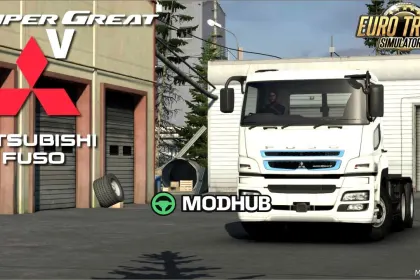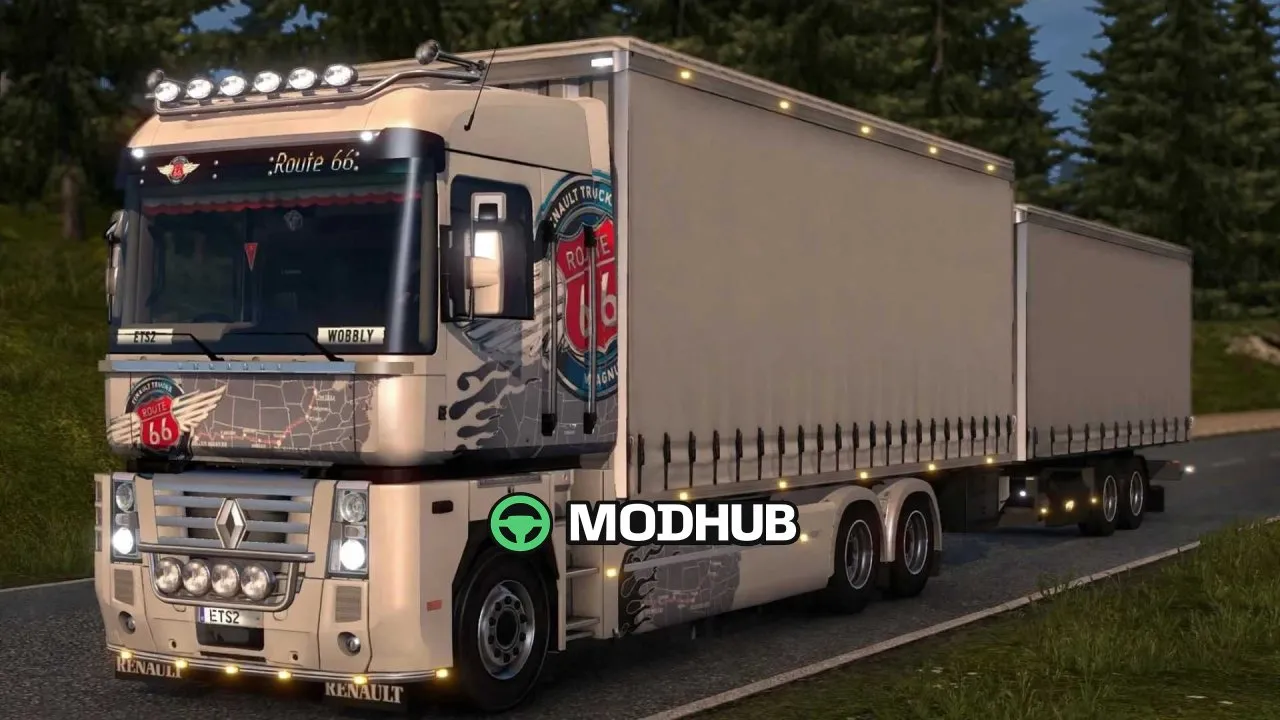
Renault Magnum Updates v22.2 is a truck modification for Euro Truck Simulator 2 that adapts the model to game versions from 1.40 to 1.61. This release adds backlighting to dashboards, navigators and phones, which noticeably improves the cabin look at night. Improved versions of the cellphone and the cellphone with GPS are included for mounting on the dashboard and windshield. The Magnum trucks at companies and in the truck dealer have been updated, and the third UV channel is fixed for some paint jobs.
• Extended dashboard slots version with more slots across the cabin
• Extended sunshield with slots plus an extra accessory slot at the bottom of the windshield
• License plate tray and shutters available in two versions: open and closed
• Added window animations and refined phone variants for dashboard and windshield
If a beacon's name is followed by "Low beam", it turns on together with the low beams.
About Renault Magnum Updates v22.2 for ETS2
Renault Magnum Updates v22.2 for ETS2 is a mod for Euro Truck Simulator 2. Check the author description, supported game version and dependencies before installing.
How to install the mod
Follow the installation instructions for Renault Magnum Updates v22.2 for ETS2, Euro Truck Simulator 2 and your platform.
Download the mod archive using the Download button and read the author instructions.
Use the folder and archive format specified by the mod author for this game.
Start the game and enable the mod for the selected save or profile, if required.
Test using a backup or a new save. Install any dependencies listed by the author.
System requirements and compatibility
Check the mod description for supported game versions, required DLC and platforms. Compatibility with every version or other mods is not guaranteed.
Frequently asked questions
Is this mod free?
MODHUB does not charge for access to this mod page. Check the terms and download limits of the external file provider.
Can I use this mod in Euro Truck Simulator 2 multiplayer?
Multiplayer support depends on the mod and its author. If supported, the server and players need matching mod versions and required DLC.
What should I check if the mod does not work?
Check the installation folder, archive structure, supported game version, dependencies and game logs. Test the mod separately using a backup save.
How can I check a downloaded mod?
Use trusted author sources, scan the archive and back up your saves. Do not run unrelated installers; a download listing does not guarantee safety or compatibility.