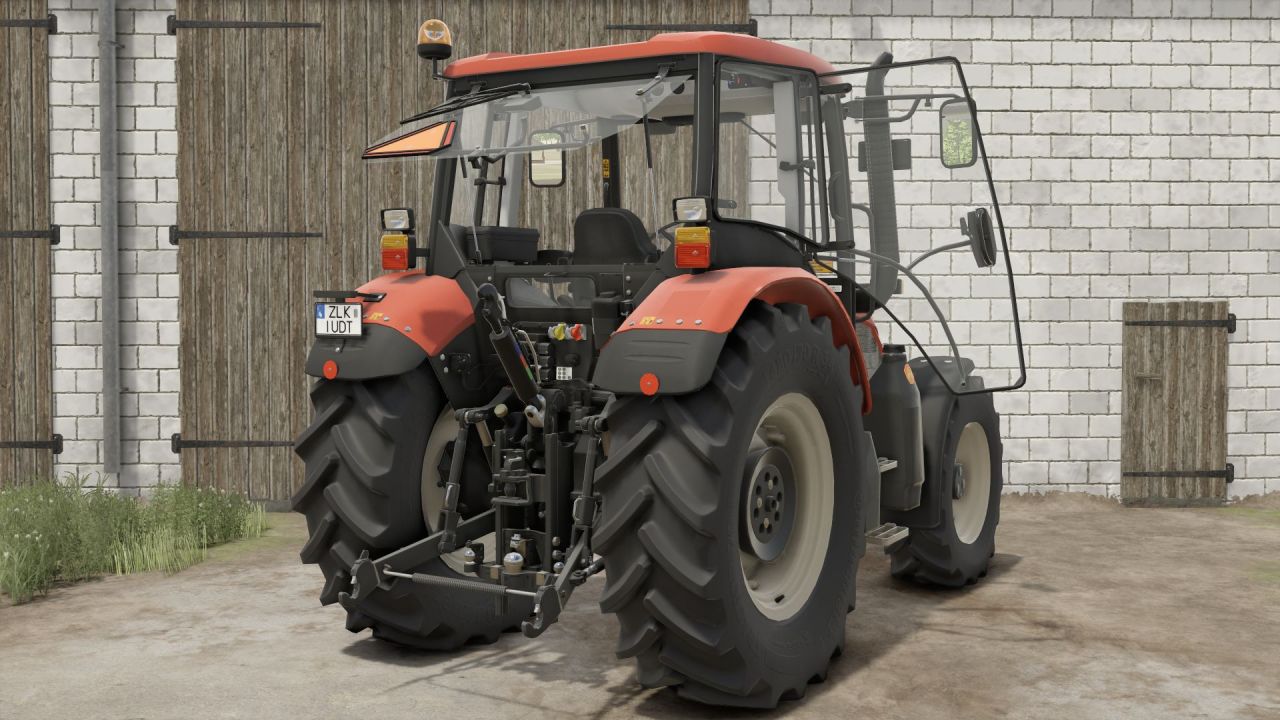
New Realistic Shader 3 by CasiJR for Farming Simulator 25 — Better Lighting and Colors
Description
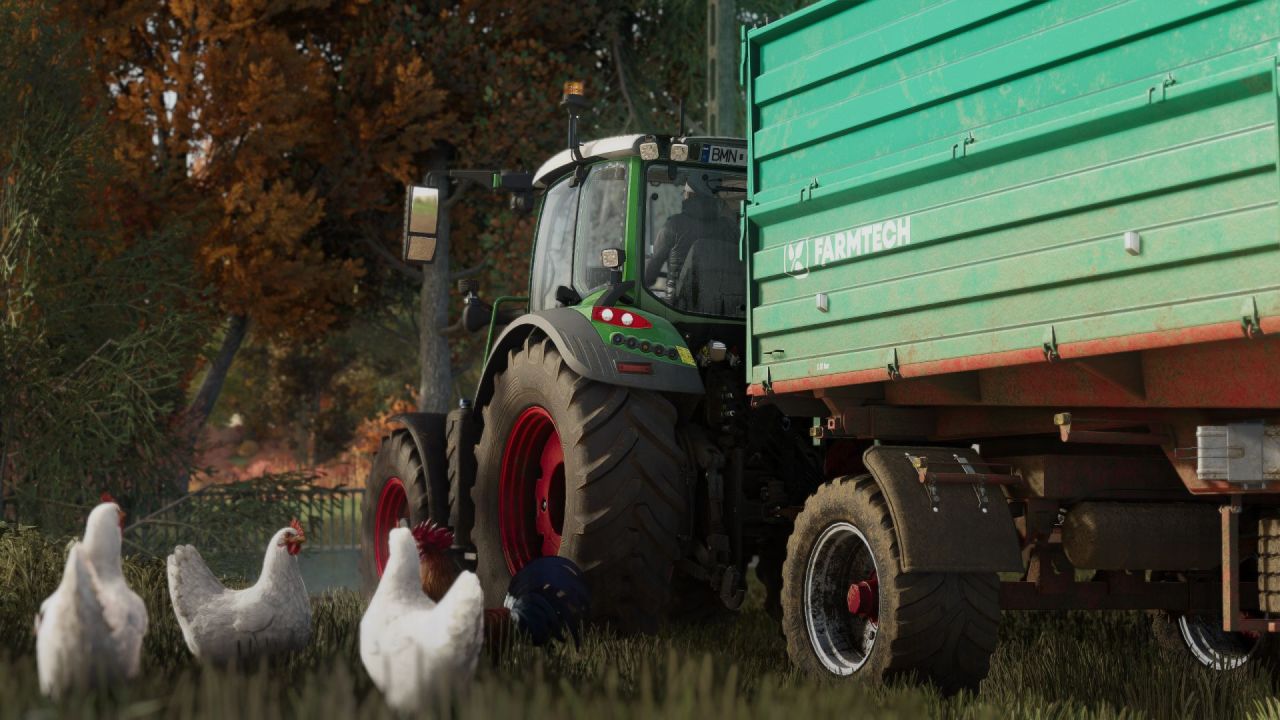
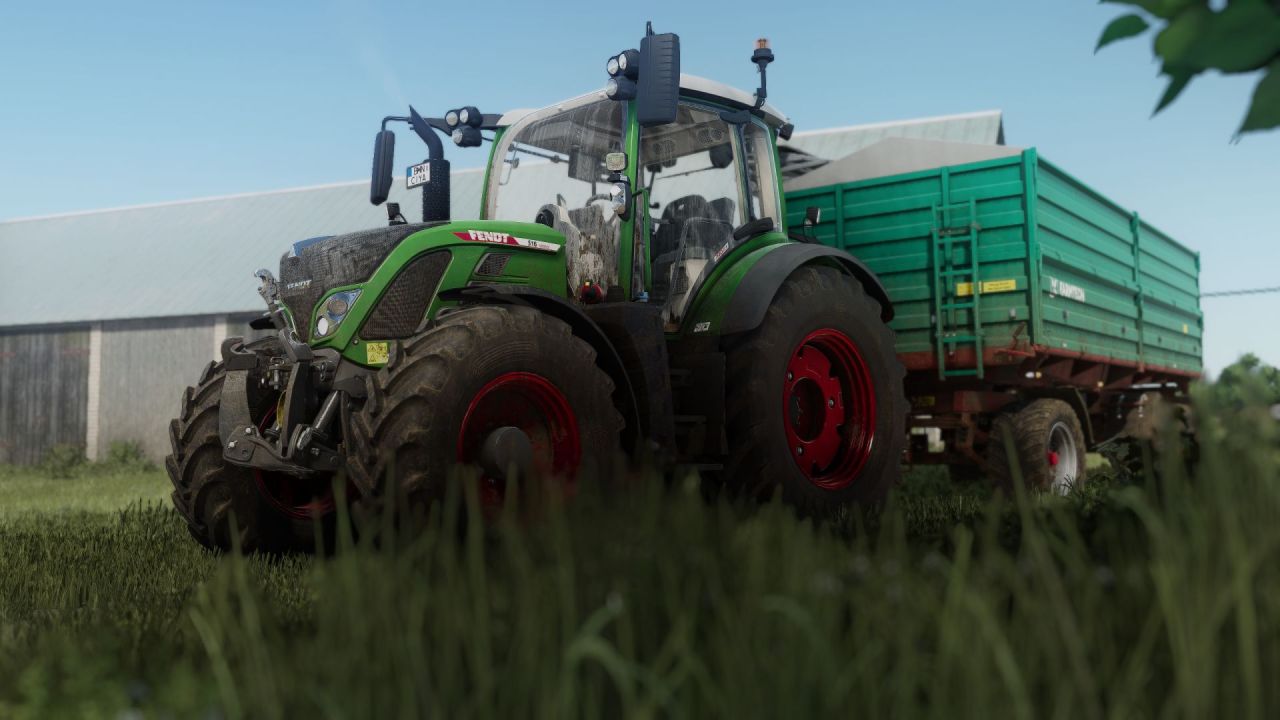
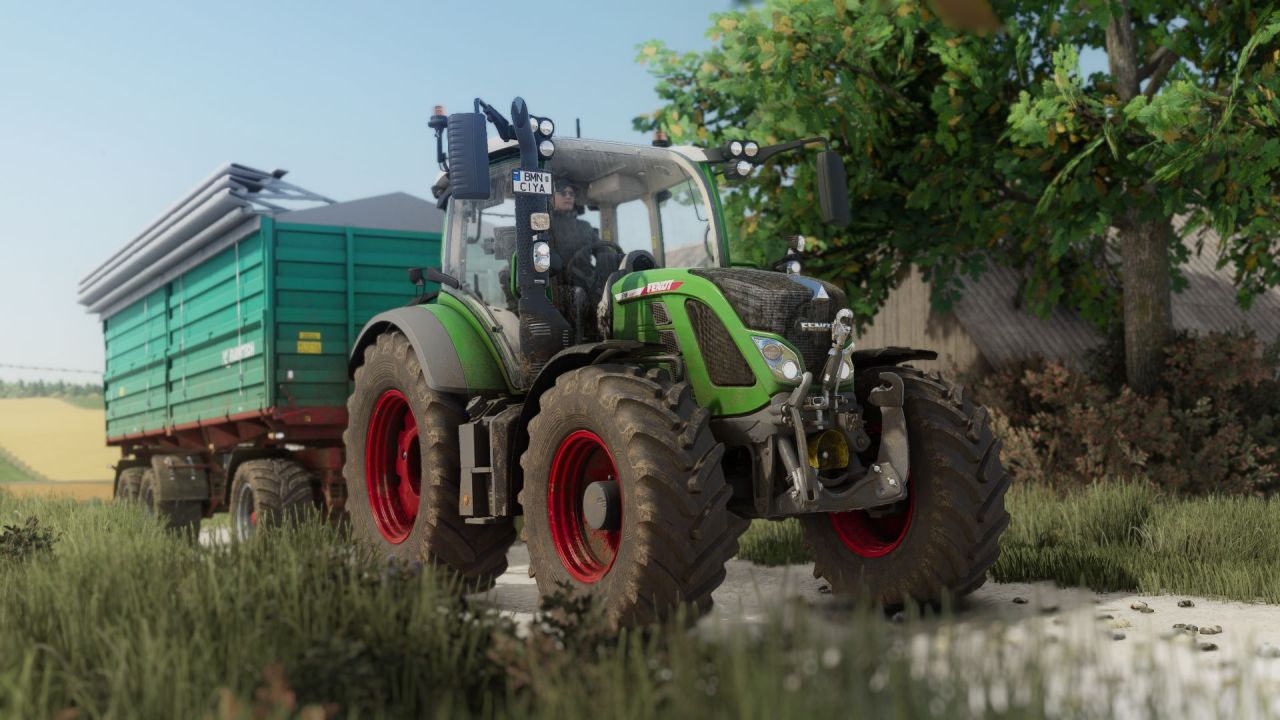
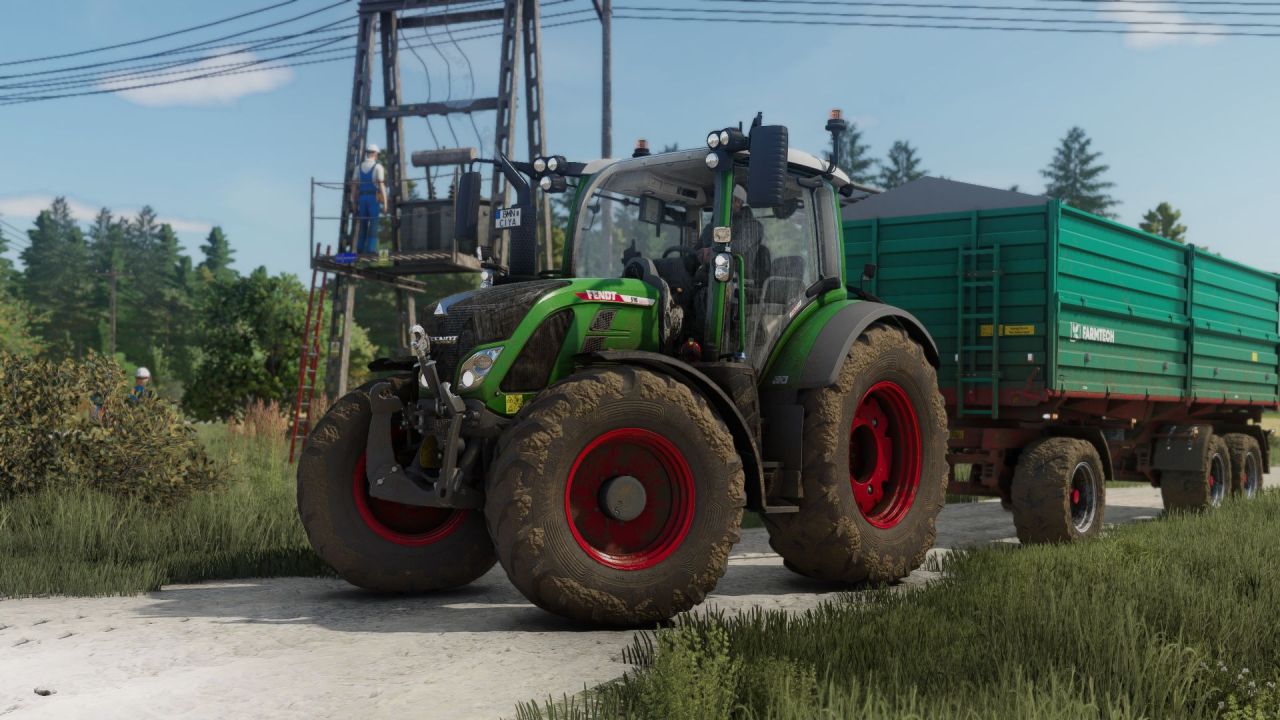
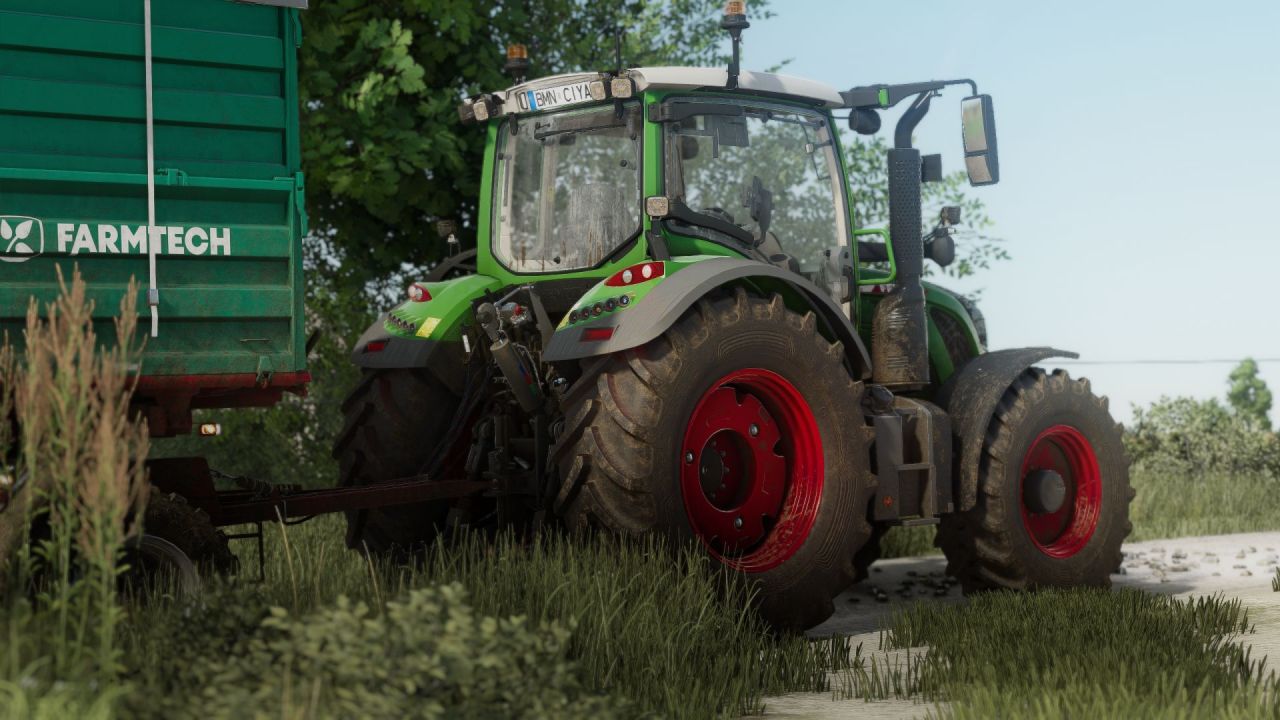
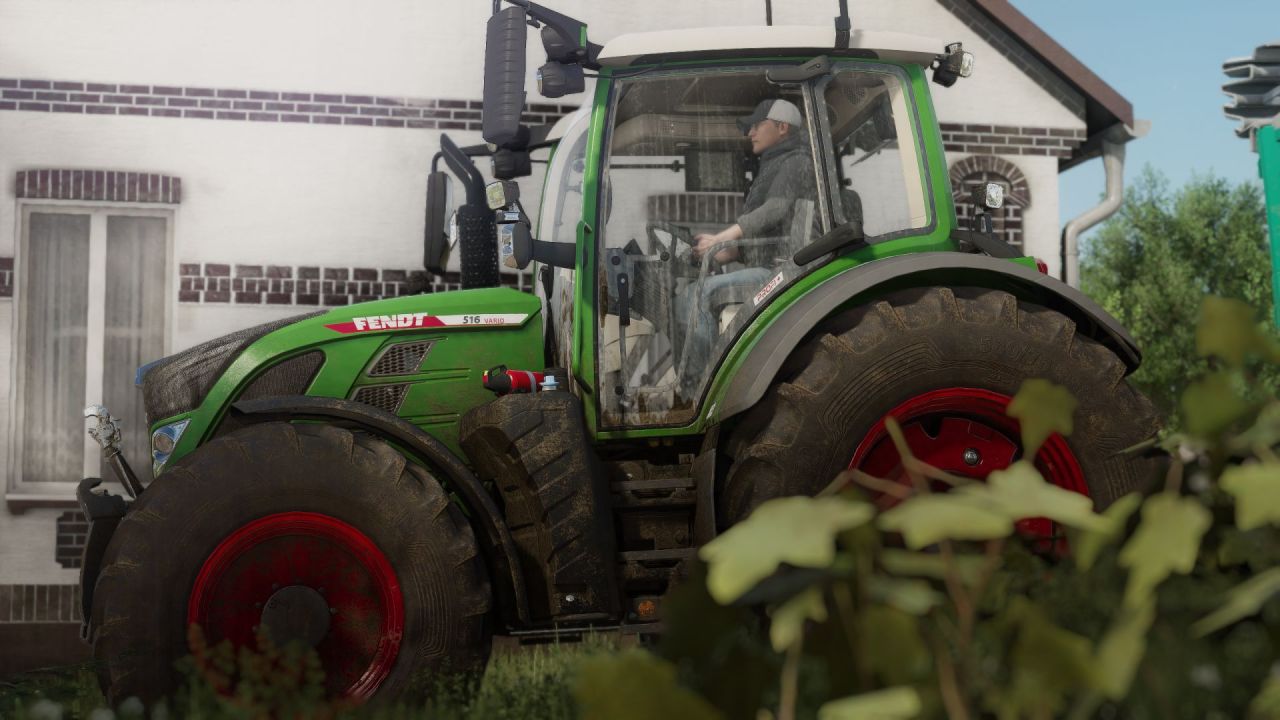
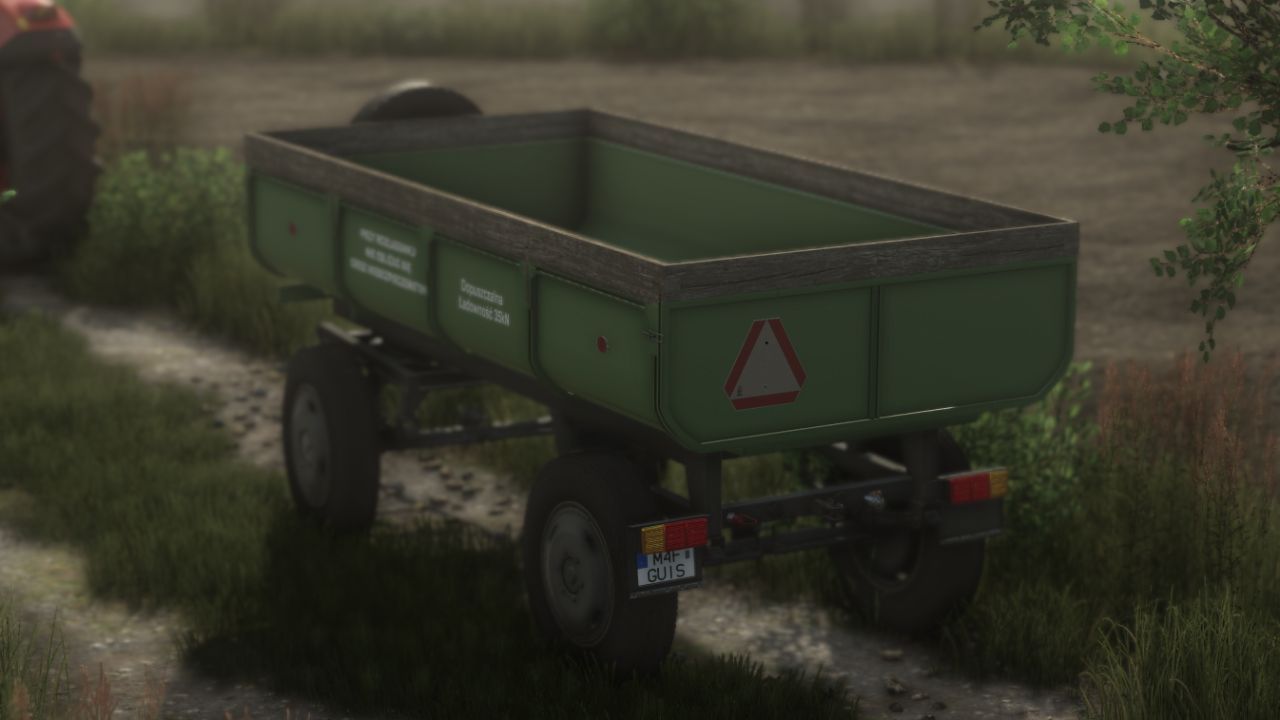
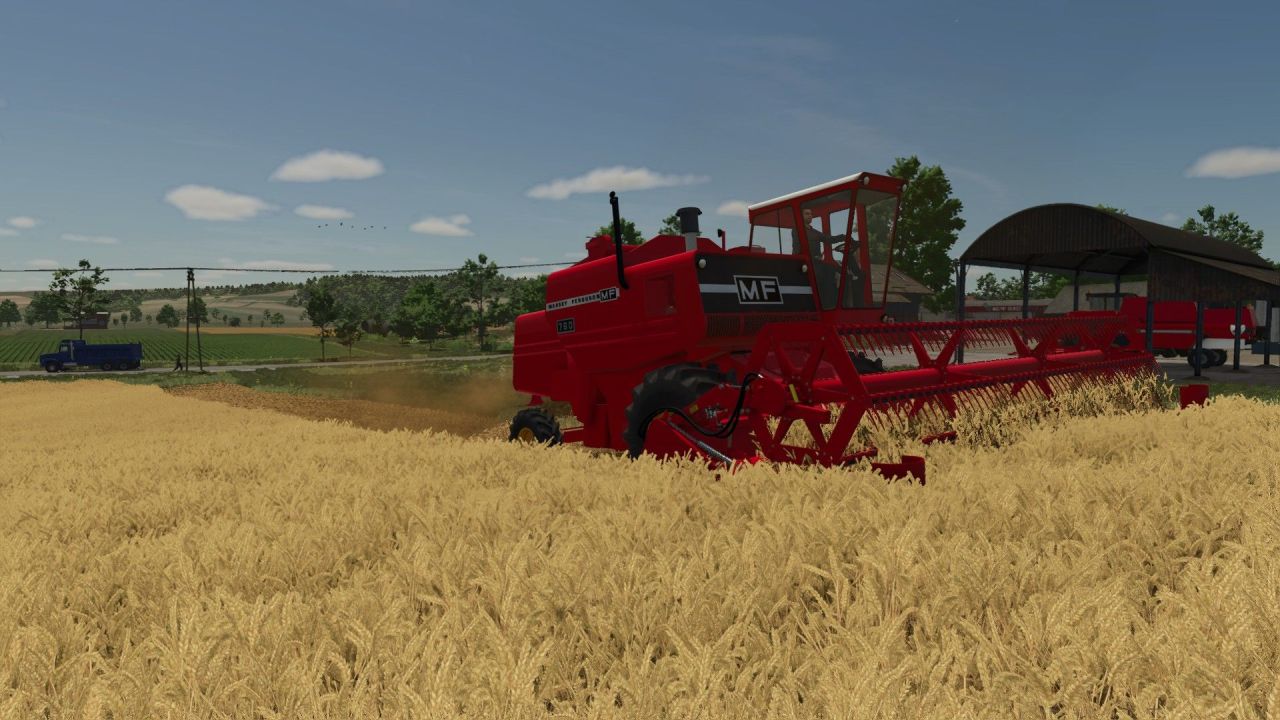
Bringing back the "wow effect" in Farming Simulator 25 🚜✅ Shader 3 by CasiJR is a ready-made ReShade preset that makes the visuals more vibrant: improved lighting, deeper shadows, more pleasant colors, and sharper detail of equipment and fields.
⛔️ Installation Instructions ⛔️
1) Install the mod Addition Game Settings:
https://www.farming-simulator.com/mod.php?mod_id=308552
2) Install ReShade:
• Select Giants Engine 9.0.0.0 and DirectX 10/11/12
• During installation, install all effects
3) Go to the game folder (for example):
Program Files (x86)\Steam\steamapps\common\Farming Simulator 25
and copy the file Shader_3 by CasiJr.ini into the x64 folder
4) Launch the game, press the Home key, and select the preset "Shader_3 by CasiJr.ini"
5) In the "Additional Settings" tab, change "Custom lighting" to "Sample"
Tip: If you want the most natural look — check your monitor brightness and gamma settings in the game ✅