New Custom Backgrounds for Farming Simulator 25 — Stylish Menu Backgrounds
Description
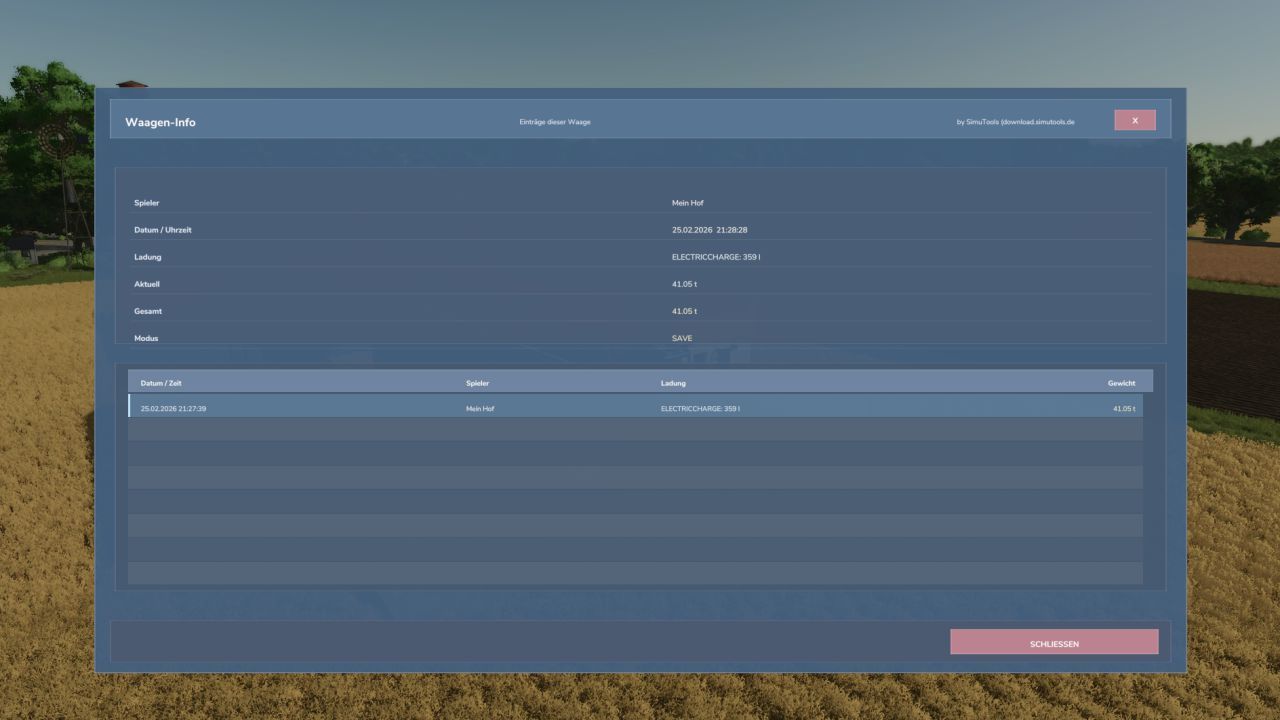
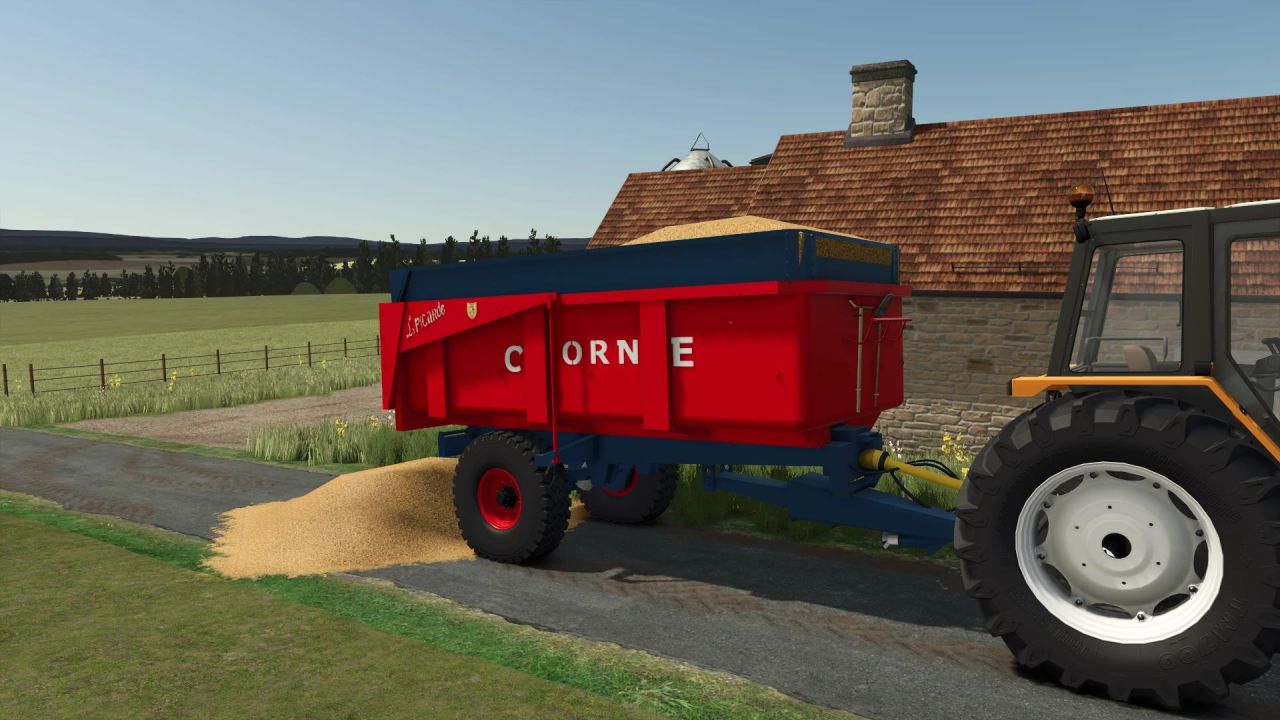
Add a fresh style to Farming Simulator 25 with the Custom Backgrounds mod 🚜✅ This simple visual update changes the menu backgrounds and makes the interface more modern and pleasant for daily gameplay.
How to install:
1) Open the mod folder and extract the contents.
2) Copy the resulting files to the folder: "Farming Simulator 25\shared".
Advantages:
✅ Quick installation without unnecessary settings
✅ Neat menu appearance and better atmosphere
✅ Suitable for those who want to refresh the FS25 interface without affecting the equipment or gameplay