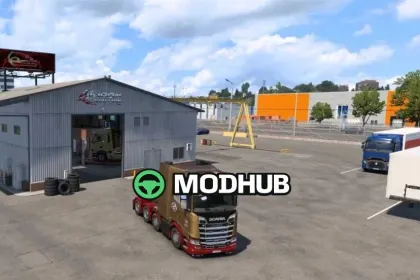
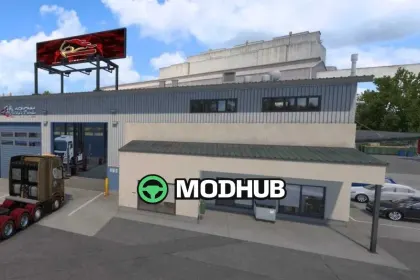
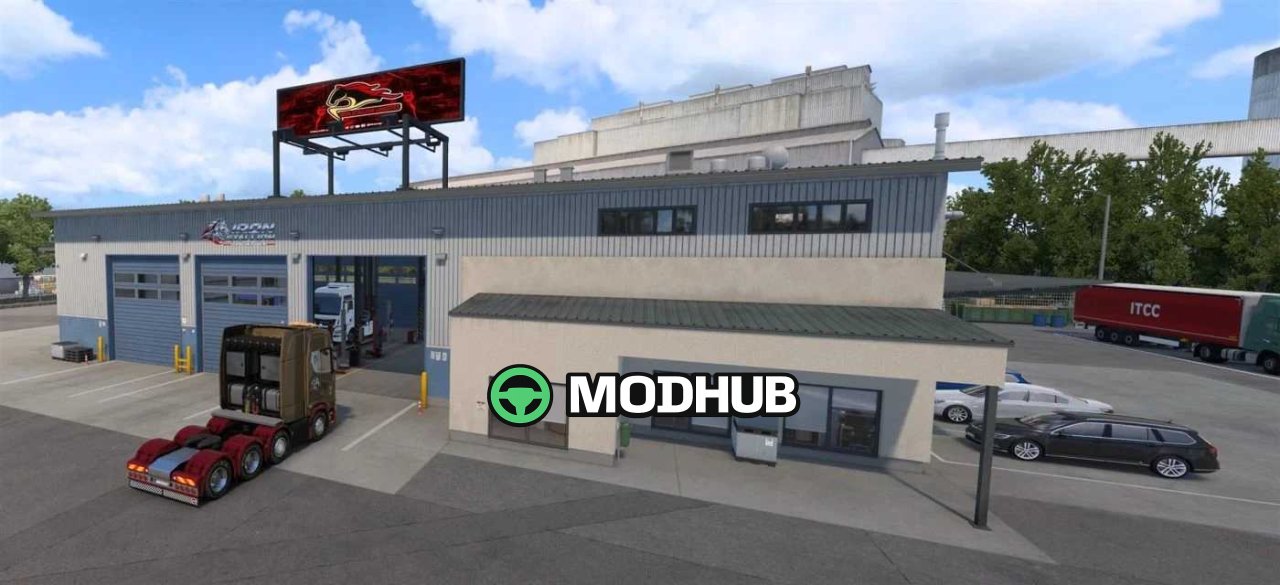
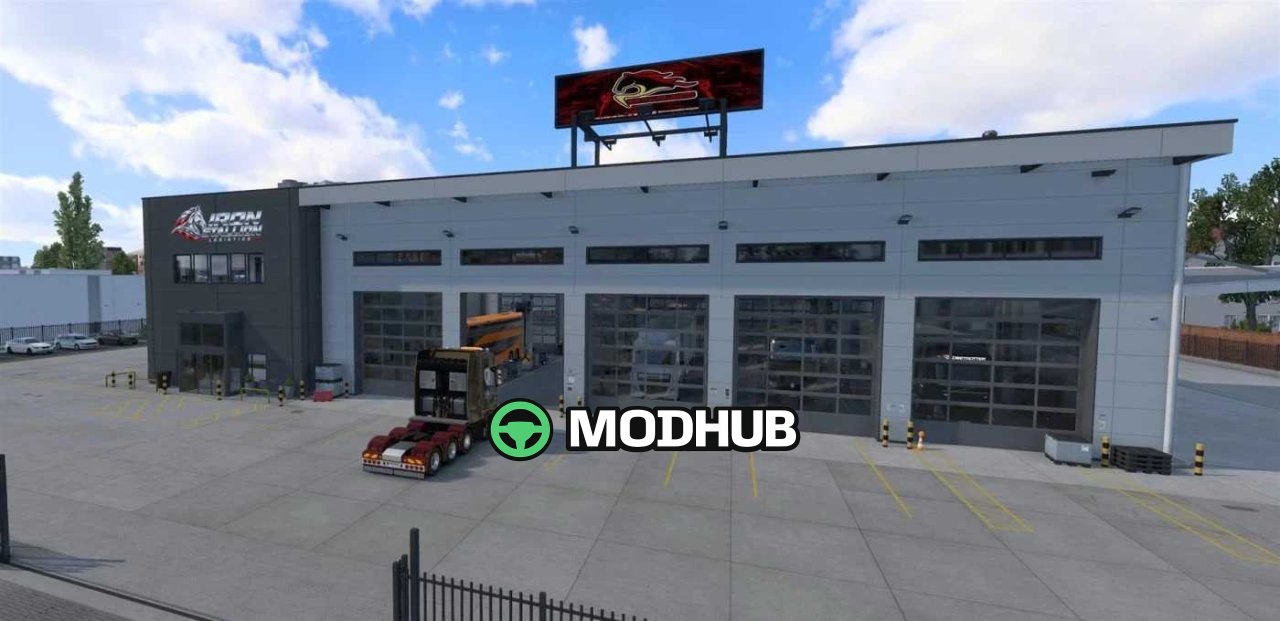
Give your trucking company a garage that feels like home with the New Garages mod for Euro Truck Simulator 2. This mod updates small, medium, and large garages with customizable building signs, rooftop billboards, marked parking spaces, and parked vehicle displays. Add your own company or VTC branding through the separate Branding Def mod for a truly personal touch. A dedicated raised car lift in the large garage adds extra atmosphere and detail to your base of operations.
• Customizable building and billboard logos for your company or VTC
• Parked trucks, trailers, coaches, and vehicles around the garage
• A dedicated raised car lift in the large garage
• Included automat material files for correct texture display
• Editable building and billboard DDS files directly in Branding Def
The mod works alongside most other garage modifications and requires no extra setup for basic functionality.
Author: Chappy1225
About New Garages v1.2 ETS2
New Garages v1.2 ETS2 is a mod for Euro Truck Simulator 2. Check the author description, supported game version and dependencies before installing.
How to install the mod
Follow the installation instructions for New Garages v1.2 ETS2, Euro Truck Simulator 2 and your platform.
Download the mod archive using the Download button and read the author instructions.
Use the folder and archive format specified by the mod author for this game.
Start the game and enable the mod for the selected save or profile, if required.
Test using a backup or a new save. Install any dependencies listed by the author.
System requirements and compatibility
Check the mod description for supported game versions, required DLC and platforms. Compatibility with every version or other mods is not guaranteed.
Frequently asked questions
Is this mod free?
MODHUB does not charge for access to this mod page. Check the terms and download limits of the external file provider.
Can I use this mod in Euro Truck Simulator 2 multiplayer?
Multiplayer support depends on the mod and its author. If supported, the server and players need matching mod versions and required DLC.
What should I check if the mod does not work?
Check the installation folder, archive structure, supported game version, dependencies and game logs. Test the mod separately using a backup save.
How can I check a downloaded mod?
Use trusted author sources, scan the archive and back up your saves. Do not run unrelated installers; a download listing does not guarantee safety or compatibility.