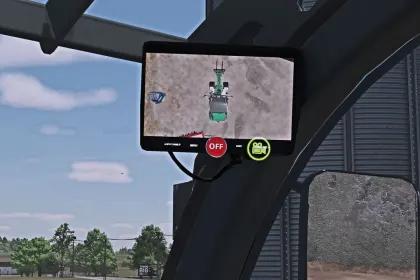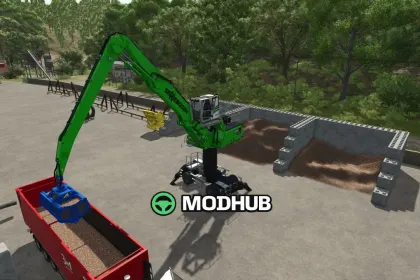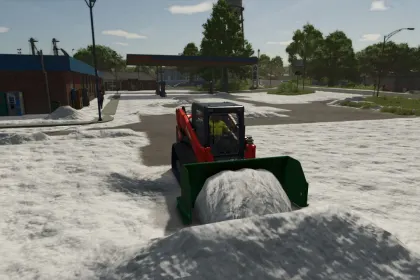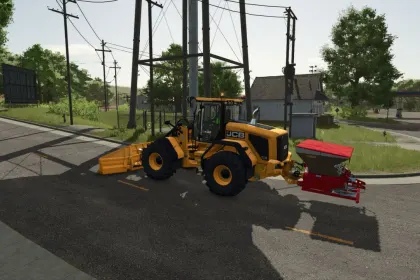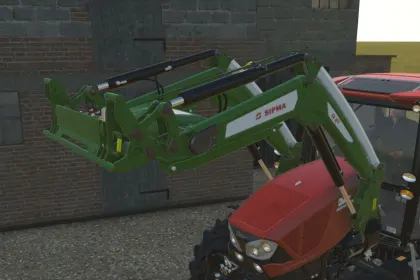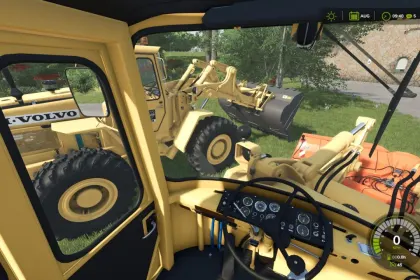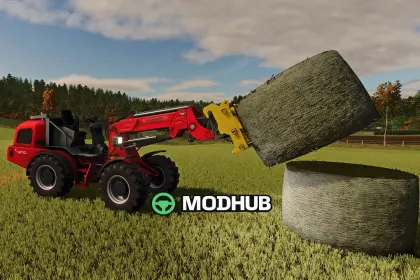
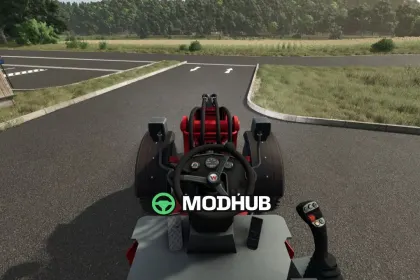
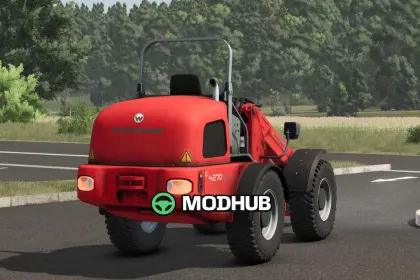
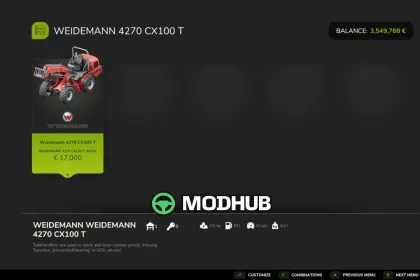
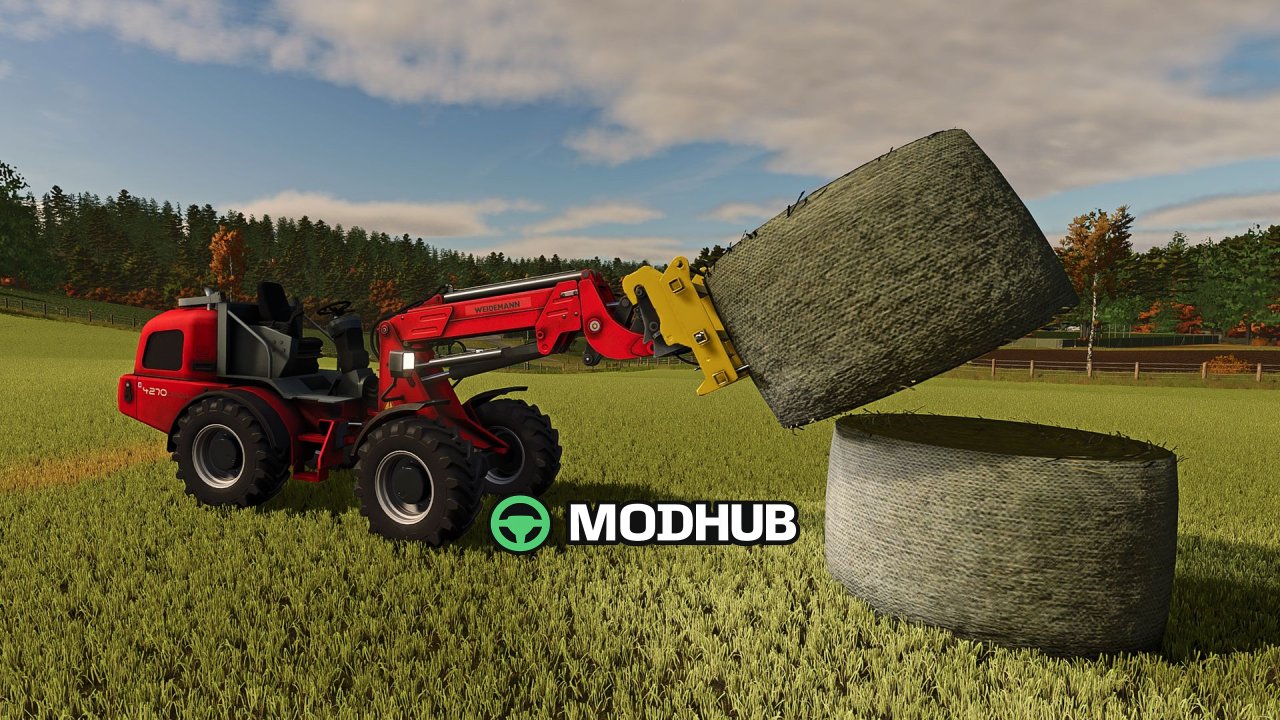

The Weidemann 4270CX 100T V1.0 telescopic wheel loader returns to Farming Simulator 25 after a long absence. The base model originates from FS13 and has been extensively revised and further modeled for FS25. The machine is a versatile helper for loading, stacking and transporting goods around the yard. The polygon count has been increased and numerous previously painted details are now modeled geometry.
• Perkins 4-cylinder turbodiesel engine with 4.4 liters displacement and 101 hp / 74.5 kW
• Hydrostatic all-wheel drive with a top speed of 20 km/h, optionally 30 km/h
• Working hydraulics of 99 l/min at 235 bar and articulated steering
• Maximum bucket pivot point of 5.065 m and an operating weight of around 7,000 kg
• Animated speedometer and joystick, fully rebuilt lighting with real light sources
• Detailed hydraulic cylinders, valve blocks, rigid lines and eight hoses with refined couplings
The folding roll bar with the original LS17 animation is linked to the unfold/fold vehicle function and works even with the engine switched off.
About Wheel Loader Weidemann 4270CX 100T for FS25
Wheel Loader Weidemann 4270CX 100T for FS25 is a mod for Farming Simulator 25. Check the author description, supported game version and dependencies before installing.
How to install the mod
Follow the installation instructions for Wheel Loader Weidemann 4270CX 100T for FS25, Farming Simulator 25 and your platform.
Download the mod archive using the Download button and read the author instructions.
On PC, copy the mod ZIP without extracting it to Documents/My Games/FarmingSimulator2025/mods. For a bundle, extract the individual mod ZIPs first. macOS and Microsoft Store paths may differ; check Mod Directory in the game log.txt.
Start the game and enable the mod for the selected save or profile, if required.
Test using a backup or a new save. Install any dependencies listed by the author.
System requirements and compatibility
Check the mod description for supported game versions, required DLC and platforms. Compatibility with every version or other mods is not guaranteed. Farming Simulator script mods are for PC/macOS. Console players can only install compatible mods from the in-game GIANTS ModHub.
Frequently asked questions
Is this mod free?
MODHUB does not charge for access to this mod page. Check the terms and download limits of the external file provider.
Can I use this mod in Farming Simulator 25 multiplayer?
Multiplayer support depends on the mod and its author. If supported, the server and players need matching mod versions and required DLC.
What should I check if the mod does not work?
Check the installation folder, archive structure, supported game version, dependencies and game logs. Test the mod separately using a backup save.
How can I check a downloaded mod?
Use trusted author sources, scan the archive and back up your saves. Do not run unrelated installers; a download listing does not guarantee safety or compatibility.