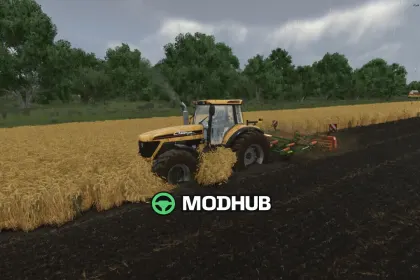
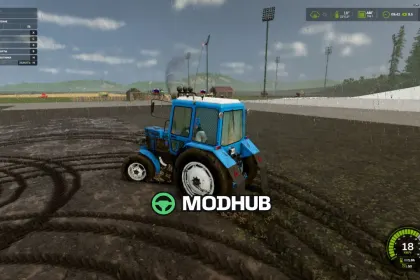
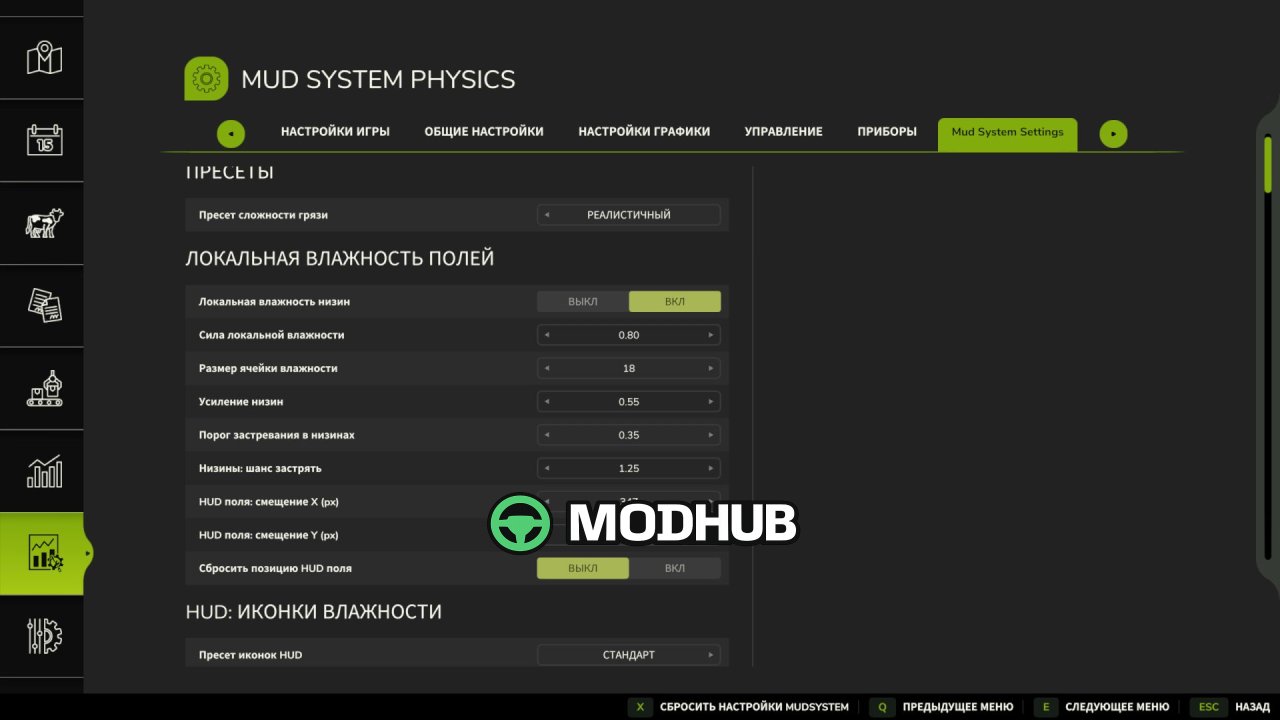
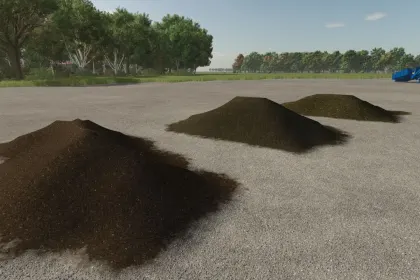
Mud System Physics V1.3.9 is a script for Farming Simulator 25 that completely rethinks how equipment interacts with the soil during rainy weather. The script adds a dynamic dirt system that affects wheel behavior, surface grip, visual effects and vehicle cross-country ability. Every trip in the rain or across a damp field becomes a risk of getting stuck, and it is not just a pretty picture. The heavier the equipment, the higher the chance of sinking into the mud.
• Dirt is calculated from humidity in real time: wheels slip, lose grip and get stuck
• Mud behaves differently on each soil type, with plowed fields being the most viscous
• Optional removal of vegetation in deep mud
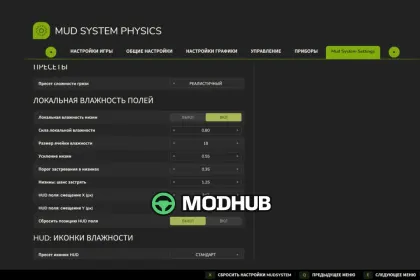
• More than 20 settings in the game menu: viscosity strength, rain influence, visual effects, turf damage
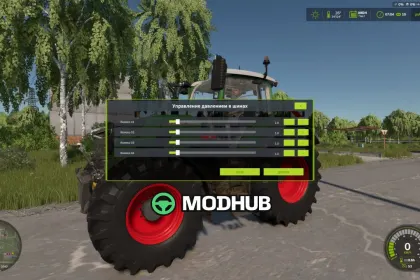
• Tire puncture system and tire pressure
• In V1.3.9 prolonged wheelspin or a sharp turn tears up grass outside fields, leaving a small patch of cultivated soil
Every parameter can be toggled separately, so the script fits any playstyle.
About Mud System Physics V1.3.9 for FS25
Mud System Physics V1.3.9 for FS25 is a mod for Farming Simulator 25. Check the author description, supported game version and dependencies before installing.
How to install the mod
Follow the installation instructions for Mud System Physics V1.3.9 for FS25, Farming Simulator 25 and your platform.
Download the mod archive using the Download button and read the author instructions.
On PC, copy the mod ZIP without extracting it to Documents/My Games/FarmingSimulator2025/mods. For a bundle, extract the individual mod ZIPs first. macOS and Microsoft Store paths may differ; check Mod Directory in the game log.txt.
Start the game and enable the mod for the selected save or profile, if required.
Test using a backup or a new save. Install any dependencies listed by the author.
System requirements and compatibility
Check the mod description for supported game versions, required DLC and platforms. Compatibility with every version or other mods is not guaranteed. Farming Simulator script mods are for PC/macOS. Console players can only install compatible mods from the in-game GIANTS ModHub.
Frequently asked questions
Is this mod free?
MODHUB does not charge for access to this mod page. Check the terms and download limits of the external file provider.
Can I use this mod in Farming Simulator 25 multiplayer?
Multiplayer support depends on the mod and its author. If supported, the server and players need matching mod versions and required DLC.
What should I check if the mod does not work?
Check the installation folder, archive structure, supported game version, dependencies and game logs. Test the mod separately using a backup save.
How can I check a downloaded mod?
Use trusted author sources, scan the archive and back up your saves. Do not run unrelated installers; a download listing does not guarantee safety or compatibility.